





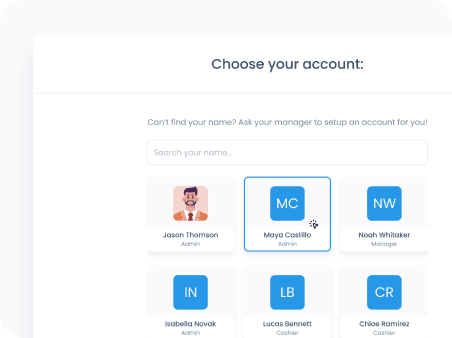
Seamless staff switching
Change user profiles in seconds to cover breaks and keep the checkout line moving.
The story behind a checkout OS built for any business

Mix the features you've used with the features you've been missing.
Get startedDesign your dream counter POS
Drag and drop the countertop checkout you've always wanted to life.
Launch it on your own devices
No special hardware, no app store fuss. Go live the moment you publish.
Take payments your way
Tap, swipe, dip, scan, split, or settle in cash. All from one screen.
Build the screens, actions, and rules that match how you sell.






Permissions and roles
Reduce mistakes without slowing checkout.
Change user profiles in seconds to cover breaks and keep the checkout line moving.
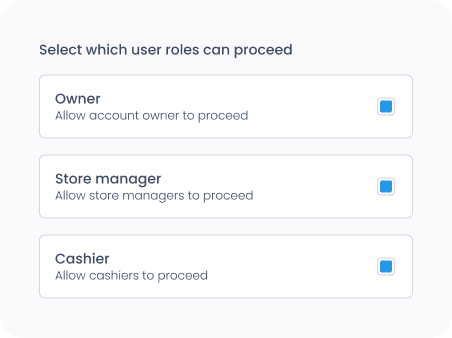
Secure high-impact actions like refunds and discounts with instant manager overrides.
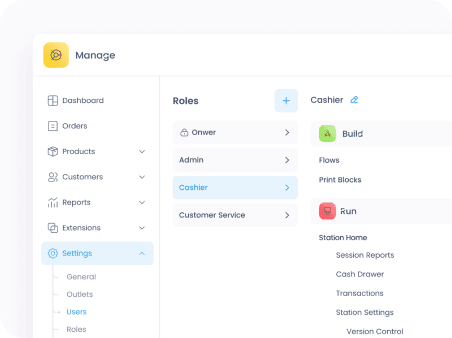
Control exactly who can refund, discount, or alter sensitive settings based on their job.
Pair your counter flow with the peripherals your lane depends on.
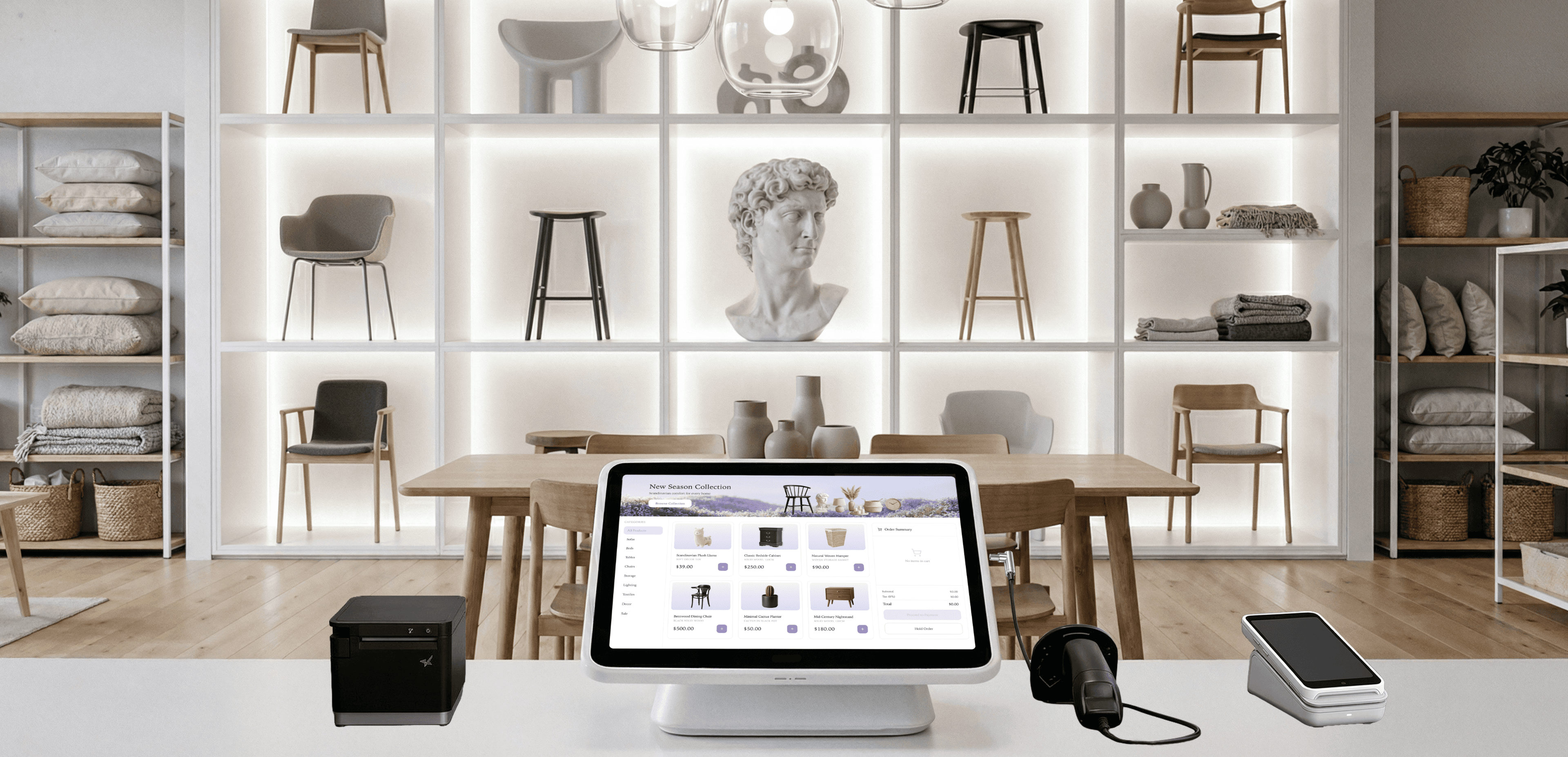
Your customers feel your brand wrap around every moment of their checkout journey.
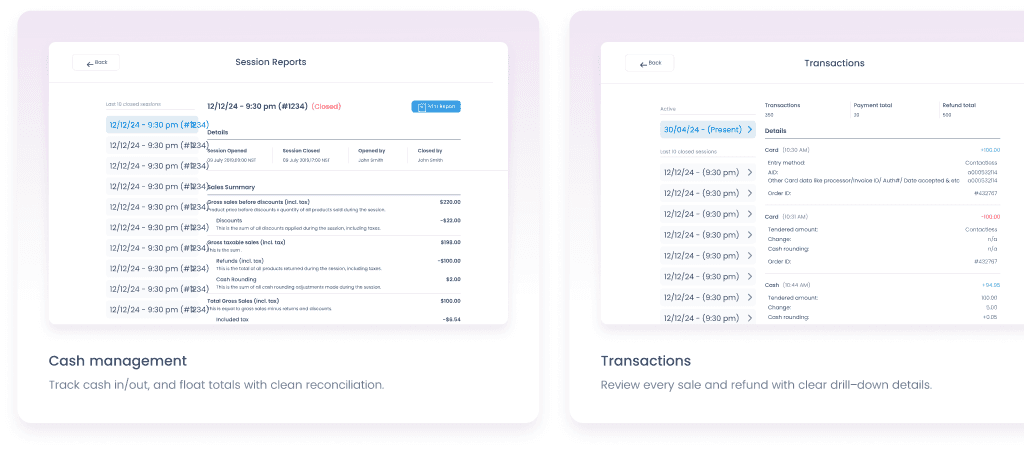
Track cash in/out, and float totals with clean reconciliation.
Review every sale and refund with clear drill-down details.
Close out fast. Keep cash and reporting clean.
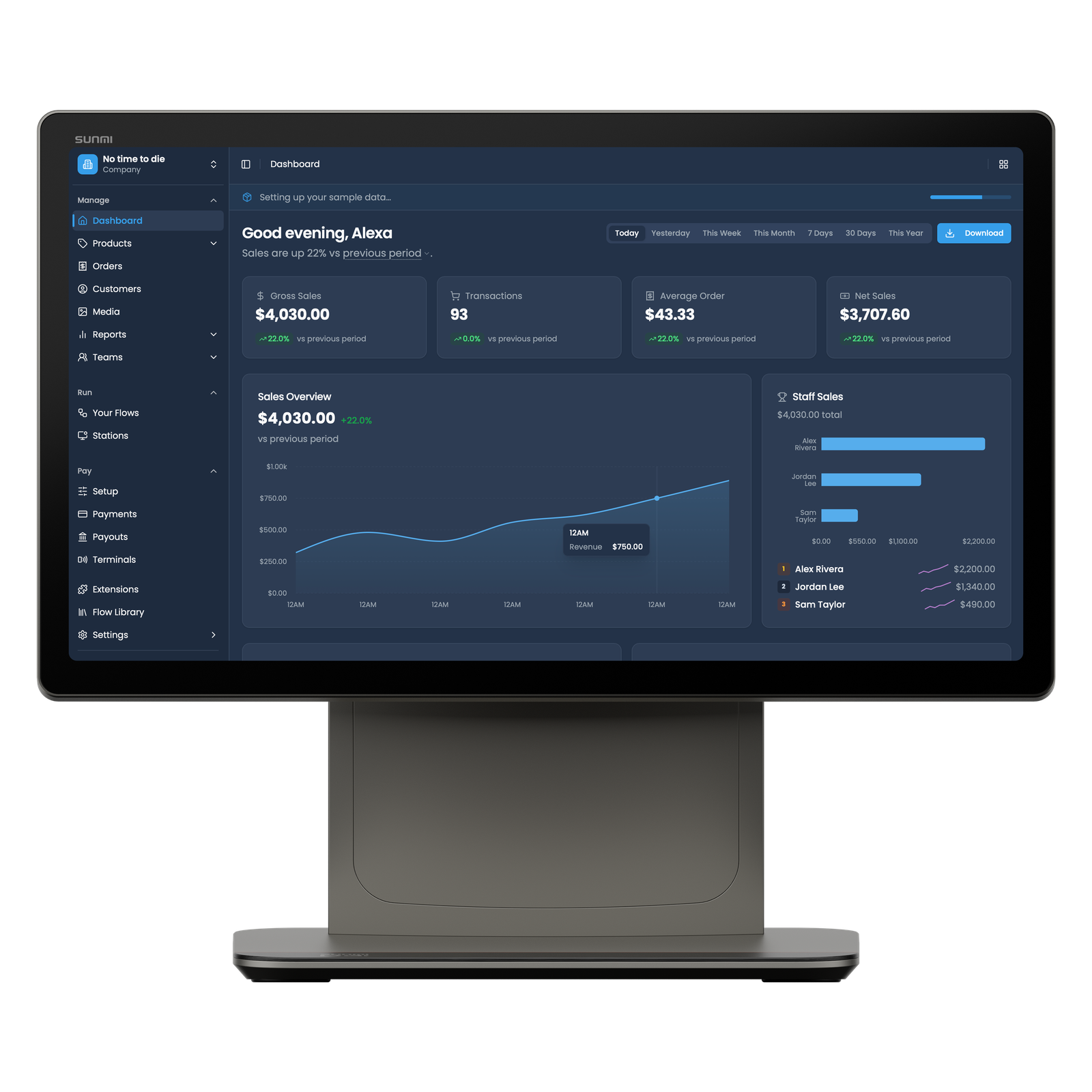
Reconcile card payments automatically with Final Pay
Balance expected vs actual cash with a detailed cash ledger
Access each Station's Z-reports centrally from Manage
