



Hear about the latest and all the details
Final news and announcements

Apple Can Now 'Split the Bill'. Can Your POS?
Read more
Can the iPhone Duo take Tap to Pay?
Apple's foldable clears every published requirement for Tap to Pay on iPhone, but nobody can confirm it until the device ships on October 23. Here is what is settled, what is not, and why the phone matters far less than the software behind it.
last month
Read more
Gemini 3.8 Flash Made Generating Code Cheaper. What Still Costs the Same to Launch a POS?
Gemini 3.8 Flash made drafting POS code cheaper again. The launch budget barely notices: underwriting, PCI attestation, certified hardware and setup hours cost what they cost, and none of them are code.
last month
Read more
POS Flexibility: Why Feature Checklists Miss the Point
Every POS comparison chart shows the same checkmarks. Here is why feature checklists fail to predict whether a system will fit your business, and the flexibility test to run instead.
2 months ago
Read more
Tap to Pay Limits, Fees, and Myths in 2026
Tap limits differ across Canada, the UK, and the US, tapping costs merchants nothing extra, and most contactless horror stories are myths. The 2026 facts, with sources.
2 months ago
Read more
Why Card Payments Fail (and How to Fix Them Fast)
Every failed card payment breaks in one of three places: the customer's bank, your hardware and connection, or your own setup. Here is how to tell which one you are facing, and the fastest fix for each.
2 months ago
Read more
Choosing a POS for a Service Business vs a Retail Store in 2026
Retail POS systems are built around inventory; service POS systems are built around clients and time. Here is how to choose in 2026, what each really costs, and what to do if your business is both.
2 months ago
Read more
How Final bridges the gap between AI generation and real-world transactions
AI generation can produce a working checkout interface in minutes. It cannot settle a payment. Here is how Final deploys AI-built flows onto the payments, inventory, and reporting infrastructure that handles real money.
2 months ago
Read more
How Small Retailers Are Actually Using AI in 2026: a Guide
Most small retailers use AI for four jobs in 2026: writing, customer questions, stock decisions, and, increasingly, building their own tools. Here is what actually works, where the payoff shows up first, and the one job AI should never own.
2 months ago
Read more
Never-before possible: Out-of-the-box card processing from an AI-built checkout flow
AI tools can generate a convincing checkout screen in an afternoon. Taking a real card payment through one is another matter. Here is what changed, and what out of the box actually covers.
2 months ago
Read more
16 Terms every aspiring AI Consultant needs to learn (and 4 to avoid using)
The 16 terms that make an aspiring AI consultant sound like a professional, from tokens and RAG to MCP and evals, plus the four buzzwords that quietly cost you client trust.
2 months ago
Read more
How to remove a feature from your POS that you never use
Most POS systems only let you hide a feature you never use, not remove it. Here are the workarounds that hold up, where hiding falls short, and what real removal looks like.
2 months ago
Read more
Kiosks, Order Screens, Price Checkers: One Builder, Many Tools
A self-checkout kiosk, an order screen, and a price checker look like three products. Underneath they are one pattern: a screen over your catalog, inventory, and payments. Here is why one builder can produce all three, and where the real engineering lives.
2 months ago
Read more
How Much Does a POS System Really Cost in 2026?
Published 2026 ranges put POS software at $0 to $165 a month, hardware at up to $2,000, and processing at 2.4% to 3.5% per sale. The subscription is the smallest number on the invoice. Here is where the money actually goes.
2 months ago
Read more
From Prompt to Checkout: Describing a POS in Plain English
Five details separate a working checkout from a pretty demo: what you sell, how people pay, your tax rules, the receipt, and the exceptions. How to describe a POS the way you would train a new hire.
2 months ago
Read more
How to Take a Card Payment Over the Phone Without Writing the Number Down
Stop reaching for the pen. Key the card into a MOTO screen while the customer reads it out, or send a payment link, and no card number ever lands on paper.
2 months ago
Read more
How to Build a Custom POS App with an AI Prompt (Step-by-step Guide)
Type a description of the checkout you want and get a working POS app you can refine by chatting and deploy to your own devices. Five steps, no code, and the option to bring your own AI over MCP.
2 months ago
Read more
How to accept in-person payments for WooCommerce stores: A Comprehensive Guide
Three routes to taking counter payments with WooCommerce: WooPayments with a reader or Tap to Pay, a POS plugin register, or a dedicated POS synced to your store. Where each works, what each costs, and where each breaks.
2 months ago
Read more
Why Does My POS Make Me Create a Product Before I Can Ring Up a One-Off Sale?
Some POS systems will not ring up an item unless it already exists in the catalog, so cashiers create throwaway products or ring the sale against the wrong SKU. Why that happens, what it skews, and what an open item at checkout should look like.
3 months ago
Read more
How to avoid Shopify's new 0.35% tax calculation fee.
Shopify Tax now meters in-store sales, and since May 2026 it covers Canadian stores with a lifetime fee threshold for new shops. Here is the free workaround inside Shopify, and when moving your point of sale is the cleaner fix.
3 months ago
Read more
Why Final POS switched from drag and drop POS builder to a Flow Studio with AI prompting.
Final POS retired its drag and drop builder. Flow Studio replaces it: describe the checkout you want in plain language and watch AI build it in a live preview, minutes instead of hours.
3 months ago
Read more
Who Trains New Staff on the Software You Built In-House?
The build-versus-buy debate prices the build and treats training as free. It is not. When you run software you built in-house, every new hire learns it from whoever built it, and that bill comes due on their first shift.
3 months ago
Read more
How Do You Keep Inventory Counts Accurate When a Shipment Arrives Short?
A short shipment breaks your inventory records the moment someone receives it on faith. Here is the receiving routine that keeps counts accurate: check against the purchase order, count first, adjust the same day.
3 months ago
Read more
Syncing In-Store and Online Inventory with WooCommerce
In-store and online counts drift the moment two systems keep separate stock. Why it happens with WooCommerce, which sync options close the oversell window, and what a complete POS sync covers.
3 months ago
Read more
Why Is Your Cash Drawer Short at Close, and How Do You Find the Cause?
A cash drawer short at close is almost never a mystery. Four causes explain nearly every shortage, and the close report plus per-shift counts will point at the one that hit you.
3 months ago
Read more
Claude Cowork "Double Usage" Ends August 5th: Try These Prompts While You Can.
Anthropic's doubled Claude Cowork usage limits end August 5, 2026. Here is what the promotion actually covers, and six prompts worth the extra usage, one of which ends with a working point of sale.
3 months ago
Read more
POS Feature Trends: What Merchants Asked for in 2026
Merchant surveys show what businesses actually asked their POS for in 2026: one integrated system, practical AI, checkout flows that fit the sale, and payments that hold up. Here is the data, sourced and summarized.
3 months ago
Read more
Gemini 3.6 Flash Can Draft a Checkout Screen in Seconds. What Has to Be Right Before It Takes a Real Payment?
Gemini 3.6 Flash makes drafting a checkout screen nearly free. Taking a live charge still depends on five things the model does not generate: inventory under concurrency, reports that reconcile, correct tax, PCI-compliant payments, and certified hardware.
3 months ago
Read more
Prompts That Produce Great POS Layouts
Great POS layouts come from prompts that describe the transaction, not the screen. What to put in the prompt, the patterns that work, and how to refine the first draft.
3 months ago
Read more
How AI Consultants Scope an In-House SaaS Replacement
Consultants don't scope an in-house SaaS replacement by feature list. They split every tool into two layers, grade each job by the cost of being wrong, and price the verification, not the code.
3 months ago
Read more
Claude vs ChatGPT vs Gemini: Which Builds a Better POS?
Claude, on the public record: Fable 5 leads long, multi-step builds, Opus 5 sits close behind, GPT-5.6 is within reach, and Gemini is the speed pick. And none of them produces a working POS alone; that takes an MCP connection to real commerce infrastructure.
3 months ago
Read more
Phone as POS: What You Can (and Can't) Do
A phone can run your entire register and, with Tap to Pay, read contactless cards by itself. Here is the honest split: what a phone handles on its own, and the four hard limits no app can fix.
3 months ago
Read more
How to Read Your Merchant Statement Line by Line
Your merchant statement is the only document that shows what accepting cards really costs, and it is built to be skimmed. Here is how to read it line by line: the three fee layers, the junk lines worth challenging, and the one number that summarizes it all.
3 months ago
Read more
5 ideas to use a CFD to increase sales at the checkout
Your customer screen is the only ad space with a 100 percent purchase rate. Five ways to make a CFD earn its counter space: live order transparency, smarter tip prompts, one add-on offer, loyalty capture, and idle-screen promos.
3 months ago
Read more
How Do You Push a Price Change to Every Location Without Editing Each Register?
If a price change means editing every register, the price lives in your hardware, not your catalog. Why per-register price books fail, the workarounds that hold up, and how one central edit should reach every location.
3 months ago
Read more
Retail use-cases for Claude's 'new record a skill' feature
Anthropic's Record a Skill lets you teach Claude a task by screen-recording it once. Here are the retail back-office jobs worth recording first, and the ones to keep in human hands.
3 months ago
Read more
Old Tablet, New Register: Reusing Hardware You Own
The register half of a POS is software, and the old tablet you already own can run it. Here is what it can and can't do at the counter, and the one piece of hardware you still need to buy.
3 months ago
Read more
Is Final POS just another AI wrapper?
Wrappers die when the model changes. Final lets you unplug its AI and bring your own over MCP, because the product is the commerce infrastructure underneath: payments, inventory, reporting, and certified hardware.
3 months ago
Read more
PCI Compliance for App Developers: The Short, Painful Version
If card data ever touches code you wrote, you inherit the full weight of PCI DSS. Here is the escalation ladder from SAQ A to SAQ D, why card-present payments need certified hardware, and how to build so none of it lands on you.
3 months ago
Read more
Cycle Counts vs Annual Inventory: A Better Way
An annual inventory count audits your records once, then lets them drift for a year. Cycle counts keep them accurate for minutes a week. Here is how to switch.
3 months ago
Read more
Is SaaS dead? Why big companies are opting to build their own in-house
Software spending is still growing about 15% a year, so no, SaaS is not dead. But AI has flipped the build-versus-buy math: build the layer that makes you different, buy the infrastructure that must always be correct.
3 months ago
Read more
Claude Opus 5 Can Code for Hours on Its Own. Which Parts of a POS Still Need More Than Code?
Claude Opus 5 can code unsupervised for hours. A POS still has parts no coding session produces: payment agreements, certified card hardware, and card-data compliance. Here is where the line sits.
3 months ago
Read more
Why Does My POS Make Me Remove Tax by Hand for Every Tax-Exempt Sale?
Your POS makes you remove tax by hand because it models tax per product, not per buyer. What that costs you, the workarounds that hold up, and how a tax-exempt sale should actually work at checkout.
3 months ago
Read more
Connecting Tap to Pay to an AI POS Flow
Connecting Tap to Pay to an AI-built checkout takes no wiring. The flow carries the button, and a supported phone becomes the card reader. Here is why it works that way, and where the limits are.
3 months ago
Read more
The Minimal Hardware Kit for a First-Time Merchant
A first-time merchant needs three things to take a payment: a phone or tablet they already own, a certified card reader, and an internet connection. Here is what belongs in the minimal hardware kit, and what can wait.
3 months ago
Read more
Your First Week on a New POS: A Setup Checklist
A day-by-day checklist for your first week on a new POS: verify imported data, lock down staff logins, run an early end-of-day close, test the hardware, and keep the old system read-only until the numbers reconcile.
3 months ago
Read more
Checkout UX: Small Changes That Cut Seconds
The fastest checkouts run fewer steps, not better hardware. Six small checkout UX changes that cut seconds from every in-person sale, no new equipment required.
3 months ago
Read more
If You Build Your Own Tool That Touches Payments, Who Owns the Compliance Risk?
Your payment provider's PCI badge does not transfer to you. Here is who actually owns the compliance risk when a homegrown tool touches payments, and the architecture that keeps custom builds out of scope.
3 months ago
Read more
Cash Drawer Management in a Cloud POS: Counts, Floats, and Reconciliation
Set a consistent float, record every cash movement, and count blind at close. Here is how cash drawer management works in a cloud POS, and how reconciliation turns shortages from mysteries into patterns.
3 months ago
Read more
How to use Gemini 3.6 Flash to build a no-code custom POS
Gemini 3.6 Flash can design a checkout in minutes. Getting it running on real payments, live inventory, and certified card readers is the actual job. Here are the two no-code routes that work.
3 months ago
Read more
Should Your Business Build Its Own Internal Software in 2026? (We did)
We spent a year replacing SaaS subscriptions with tools we built ourselves. When building your own internal software makes sense in 2026, and where the line still sits.
3 months ago
Read more
5 Retail Tasks You Can Hand to AI Today
Product copy, customer replies, report analysis, promotions, and custom store tools: five retail tasks AI handles today, often with tools you already pay for.
3 months ago
Read more
Solving the Interac Debit Problem: Why Custom Web-App Checkouts Fail Canadian Storefronts
No-code and AI web-app builders generate online credit card forms. Canadian storefronts run on Interac debit through certified terminals. Here is why that gap breaks custom checkouts, and what closes it.
3 months ago
Read more
Beyond the Grid: Designing a Brand-First POS Layout for Boutique Retail Stores
Legacy POS systems give every boutique the same gray grid. What a brand-first POS layout changes, why it matters at the counter, and how conversational editing makes it practical without a developer.
3 months ago
Read more
How to Turn a Napkin Sketch Into a Functional Tablet Kiosk in 5 Minutes
Photograph a napkin sketch, upload it to Final's AI builder, and get a working tablet kiosk: drawn buttons become a live, data-linked checkout you can deploy to customer-facing tablets and handhelds.
3 months ago
Read more
The Rise of Headless POS Architecture: The Power of Custom Frontends with Native Security
Headless sounds like enterprise jargon, but the idea is simple: build your checkout screens separately from the engine that moves the money. Here is why that split gives retail operators both layout freedom and stronger card security.
3 months ago
Read more
Chargebacks Explained for Small Merchants
A chargeback is a forced refund that costs you the sale, the product, and fees on top. Here is how disputes work, what they cost small merchants, and when fighting one is worth it.
3 months ago
Read more
Nightly CSV Exports Are Not a Reporting Strategy
A nightly CSV export into a master spreadsheet is a workaround, not a reporting strategy. Why spreadsheet reporting drifts, breaks silently, and stops reconciling, and what your POS reports should do instead.
3 months ago
Read more
I just vibe-coded a great app, how do I launch it on the app store?
AI built your app in an afternoon. Launching it is the slow part: developer accounts, review guidelines that reject web wrappers, and tester quotas. Here is the honest path, and when to skip the store entirely.
3 months ago
Read more
Pop-Up Retail: Tech That Fits in a Backpack
The whole pop-up tech stack fits in a backpack: a phone, an optional pocket card reader, and POS software that only bills when you sell. Here is the kit, item by item, and the pricing trap that catches seasonal sellers.
3 months ago
Read more
From Cash Box to POS: A Gentle Migration Path
You don't have to replace the cash box in one weekend. Here's a four-stage migration path: record sales first, build the catalog, then cards, with cash working the whole way through.
3 months ago
Read more
The Difference Between a POS With AI and a POS an AI Can Build
A POS with AI gives you smart features on a fixed system. A POS an AI can build changes with a prompt: rebrand it, add gift cards, add a screen. Here is the real difference.
3 months ago
Read more
What AI Gets Wrong When Designing a Checkout (and How to Fix It)
AI can design a checkout that looks right in minutes. The failures hide in money math, taxes, refunds, and payments. Here is where AI-generated checkouts break, and how to fix each one.
3 months ago
Read more
First 90 Days of a New Retail Business: A Tech Plan
A phased 90-day tech plan for a new retail business: open with a minimal stack, spend month two learning which numbers to trust, and let real data decide what you add in month three.
3 months ago
Read more
The Tool-Consolidation Playbook for Small Retail Teams
A four-step tool consolidation playbook for small retail teams: audit what you pay for, cut what your POS already does, rebuild around one system of record, and stress-test for lock-in.
3 months ago
Read more
Receipts as Marketing: Designs That Bring Customers Back
Every paying customer walks away with a receipt, and most of them say nothing but the total. Here is how receipt design turns that ignored slip of paper into your cheapest retention channel.
3 months ago
Read more
Low-Budget Store Openings: Where to Spend and Where to Skip
Opening a store on a tight budget means funding inventory, working capital, and a survivable lease, and skipping the build-out, proprietary hardware, and the subscription stack.
3 months ago
Read more
What Payment Infrastructure Actually Includes (Not Just a Gateway)
A gateway moves card data; payment infrastructure moves the money. The full anatomy: merchant accounts, settlement, payouts, disputes, compliance, and certified hardware.
3 months ago
Read more
Why Every Retail Platform Will Need an MCP Server
AI agents are becoming retail software's second user. An MCP server is how a platform stays visible to them, and the next split is between platforms agents can operate and platforms agents can build on.
3 months ago
Read more
How Hard Is It to Build Your Own Tap to Pay App? (We Tried)
We shipped tap to pay in our own POS app. Here is what it actually takes: a processor partnership, Apple's entitlement, PCI certification on Android, and a working point of sale around the tap.
3 months ago
Read more
X Report vs Z Report: What End-of-Day Numbers Mean
An X report is a mid-shift snapshot of sales; a Z report is the final end-of-day close-out. Here is what each one tells you, and what to check before you lock the door.
3 months ago
Read more
The Duct-Tape POS: When Workarounds Become the System
POS workarounds start as one-time fixes and end up running the store. What a duct-tape POS looks like, why it happens, what it costs, and how to tear the tape off.
3 months ago
Read more
Can You Build a POS with Lovable or Replit? What's Missing After the UI
Lovable and Replit can generate a checkout interface in an afternoon. What they can't generate is the commerce layer underneath: inventory, reconciliation, taxes, and card-present payments. Here's where the gap actually is.
3 months ago
Read more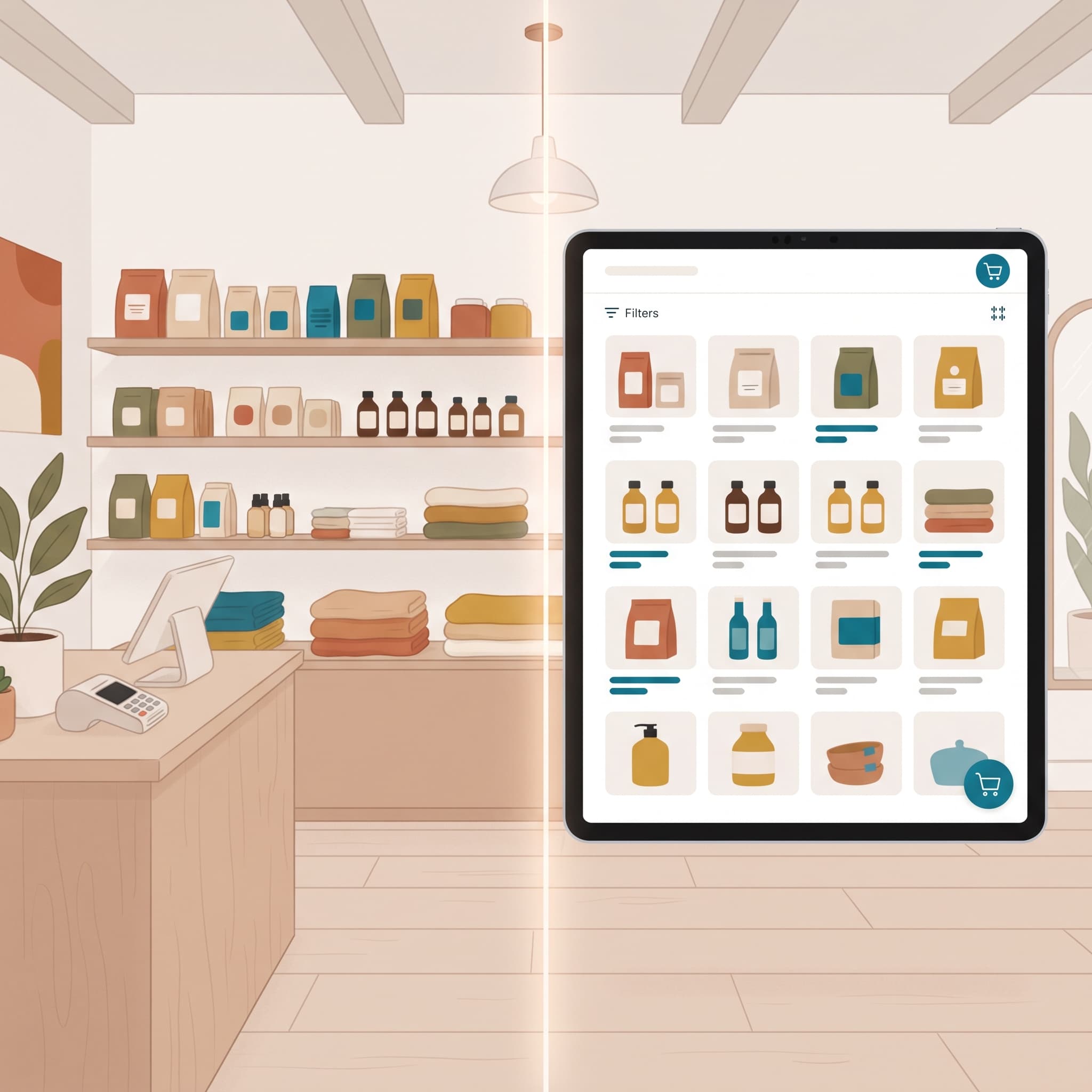
One Store, Two Inventories: Ending the In-Store/Online Split
Most stores that sell in person and online are running two inventories connected by a sync app, and that gap is where oversells, bad counts, and Sunday-night recounts come from. Here's how the split actually ends.
3 months ago
Read more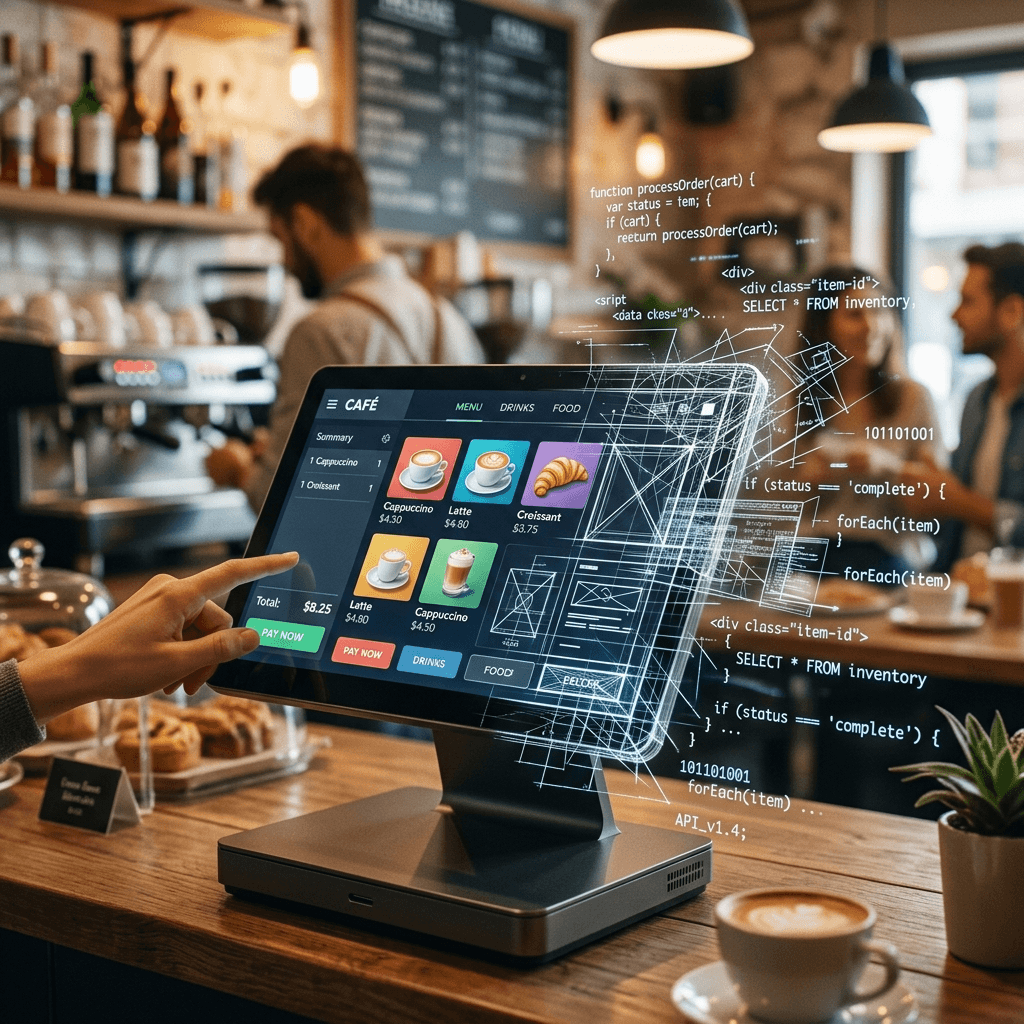
Vibe Coding a Point of Sale: How Far Can You Actually Get?
Vibe coding gets you a convincing POS demo in an afternoon. It does not get you inventory that survives two simultaneous sales, reports that reconcile, or card payments. Here is where the wall actually is.
3 months ago
Read more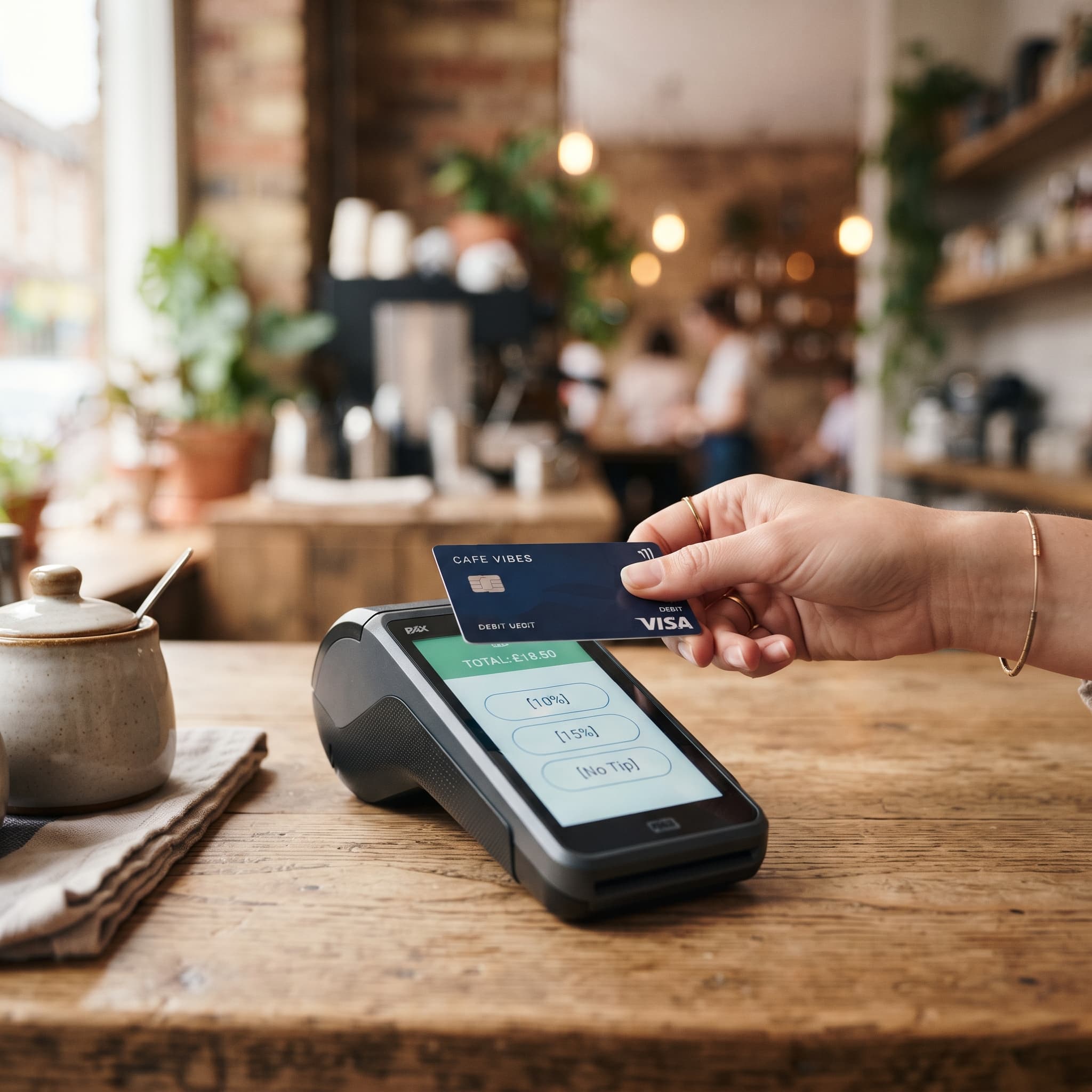
On-Reader Tipping: When to Turn It On and What to Expect
On-reader tipping puts the tip prompt on the card reader's screen instead of your POS display. When it helps, when it backfires, and what changes at the counter once it's live.
3 months ago
Read more
The Franchise POS RFP: Questions That Matter
Feature checklists can't separate POS vendors — every RFP response says yes to everything. These are the questions that force vendors to prove pricing control, clean reconciliation, and fair exit terms across all your locations.
3 months ago
Read more
The Software Categories Most Likely to Be Built In-House by 2027
Workflow tools, admin panels, BI, and lightweight CRMs are flipping to in-house builds. Payroll, payments, and ledgers are not. Here is the dividing line, with the data behind it.
3 months ago
Read more
Your POS Can't Do Split Payments? Fixes and Real Alternatives
Your POS can't split a bill? Here are the workarounds that hold up, the hacks that corrupt your books, and what native split payments look like.
3 months ago
Read more
Signs You've Outgrown Your Off-the-Shelf POS
Misc-button sales, spreadsheet reports, app stacking: four signs your off-the-shelf POS no longer fits your business, and what to replace it with.
3 months ago
Read more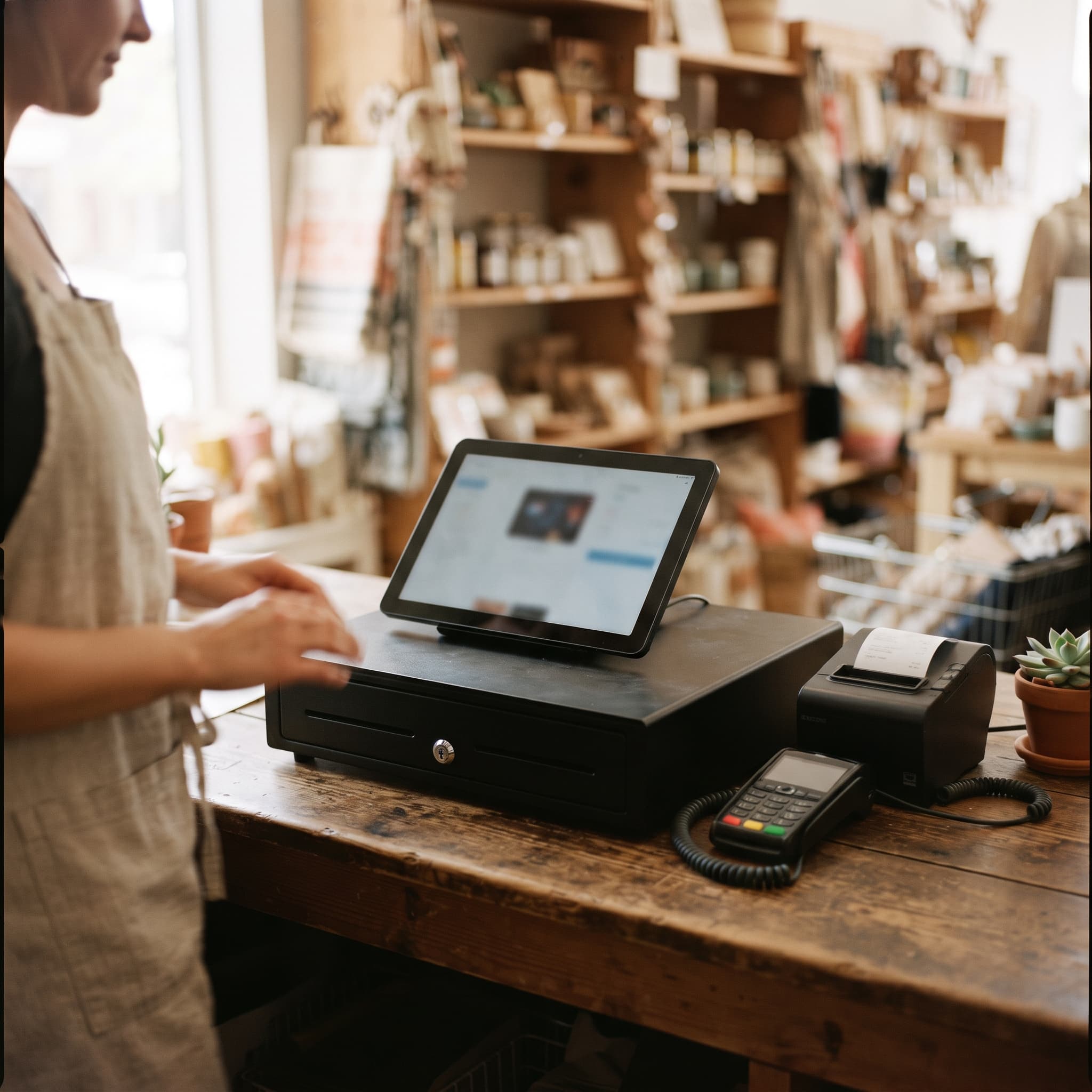
POS Terminology: 30 Terms Every New Merchant Should Know
From interchange to stocktakes, these 30 POS terms cover the hardware, payments, inventory and daily routines every new merchant runs into in the first month.
3 months ago
Read more
How to use Claude Fable 5 to build a working POS - before it's too late.
Claude Fable 5 leaves subscription plan limits on July 19, 2026. Here's how to use the strongest model Anthropic has shipped to build and deploy a working POS over MCP while it still costs nothing extra.
3 months ago
Read more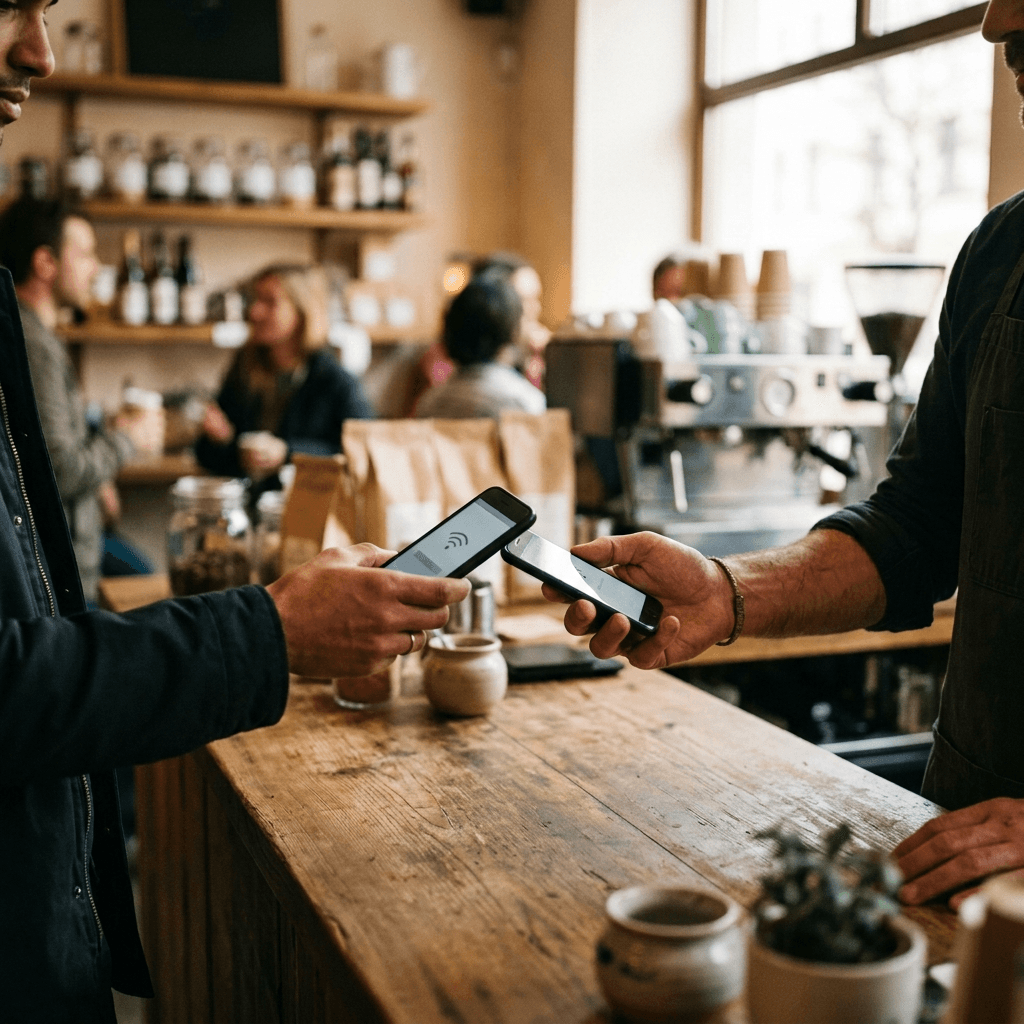
Mobile tap payments vs Tap to Pay on mobile: explaining the difference
Mobile tap payments and Tap to Pay on mobile sound like the same feature. They're opposite sides of the same tap — one is how customers pay, the other is how merchants accept.
3 months ago
Read more
Why Vibe-Coded Payment Apps Get Rejected from the App Store
AI can write a checkout app in an afternoon, but Apple rejects payment apps over who submitted them, how they route payments, and entitlements no prompt can generate. Here's where vibe-coded apps die in review.
3 months ago
Read more
OpenAI's ChatGPT-5.6 Can Build a Web App in Hours — Can It Build a Working POS?
GPT-5.6 one-shots sailing games and tops every coding benchmark. A working point of sale is a different problem — and the reason why says a lot about what AI can and can't generate.
3 months ago
Read more
How to use ChatGPT-5.6 to build a custom point-of-sale for your business
GPT-5.6 can write a checkout in an afternoon. Getting it to run on real payments, live inventory, and certified card readers is the actual job — here's the workflow that works.
3 months ago
Read more
Can Claude Sonnet 5 Build a POS? What MCP Plugins Actually Do
Claude Sonnet 5 can build a POS's interface and logic over MCP — but not the reliable inventory, reporting, tax, and payment infrastructure a store runs on. That's the part Final connects underneath.
3 months ago
Read more
The Hidden $2,000+ Cost of SaaS Subscriptions for Retailers
A typical mid-tier stack — POS, inventory, loyalty, e-commerce sync — can quietly cross $2,000-$3,600 a year in fixed SaaS costs, before hardware or processing fees. Here's the real breakdown.
3 months ago
Read more
AI for Business: What It Can (and Can't) Do
You describe what you want, the model writes the code, you open for business Monday. Then they try to take a real payment, and the weekend turns into a quarter.
3 months ago
Read more
The Best POS for Retail in 2026
Choosing the best POS for retail in 2026 comes down to inventory, payments, hardware freedom, and price. Here's what actually matters — and where Final POS fits.
3 months ago
Read more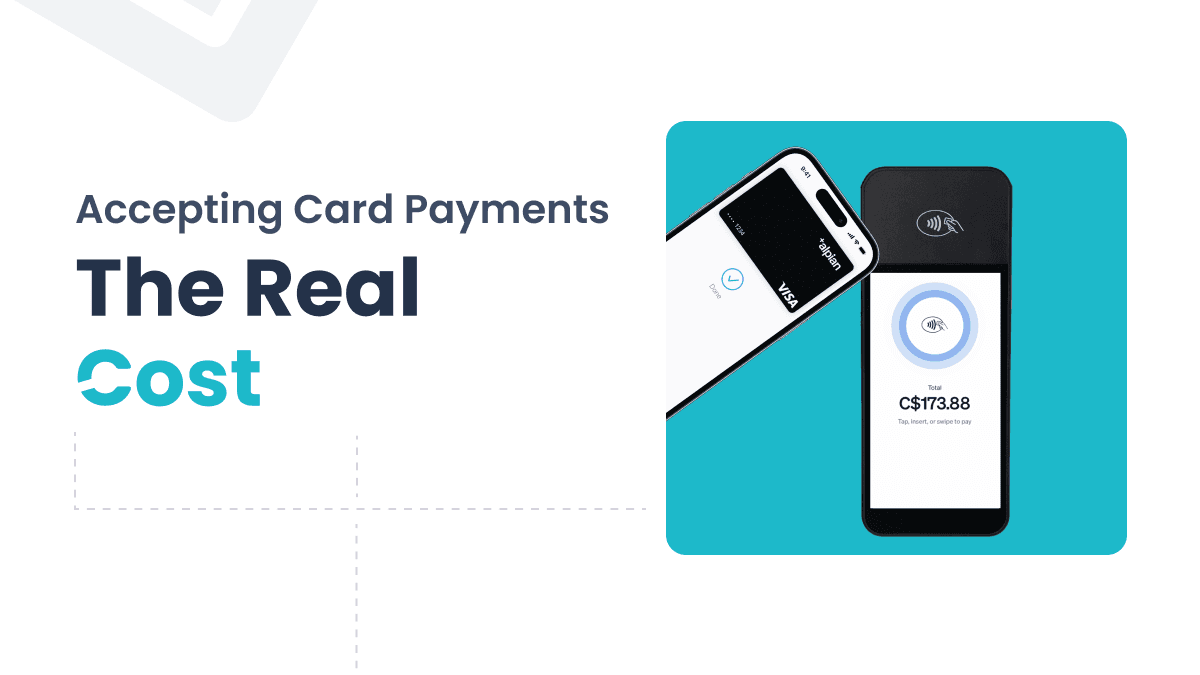
The Real Cost of Accepting Card Payments in Canada: A Merchant's Fee Guide for 2026
Canadian POS processing fees explained. Interac, Visa, Mastercard, and Amex rates, the hidden costs traditional systems pile on top, and how to calculate your real effective rate.
5 months ago
Read more
POS Systems With No Monthly Fee: What to Know Before You Sign Up
Monthly POS fees add up fast — before your first sale. Here's what no-monthly-fee pricing actually means and what to check before you commit.
6 months ago
Read more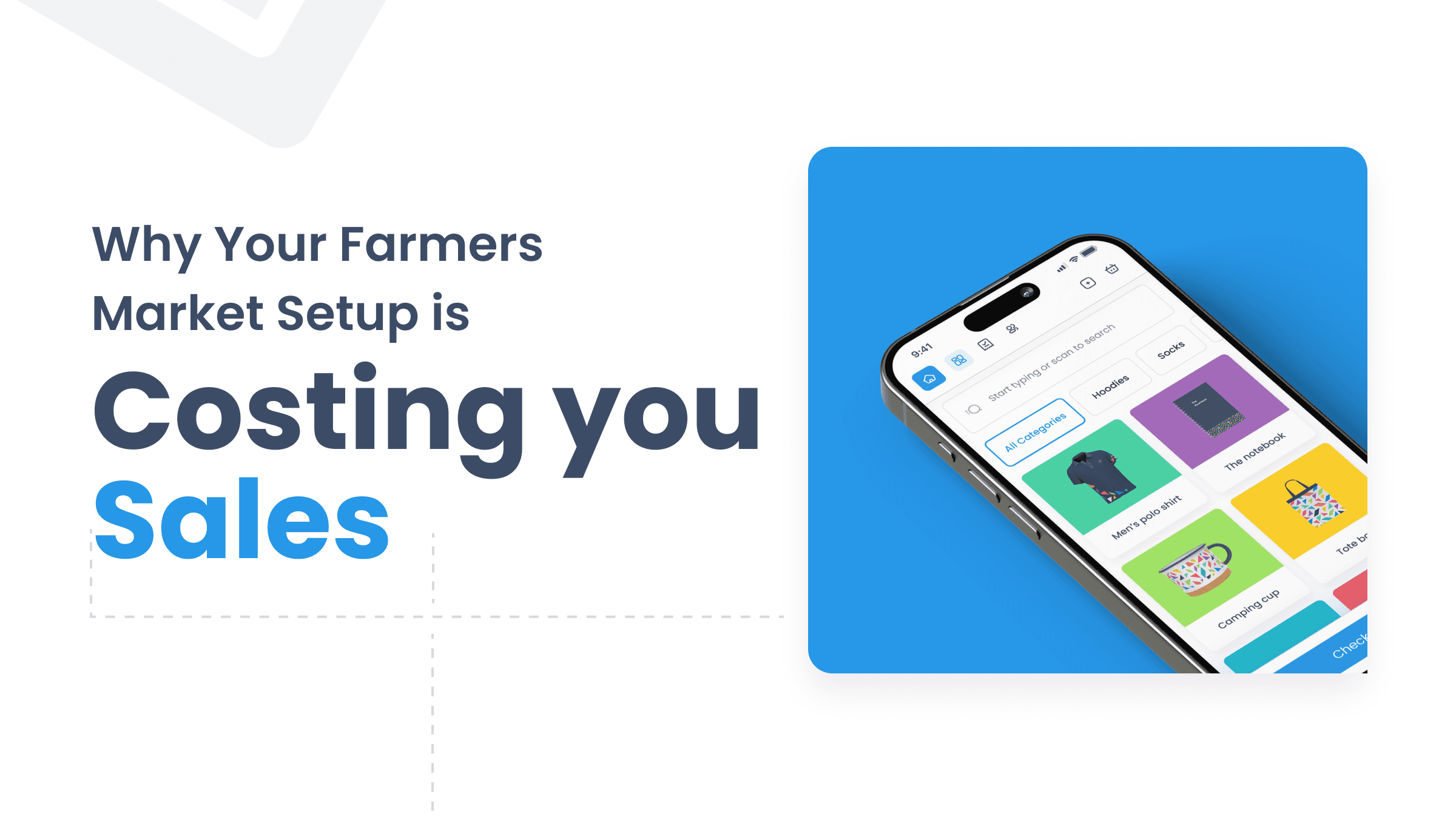
Why Your Farmers Market Setup Is Costing You Sales (And How to Fix It)
Discover why your current market setup is turning customers away — and how to build a professional, phone-based checkout that works anywhere, for free.
8 months ago
Read more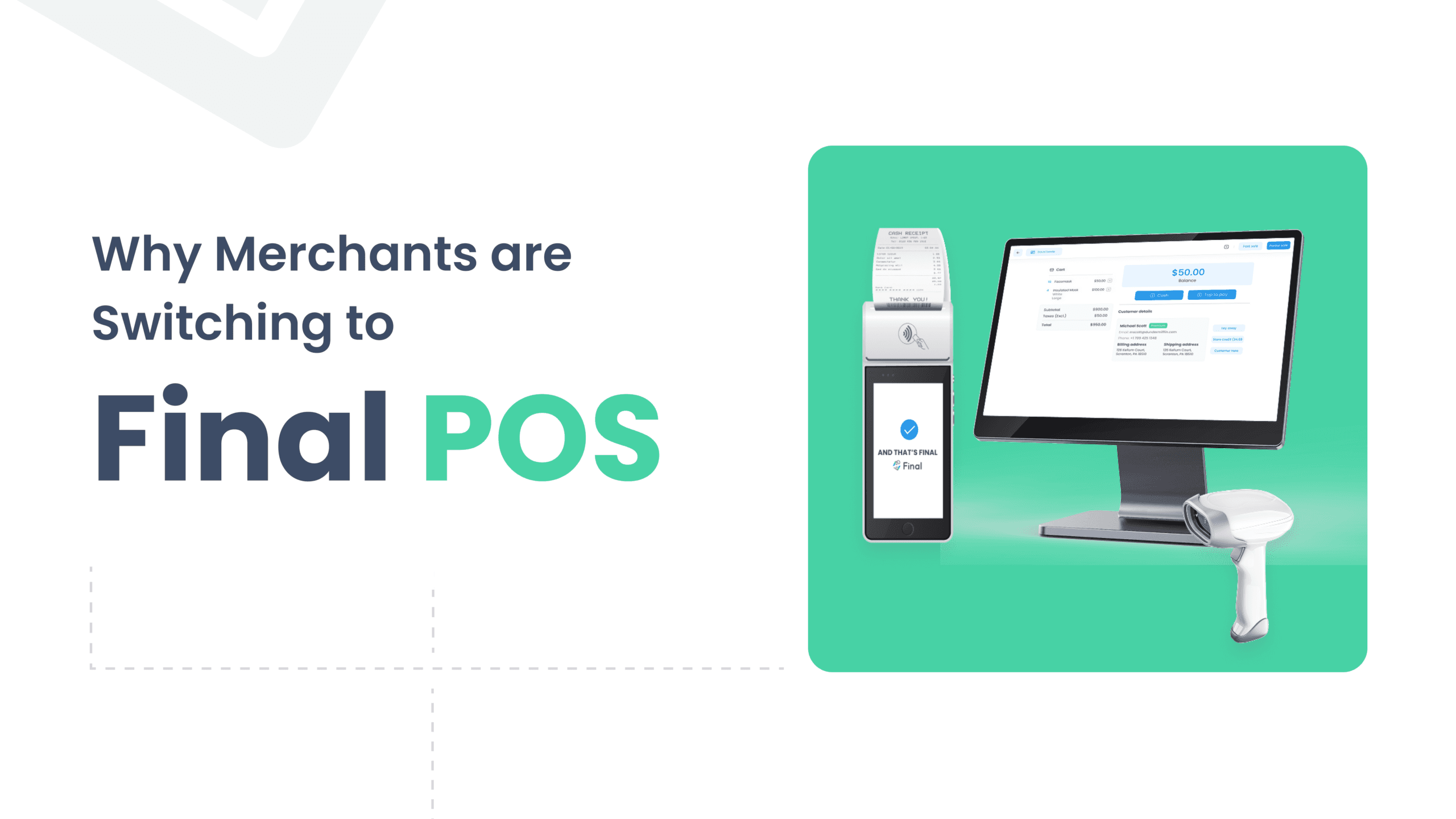
Why Merchants are Switching to Final POS in 2026 (Plus a No-Downtime Migration Checklist)
Merchants are switching to Final POS in 2026 to escape rigid templates, cut subscription costs, and migrate with zero downtime using a parallel setup.
9 months ago
Read more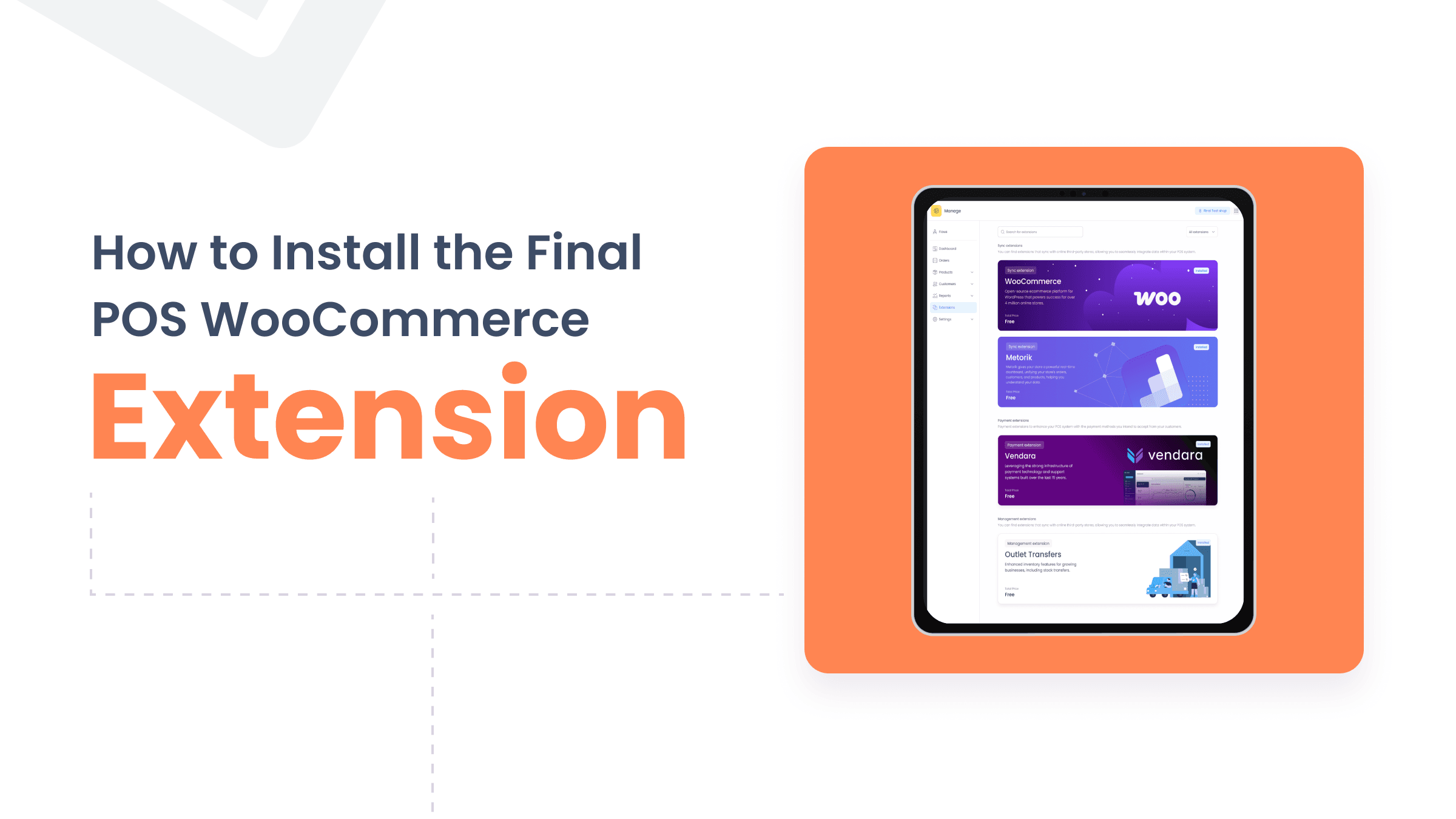
How to Install the Final POS WooCommerce Extension and Manage Your Store Seamlessly
Connect your WooCommerce store to Final POS and sync products, orders, and inventory in real time across your online and physical store.
9 months ago
Read more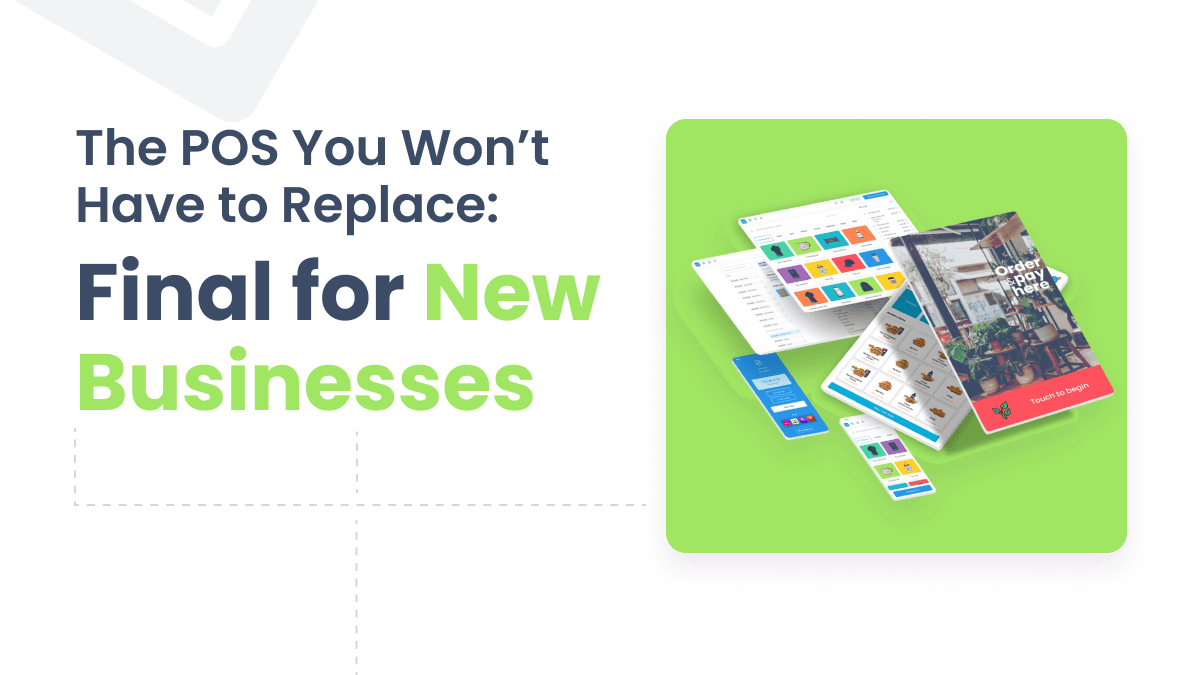
Start With the POS You Won’t Have to Replace: Final POS for New Businesses
Final POS is the flexible POS for new businesses—start free, pay as you go, customize checkout flows, and scale without painful workarounds later.
9 months ago
Read more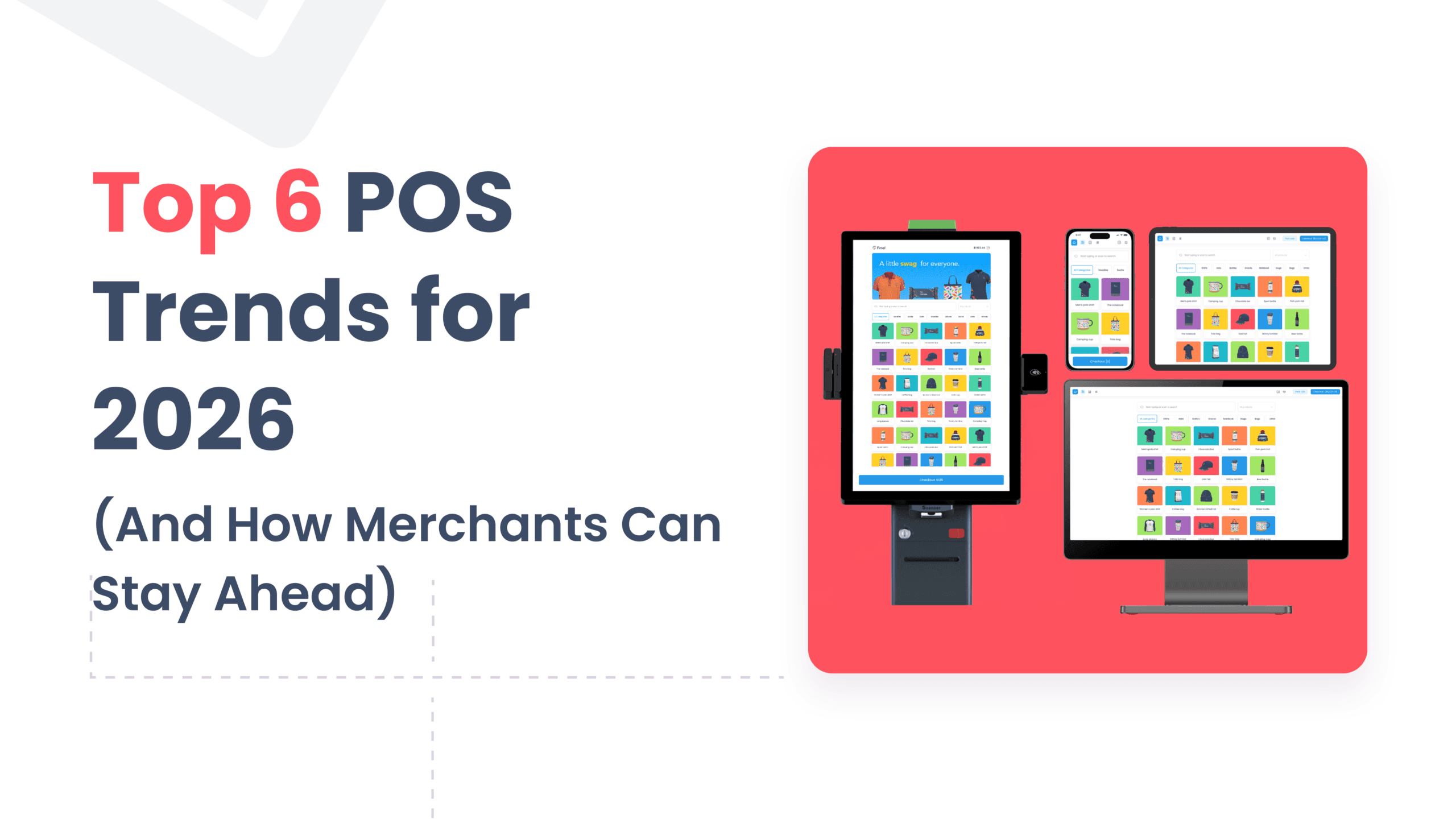
Top 6 POS Trends for 2026 (And How Merchants Can Stay Ahead)
Explore the top POS trends for 2026—custom checkout flows, mobile-first setups, staff-friendly design, payments flexibility, unified operations, and modular extensions—plus how Final POS helps merchants adapt without workarounds.
10 months ago
Read more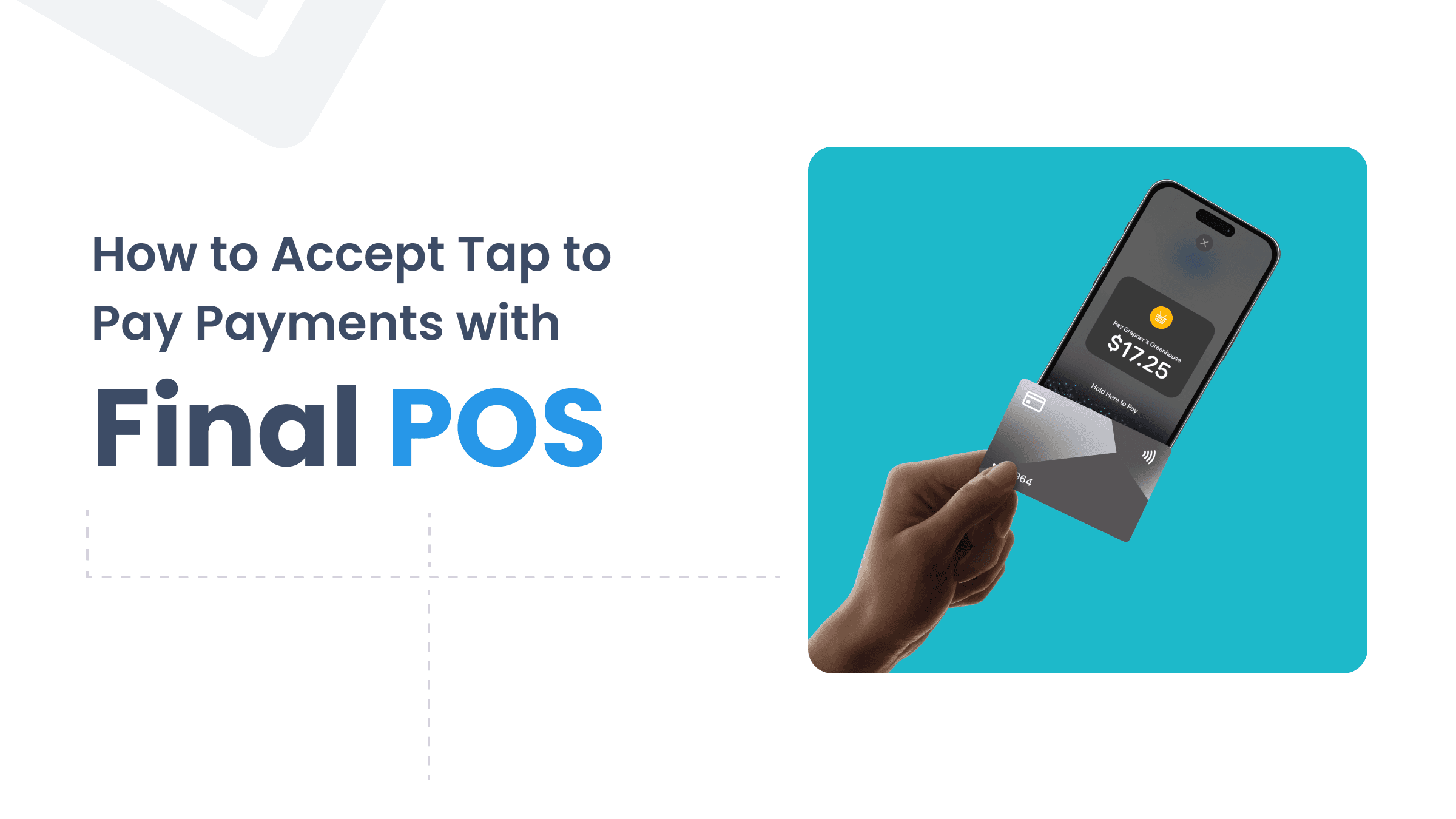
What Is Tap to Pay and How Do You Accept It in Your Business?
Tap to Pay lets customers pay by tapping a card, phone, or smartwatch on your device. Learn how it works and how to set it up with Final POS.
12 months ago
Read more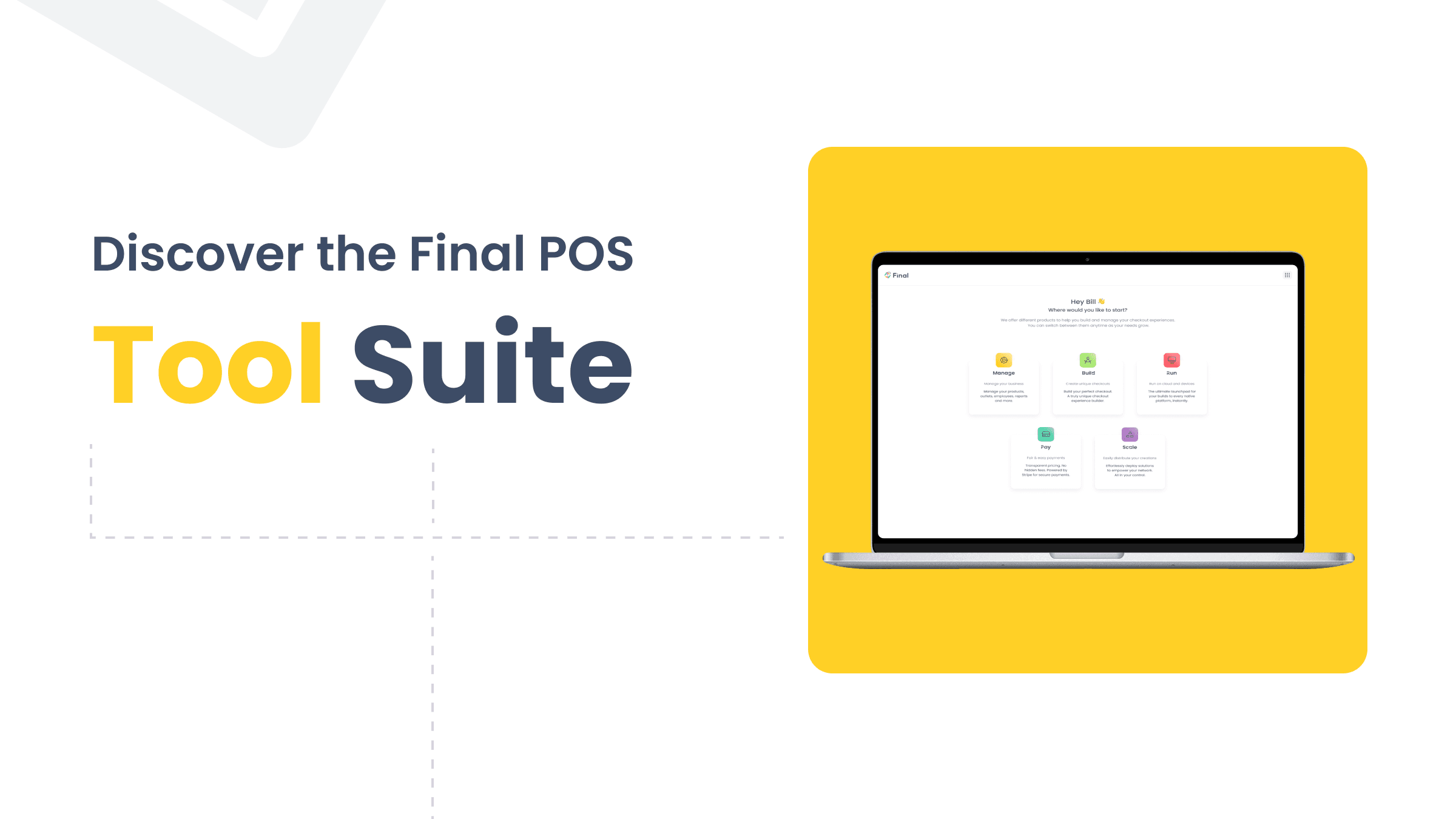
Discover the Final POS Tool Suite for Smarter Retail Management
The Final POS tool suite covers every part of retail operations—from inventory management to custom checkout flows and integrated payments.
last year
Read more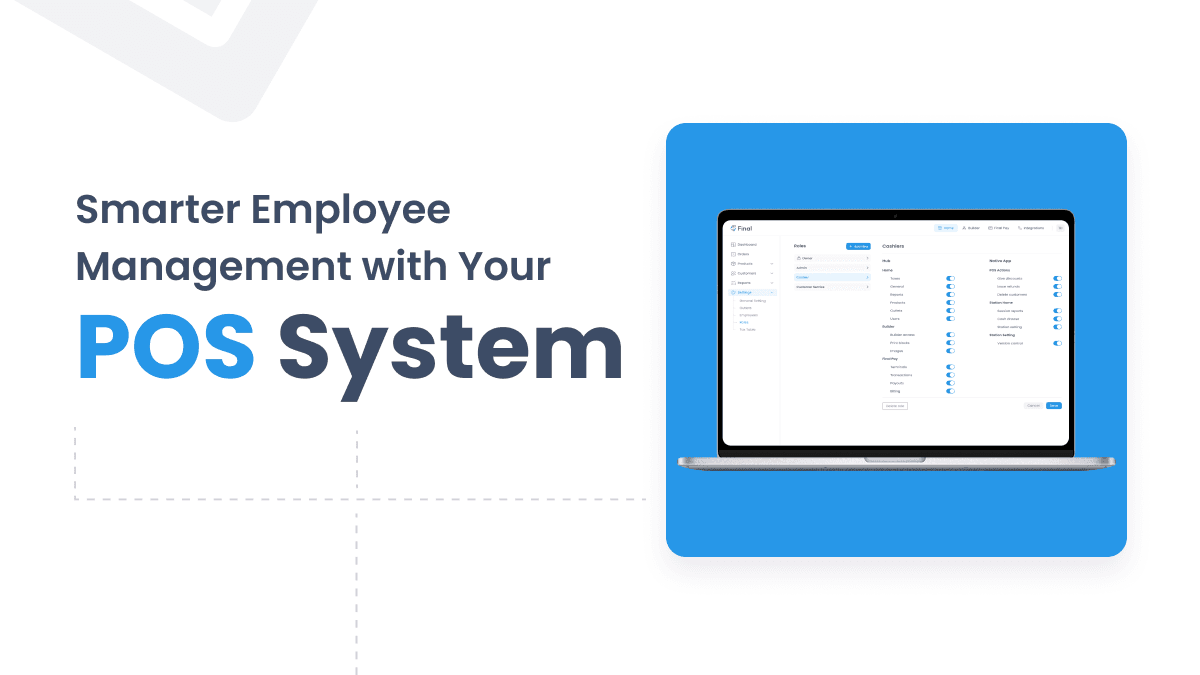
Smarter Employee Management with Your POS System
Modern POS systems do more than process sales — they help you manage staff with PIN logins, shift logs, role-based access, and real-time performance reports.
last year
Read more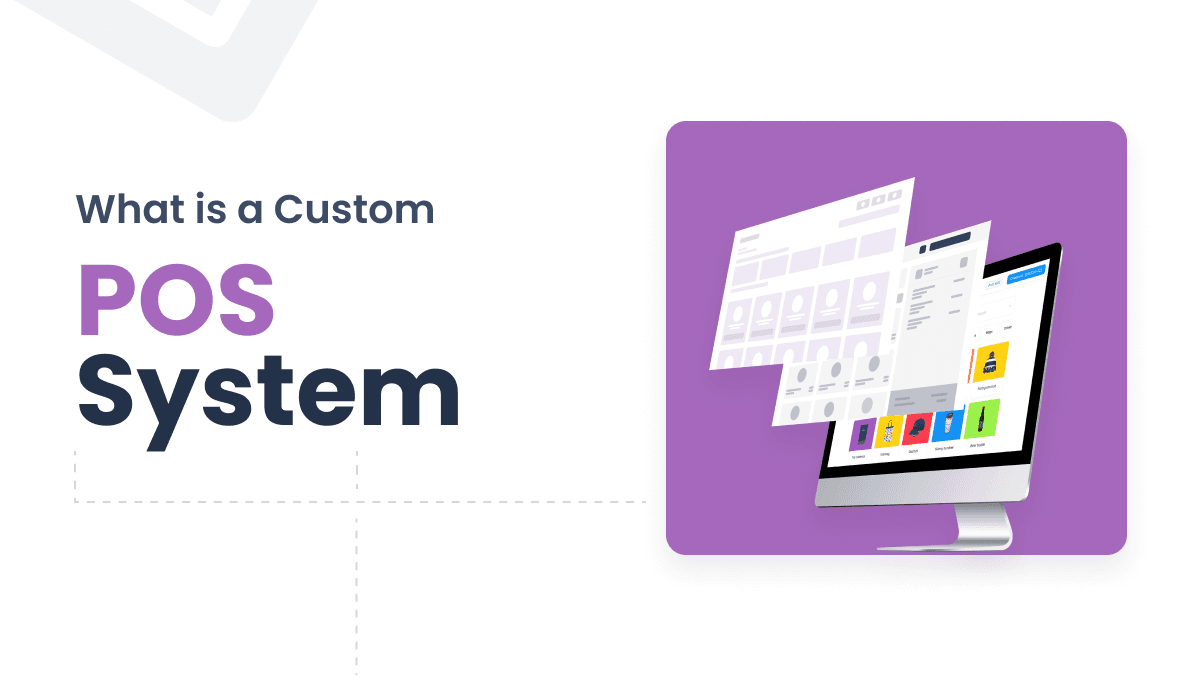
What Is a Custom POS System? A Complete Guide for Retailers
A custom POS system is a tailored hardware and software solution built around your unique workflows, integrations, and brand. Learn if it's right for your business.
last year
Read more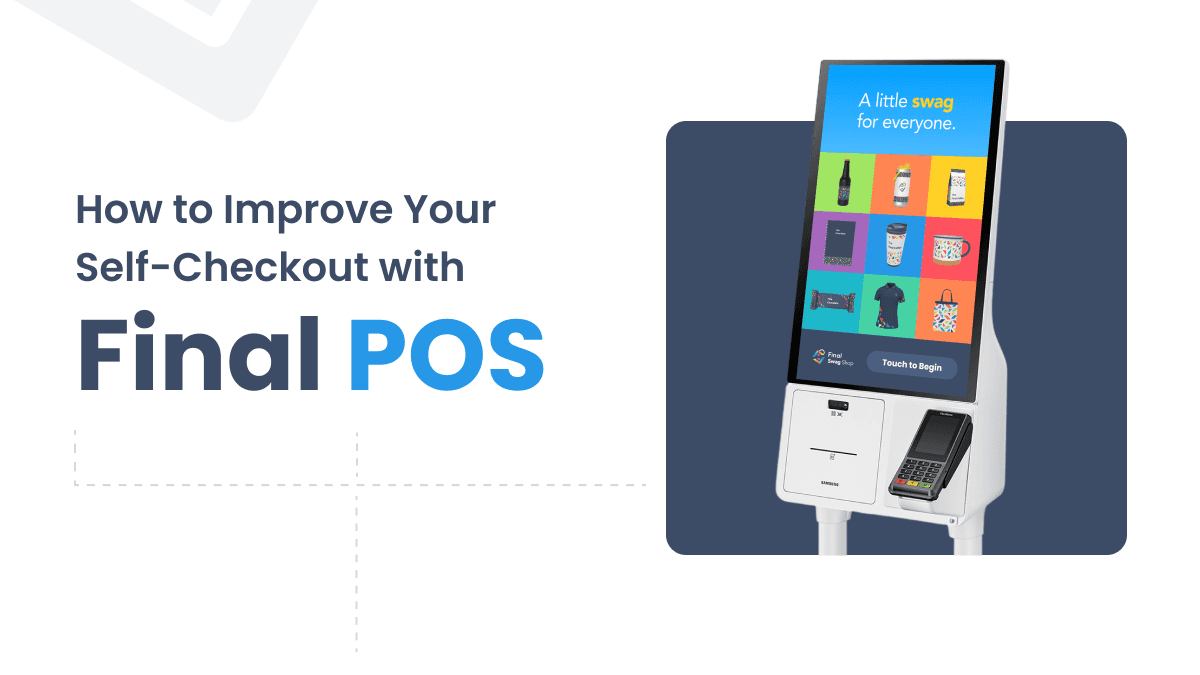
How to Improve Your Self-Checkout with Final POS
Outdated self-checkout software causes delays and poor experiences. Learn how Final POS helps retailers build custom, branded, and faster checkout kiosks.
last year
Read more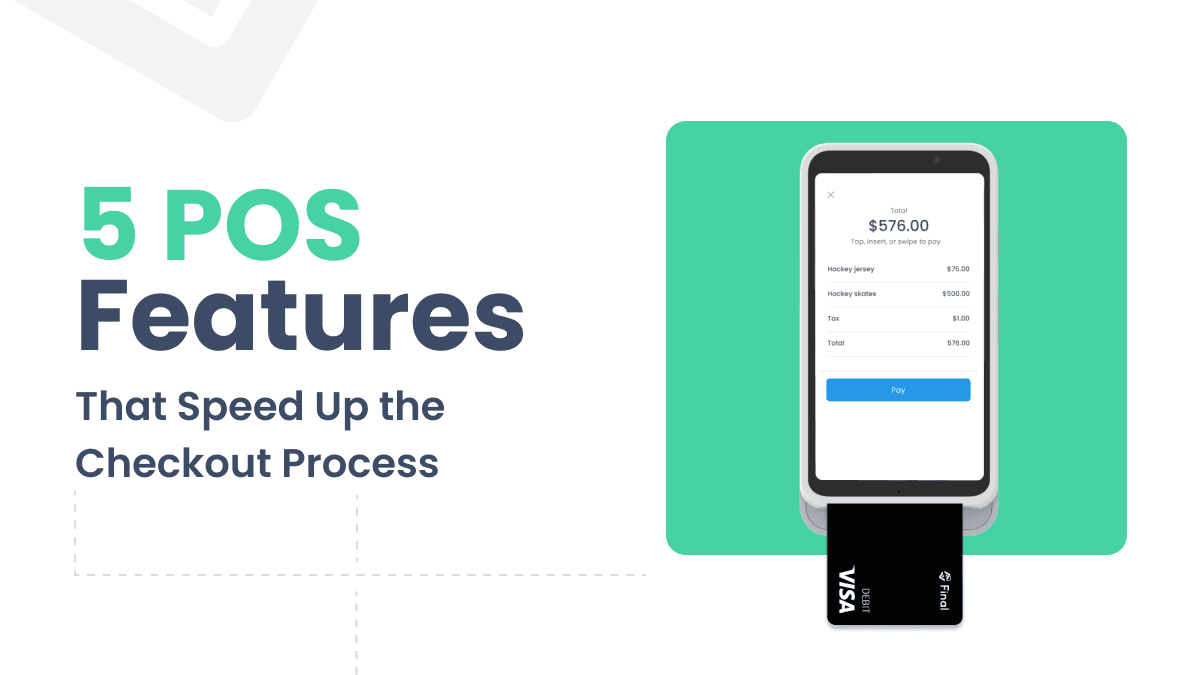
5 Effective Ways to Speed Up the In-store Checkout Process
Discover 5 practical POS features that speed up the in-store checkout process, from tap to pay and Bluetooth terminals to custom flows and smart cart tools.
last year
Read more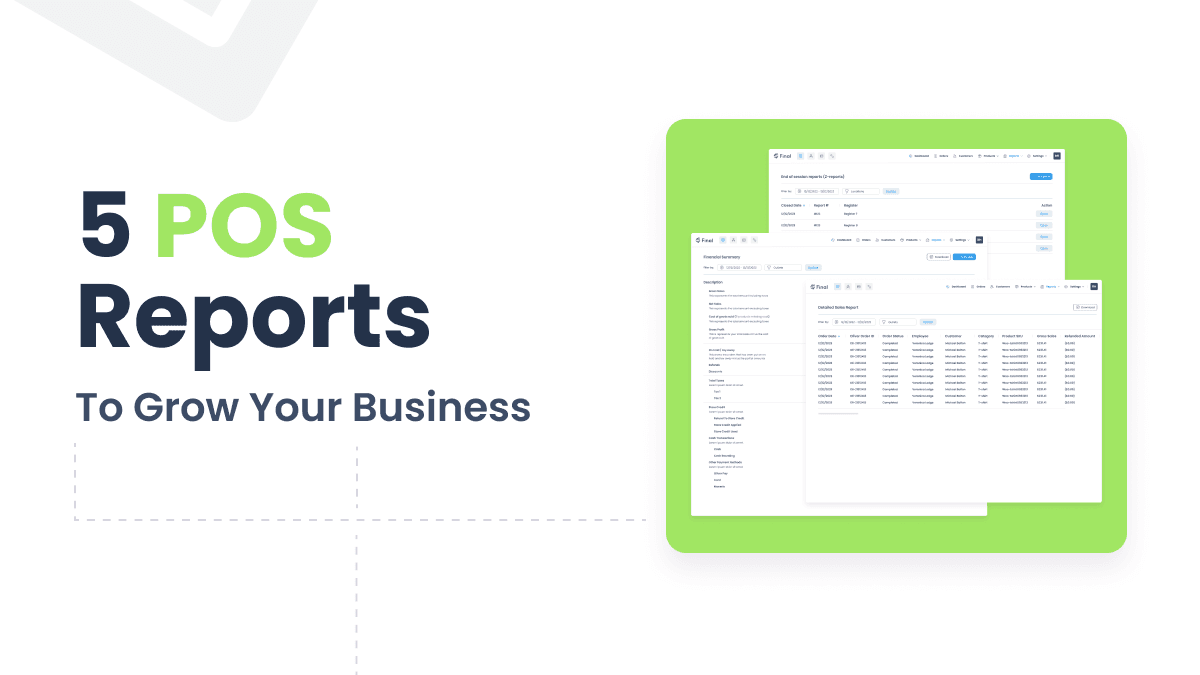
5 POS Report Types to Grow Your Business
Without the right POS reports, business decisions are guesswork. These five report types turn raw data into clear, actionable insights.
last year
Read more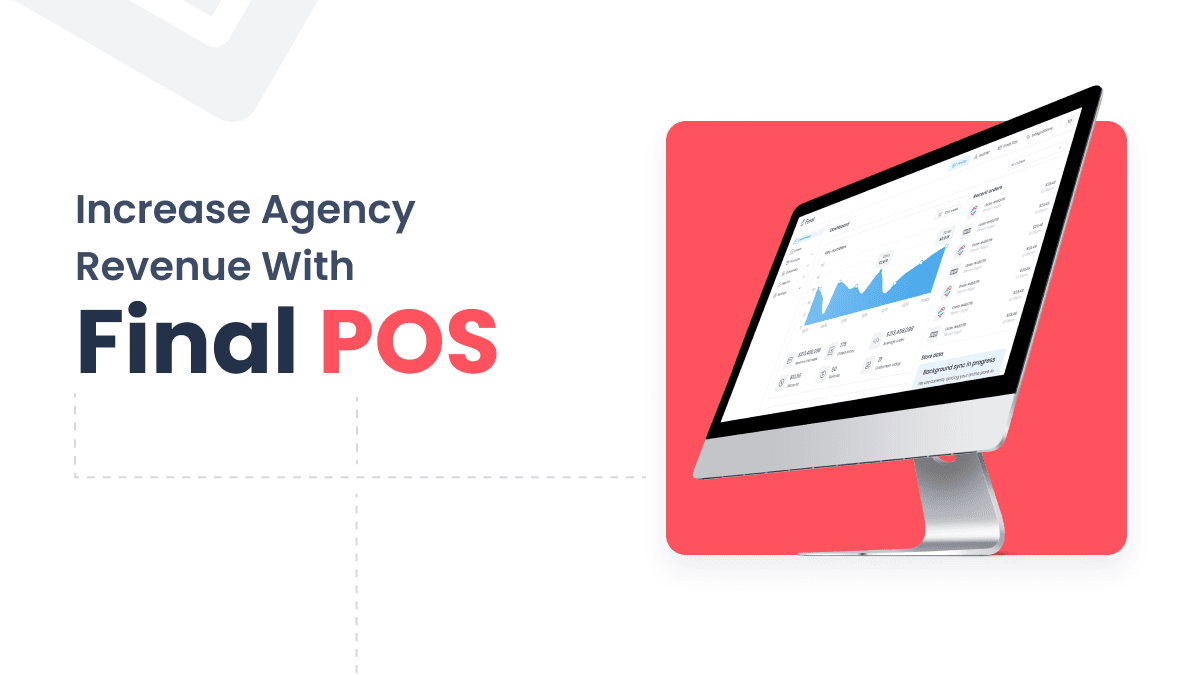
How Digital Agencies Can Grow with White-Label POS Solutions
White-label POS solutions let digital agencies expand beyond web services, build recurring revenue, and deliver complete commerce experiences for clients.
last year
Read more
How POS CRM Features Turn Transactions Into Customer Relationships
Modern POS systems go beyond transactions. Learn how POS CRM features like loyalty programs, segmentation, and campaign automation turn shoppers into repeat customers.
last year
Read more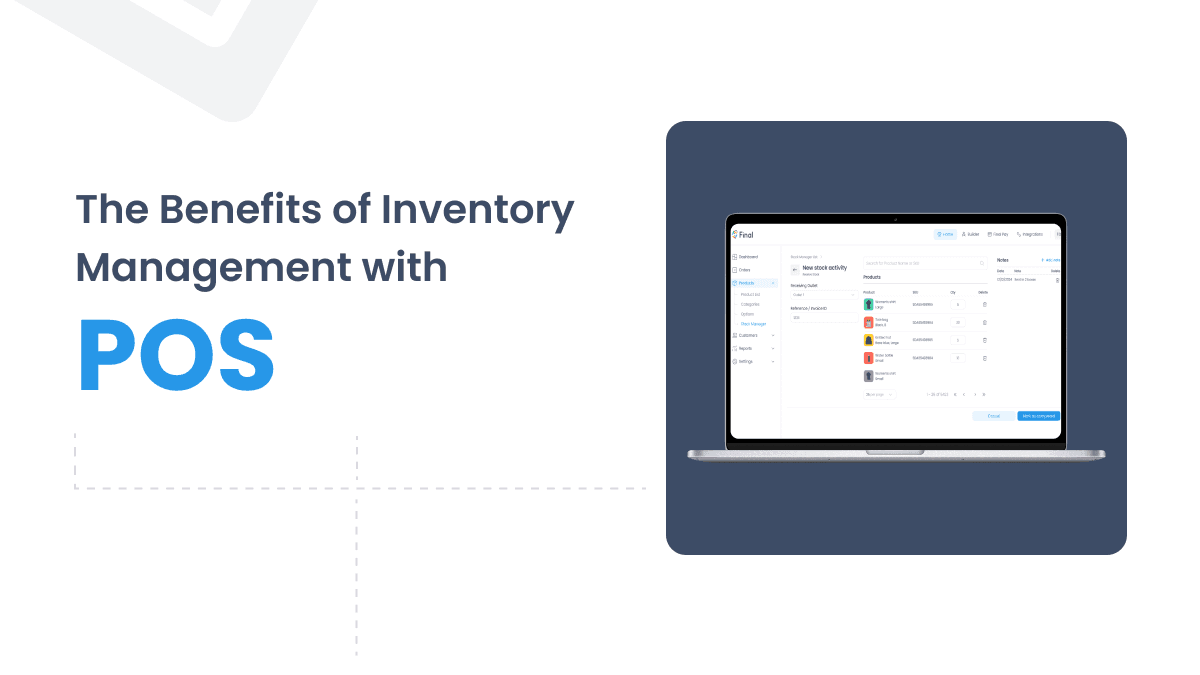
From Stock Chaos to Control with POS Inventory Management
Manual stock tracking leads to costly errors and lost sales. Discover how POS inventory management automates stock control and gives retailers real-time visibility.
last year
Read more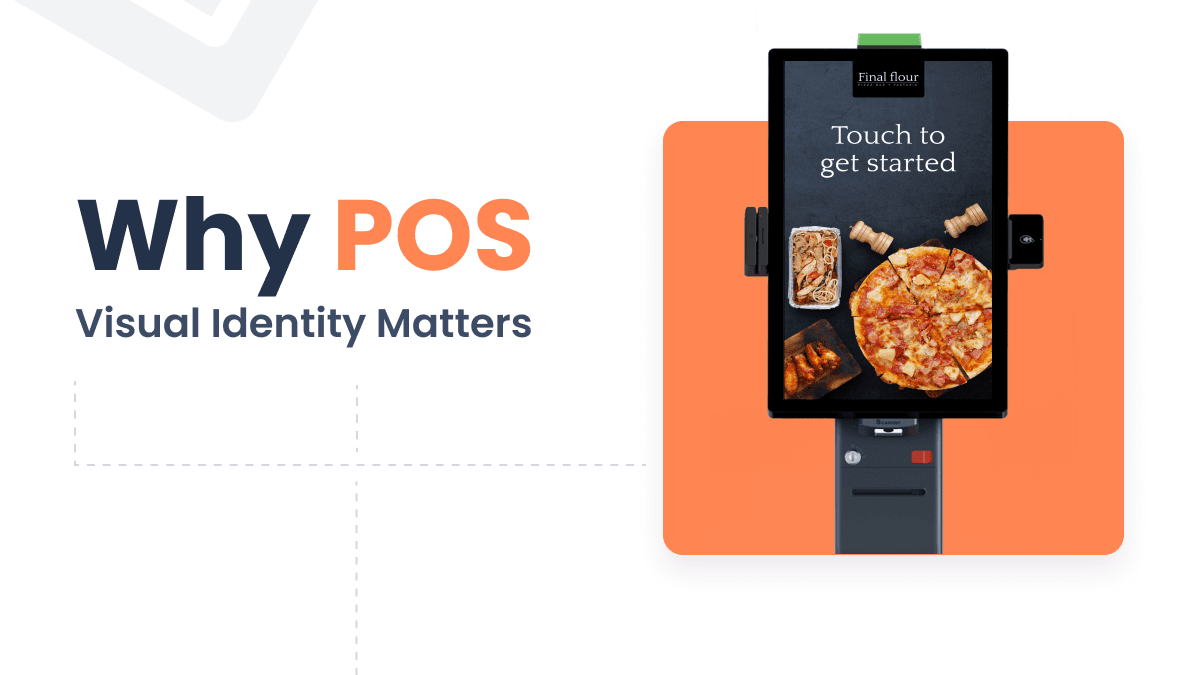
Why POS Visual Identity Matters: Building Trust Through Design
Your POS system is a visible brand touchpoint. Learn why POS visual identity builds customer trust and how to create a consistent branded checkout experience.
last year
Read more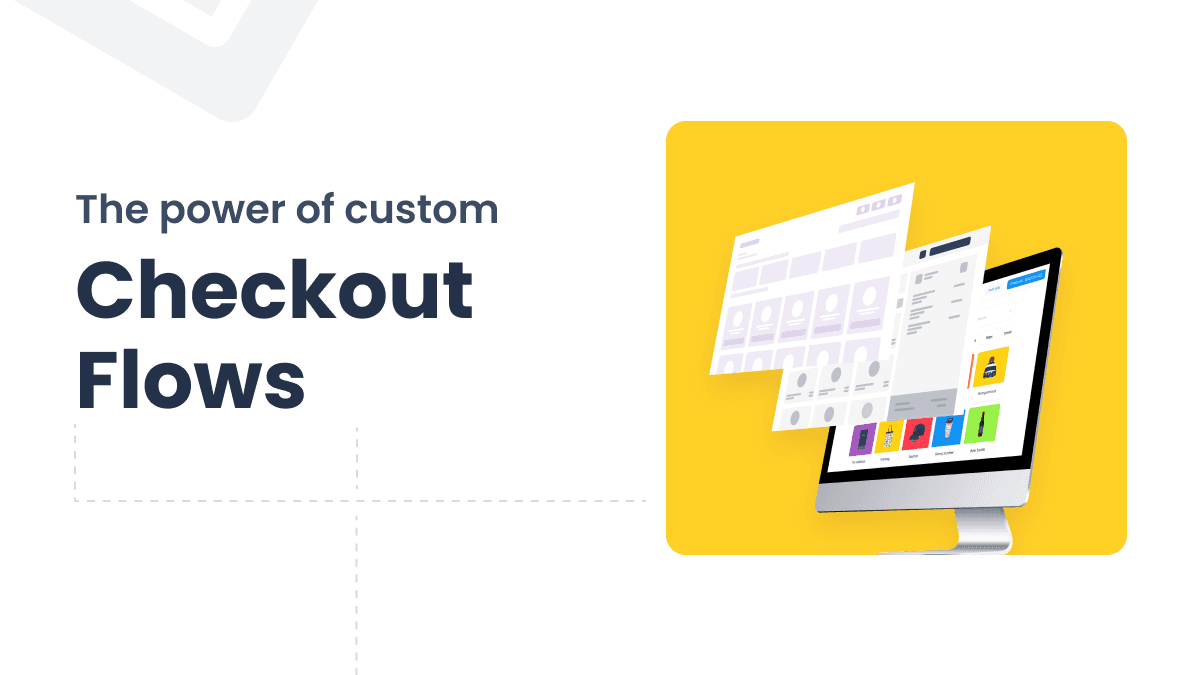
Custom Checkout Flows that Match Any Brand, Workflow, or Device
Generic POS checkouts no longer cut it. Learn how modular infrastructure lets you build custom checkout flows for any brand, device, or industry.
last year
Read more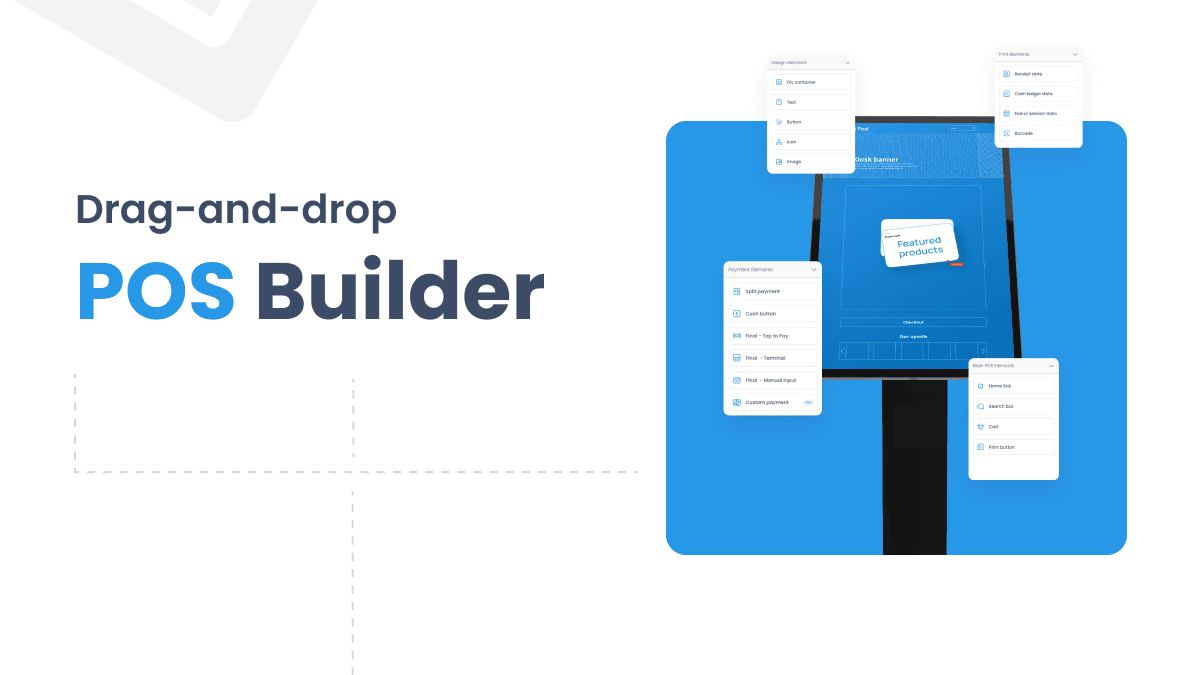
Drag and Drop POS Builder vs. Traditional POS
Comparing a drag and drop POS builder with traditional POS systems to help you decide which setup fits your business needs.
last year
Read more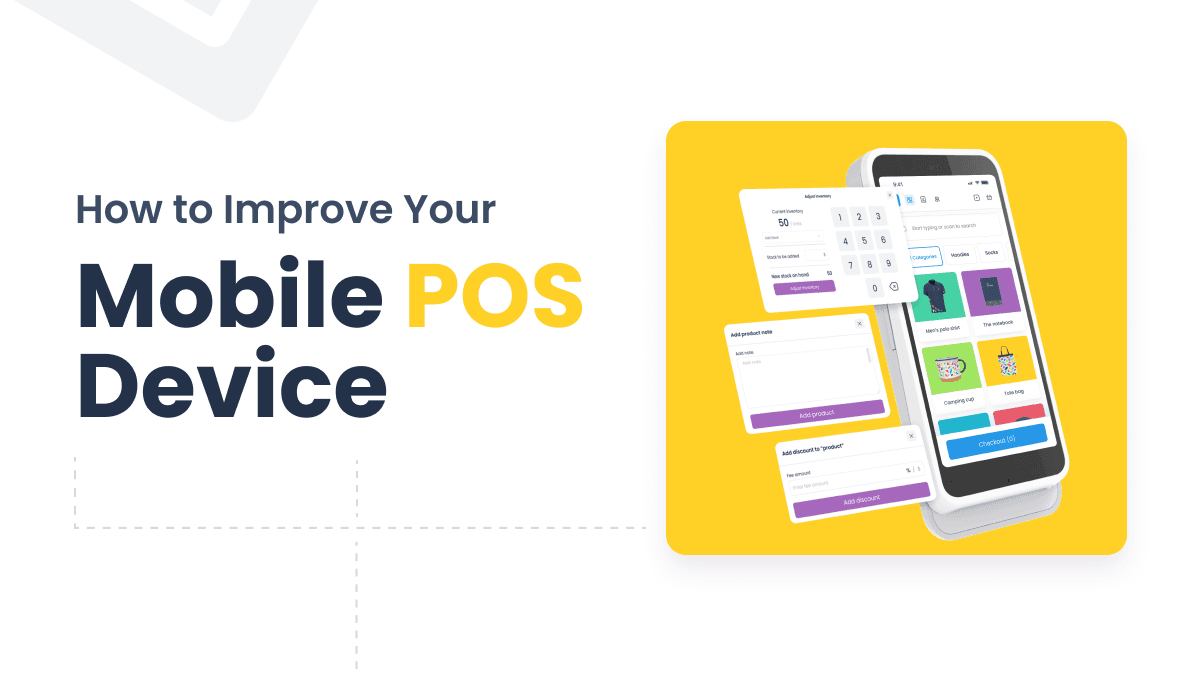
3 Techniques to Improve Your Mobile POS Device
Three practical techniques to improve your mobile POS device: optimize for speed and offline use, streamline the interface, and keep it secure and updated.
last year
Read more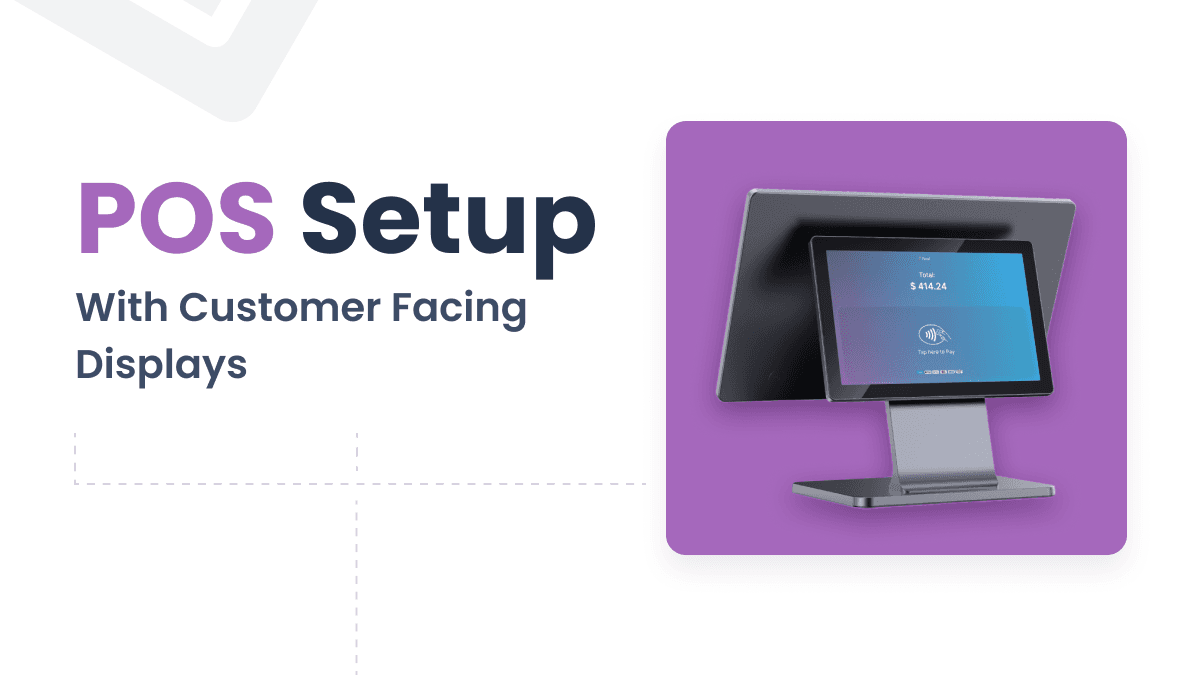
Why Customer-facing Displays Are Key to Delivering Branded POS Experiences
Customer-facing displays do more than show cart totals — they build trust, reduce errors, and turn checkout into a branded touchpoint for your clients.
last year
Read more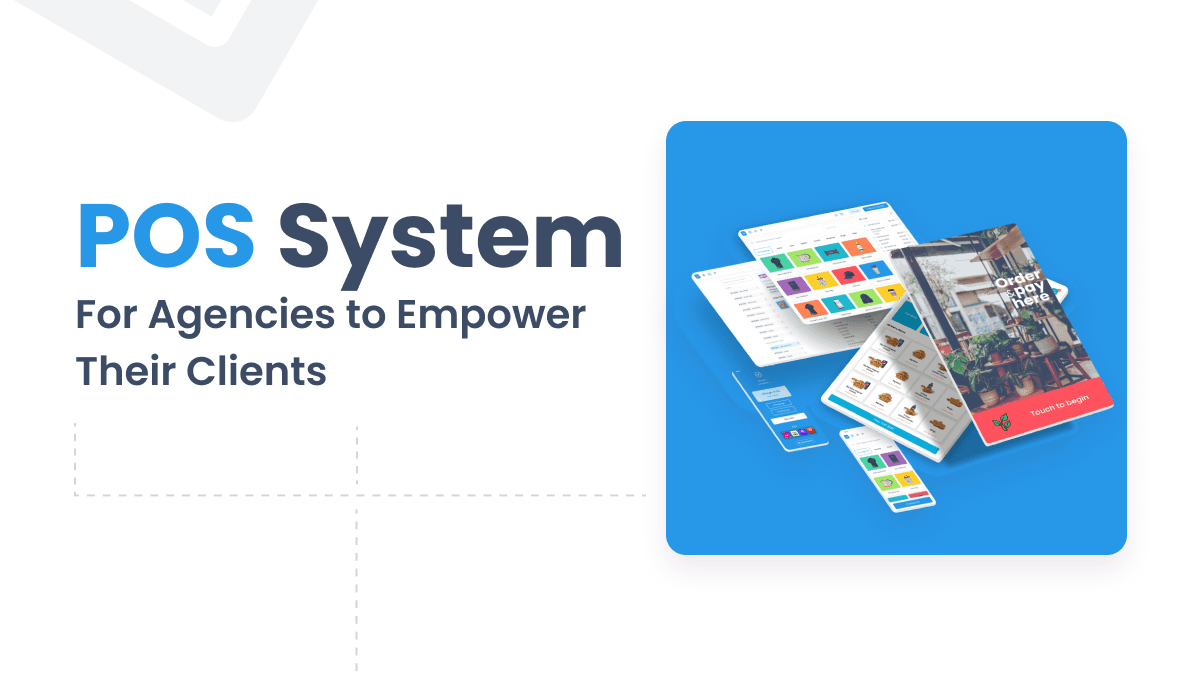
10 Things to Look for When Choosing a POS System for Agencies
Choosing the right POS system for agencies means balancing your clients' needs with your own growth goals. Here are 10 factors to guide your decision.
last year
Read more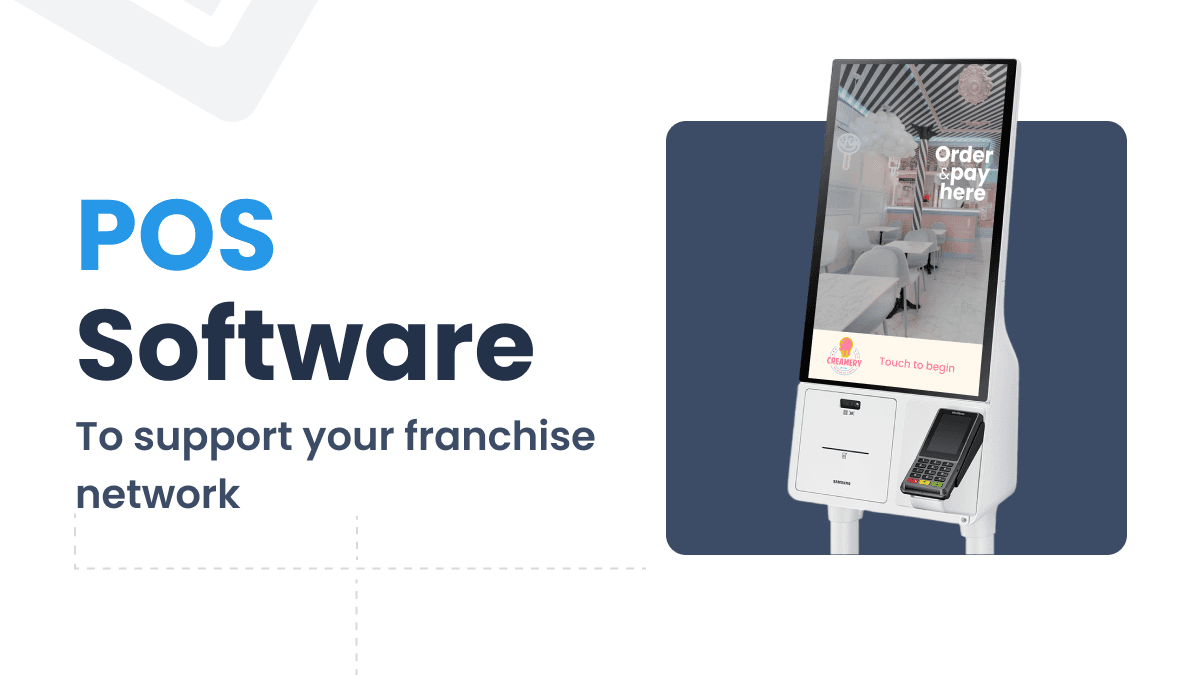
Optimizing Franchise Growth with the Right POS System
Choosing the right franchise POS system means balancing centralized control with local flexibility. Here are 7 factors every franchisor should consider.
last year
Read more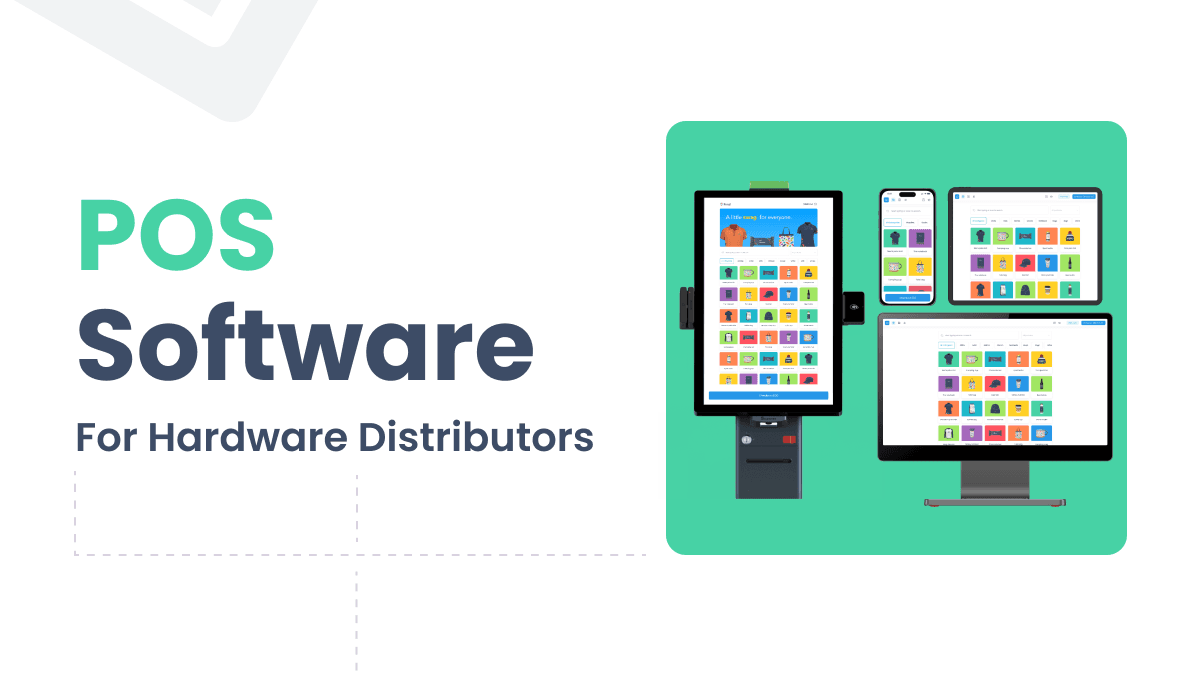
How to Choose the Right POS Software for Hardware Distributors
Choosing POS software for hardware distributors means finding a solution that complements your hardware, supports multiple clients, and adds recurring value.
last year
Read more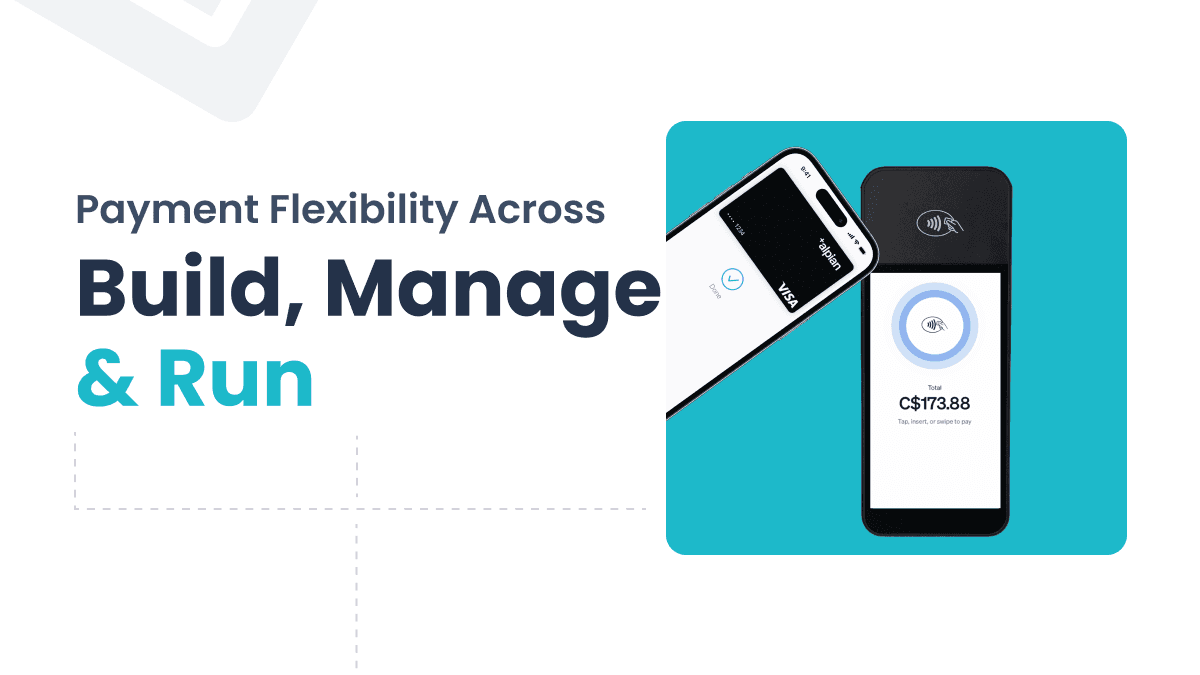
Payment Flexibility Across Final Builder, Station, and Hub
Final delivers payment flexibility across Builder, Station, and Hub—letting agencies build custom checkout flows, support multiple hardware types, and track every transaction.
last year
Read more
Explore Final Station – A POS App That Fits Your Workflow
Final Station is the native POS app behind every Final POS checkout, running on Android, iOS, Windows, and macOS with full offline support and hardware integrations.
2 years ago
Read more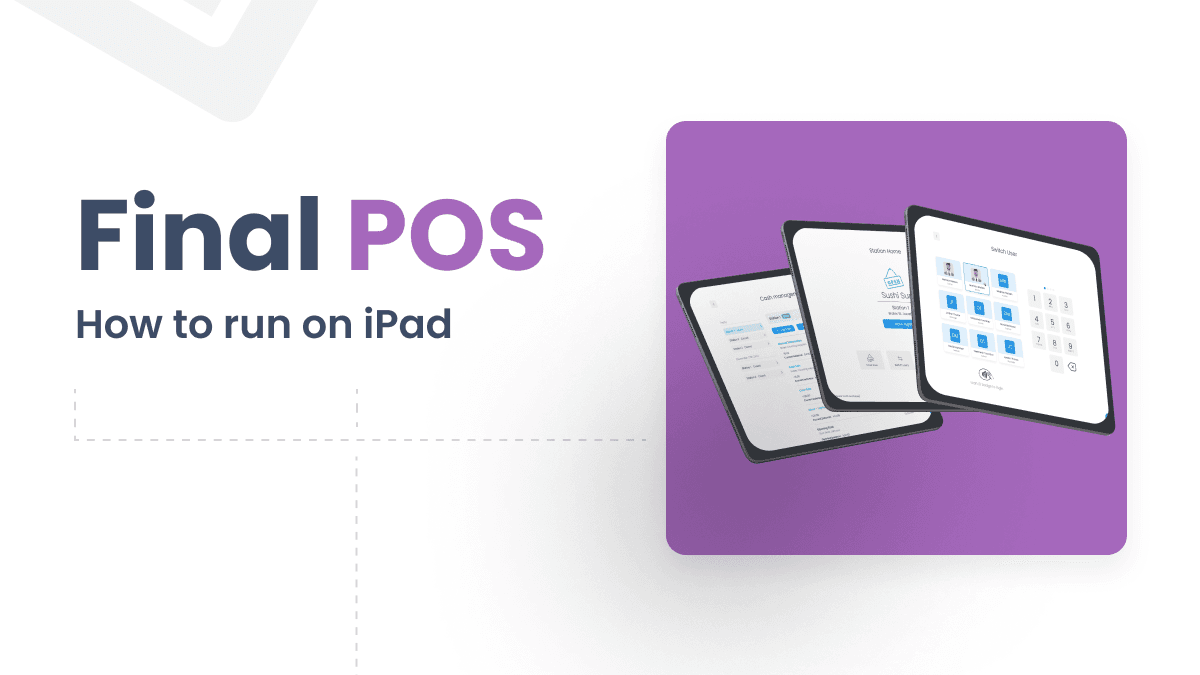
How to Run Final as Your POS System on iPad
Final POS turns your iPad into a full-featured POS station with no complex setup. Learn how to get started with Final Station and Final Build.
2 years ago
Read more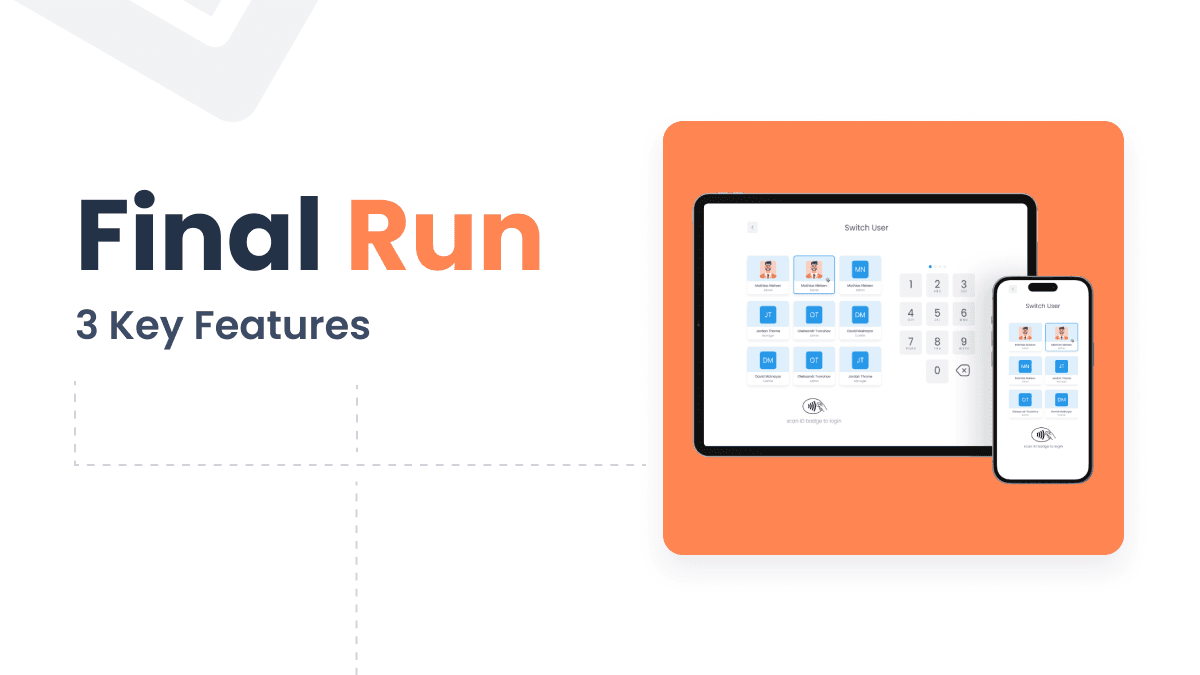
The Final Station App Turns Any Device Into a POS Station
Final Station is a native POS app that runs on Android, iOS, macOS, and Windows, letting any compatible device serve as a fully functional sales station.
2 years ago
Read more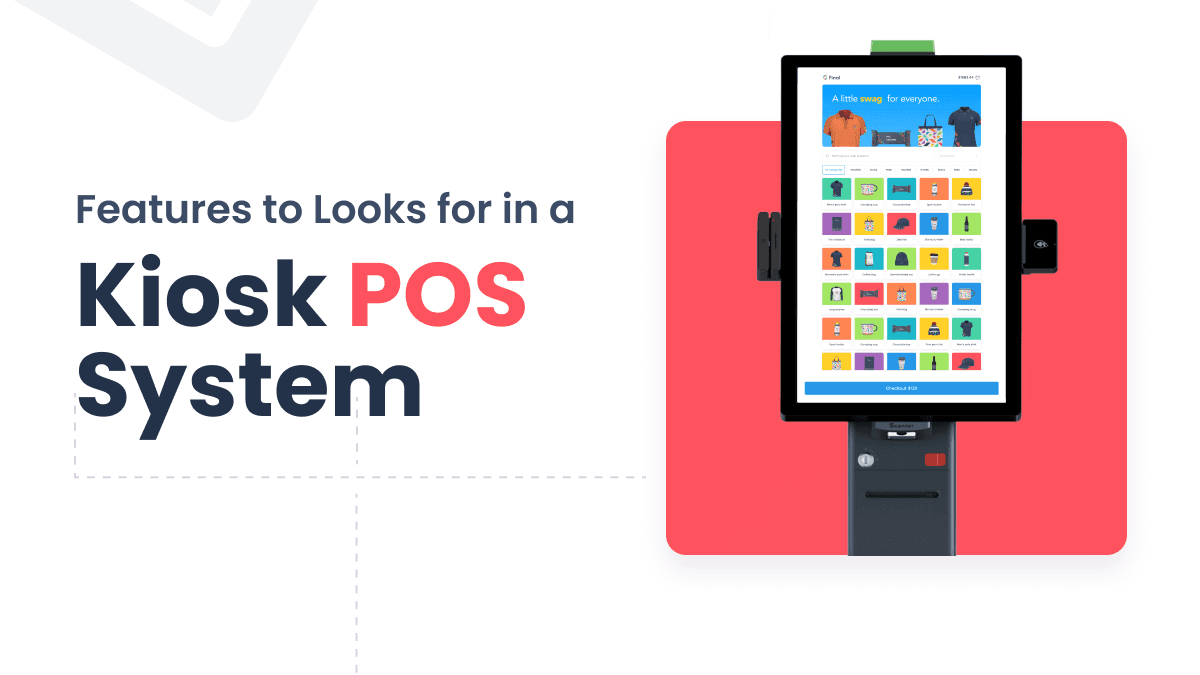
Kiosk POS Features That Simplify Franchise Operations
Five essential kiosk POS features franchisors should prioritize, including user-friendly interfaces, timeout settings, locked access, payment processing, and data analytics.
2 years ago
Read more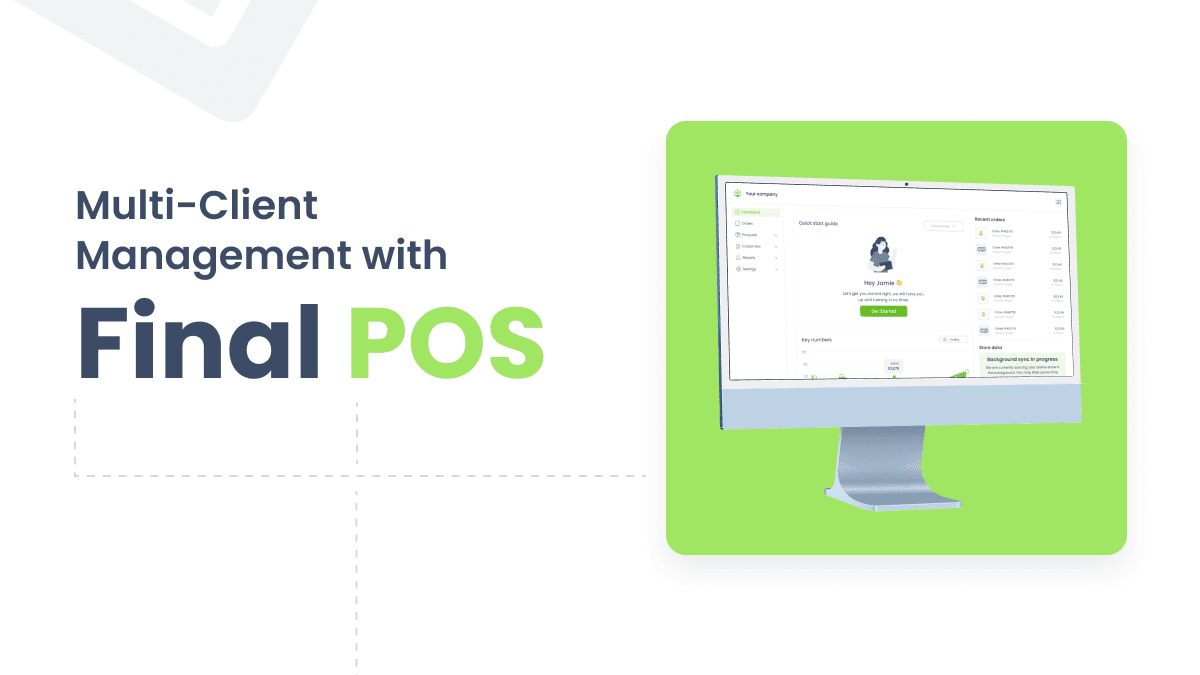
Simplify Multi-Client Management with a Powerful POS System for Agencies
Managing multiple clients on disconnected POS systems creates inefficiencies and security risks. Final POS offers agencies one customizable platform to handle it all.
2 years ago
Read more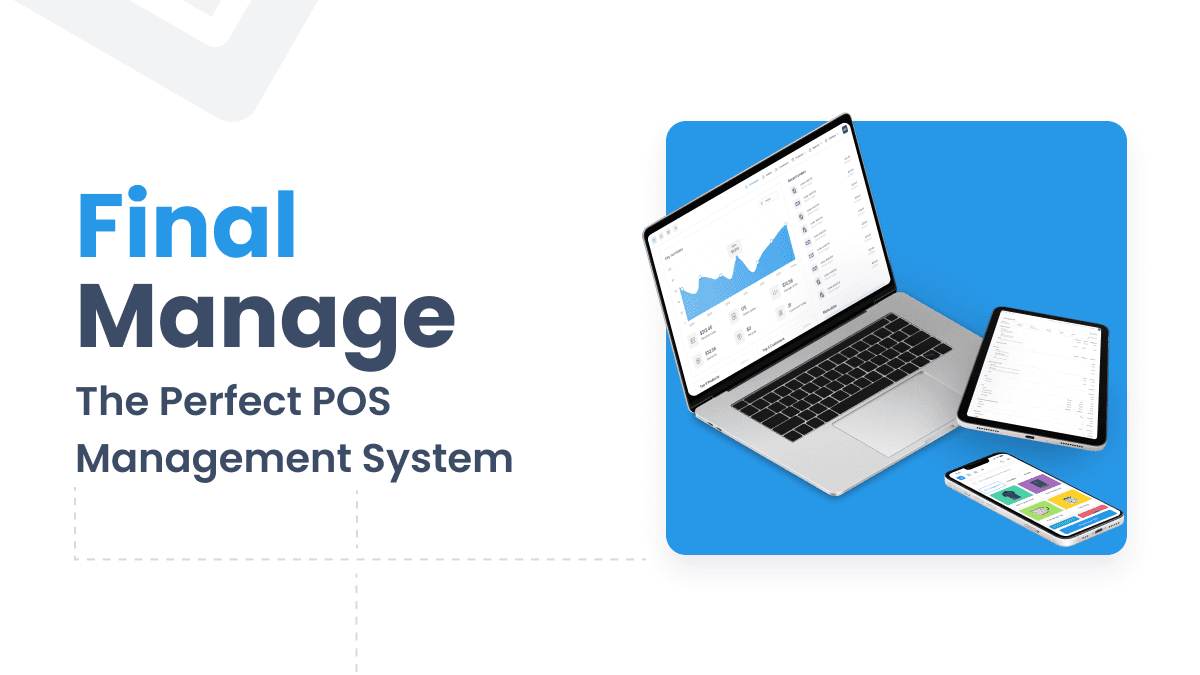
Take Control with Final Hub: The Perfect POS Management System
Final Hub is a centralized POS management system that handles product catalogs, customer insights, and business reporting in one platform.
2 years ago
Read more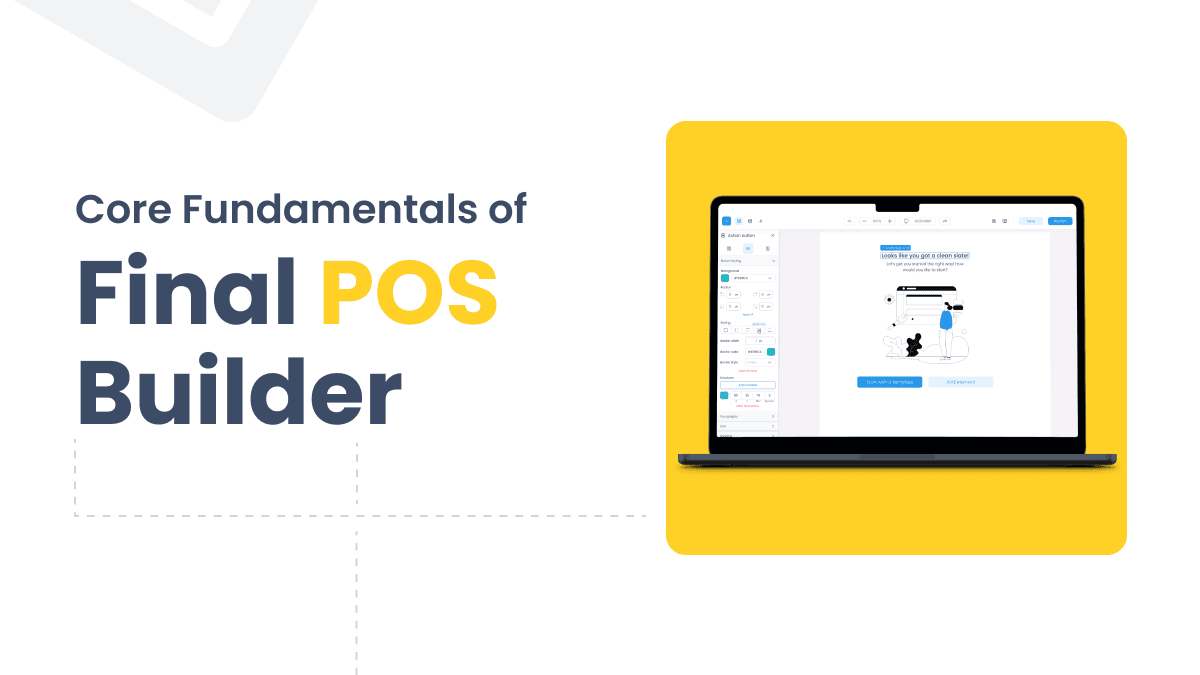
Core Fundamentals of Final POS Builder: The Ultimate Customizable POS System
Final POS Builder is a customizable POS system with drag-and-drop tools, 30+ features, and real-time e-commerce sync—no coding required.
2 years ago
Read more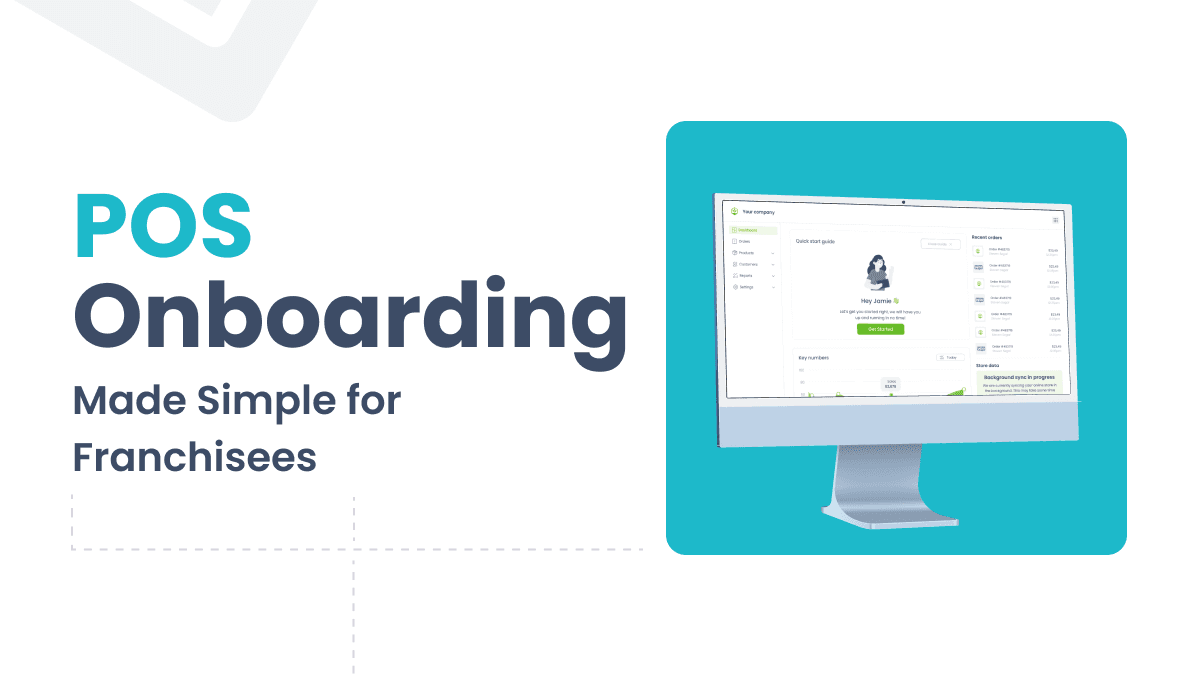
POS Onboarding Made Simple for Franchisees: Reduce Training Time With the Right POS
Choosing the right POS system can dramatically cut franchisee training time. Learn what features matter most for smooth POS onboarding across locations.
2 years ago
Read more
3 POS Features Every Franchise Needs to Succeed
Running multiple franchise locations demands consistency, control, and flexibility. Learn the three POS features that keep franchise operations running smoothly.
2 years ago
Read more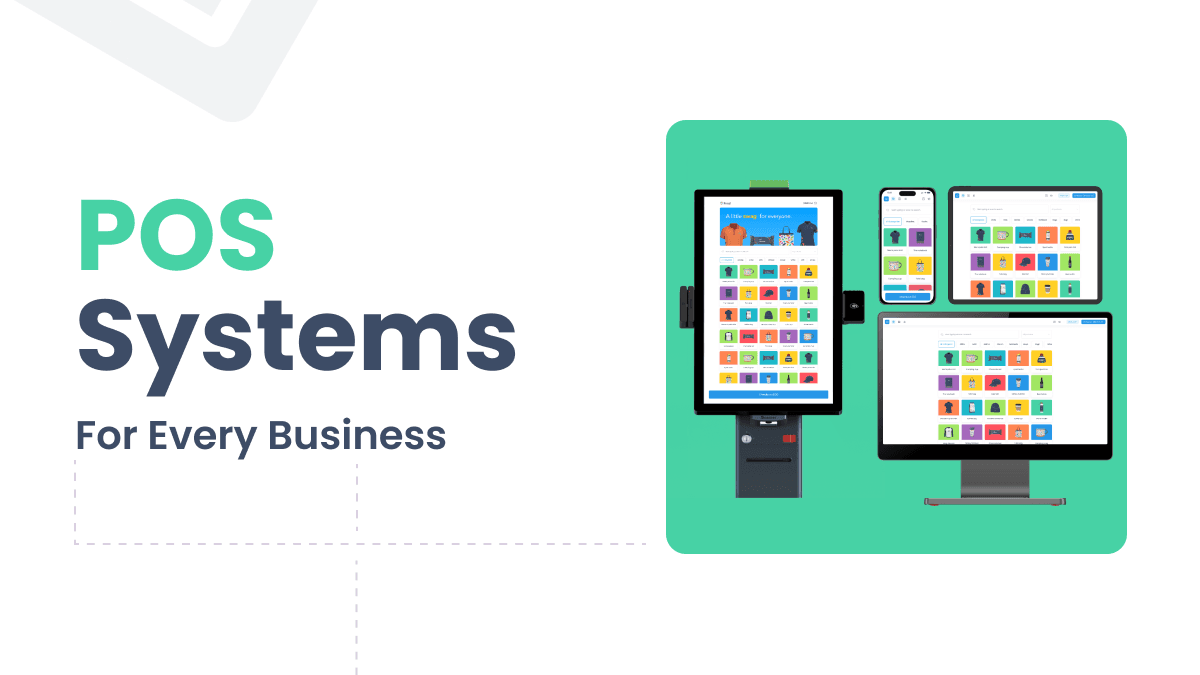
POS Systems for Every Business: Which Type is Right for You?
Not all POS systems work the same way. Compare traditional, cloud-based, mobile, and self-service kiosk options to find the best fit for your business.
2 years ago
Read more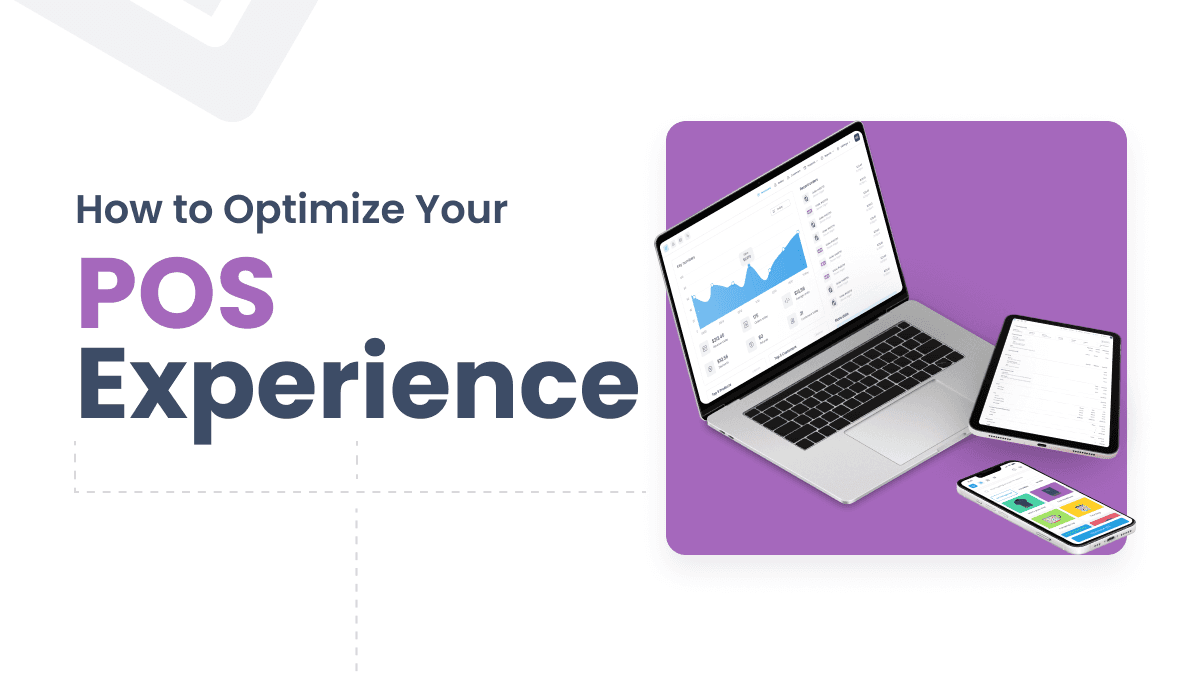
How to Optimize Your POS Experience for Retail Success
Optimizing your POS experience improves checkout speed, staff efficiency, and customer satisfaction. Learn the key strategies retailers use to boost retail performance.
2 years ago
Read more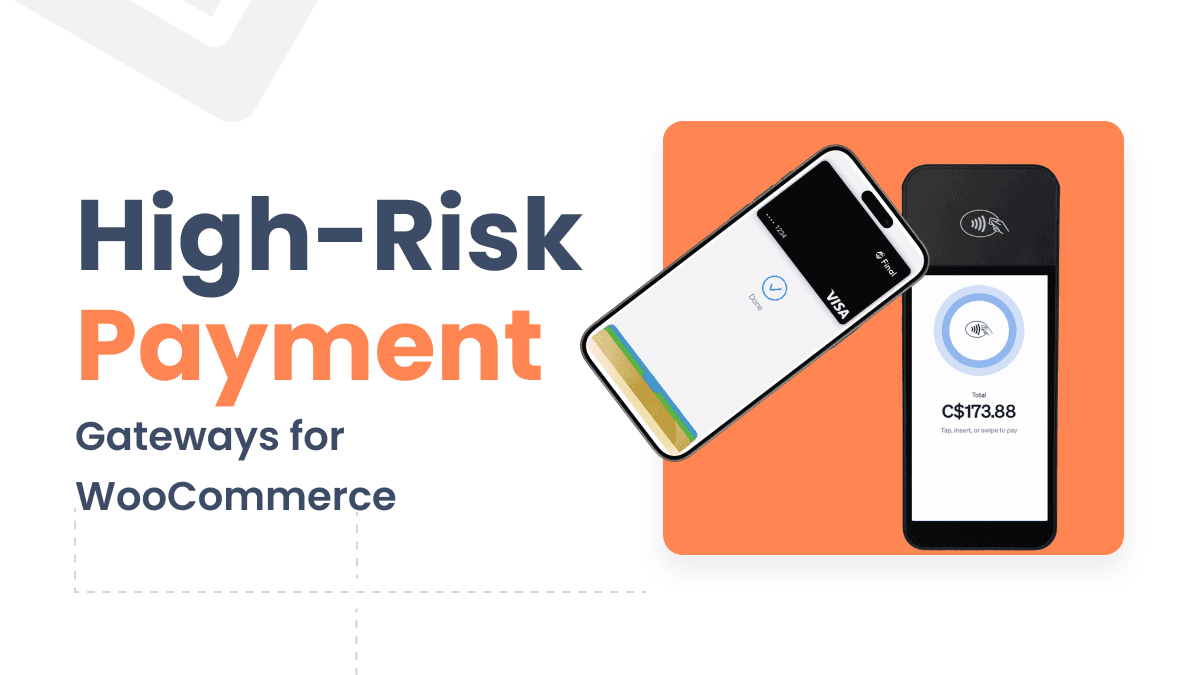
High-Risk Payment Gateways for WooCommerce: A Comprehensive Guide
Find the right high-risk payment gateway for your WooCommerce store. This guide covers top solutions, setup steps, and best practices for merchants in challenging industries.
2 years ago
Read more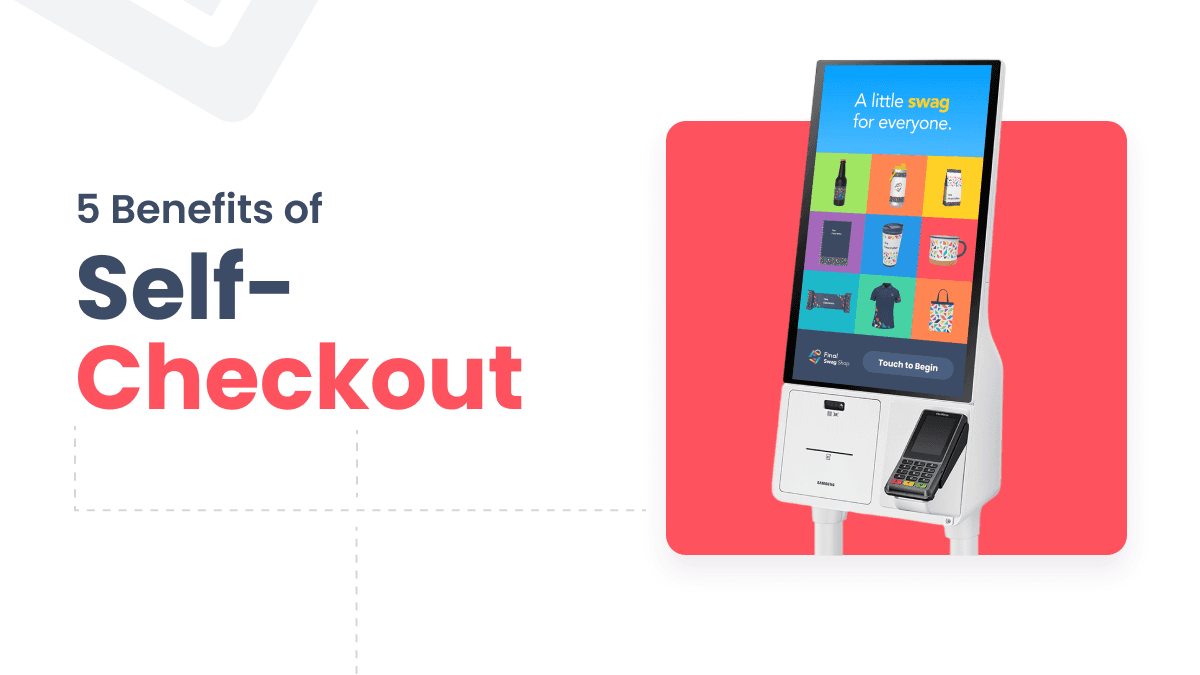
5 Benefits of Self-Checkout That Will Save You Time and Money
Self-checkout reduces wait times, gives customers more control, and generates data that helps businesses grow. Here are five key benefits worth knowing.
2 years ago
Read more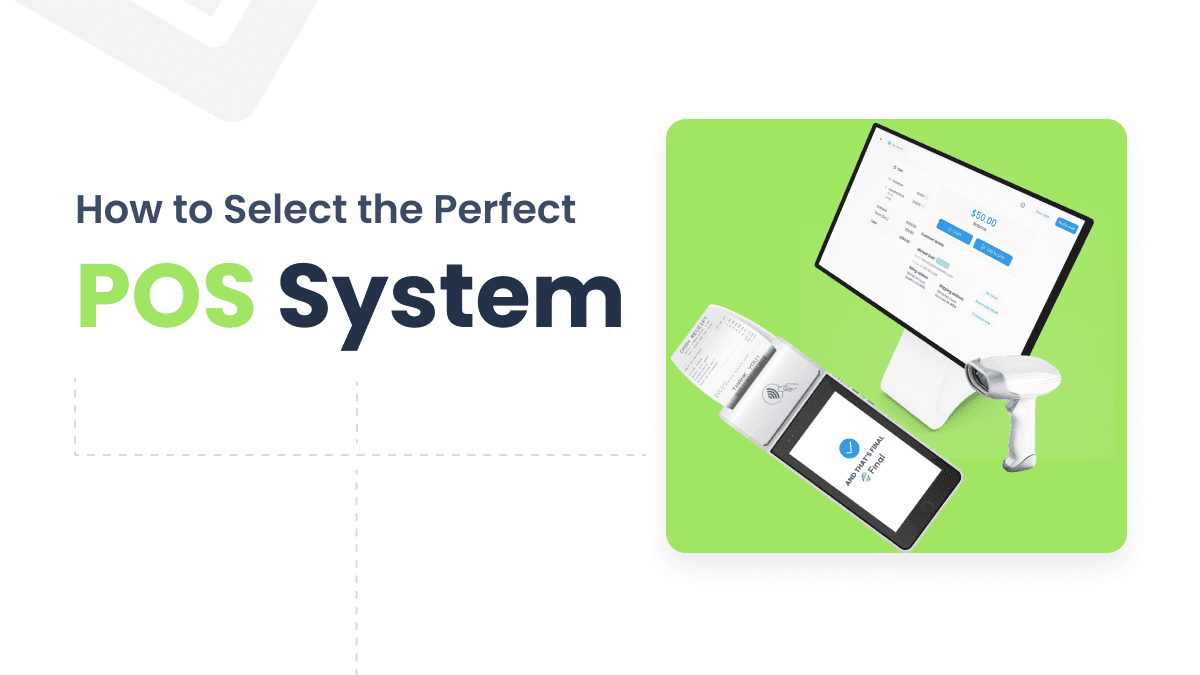
How to Select the Perfect POS System for Your E-commerce Store
Choosing a POS system for your e-commerce store means aligning inventory, payments, and data across every channel. Here's what to evaluate before you decide.
2 years ago
Read more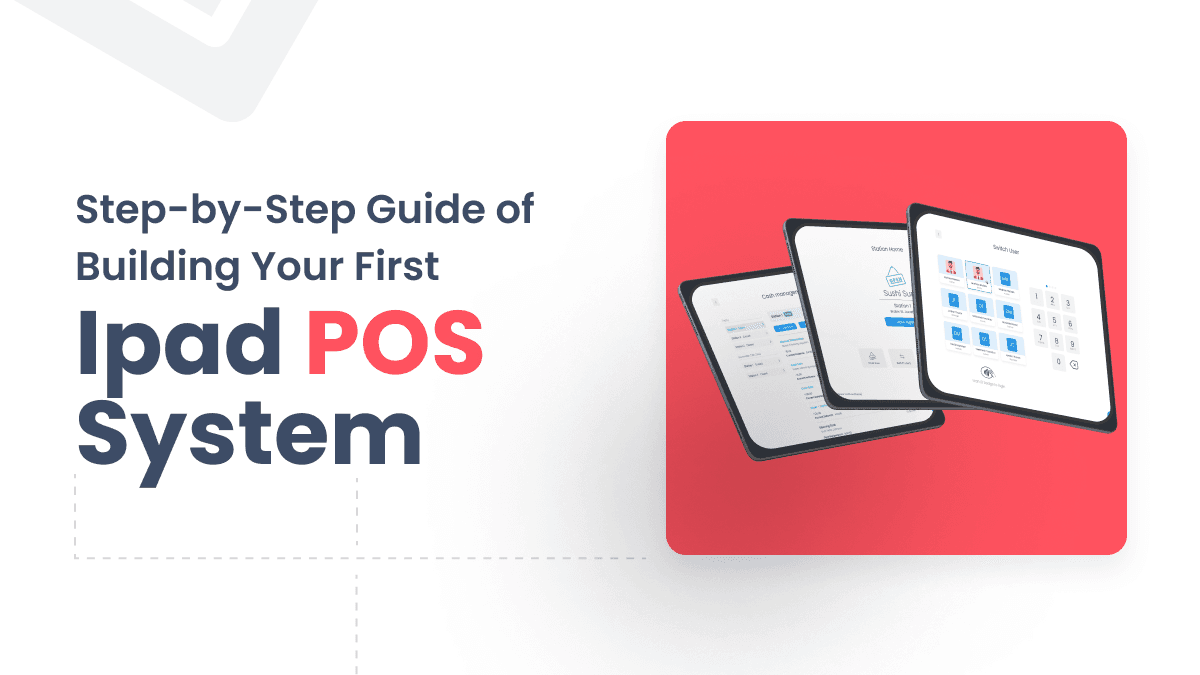
Building Your First iPad POS System: Step-by-Step Setup Guide
Learn how to set up an iPad POS system from scratch, covering hardware selection, software installation, payment processing, and network security.
2 years ago
Read more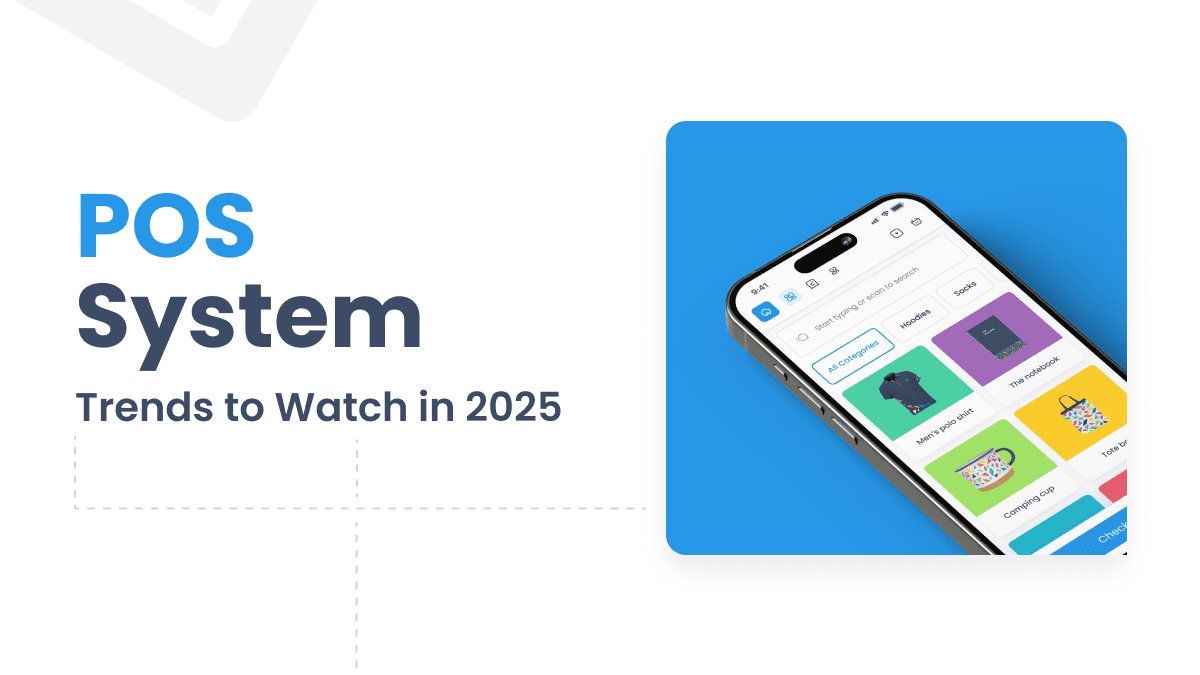
10 Future POS System Trends to Watch in 2025
POS system markets are set to reach $18.1 billion by 2025. Discover the top trends shaping future POS systems, from AI-powered analytics to biometric payments.
2 years ago
Read more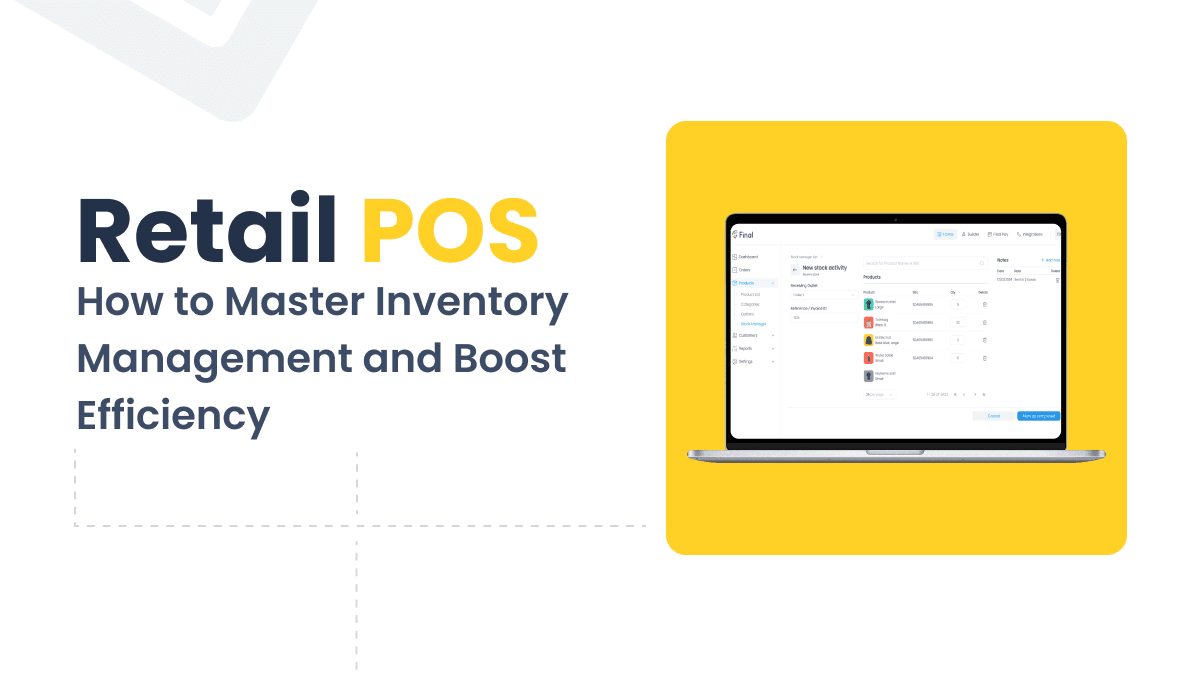
Retail POS Systems: How to Master Inventory Management and Boost Efficiency
Discover how retail POS systems move small businesses beyond manual tracking with real-time stock visibility, automated reordering, and smarter forecasting.
2 years ago
Read more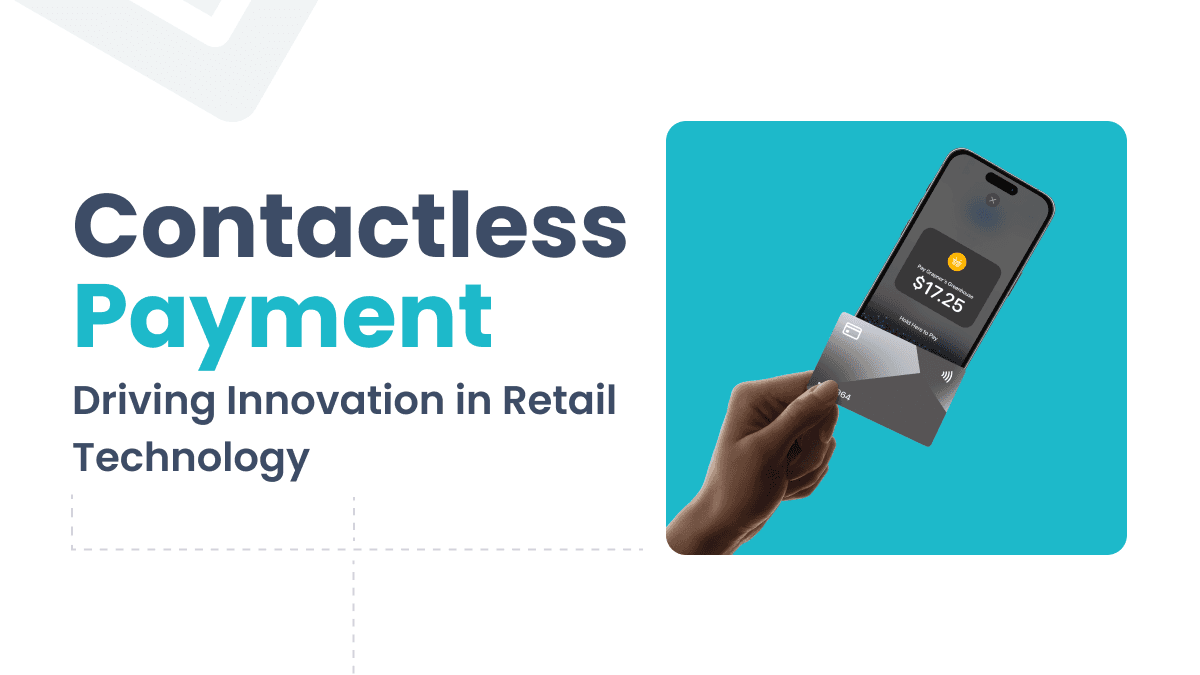
Contactless Payment (Tap to Pay): Driving Innovation in Retail Technology
Contactless payment adoption has surged 150% since 2019, reshaping how retailers handle speed, security, and customer experience at the point of sale.
2 years ago
Read more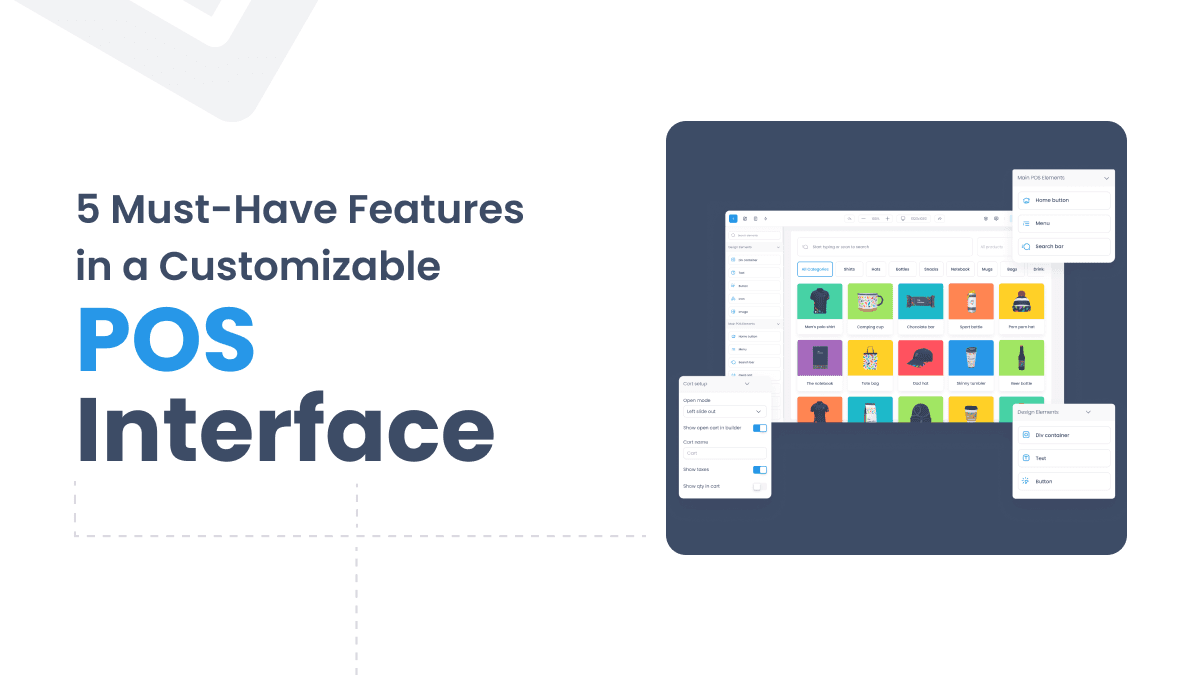
The Top 5 Must-Have Features in a Customizable POS Interface
A customizable POS interface adapts to your business instead of the other way around. Here are the five features that matter most.
2 years ago
Read more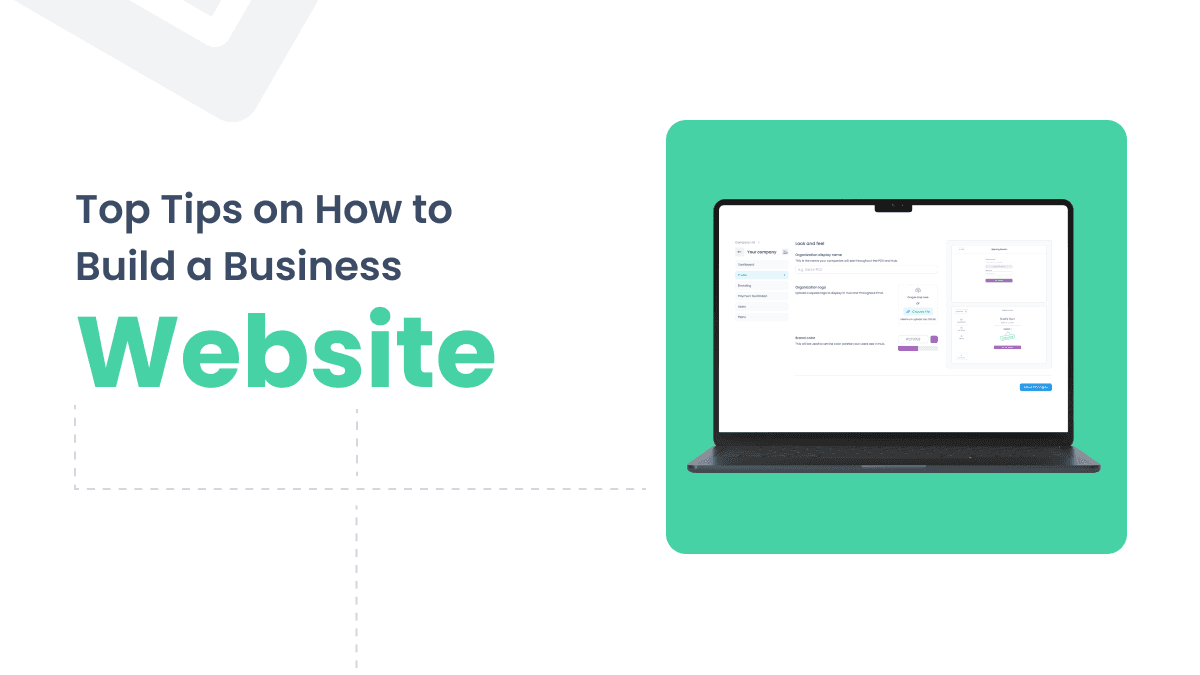
Top Tips on How to Build a Business Website in 2024
Building a business website in 2024 requires clear goals, the right domain and hosting, and well-crafted core pages that attract and convert visitors.
2 years ago
Read more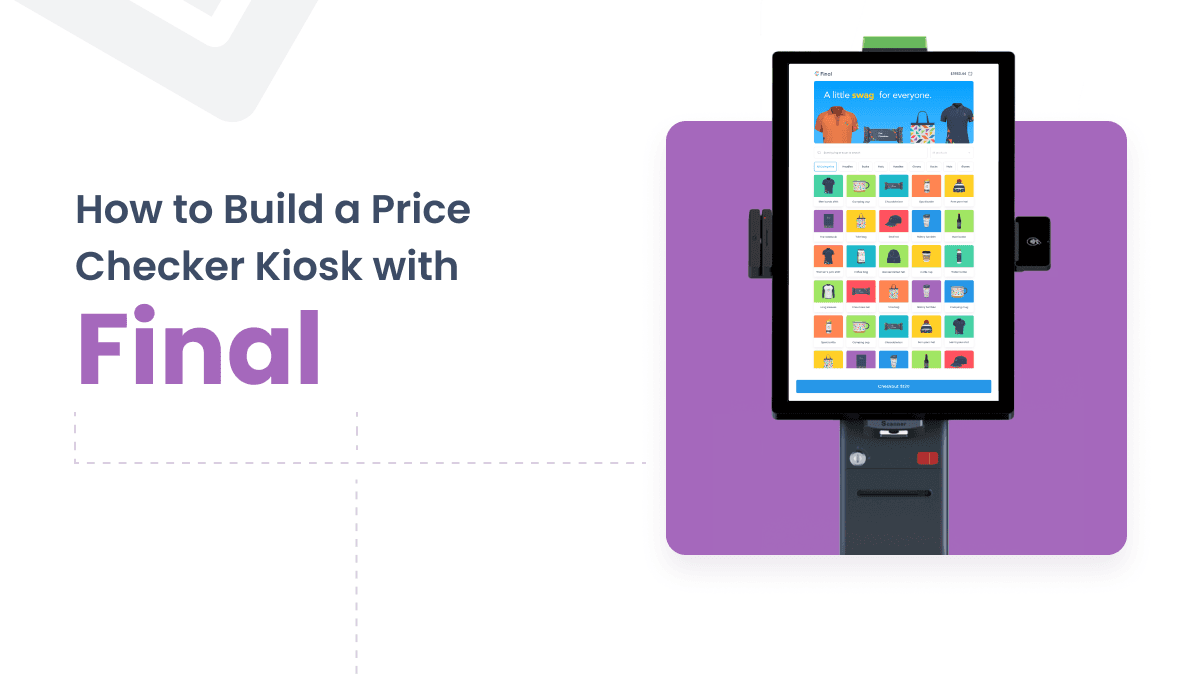
How to Build a Price Checker Kiosk with Final
Learn how to design and build a custom price check kiosk using Final Builder, from hardware selection to real-time inventory integration.
2 years ago
Read more
10 Essential Features to Look for in a Mobile POS System
Choosing a mobile POS system means knowing which features matter most. This guide covers 10 essentials, from intuitive interfaces to cloud-based inventory tools.
2 years ago
Read more
Implementing a POS System for Retail Stores: A Step-by-Step Guide
Setting up a POS system for retail stores involves more than picking software. This guide covers hardware, layout, workflows, security, and performance monitoring.
2 years ago
Read more
Walmart Removing Self-Checkout: A Shift Back to Traditional Lanes
Walmart is removing self-checkout lanes in select stores, citing theft concerns and customer experience. Other major retailers are following the same path.
2 years ago
Read more
What is a POS System? Complete Guide to Point of Sale Systems
A POS system combines hardware and software to process sales, track inventory, and manage customers. Learn how it works and how to choose the right one.
2 years ago
Read more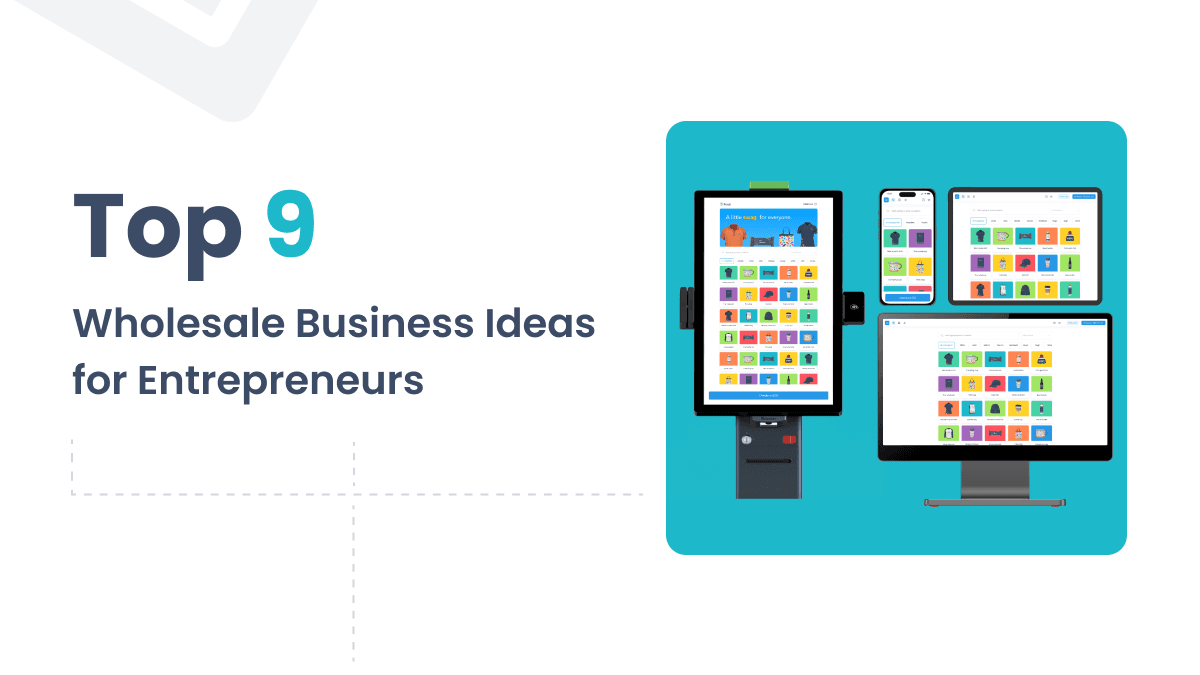
2024's Top 9 Wholesale Business Ideas for Entrepreneurs
Discover the top wholesale business ideas for 2024, from fashion and consumer electronics to pet care and home goods, and learn how to profit from bulk buying.
2 years ago
Read more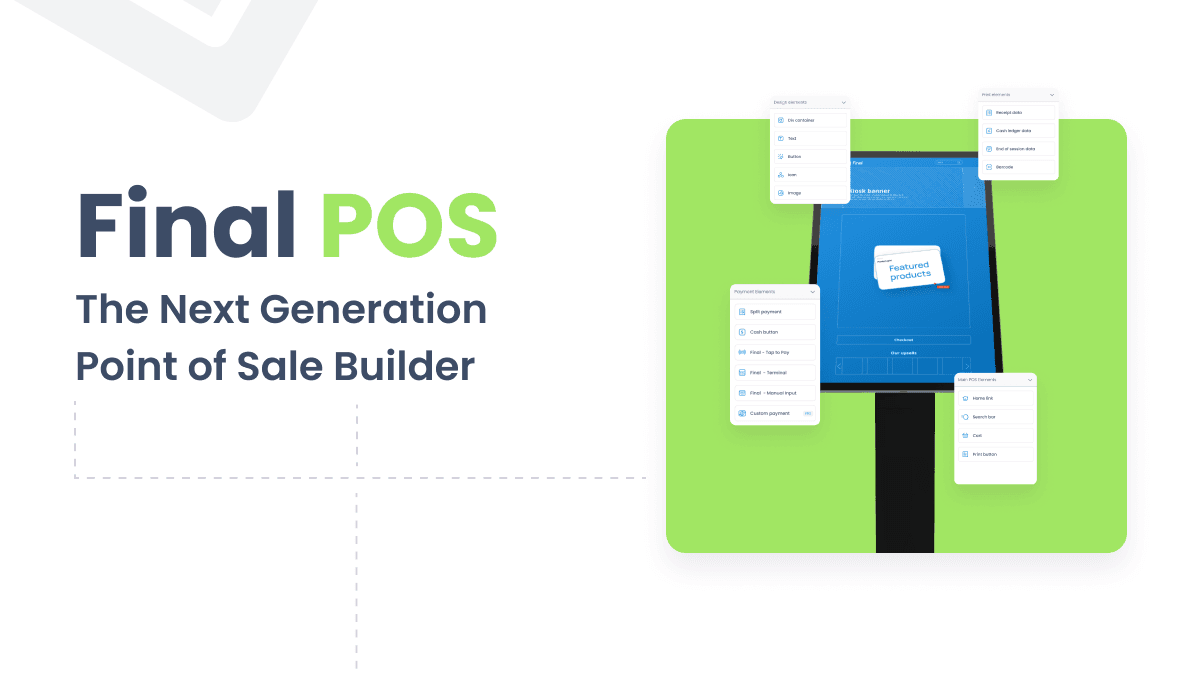
Introducing Final POS: The Next Generation Point of Sale Builder
Final POS is a next-generation point of sale builder that lets store owners, resellers, and developers create fully customized checkout experiences with ease.
2 years ago
Read more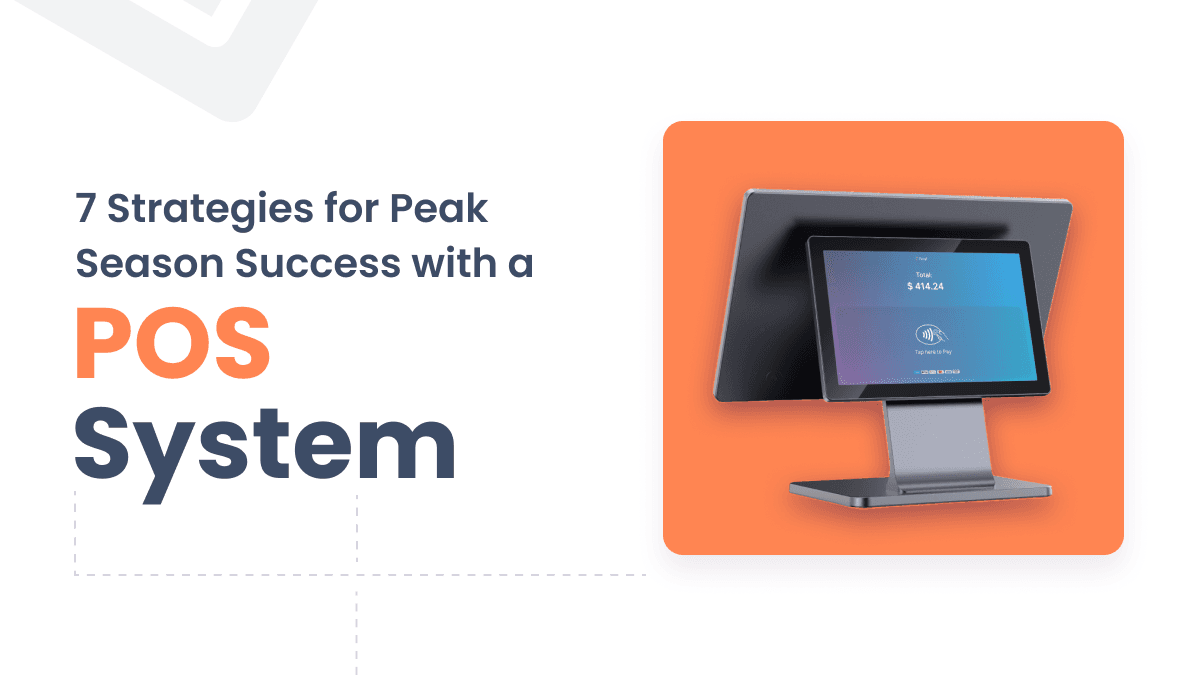
POS System Optimization: 7 Strategies for Peak Season Success
Discover 7 proven POS system optimization strategies to handle peak season surges, from inventory automation to staff training and real-time analytics.
2 years ago
Read more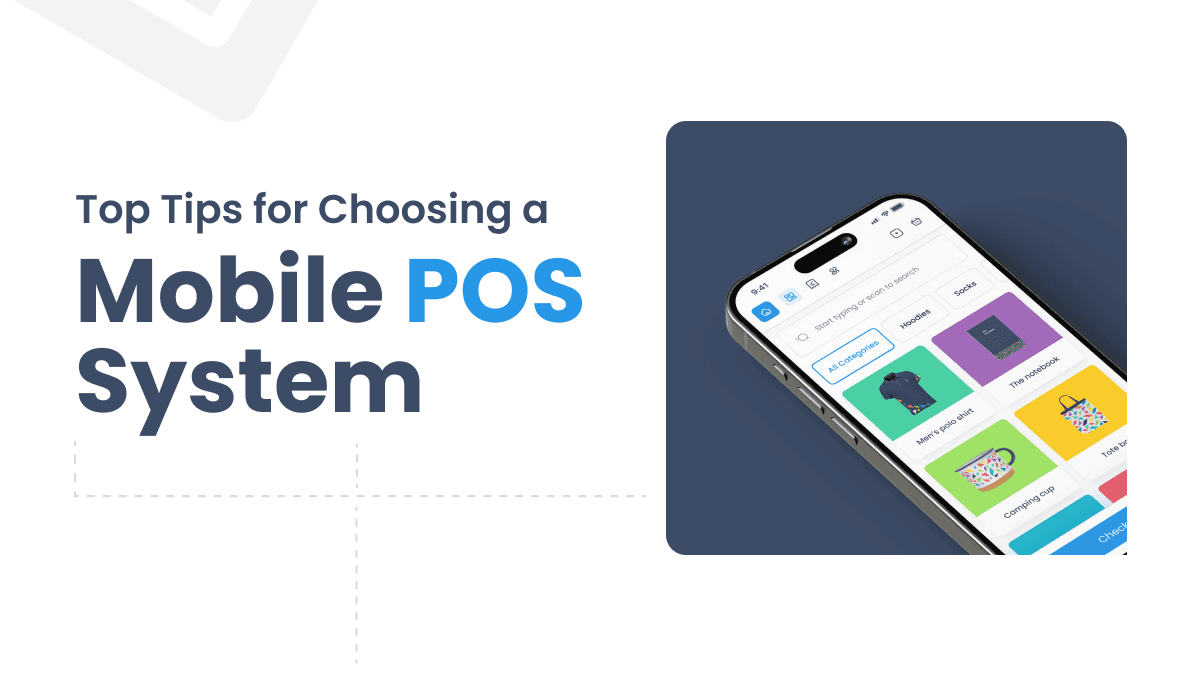
Top Tips for Choosing a Mobile POS System
Choosing the right mobile POS system depends on your business type, sales environment, and growth plans. Here's what to evaluate before you decide.
2 years ago
Read more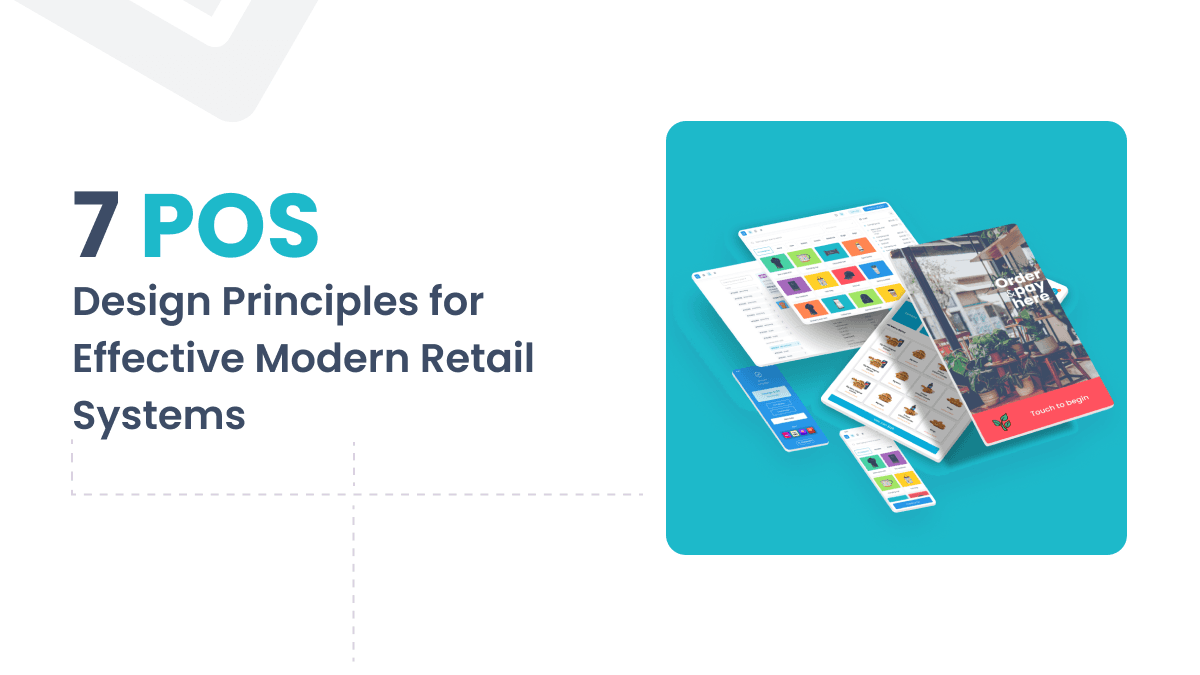
POS System Design: 7 Key Principles for Effective Modern Retail Systems
Good POS system design affects sales, staff efficiency, and customer experience. These 7 principles show what separates a great system from a frustrating one.
2 years ago
Read more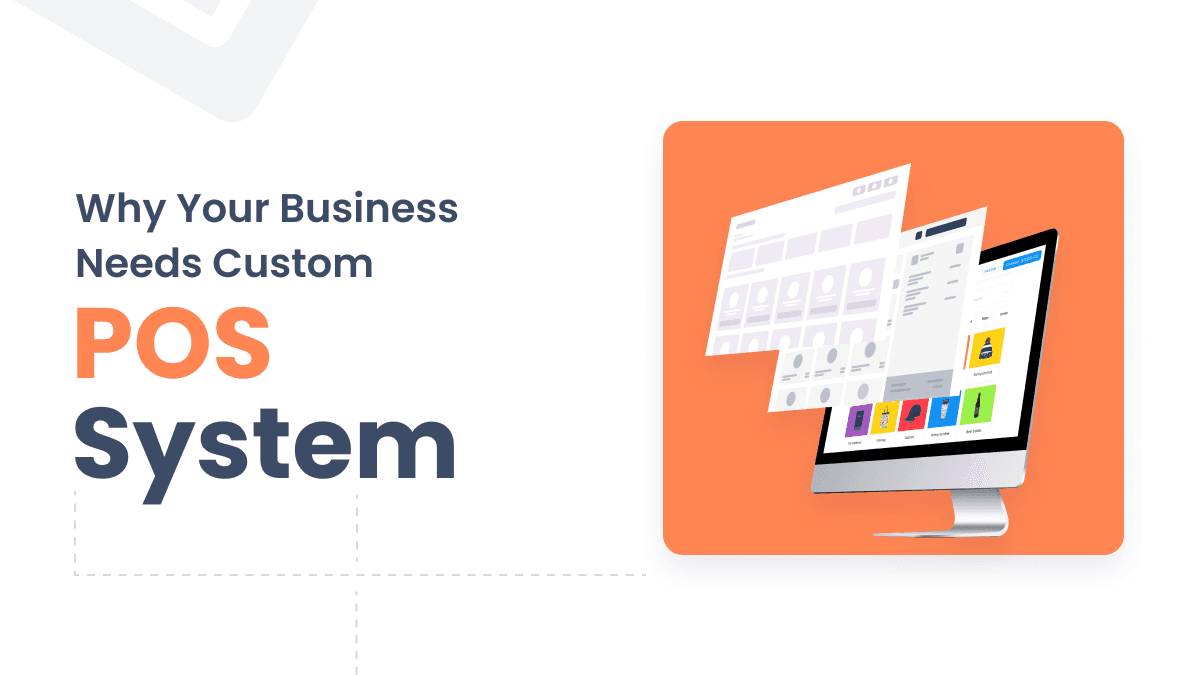
7 Reasons Why Your Business Needs Custom POS Systems
Custom POS systems do more than process transactions — they streamline inventory, strengthen security, and adapt to your specific business needs.
2 years ago
Read more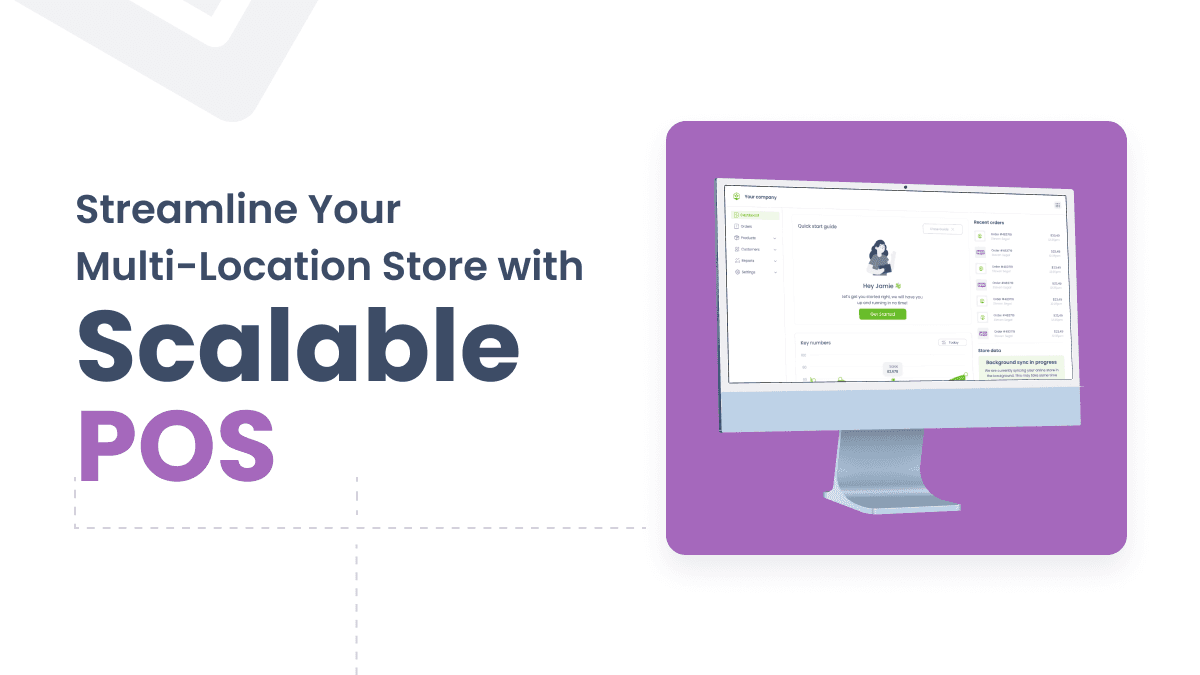
Streamline Your Multi-Location Store with Scalable POS
Running multiple retail locations is complex. A scalable POS system centralizes inventory, sales data, and customer management across every store.
2 years ago
Read more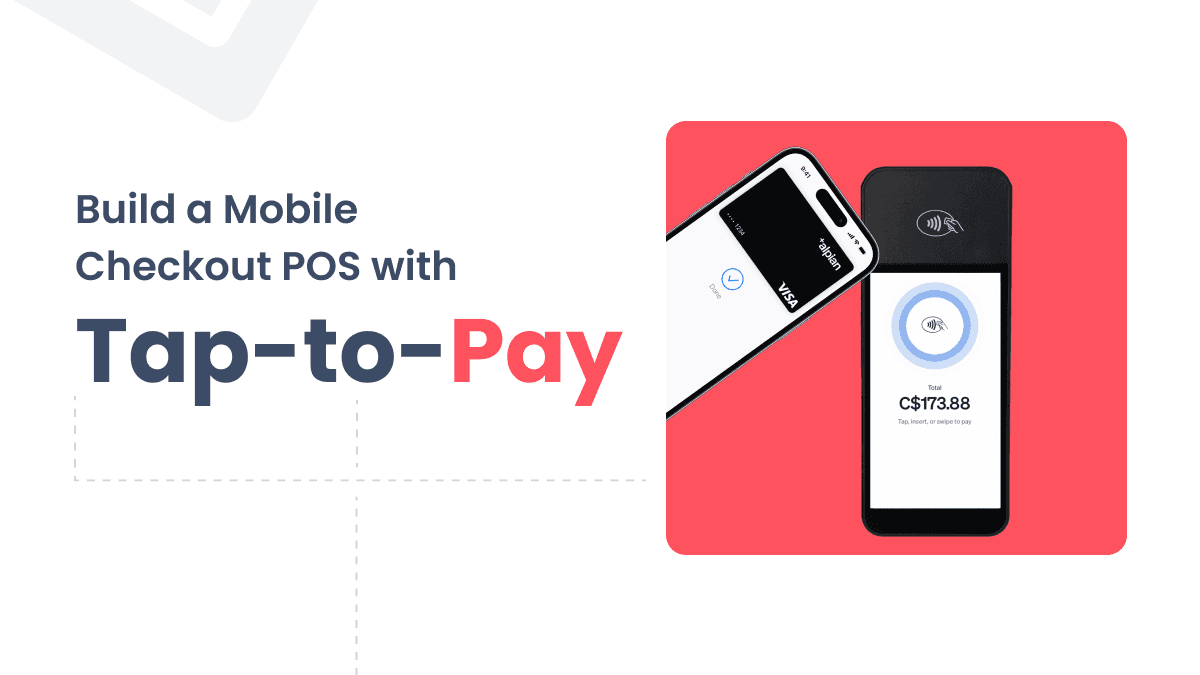
Build a Mobile Checkout with Tap-to-Pay in Minutes: The Ultimate Guide
Turn your smartphone into a payment terminal with Final POS. This guide shows how to build a mobile checkout with tap-to-pay in just minutes.
2 years ago
Read more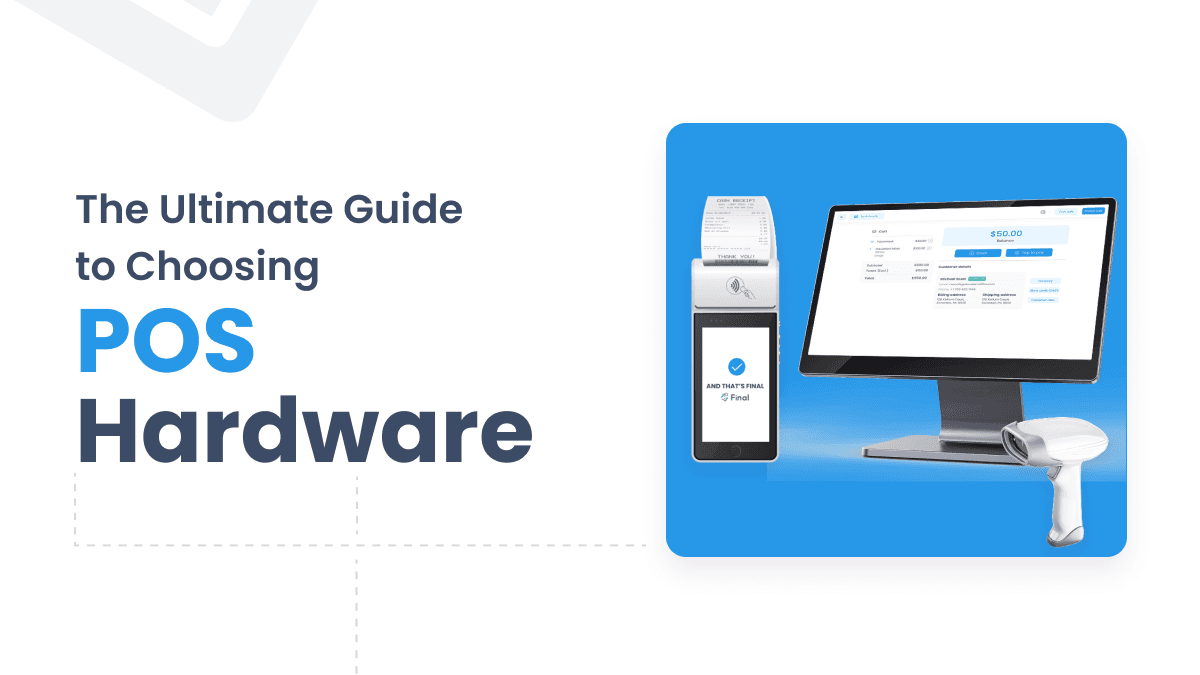
The Ultimate Guide to Choosing POS Hardware for Your Business
Choosing the right POS hardware affects checkout speed, inventory accuracy, and customer experience. This guide covers components, costs, and what to evaluate before buying.
2 years ago
Read more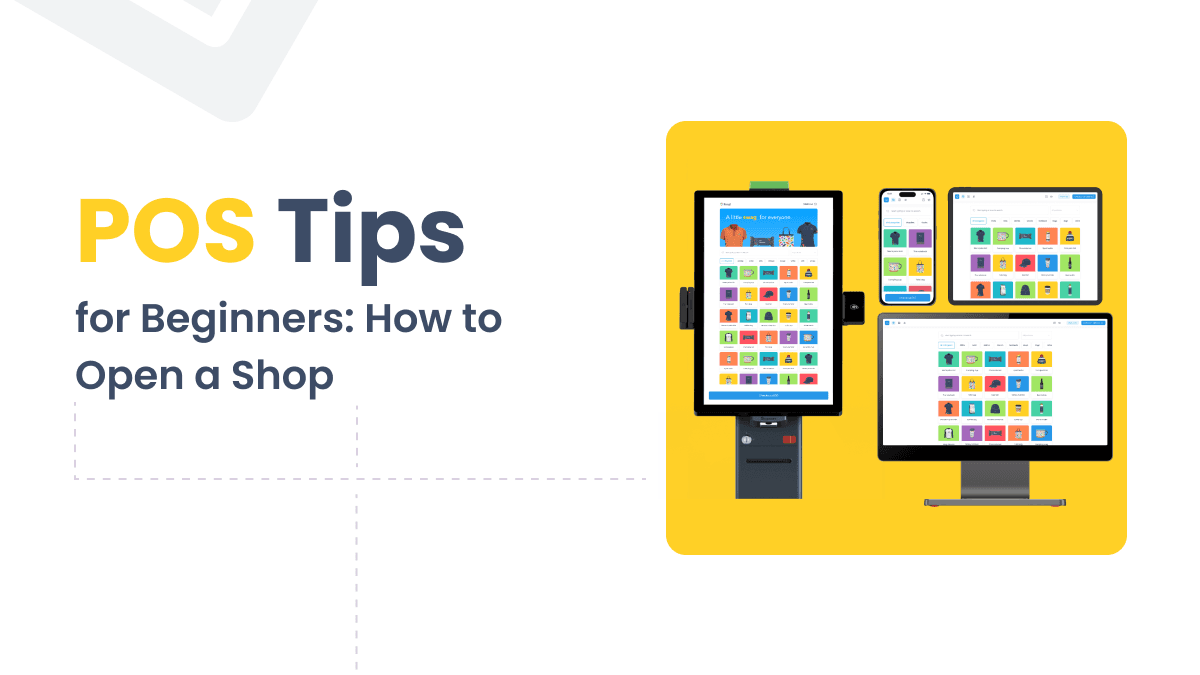
How to Open a Vape Shop: Essential Tips for Beginners
Opening a vape shop requires careful planning, the right licenses, and smart tools. This guide covers every step from business plan to launch.
2 years ago
Read more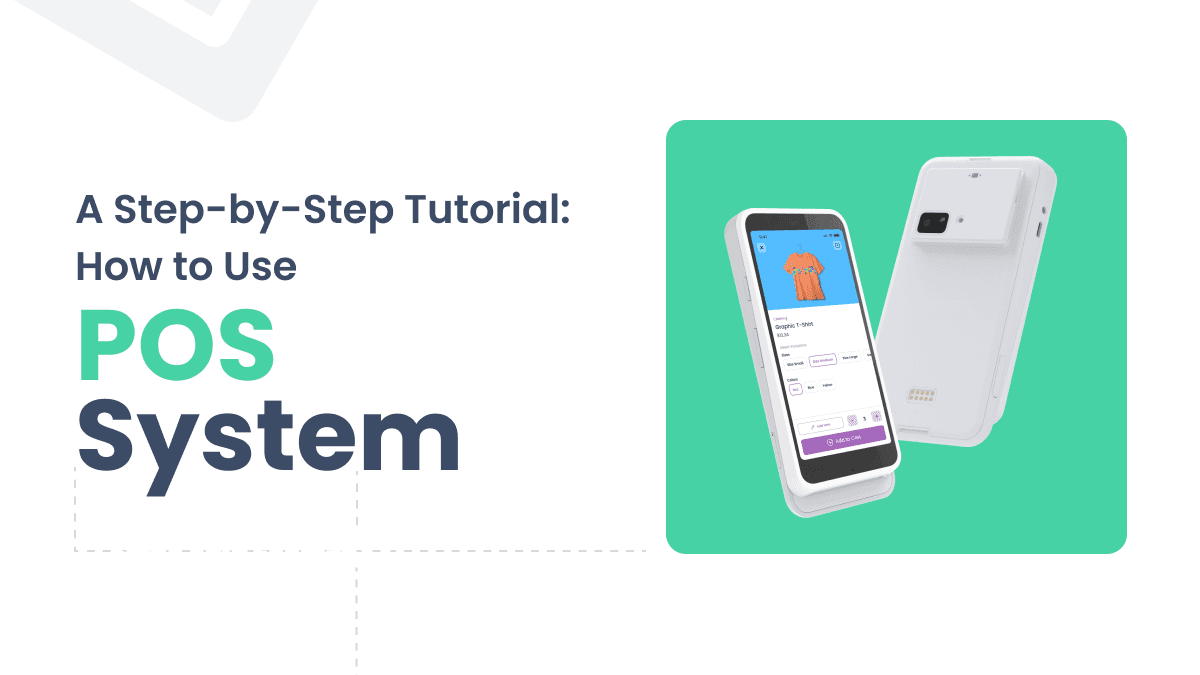
How to Use a POS System: A Step-by-Step Tutorial
This beginner-friendly guide walks you through how to use a POS system, from hardware setup and software configuration to processing payments and managing inventory.
2 years ago
Read more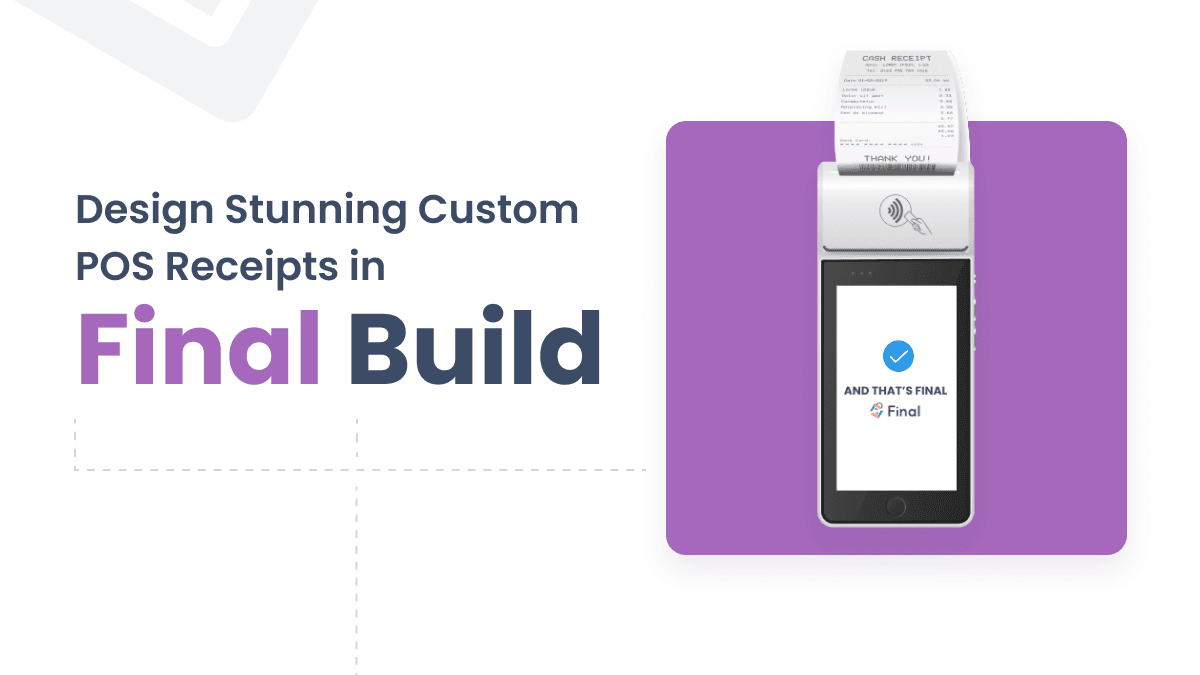
Receipt Builder Mastery: Boost Your Sales with Final POS
Learn how Final POS Receipt Builder lets you create branded receipts with logos, QR codes, and dynamic data fields to engage customers at every transaction.
2 years ago
Read more
10 Key Advantages of Cloud POS Systems for Your Business
Cloud POS systems offer real-time inventory tracking, automatic updates, and omnichannel consistency that traditional point-of-sale systems can't match.
2 years ago
Read more