



No more compromise.Your perfect POS starts here.
Enough workarounds. Get the tailored checkout experience your business truly deserves.
Get started now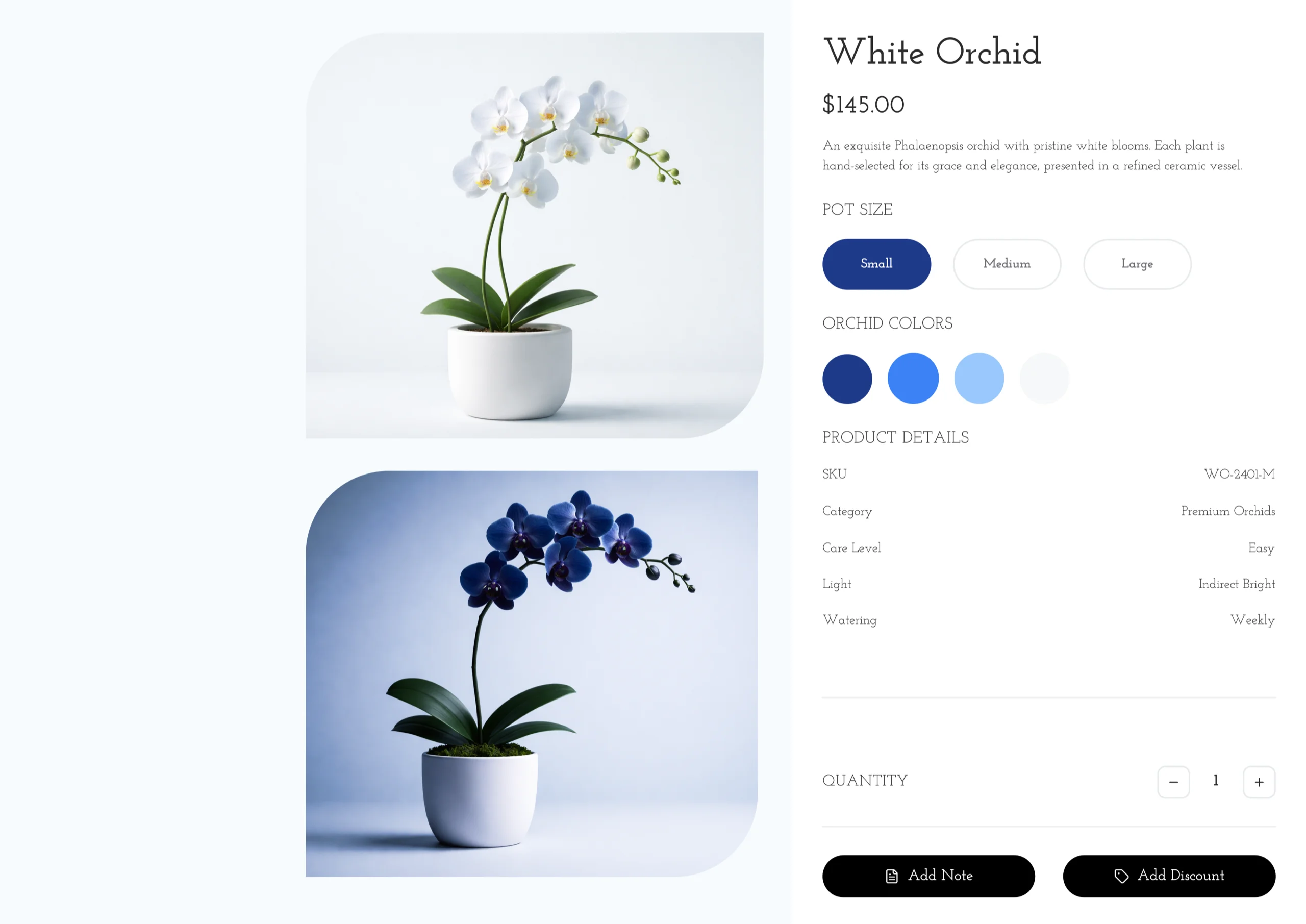
Why do merchants choose Final POS?
You didn't choose your POS,
you settled for it.
Prebuilt systems fundamentally can't accommodate everyone, but "good enough" became the status quo.
Which of these hidden costs have you been paying?
Your business is unique.
Your tools should adapt to it.
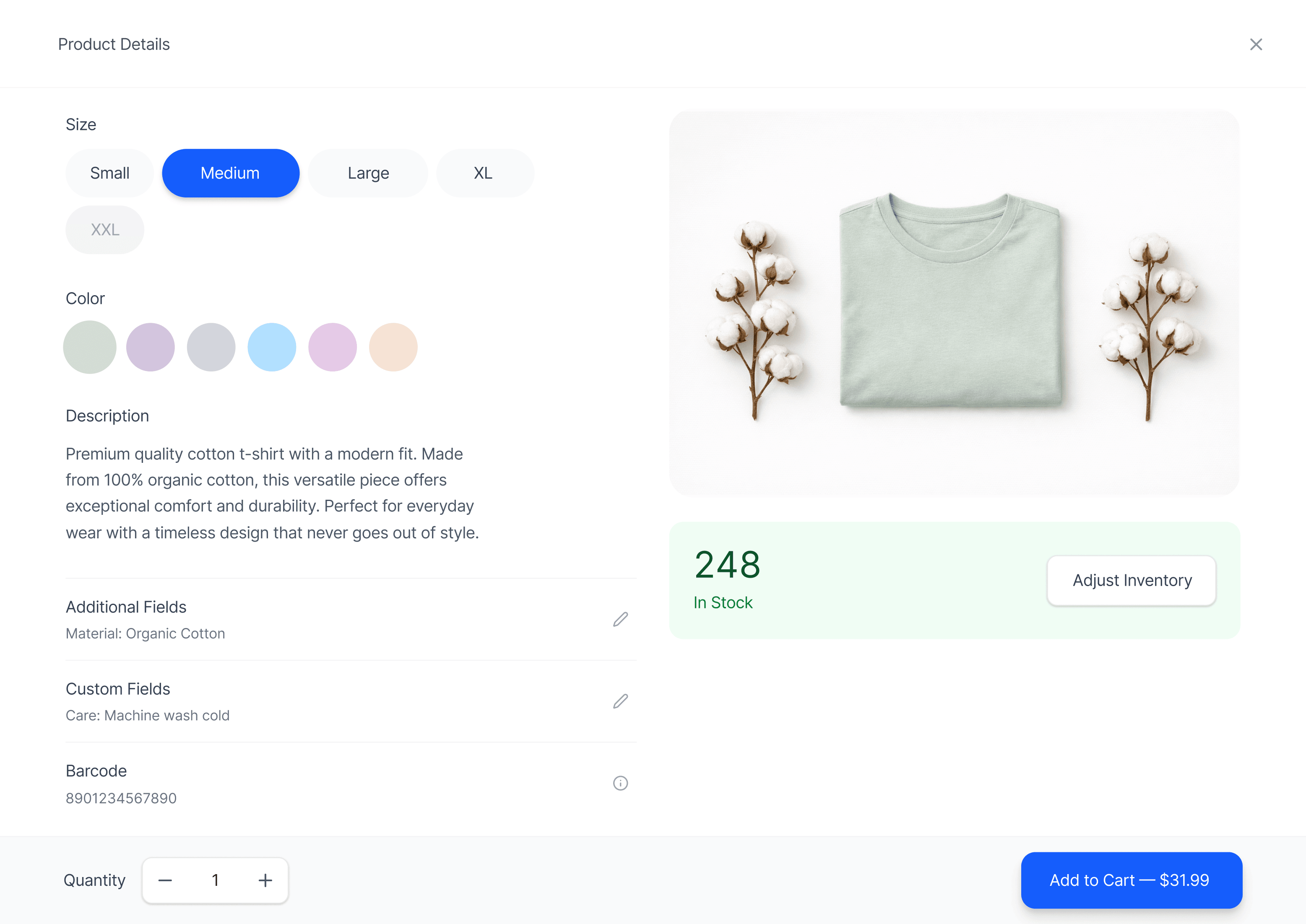
Final's workflow-first approach can handle the niche scenarios and specialized use cases where traditional POS systems fall short.
Become the boss of your POS.
Add whatever functionality you need, and expand on it anytime. That's the freedom of Final.
I want updates to go live instantly, without deploys or downtime.
I need precise control over what each staff member can do.
I want to customize receipts and printouts completely.
I want my POS to talk to other systems automatically.
I run multiple locations and want reporting that shows the full picture.
Create tailored workflows to support and elevate any in-person interaction
Start buildingMailing List Signup Kiosk
Food Ordering Kiosk
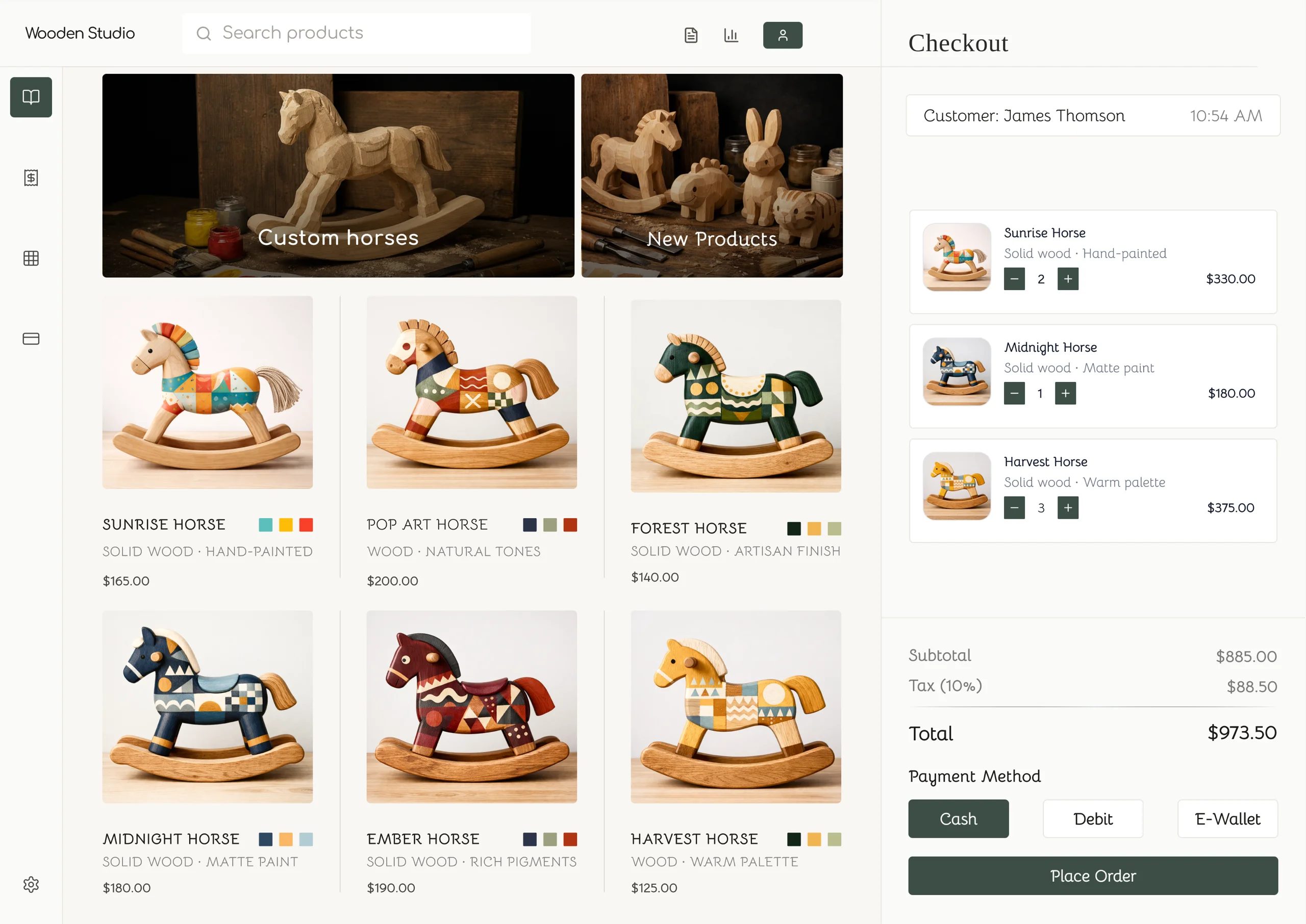
Quick Service / Coffee Shop
Mobile / DIY payments
Personalized Shopping Assistant
Your customers see your brand,
not a generic checkout
Your customers feel your brand wrap around every moment of their checkout journey.
How do I set up Final POS for my business?
Setup to first sale in 4 simple steps.
Seriously, that's it.
We guide you through every step. Just follow along and you're live.
Get started now Step 1
Build the POS of your dreams in minutes, without code
Final's AI Assistant builds your branded POS from curated presets.
 Step 2
Manage your company in one convenient dashboard
Add outlets, configure taxes, import products, and set team roles.

