


Self-Service Kiosk · Quick Service
Quick Service Kiosk
Self-ordering kiosk with direct kitchen routing and pay-at-counter options.
- Price
- Free
- Version
- v2.2.0
- Published
- Updated
- Maker
 Final
Screens
3 screensAbout this flow
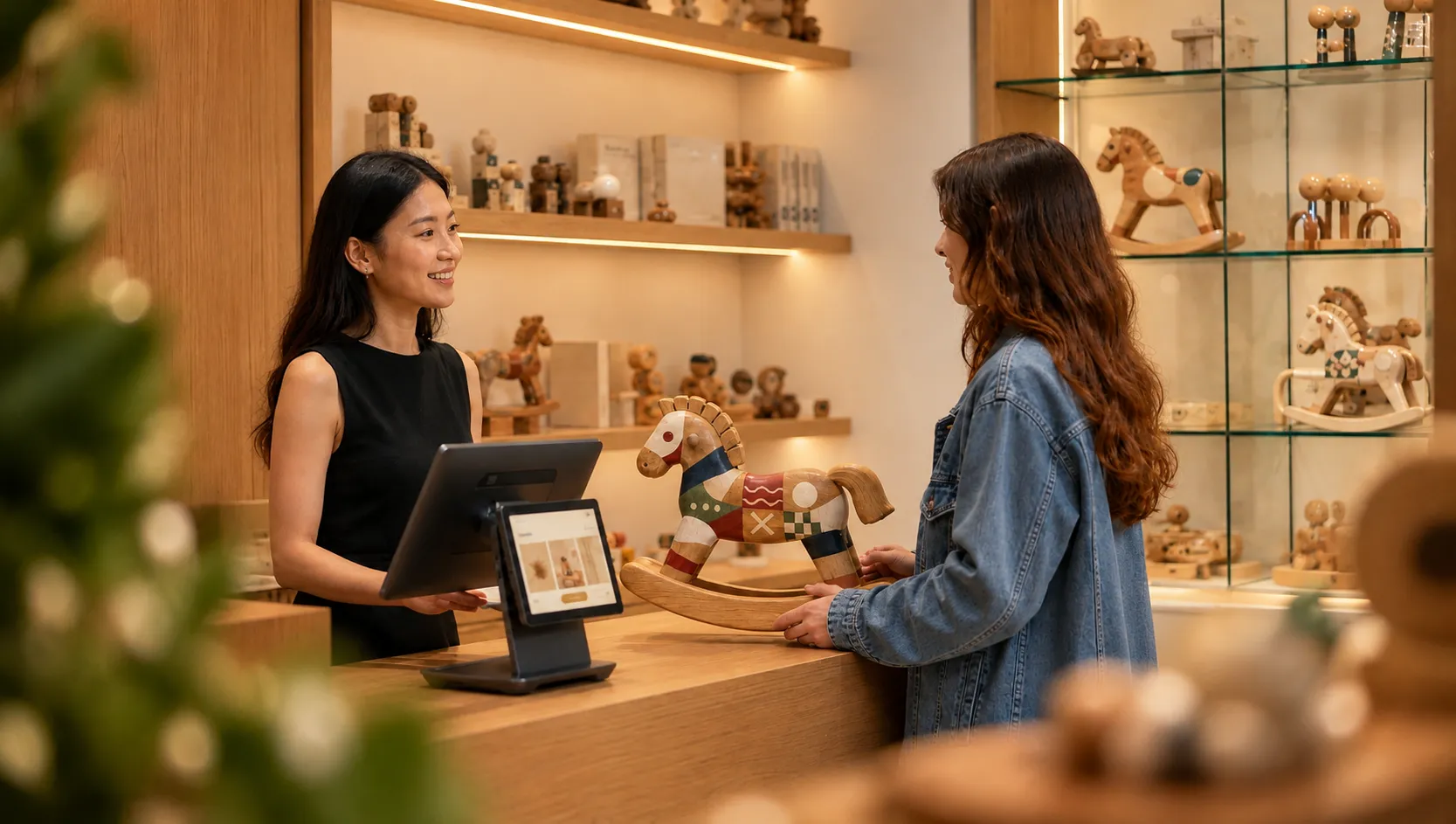
A streamlined self-service kiosk engineered for quick-service restaurants and busy food spots. Customers can browse visual menus, customize product variants, pay on-screen with integrated card readers or defer payment to the counter, and route tickets straight to the kitchen display.
What it can do
- Direct Kitchen Ticket Routing
- Dispatches paid and pay-at-counter orders straight to the kitchen display line with a dedicated in-kitchen status.
- Pay Here or Pay at Counter
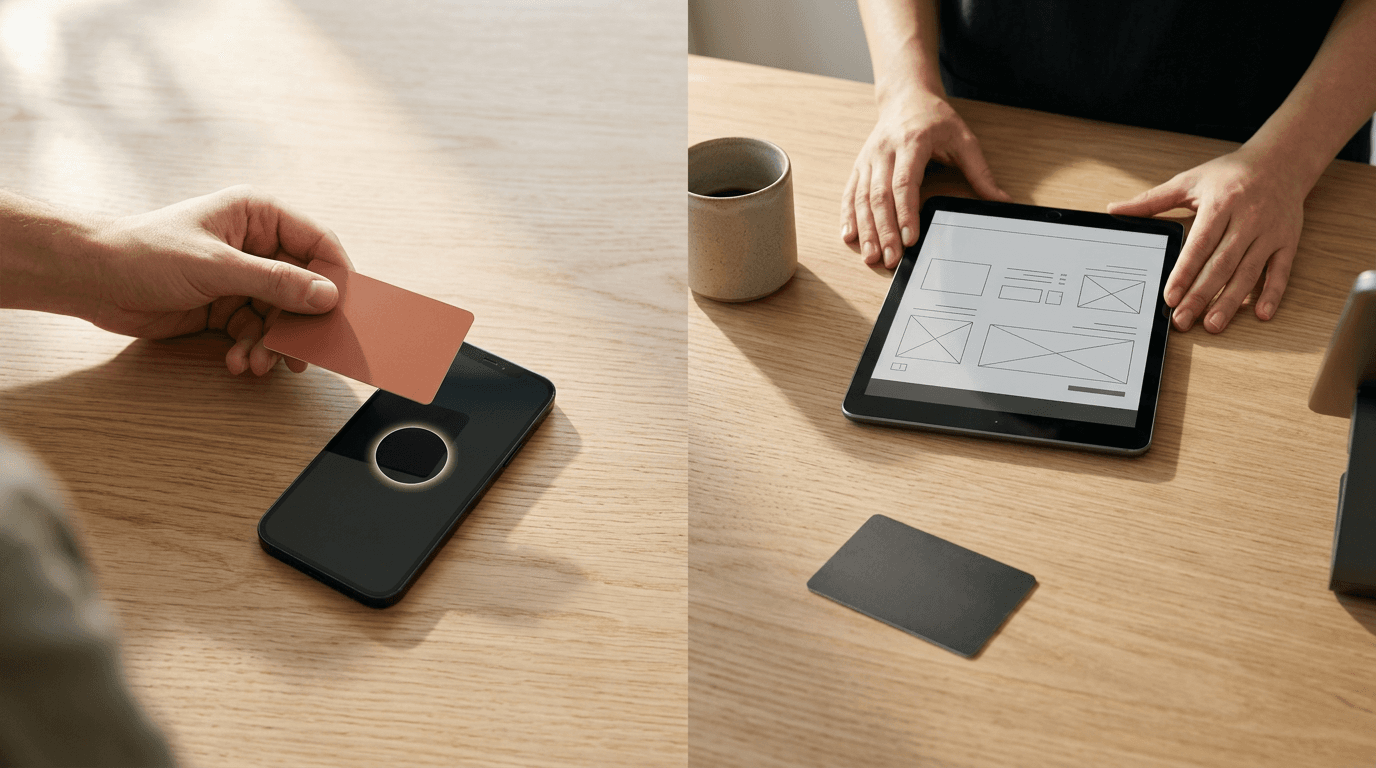
- Supports contactless card tenders directly on the terminal or frees the kiosk for the next customer with cashier settlement.
- Configurable Menu Visuals
- Switch between editorial, compact, photo-focused, or text-only tile styles alongside customizable category rails.
- Unattended Session Reset
- Automatically clears stale orders and resets to the attract screen after inactivity while safely latching in-flight card payments.
- Variant Selection & Inventory Caps
- Lets customers configure variable menu options while honoring host-authoritative stock limits.
Changelog
- v2.2.0Live
"Pay at the counter" orders are never sent to the kitchen unpaid. If setting Waiting for payment fails, it retries and flags the order so the counter still lists it.
- v2.1.3
Republished v2.1.3 with no functional changes.
- v2.1.2
"Pay at the counter" orders are held as "Waiting for payment" and only go to the kitchen once the counter takes payment, so nothing is cooked for a customer who walks away. The confirmation screen now says the order starts once paid.
- v2.1.1
Pay-at-the-counter orders now always print a slip: big order number, a boxed "Pay at the counter" with the amount due. Paid receipts also lead with the big order number to watch for on the order screen.
- v2.1.0
Added a hidden staff exit: hold the top-left corner for 2 seconds, or press H, for a PIN-protected Back to Station Home. Nothing is visible to customers.