



Self-Service Kiosk · Retail
Virtual Line
Turn existing POS hardware into a multi-station queue with printed stubs.
- Price
- Free
- Version
- v1.9.0
- Published
- Updated
- Maker
 Final
Final
Screens
2 screensAbout this flow
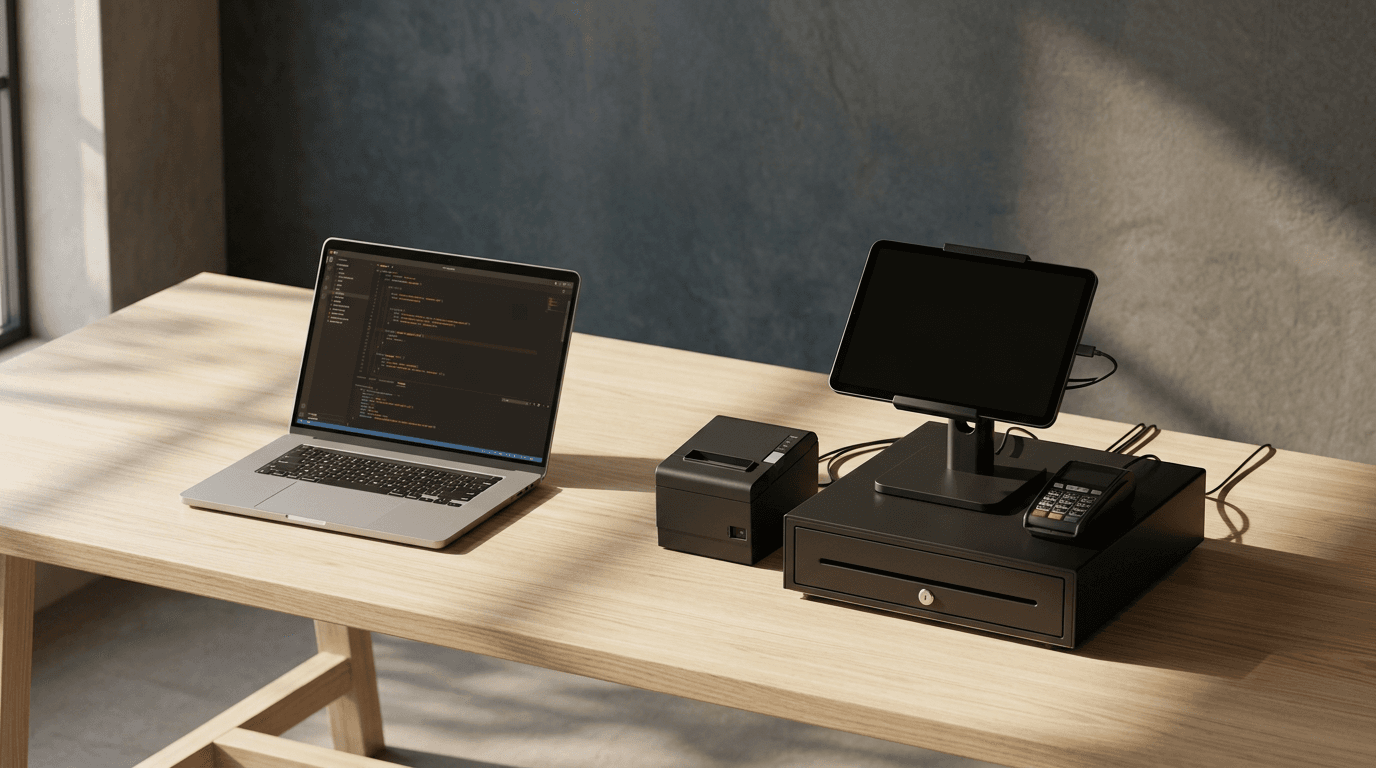
Virtual Line replaces costly dedicated take-a-number hardware with an integrated queue system running across your existing devices. One station acts as an unattended self-service kiosk to issue physical printed stubs, while staff counters call, recall, or resolve tickets with a single tap. Paired customer-facing displays keep waiting patrons informed in real time.
What it can do
- Physical Stub Dispenser
- Unattended customer kiosk prints thermal numbered stubs with zero extra setup hardware required.
- One-Tap Call Next
- Staff counters show the exact next ticket and let team members advance the queue with a single press.
- Synchronized Station Roles
- Runs as an unattended ticket kiosk, active staff counter, or read-only lane sign across multiple devices.
- Conflict-Free Claiming
- Decentralized state engine allows multiple counters to pull tickets concurrently without colliding.
- Split-Flap Lane Displays
- Shows animated, high-legibility numbers on customer-facing screens to catch attention across the room.
Changelog
- v1.9.0Live
A counter no longer flips a customer it just served, no-showed or recalled back to "waiting" when the station's sync briefly hands back an older copy (platform bug FC-336). For 30 seconds after the host confirms a counter's change, that counter keeps its own copy unless another station has genuinely changed the ticket. The counter's own "now serving" is protected the same way. A refused save ends the protection. Built against command-frame 0.9.0. Temporary: remove when FC-336 ships.
- v1.8.0
Number length is now an install option, Numbers to skip is gone, and a new counter arrives ready to call. - Number length (01–99 or 001–999) moved from the Set up screen into the install options. The Panels shadow option was retired to make room. - Numbers to skip removed from Set up. Every number in the range is used. - A counter now opens its lane when chosen, instead of arriving closed with Call next disabled. An "Open lane" button sits under Call next when the lane is closed. - The counter no longer warns about a missing display in shops that never had one. It only reports a display that was connected and stopped responding. - Fixed: switching a counter to the kiosk and back could bring back a customer it had already let go. - Set up's "line is full" message no longer tells staff to switch to three digits.
- v1.7.0
The kiosk waits for the printer's answer before clearing the screen. An independent review found that a customer could be left with no idea their ticket hadn't printed. The number used to clear after three seconds while a jammed or unresponsive printer took up to eight to report — so the "No ticket printed" message, which exists for exactly that situation, arrived after the screen had already moved on and was never shown. Now the screen stays up until the paper question is answered, then holds the answer long enough to read. A working printer still clears in about three seconds; a broken one shows the warning and clears in under six. The point at which an unanswered print is treated as a fault has come down from eight seconds to four, so a broken printer cannot hold up the queue for long. The counter was already being told about the fault correctly, and that is unchanged.
- v1.6.0
Taking a number does less work (batch 1b). - Handing out a number now reads one thing instead of three. The kiosk used to re-read the whole queue, every station and the line settings before it could give anyone a number; it now checks only the setting it actually needs. Measured at two host calls per customer instead of four, with numbering still running 01, 02, 03 in order. - The safeguards that stop the queue restarting at 01 mid-afternoon are unchanged, and now explicitly survive a partial read: a read that skips a table can no longer unlock numbering, clear the "Reconnecting" notice, or empty a list it never looked at. Verified in a preview with an injected printer fault, not on hardware. On a real station the remaining single read is still the slow part, so the speed you see will depend on how fast the queue tables answer.
- v1.5.0
Kiosk speed and honest printer handling (batch 1a). - The ticket kiosk is now self-sufficient: a status band carries now-serving and the waiting count, so a shop running one tablet and one desktop has a complete queue. The wall display is optional from here on. - Taking a number is fast. The printed stub no longer blocks the screen — the number appears as soon as the ticket is real and the print resolves behind it. The number holds for 3 seconds instead of 12, and the tap guard no longer blocks the next person in line. - A number that was saved is no longer reported as failed. The table is re-read before anyone is told there was a problem, so a slow save is recognised as the success it was instead of sending the customer to take a second number. - When a printer stops working, the counter is told. The banner names the station and how long it has been failing, and clears itself the moment a ticket prints again. It never guesses the cause — a jam and an empty roll are indistinguishable to a flow, and guessing sends staff to the wrong place. Not in this release: the slow pre-mint table read is still in the tap path, so the worst case is still slow. Nothing here has been independently verified or run on hardware.