



Bookable Products: Sell Time, Appointments, and Rentals from Your Catalog
Merchants can now create bookable products alongside standard products — covering rentals, appointments, overnight stays, and group sessions — with reusable booking rules, resource management, and server-side availability enforcement.
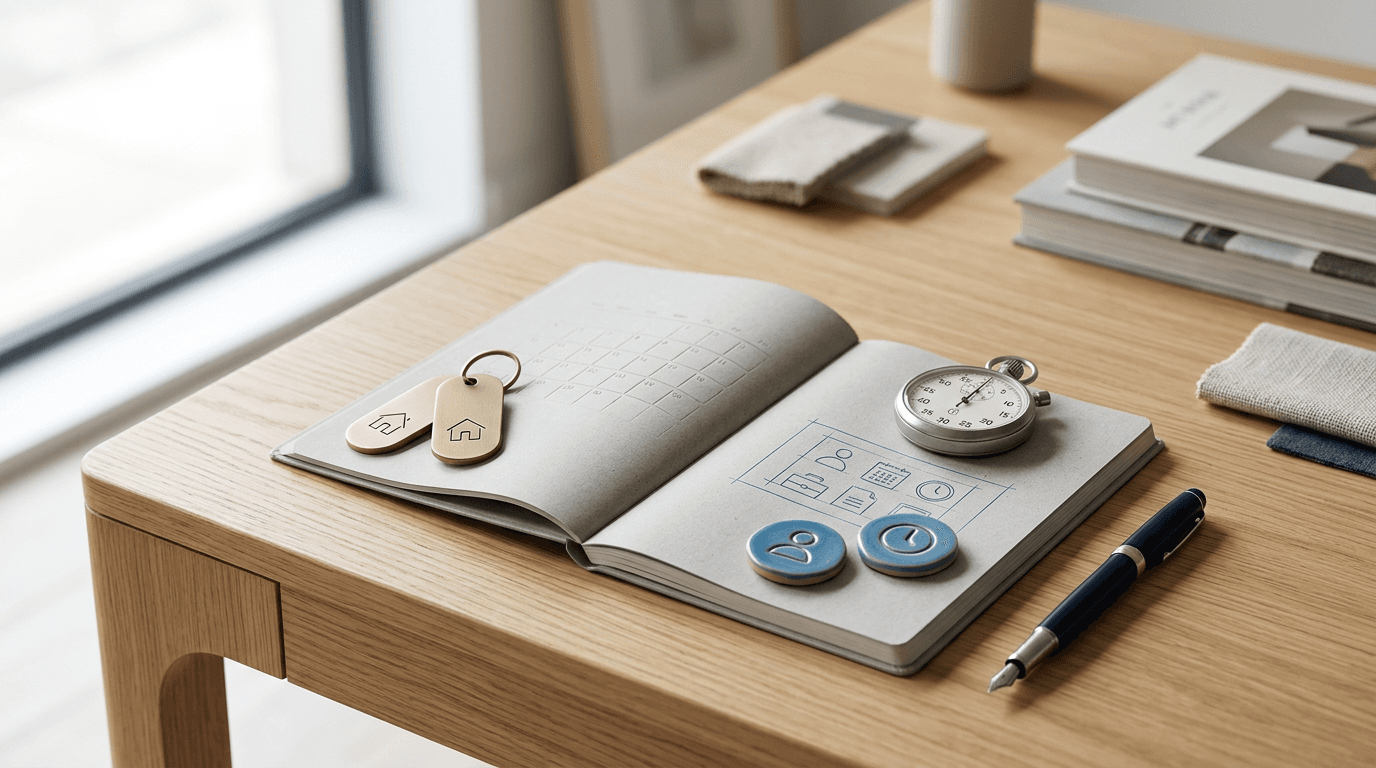
Bookable products are here
You can now list time-based offerings — a kayak by the hour, a treatment room by the night, a class with twelve seats — right alongside your standard products in the Merchant Hub. One catalogue, every kind of thing you sell.
What's new
A new product type: Bookable When you create a product, choose Bookable instead of Standard. The form adapts automatically: stock tracking, variants, and inventory blocks step aside, and booking-specific configuration takes their place. Bookable products get a dedicated badge in your product list and can be filtered independently.
Booking rules — set your schedule once, apply it everywhere Create a booking rule with your operating hours, slot length, buffer time, minimum notice, and maximum advance window. Set how you charge — per slot, per day, per night, per week, or per month — and attach the rule to as many products as you like. Update the rule once and every product using it stays in sync.
Resources — one directory for your people, rooms, and equipment Add each bookable asset — a staff member, a treatment room, a piece of rental gear — as a resource. Assign it to the right Outlets and set its available days. Resources are reusable across products, so you add each one only once.
Four booking archetypes supported from day one
Equipment and asset rentals (kayaks, gear, vehicles)
One-on-one appointments and services (haircuts, consultations)
Overnight stays and accommodation (rooms, cabins)
Group sessions and classes (capacity per slot)
Server-side availability enforcement Availability is checked and enforced on the server for every booking path — customer self-service through a flow, staff at the POS, and back-office operators. Two simultaneous requests for the last available slot? The first one wins; the second gets a clear conflict response. No double-bookings.
Staff override for edge cases Authorized staff can override availability limits when booking at the POS or in the back office — for VIPs, emergencies, or manual exceptions — with an explicit confirmation step and a logged record of the override.
Booking history on the product detail page Every bookable product's detail page now includes a Booking Configuration card showing the attached rule and assigned resources, plus a Booking History log of all orders associated with that product.
Orders work the way you'd expect Booking orders follow the same order model as standard sales: order status reflects fulfilment, not payment; the sales channel (in-store, online) is captured correctly; receipts show line items, add-ons, taxes, deposit paid, and balance due. Cancelling a booking leaves a cancelled order — it never silently deletes the record.
How to get started
Go to Merchant Hub → Products and click New product.
Select Bookable as the product type.
Under Catalogue Settings → Booking Rules, create a rule for your schedule.
Under Catalogue Settings → Resources, add your bookable assets.
Attach the rule and resources to your product and publish it.
See the full setup guide in the help center for step-by-step instructions.