



Final 1.7 Now Available
We’re back with another exciting release, so buckle up, because Final Version 1.7 is here! This version introduces major improvements to onboarding, making it much easier to get…
We’re back with another exciting release, so buckle up, because Final Version 1.7 is here!
This version introduces major improvements to onboarding, making it much easier to get started with Final. You’ll also find updates ranging from simpler sign-in options with Google and Apple, to the new Company Switcher in Build, and improved Migration performance.
This release is all about giving you more control, smoother workflows, and an even faster setup experience. We’ve gathered the key highlights of Version 1.7 for you below.
New Improved Onboarding Experience
One of the biggest changes in version 1.7 is our completely redesigned onboarding experience — making it faster, more intuitive, and visually guided from start to finish.
The new onboarding flow walks you through each step, helping you set up your custom POS exactly the way you want it. Whether you’re building a POS for your store counter, a self-service kiosk, or a mobile checkout, it’s now easier than ever to get started, so you can go from idea to a fully functional POS in just a few minutes.
Here’s how the new onboarding will work:
1. Pick a starting point
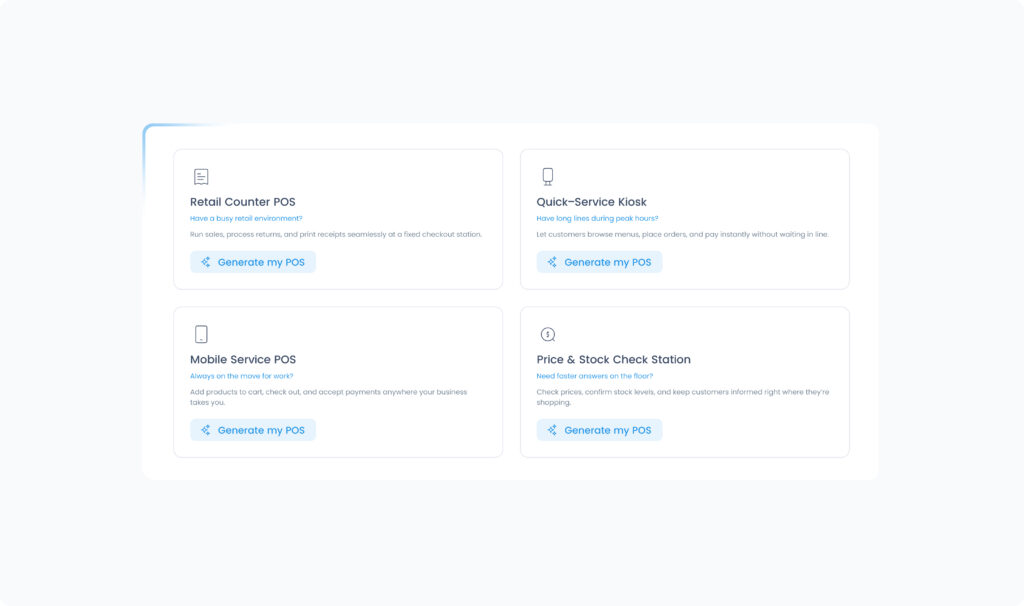
When you land on the Final website, you’ll be guided to choose what kind of setup you’d like to build:
A retail counter POS
A quick-service kiosk
A mobile service POS
Or a price and stock check station
This helps tailor the setup to your specific workflow right from the beginning.
2. Set up your account
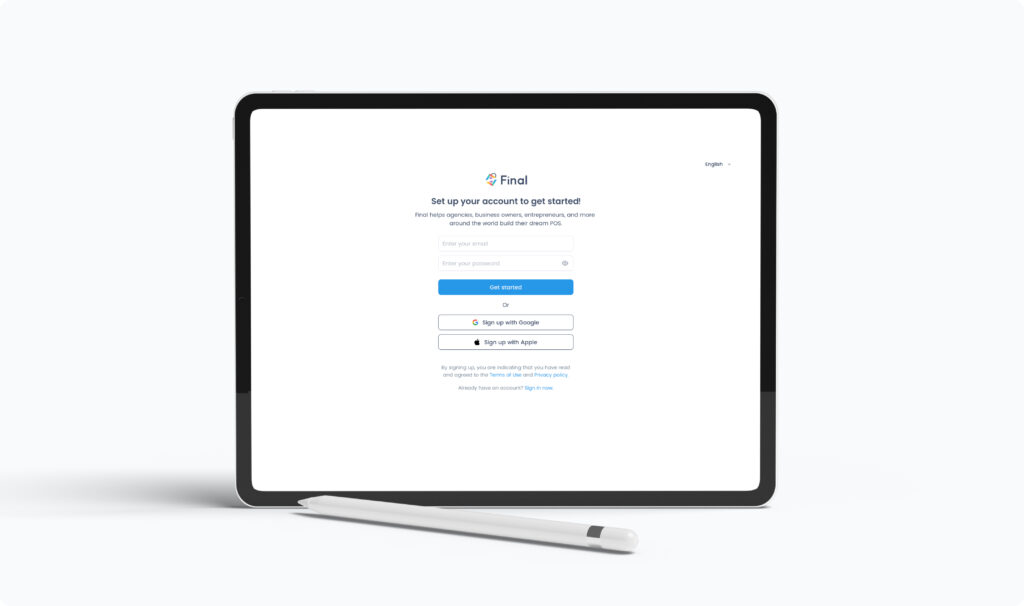
After picking a starting point, you’ll be guided to sign in or create an account.
We’ve added Single Sign-On (SSO) to make logging in to Final POS simpler than ever. Instead of keeping track of multiple usernames and passwords, you can now log in with your Google or Apple account. This not only improves the user experience and reduces password fatigue, but also enhances security by centralizing authentication — meaning you can be up and running in seconds.
3. Customize your POS look and feel
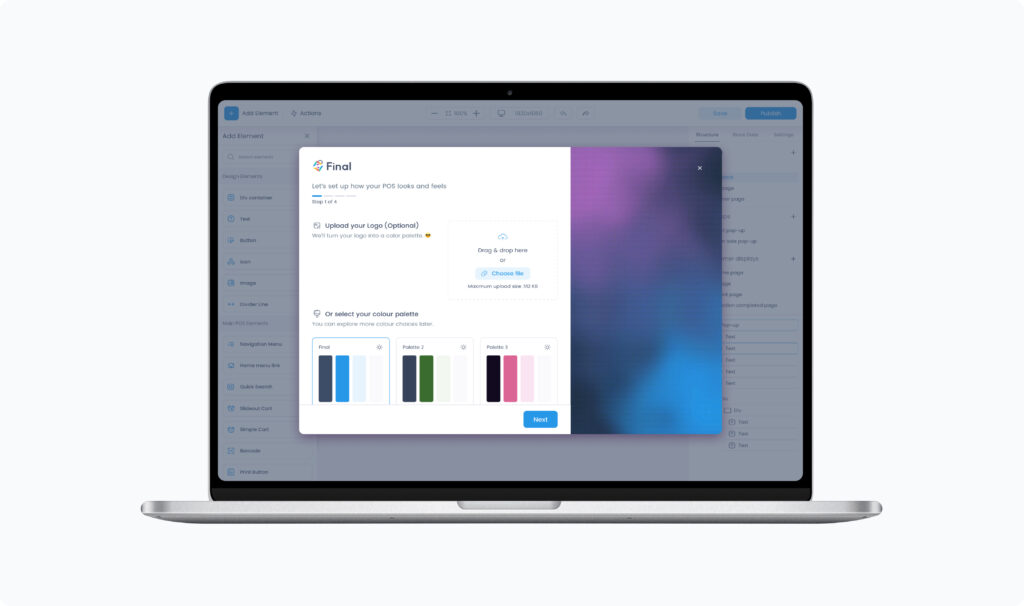
The new onboarding modal guides you through every design choice in a clean, visual interface:
Upload your logo then select a colour palette to instantly see how it transforms your POS.
Style & layout – choose the overall look of your POS interface.
Font combination – pick the typography that best fits your brand’s visual identity.
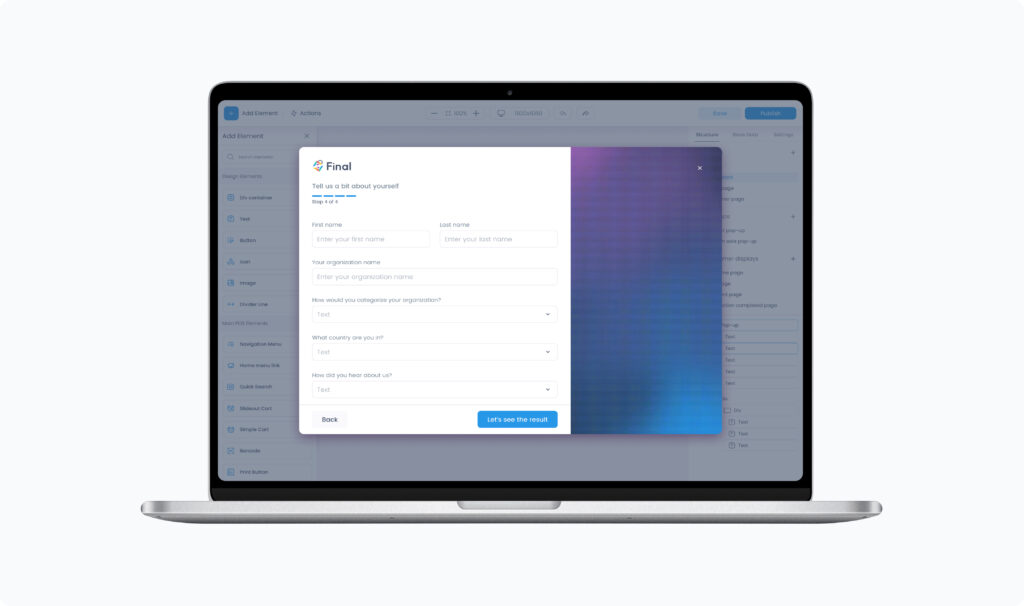
4. Tell us a bit about yourself
In the final step of onboarding, you’ll share a few quick details about your business and preferences. This allows Final to personalize your setup even further — giving you a Builder workspace that fits your needs from the start.
5. Explore your builder workspace
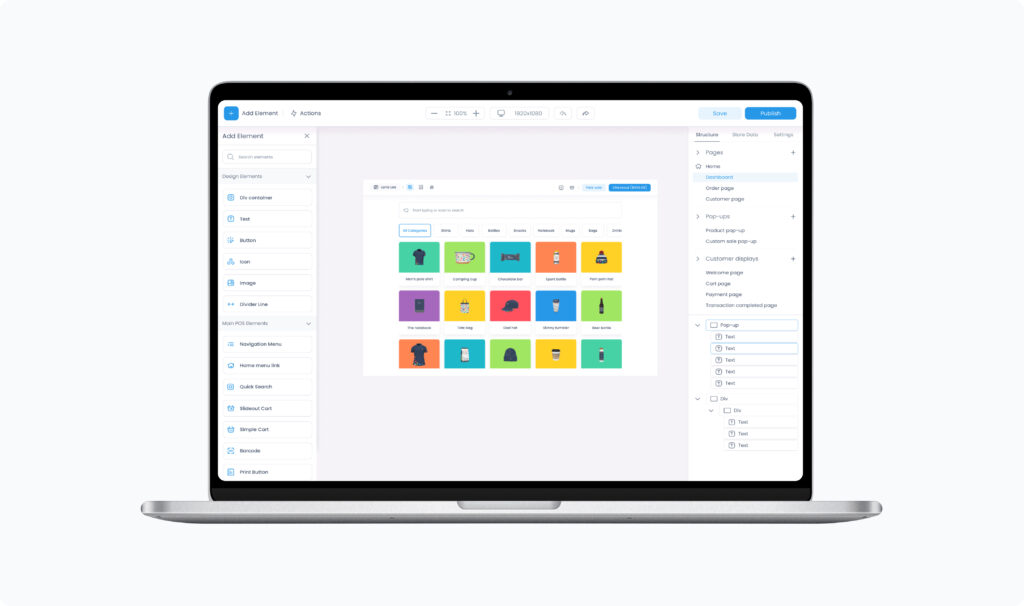
Once your setup is complete, you’ll be taken directly into the Builder, where you can fine-tune your design, add products, and publish flows.
6. Publish and launch your POS
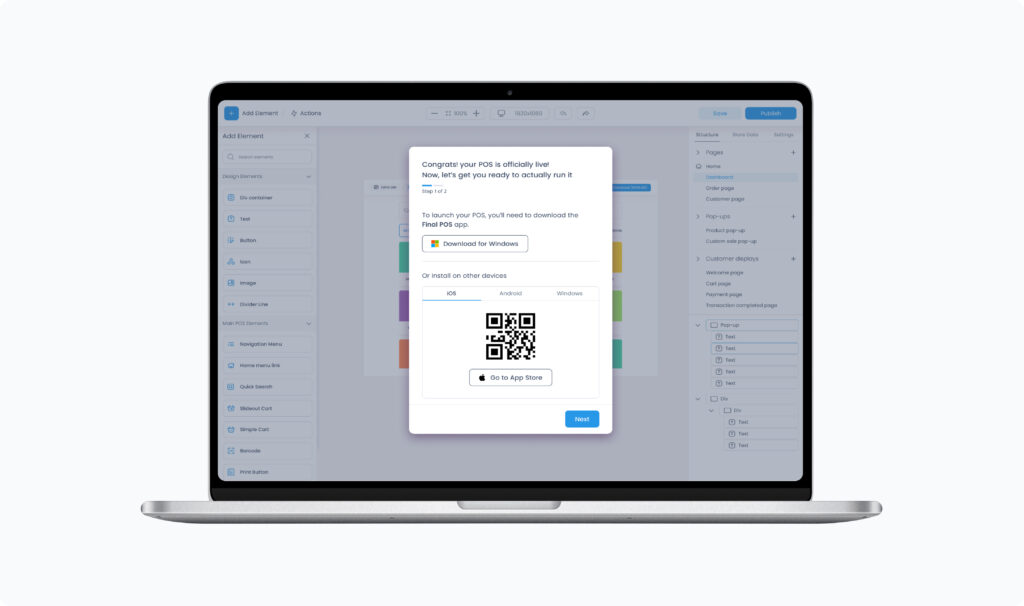
When you’re ready, simply publish your flow and follow the link to download Run — the app that lets you launch and operate your POS in the real world.



Company switcher
The Company Switcher is now available in Pay and Manage.
When you log in at the organization level, you’ll be prompted to select a company by searching or scrolling. You can also create a new one directly from this view. The first time you land here, you’ll also see a Demo Company, providing a sample set of products, transactions, and reports to browse.
This ensures proper context while using these company-facing tools by always requiring a company selection before getting started.
Migration improvements
In this release, we’ve made significant performance and stability upgrades to the Migration process to ensure faster, smoother, and more reliable data handling. Key improvements include faster sync between sessions, the ability to handle larger data sets, and enhanced overall stability.
Improved Security
We’ve made some small behind-the-scenes security updates to keep Final safe, reliable, and aligned with best practices. These improvements strengthen our platform without affecting your day-to-day experience, ensuring your data and checkout flows remain secure.
That’s all for this release
Stay tuned for many more exciting features coming soon! Don’t forget to follow us on YouTube for guides, tips, and product walkthroughs, and keep an eye on our website or LinkedIn for the latest releases and improvements.