



Final 1.6 Now Available
It’s time for another release, Version 1.6 of Final POS is now available! This update brings major structural changes, rebranding of our Tool Suite, new features, and improvements…
It’s time for another release, Version 1.6 of Final POS is now available!
This update brings major structural changes, rebranding of our Tool Suite, new features, and improvements designed to make your Final POS experience even smoother and more powerful. Among the highlights, we’re introducing a brand-new Launcher and updated Pricing, along with fresh updates in Pay.
We’ve gathered all the key highlights for you below, so dive in and explore everything that’s new in version 1.6.
Account Types in Final
As part of the structural changes in this release, we’re introducing clearer distinctions between the different account types in Final. The type of account determines what tools and permissions a user has access to.
Final supports two types of administrative user accounts:
Organization Users
Anyone signing up for Final directly becomes an organization user.
Organization users can create and manage one or more companies within their organization.
They control flows, user access, and can build and distribute plans that define how each company uses Final’s tools.
Organization users can add teammates (e.g. developers, designers, support staff) to collaborate, with full control over their permissions.
Company Users
Created when an organization assigns ownership of a company to someone else.
A company account is created when an organization sets up a new company, either assigning ownership to someone else or making themselves the owner.
Company users only have access to their assigned company.
Their access is limited to the tools included in their plan and managed entirely by the inviting organization.
Company users can invite additional teammates (e.g. cashiers or shift leads), but access stays limited to that company only.
Learn more about Final’s ecosystem here
NEW Tool Suite and Menu
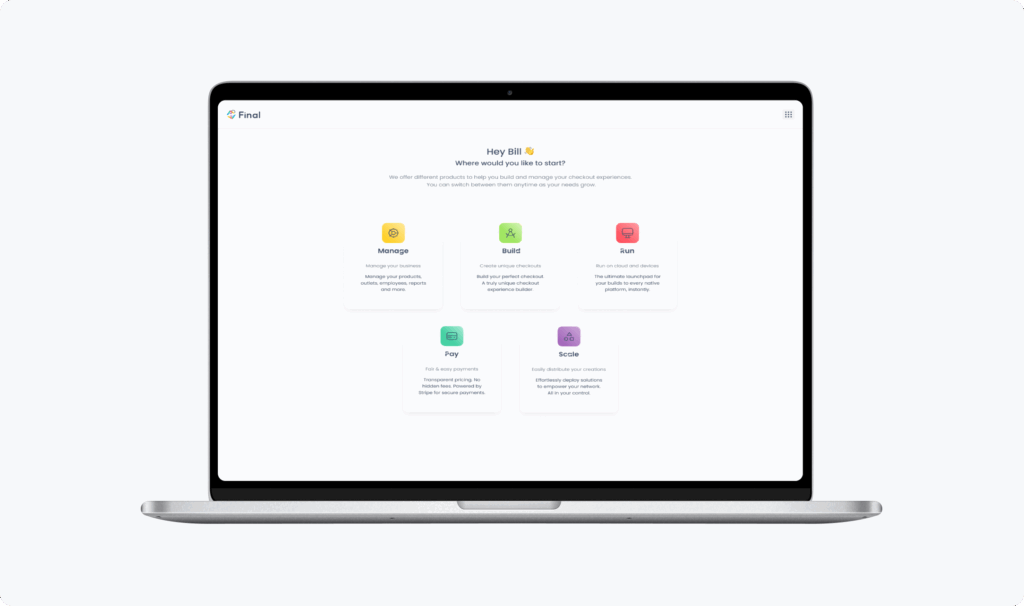
One of the most exciting updates in this release is the brand-new Tool Suite and a full rebranding of our menus. We’re proud to introduce Final’s Tool Suite, with each tool serving a distinct part of the checkout stack. You can use the tools individually or combine them, depending on how Final fits into your operations.
Below is a short introduction to each tool:
Manage
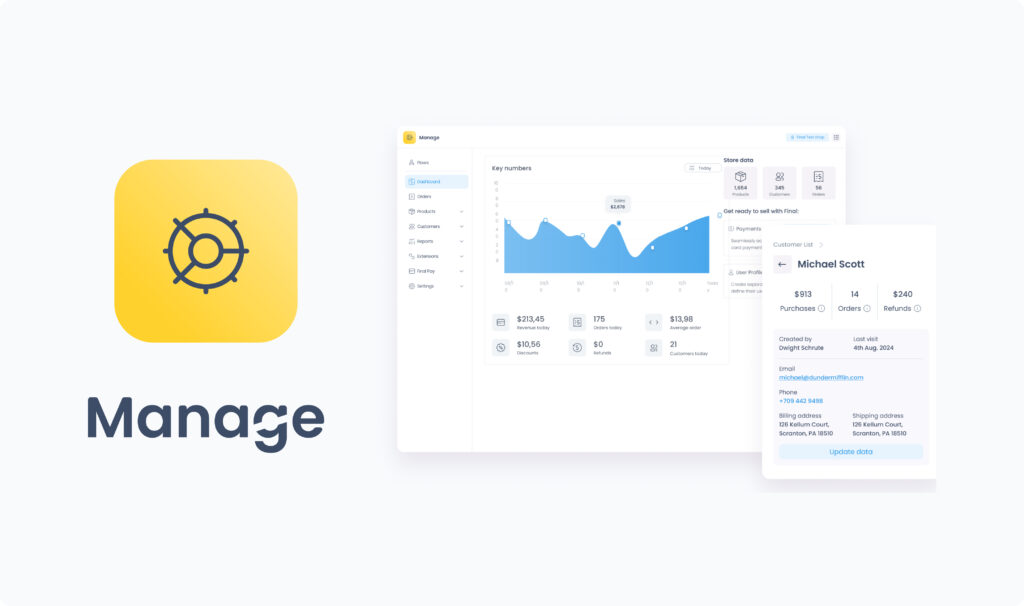
Manage (previously called Hub) is your business’ command center within the Final ecosystem. It centralizes operational management for a single company, allowing you to handle everything from product catalogs and inventory tracking to pricing, outlets, user roles, and tax settings.
Manage provides a complete overview of sales performance and key business metrics, supporting informed operational decisions. It also lets you install extensions to add specialized functionality tailored to your business needs.
Designed for merchants and store operators, Manage helps you:
Create and edit products, product options, and categories
Assign tax settings and organize inventory by outlet
Add users and assign roles for team access
Access reports such as sales summaries and transactions
Customize operational settings per location
Install and configure extensions
Whether you’re a store manager or company admin, Manage brings together all the essential tools to oversee and optimize your day-to-day business operations in one place.
Build
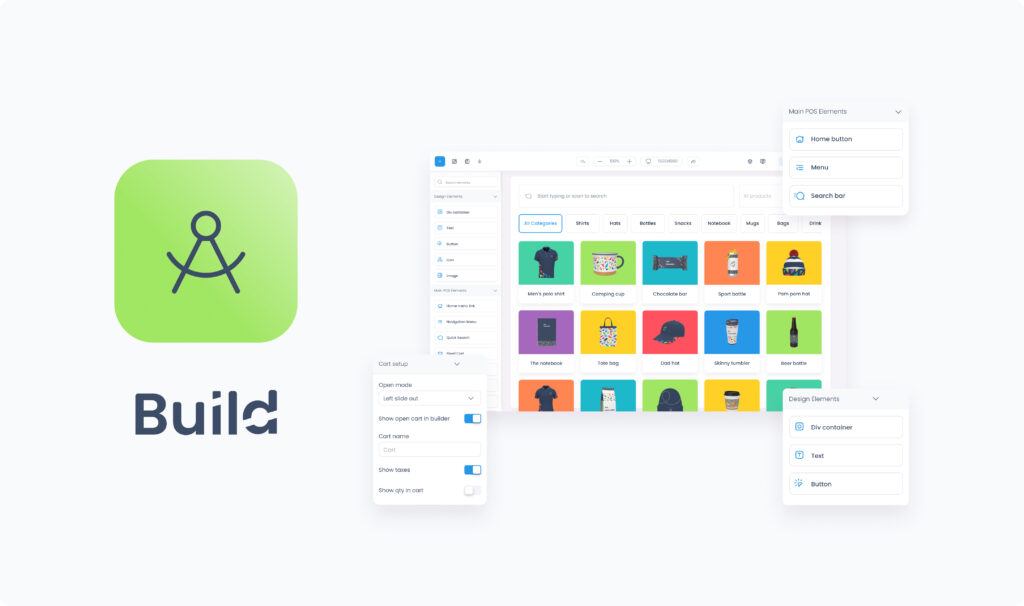
Build (previously called Builder) is one of Final’s core tools. It empowers you to create fully customized checkout flows that define how the in-person experience should look and behave, all through a visual, no-code drag-and-drop interface.
With Build, you can design screens, logic, layouts, and functionality tailored to specific business needs. Its key strength is flexibility:
Create flows customized for a single company’s unique requirements
Or build reusable flows that adapt dynamically across multiple companies, with styling, data, and settings that adjust automatically
This makes Build an essential tool not only for individual businesses but also for agencies, service providers, and platforms managing multiple clients from a single source of truth.
Run
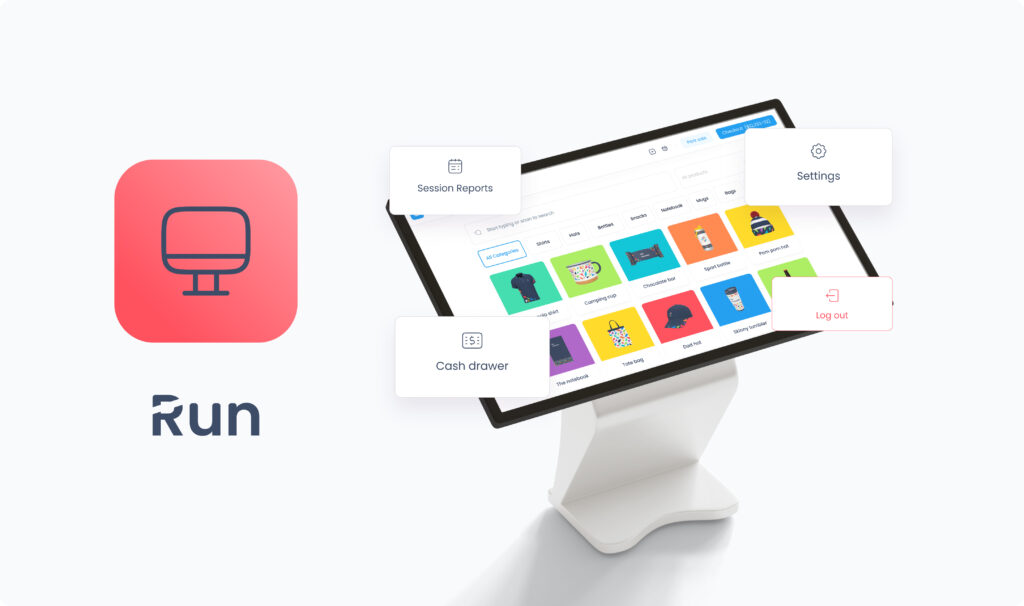
Run (previously known as Station app), is the native application that brings your flows from Build to life across different devices and contexts, from cashier-led counters to self-checkout stations and price-checking kiosks.
The app’s main interface, Station Home, gives your frontline team the tools they need to manage daily store operations. From here, they can:
Launch, resume, and end sessions
Switch between users
View session reports and transaction history
Track cash drawer activity
Manage hardware integrations such as payment terminals, printers, and customer displays
Run is available for download under the name Final POS, compatible with Android, Windows, and Apple devices.



Pay
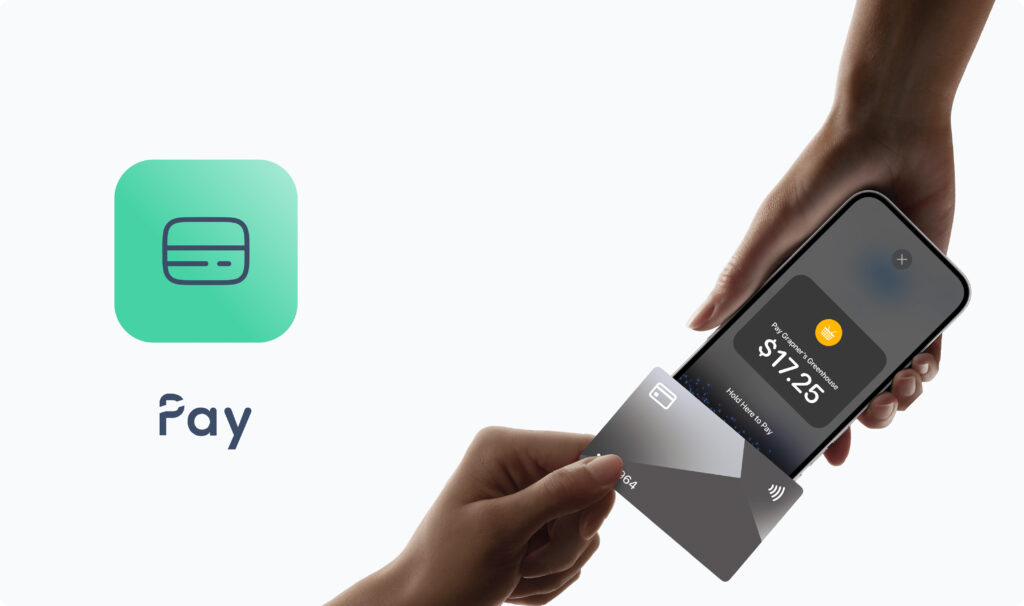
Pay is Final’s built-in payment solution, enabling your company to accept in-person card and contactless payments directly through your custom checkout flows.
Powered by Stripe’s trusted payments infrastructure, Pay supports:
Physical debit and credit cards (including contactless chip cards)
Mobile wallets such as Apple Pay, Google Pay, and Samsung Pay
Tap To Pay on mobile devices
Final Pay is available in a growing number of countries supported by Stripe Terminal. It offers transparent, blended processing rates and integrates seamlessly with Final’s point-of-sale tools.
Scale
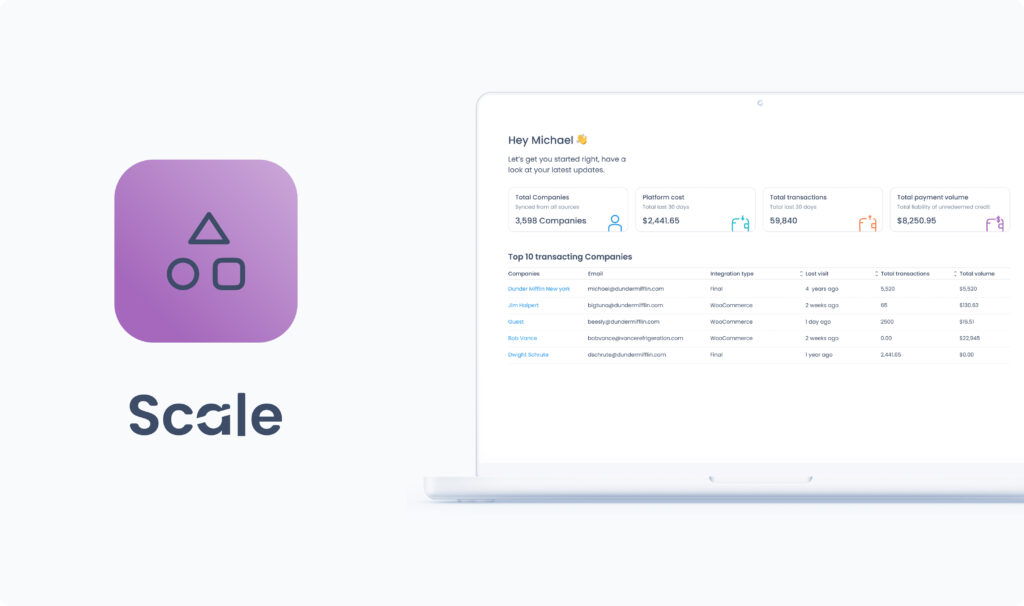
Scale is the tool in Final designed for distributing checkout solutions across multiple businesses. It provides a central environment where you can define and manage plans, specifying which flows, extensions, and limits are included, and assign them to companies in your network.
With Scale, you can:
Register new companies and manage their plans by assigning flows and adjusting their settings
Compare performance across your network
Invite internal team members and control their access
Together, these capabilities make Scale the foundation for distributing, supporting, and maintaining checkout experiences at scale.
Note: Scale is only available to organization users. Company users will not have access. If you’re building a solution for your own business only, you likely won’t need Scale.
New pricing
We’re excited to introduce our new transparent, pay-as-you-go pricing model with this release. Our goal is to keep costs simple, transparent, and directly tied to the value you get from using Final. That’s why you’ll never pay for just designing flows; costs only apply once you start accepting payments through Final-powered checkouts.
With Final Pay: No platform fees. You only pay a simple per-transaction card processing rate, varying by region, with no setup costs or hidden charges.
With third-party processors: A small, tiered platform fee applies per successful transaction, alongside any fees from your own processor.
This model ensures you always know what you’re paying for and makes Final a cost-effective solution whether you’re running a single business or distributing checkouts at scale.
What’s New in Pay
Cardholder Signature
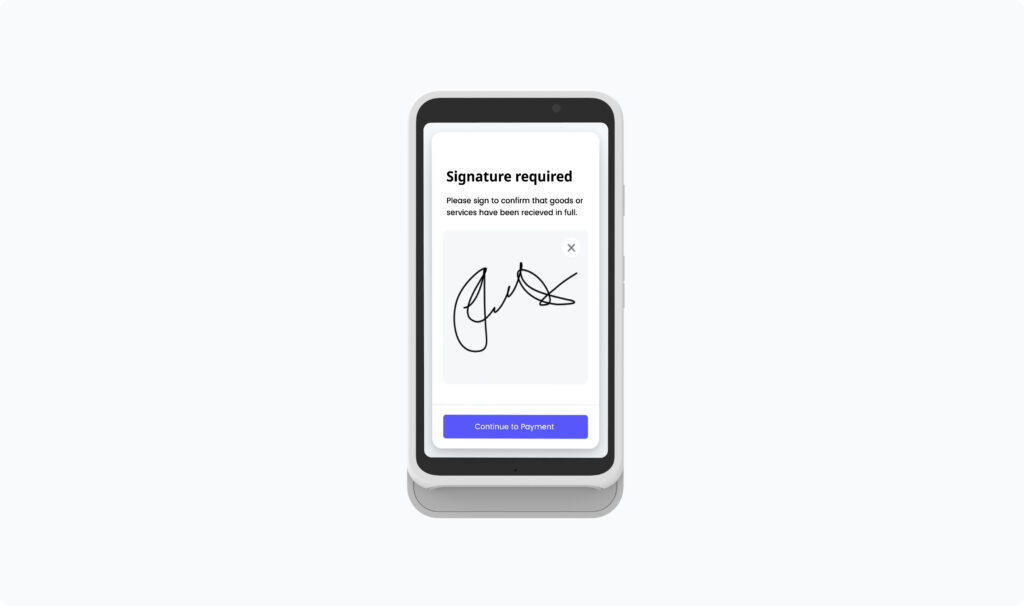
We’ve introduced a new feature in Pay that allows you to capture the cardholder’s signature when accepting card or contactless payments in Run.
This feature is supported on WisePOS E and S700 (cloud-type) terminals and provides an added layer of protection against fraudulent chargebacks.
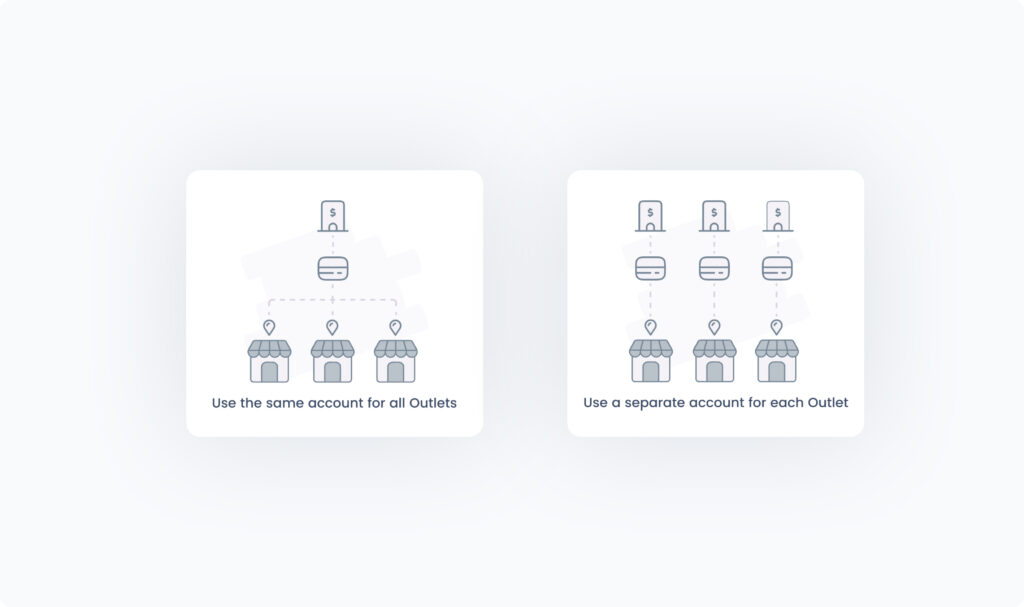
Support for Multiple Pay Accounts Within the Same Company
To better support franchises and businesses operating across different regions, Outlets within a single Company can now be linked to separate Pay accounts. This enables each Outlet to maintain its own payment processing account while still sharing centralized company data such as products, customers, orders, etc.When creating a new Outlet, users can now choose which Pay account to link, instead of all Outlets being tied to the same account.
That’s all for this release
Stay tuned for many more exciting features coming soon. Don’t forget to follow us on YouTube for guides, tips, and product walkthroughs, and keep an eye on our website or LinkedIn for the latest releases and improvements