



Как использовать Final в качестве POS-системы на iPad
Final POS превращает ваш iPad в полнофункциональную POS-станцию без сложной настройки. Узнайте, как начать работу с Final Station и Final Build.
 Mathias NielsenCEO, Final POS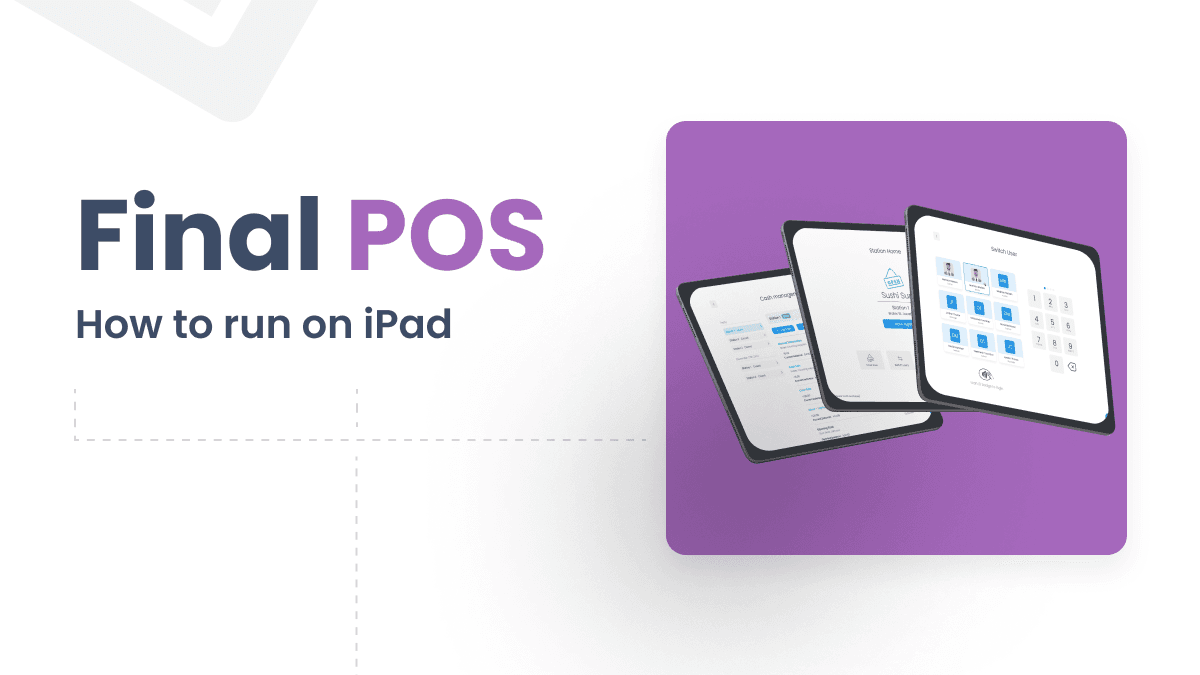
Running a business today requires flexibility—whether you’re selling in a retail store or managing a restaurant. A modern point-of-sale system should work wherever you do, without complex installations or expensive hardware. That’s why Final POS is built to be a powerful, cloud-based POS system on iPad, iPhone, and other iOS devices—turning your tablet into a fully functional POS station.
If you’re looking for the right iPad POS system for your business, you need a solution that’s easy to use, scalable, and seamlessly integrates with your operations. In this blog post, we’ll walk you through how to use Final POS on iPad and iPhone, why it’s the smartest choice for growing businesses, and why tools like Final Build and Final Station make it the smartest choice.
Why Use a POS System on iPad?
POS systems in mobile devices such as iPads and iPhones have become a popular choice for modern businesses—and for good reason. Using POS software on IOS devices like iPads and iPhones gives your business the mobility, flexibility, and performance you need. You avoid bulky hardware, messy cables, and complicated installations. Instead, you can sell wherever your customers are and your customers get a clean, professional point-of-sale experience with the best POS system on iPad.
They are an effective and cheap means of handling transactions, and at the same time giving the best customer POS experience. Using a POS system on iPad, for example, simplifies the checkout process and at the same time improves the overall omnichannel experience.
Benefits of using a POS on iPad:
Lightweight and space-saving
Touch-optimized user interface for faster checkouts
Easy to maintain and move
Lower hardware costs
Why Final POS is the Best iPad POS System for Resellers & Agencies
While many POS systems “can” run on tablets, few are truly built for them. Final POS is different and fully optimized for iPad (actually almost any device, whether you’re using Android, Mac OS, iOS, or Windows), giving you a seamless, responsive, and reliable experience no matter where or how you work.
Final POS turns your iPad into a powerful, full-featured POS station. It’s fast to launch, easy to use, and built to scale with your business. And if your internet goes down? No problem. Final POS is the ideal POS system on iPads with offline mode, so your operations keep running smoothly even without a connection. Your sales stay uninterrupted, ensuring a seamless customer experience every time.
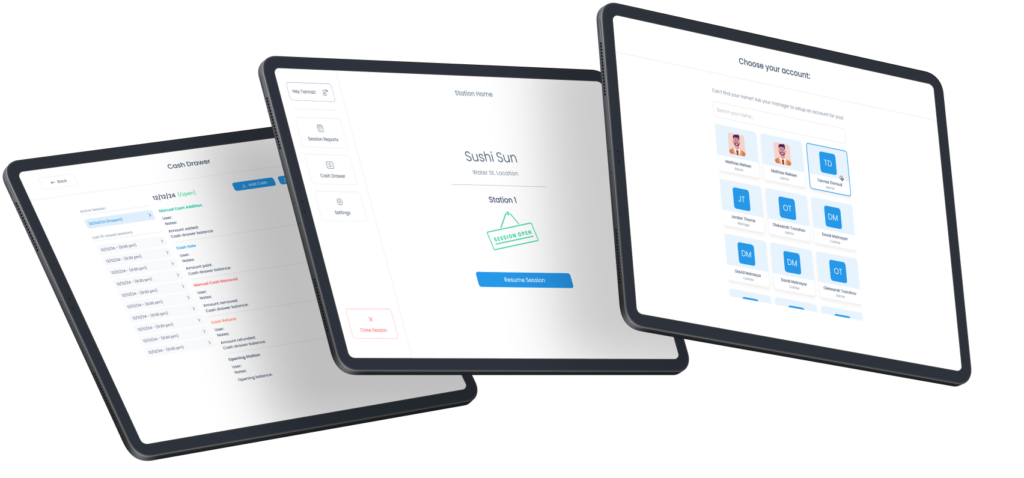
Key Advantages of Using Final POS on iPad
Instant setup
No complex installations—just log in and start selling.
Customizable interface with Final Build
Easily tailor your POS layout to match your branding, workflows, and product categories.
Scalable solution
Perfect for growing businesses. Final POS handles single-location shops, retail chains, and franchises.
Offline mode
Keep your operations running smoothly—even when Wi-Fi doesn’t.
Role-based access control
Control who sees what. Create user roles with specific permissions for managers, staff, or franchisees.
Omnichannel sync with real-time updates
Sales, stock, and customer data sync instantly across all channels—online and in-store.
Final POS gives you a cloud-based POS system on iPad that is fast to launch, easy to use, and built to scale with your business. Whether you’re setting up your tablet POS setup or using mobile POS, Final POS allows you to run your operations smoothly across all devices.
Transform Your iPad into a POS Station with Final POS
Getting started with Final POS on iPad is simple. With Final Build, you can create a fully customized POS layout that fits your brand and workflow. Then, use the Final Station App to turn your iPad or iPhone into a complete POS station—fully branded, fully functional, and always up to date.
There are, of course, other factors relevant to running Final POS on your device, but in this blog post, we will focus on the in-store experience and leave the rest for another blog post.
Final Builder
Before you can start using our POS system on an iPad or any other device, you need to set up your POS layout. This is where Final Build comes in.
The Final POS Builder is a customizable POS system where you can design any staff-facing or self-checkout interface - no coding required. It’s a drag-and-drop tool that lets you design the perfect customized POS layout for your business that fits your brand and workflow.
Final POS Builder gives you the freedom to design a customizable POS system that perfectly aligns with your brand and creates a truly unique checkout experience. With over 30 powerful tools and features, you can tailor every aspect of your checkout experience to meet your unique business needs. This ensures a smooth, branded experience for your customers.
We won’t go into too much detail about Final Build in this blog post, but if you’re curious, you can read more here and explore its core fundamentals here.
Final Station app
Once you’ve built your POS system in Final Build, it’s ready to go live on your devices. To run your POS system on iPad, you’ll need the Final Station app, which turns your device into a fully functional POS station, allowing you to operate your custom POS system seamlessly.
You’ll immediately gain access to your published POS builds — created and managed using Final Build.
How to use Final Station on an iPad:
Download Final Station from the App Store.
Log in to your Final POS account on your iPad.
Select your POS build—it syncs instantly from Final Build.
Connect hardware if needed (receipt printers, barcode scanners, and payment terminals)
Start selling!
As you can see it's incredibly simple to run your custom POS on iPad, iPhone, or any other device you prefer. With Final Station, your device becomes a true POS system, allowing you to manage sales, track inventory, and process payments - all from one device and whatever device you want.
Hardware Compatibility
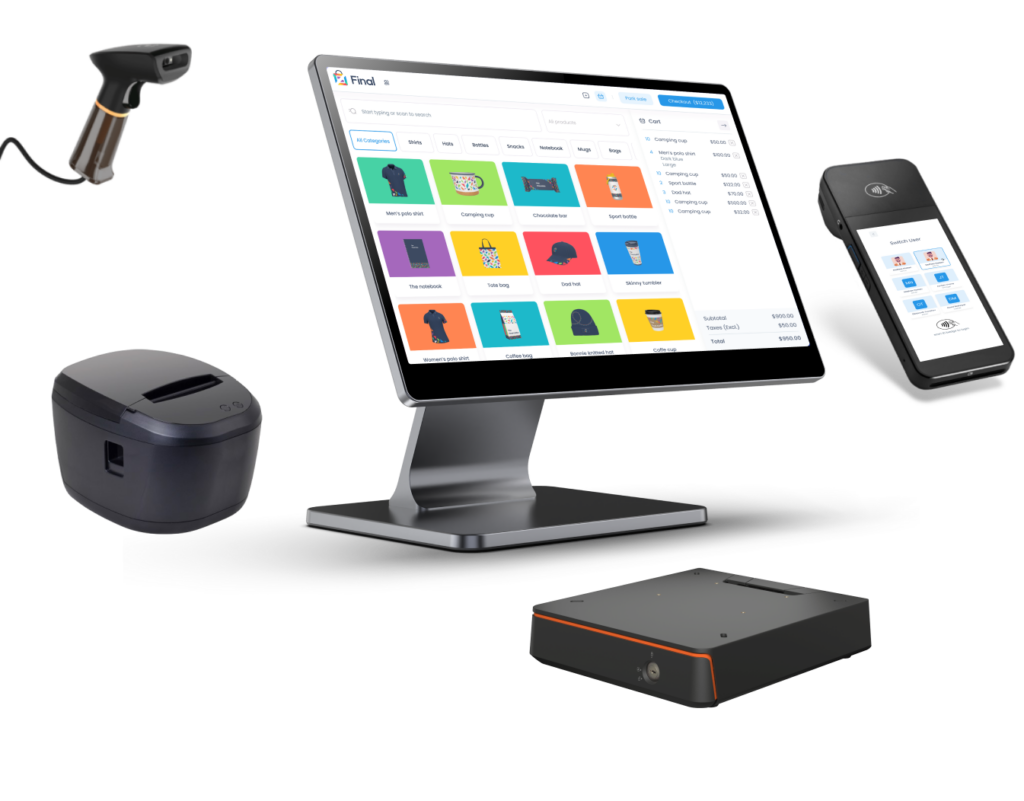
The Final Station App doesn’t just display your POS layout; it transforms your iPad or iPhone into a fully branded and functional POS terminal. You can use it handheld for mobile service or mount it to a counter and connect it to hardware like receipt printers, payment terminals, and cash drawers. This gives you all the features of a traditional POS setup—without the bulky hardware.
Final POS is designed to work seamlessly with the hardware your business depends on—barcode scanners, receipt printers, and payment terminals. It’s the perfect mobile POS solution. The system supports a wide range of accessories, making it a powerful and flexible solution for both retail and hospitality environments.
No matter how you sell, Final POS ensures your iPad-based setup is fast, reliable, and ready to handle any in-store experience.
Real-Time Updates and Omnichannel Sync
Once your POS is fully set up on your iPad, one of the biggest advantages of using our POS system on iPad (or any other device) is real-time inventory tracking.
Whenever you make a sale—whether in-store or online—your stock levels update instantly across all your channels. No more manual stock counts, and no more guessing.
With Final Hub, you can track inventory, create purchase orders, and manage stock counts from one place. It helps you avoid overselling and restock faster, with data that’s always up to date. It's a feature that gives you full control over your inventory—whether you’re using mobile POS, POS on iPad or a more traditional setup.
What this means for your business:
No more manual stock checks
Less risk of overselling
Smarter, faster purchasing decisions
Read more about instant updates and real-time insights from Final Hub here.
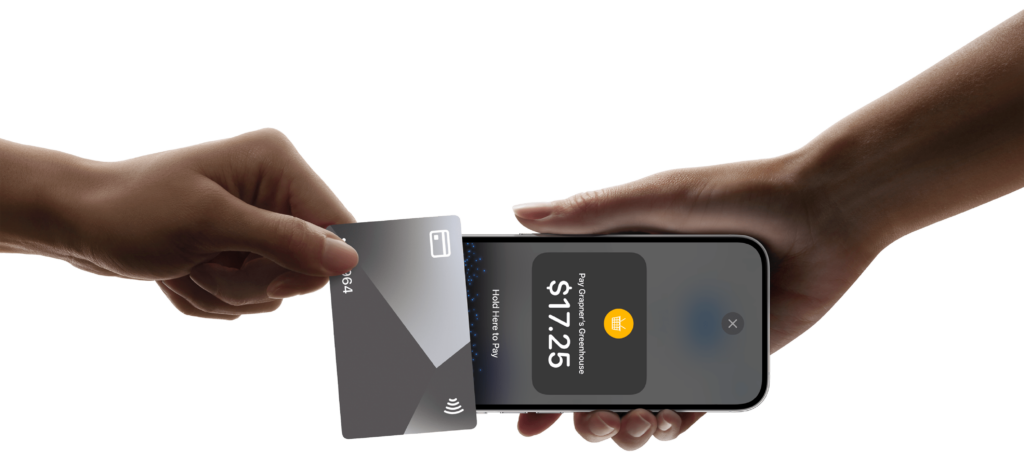
Manage Payments with Ease on iPad Using Final POS
Gain unparalleled control over your payment environment with Final POS. Our platform lets you enable Stripe Connect and set your own processing rates in just one click. Whether you're running a single store or managing multiple locations, you can easily onboard sub-merchants, customize fees, and handle payments—all from the same simple interface.
Read more about payment facilitation.
Final Thoughts
If you're looking for a modern, flexible way to run your point of sale system, using Final POS system on iPad is a smart and scalable solution. With the Final Station App and the customizable power of Final Build, you get a future-proof setup that grows with your business—whether you’re a boutique retailer, a fast-moving café, or managing multiple locations.
Часто задаваемые вопросы
Можно ли запустить полноценную POS-систему на iPad?
Да. Благодаря Final POS и приложению Final Station ваш iPad превращается в полнофункциональную POS-станцию. Вы можете принимать платежи, отслеживать запасы и управлять продажами без сложного оборудования и установки программ.
Работает ли Final POS на iPad в автономном режиме?
В Final POS предусмотрен автономный режим, поэтому ваша работа не прекратится даже при отключении Wi-Fi. Продажи продолжаются без перебоев, а данные автоматически синхронизируются после восстановления подключения.
Какое оборудование можно подключить к Final POS на iPad?
Final POS поддерживает принтеры чеков, сканеры штрихкодов, платежные терминалы и денежные ящики. Вы можете использовать iPad как мобильное устройство для обслуживания клиентов или закрепить его на прилавке вместе с подключенными аксессуарами.
Как настроить Final POS на iPad?
Скачайте приложение Final Station из App Store, войдите в свой аккаунт Final POS, выберите сборку POS, созданную в Final Build, подключите необходимое оборудование и начните продажи. Весь процесс займет всего несколько минут.
Синхронизирует ли Final POS запасы между несколькими точками на iPad?
Да. Final POS обеспечивает синхронизацию запасов в реальном времени по всем каналам и точкам продаж. Каждая продажа мгновенно обновляет уровень запасов, независимо от того, где совершена транзакция — в магазине или онлайн.