




 Manage
Управляйте всем в одном месте
MANAGE
Продукты, команды, клиенты и аналитика — все с одной мощной панели управления.
How does Final POS manage products and inventory?
Introducing Manage,
the command centre for your commerce.

Know what’s happening,
without digging
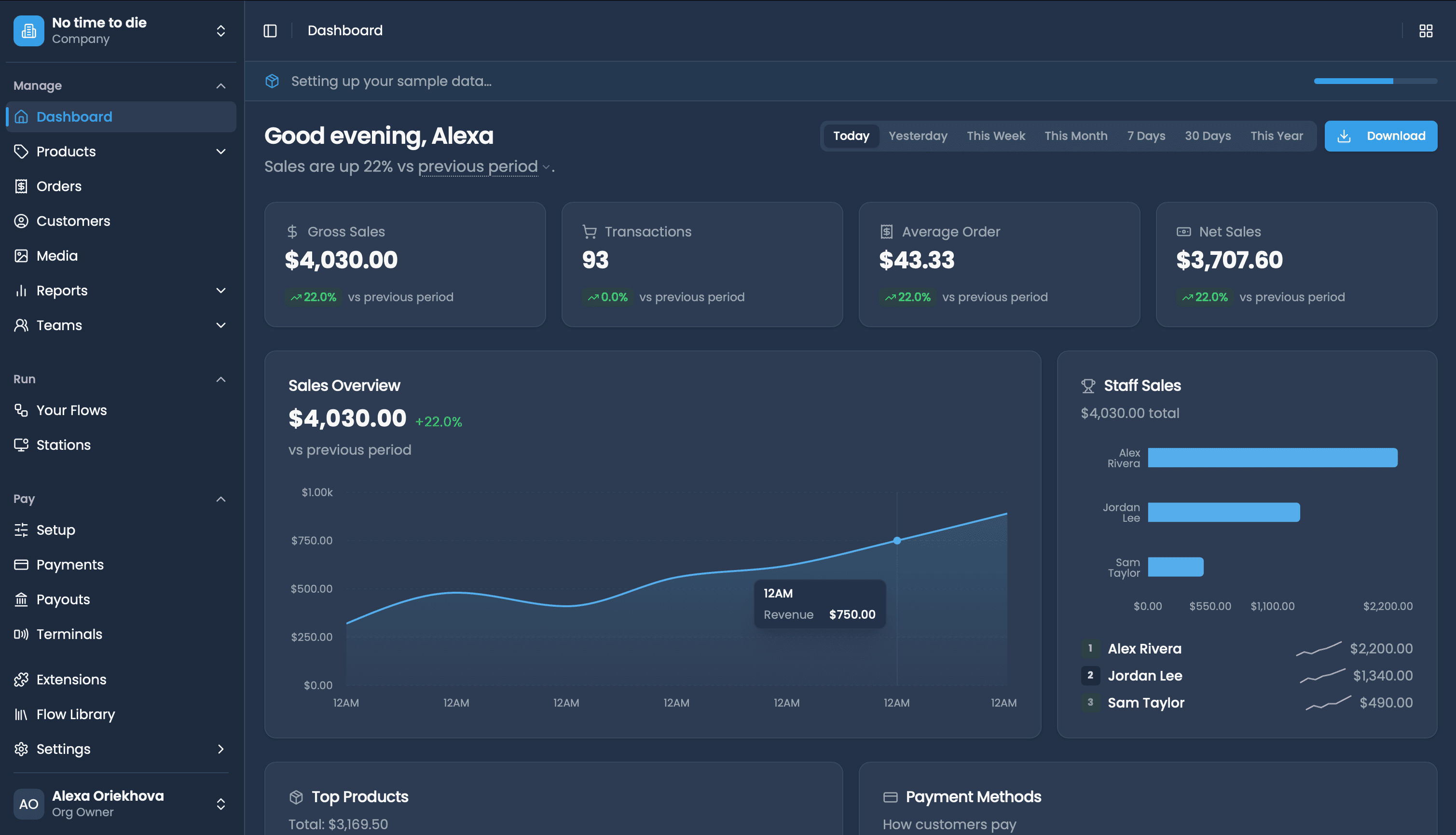
See sales and orders across your business in a glance. Filter by outlet and time period to spot what needs attention.


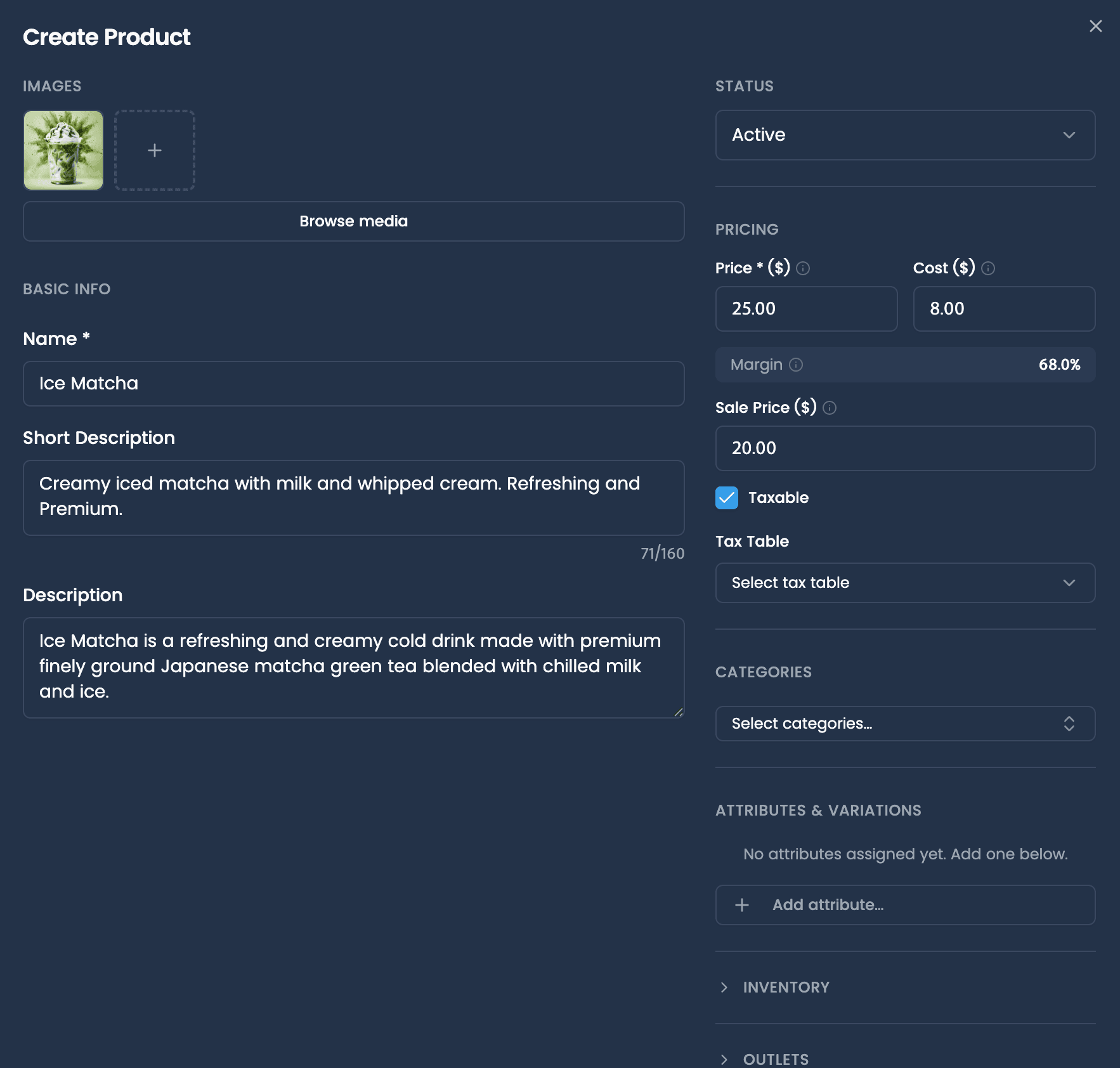
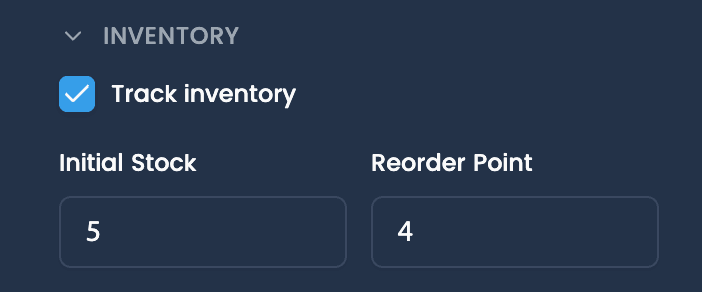
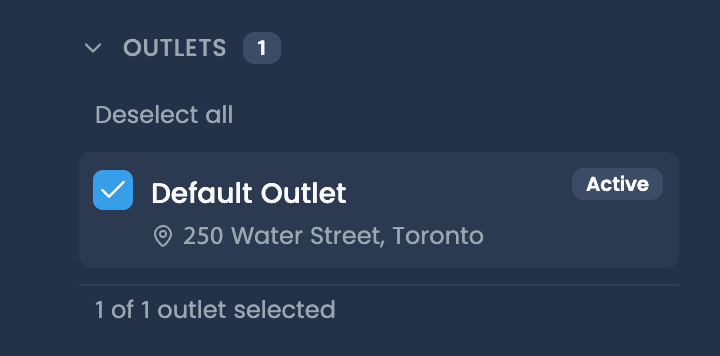
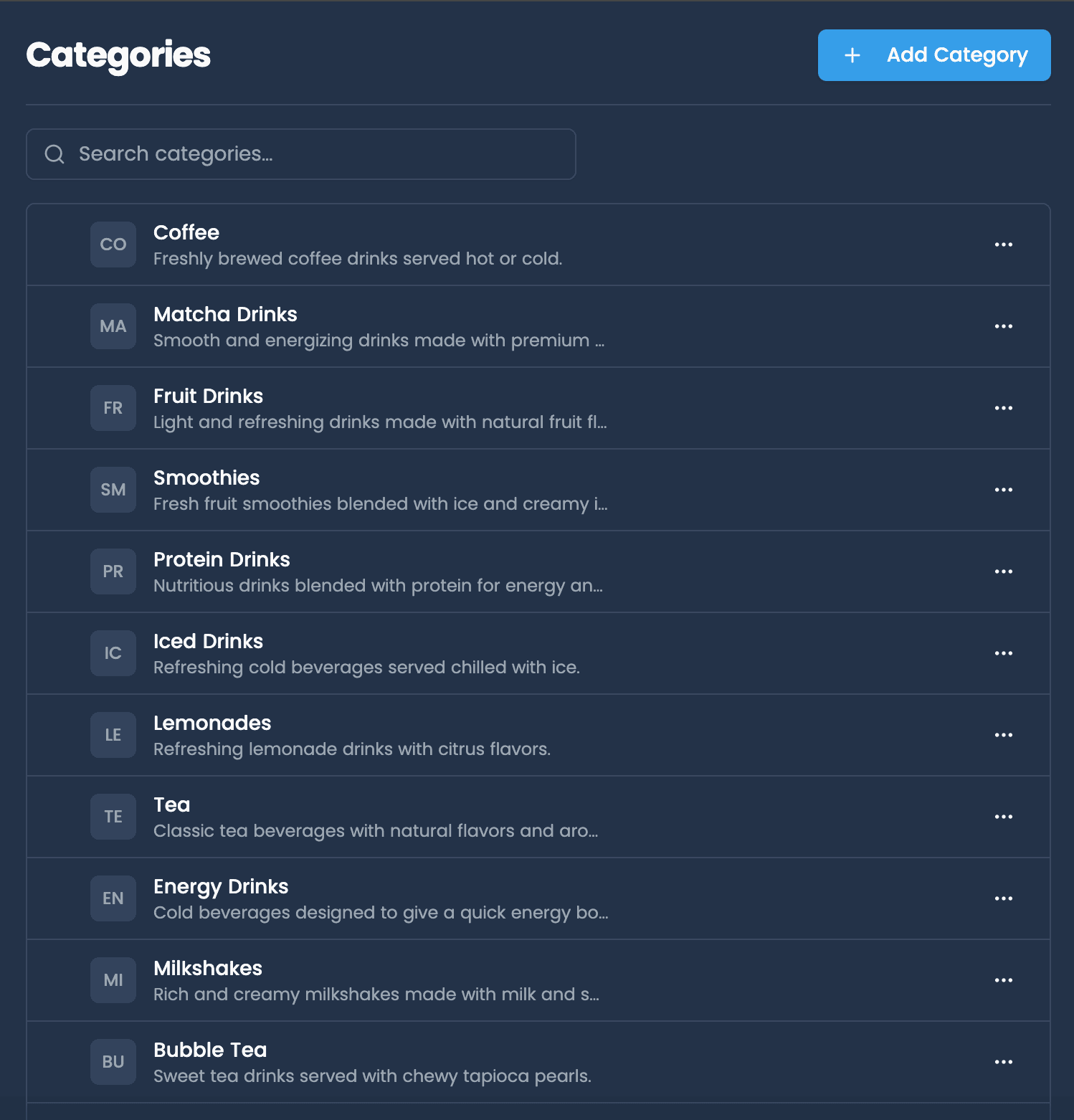
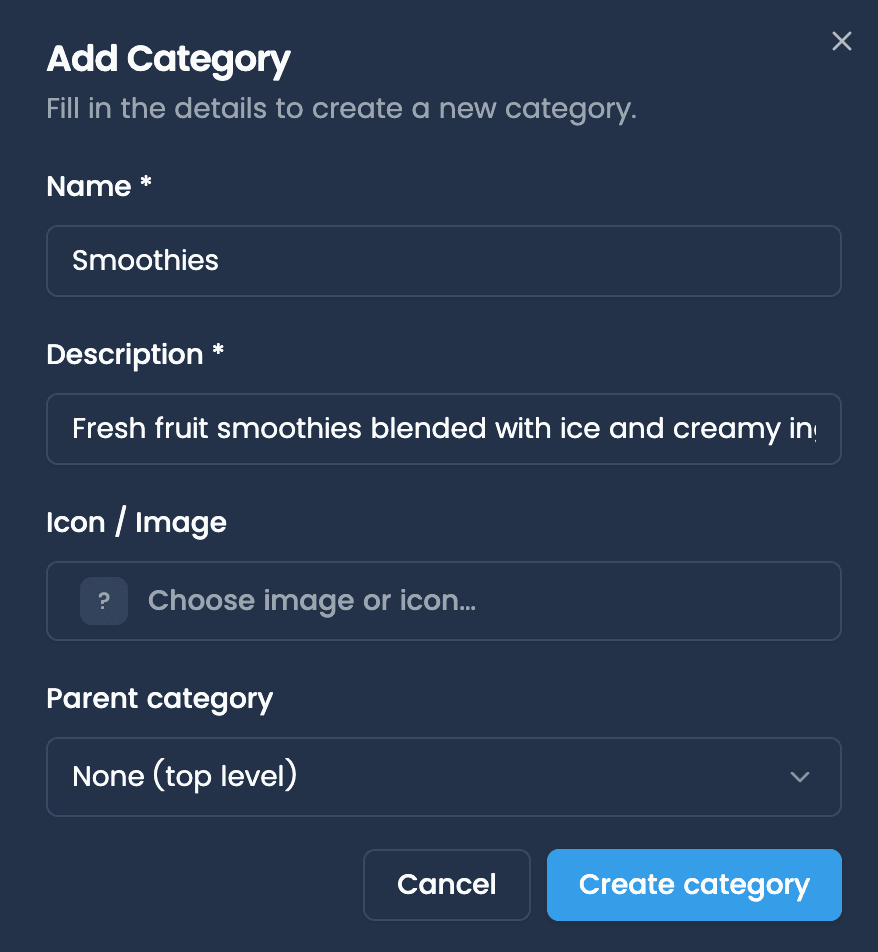
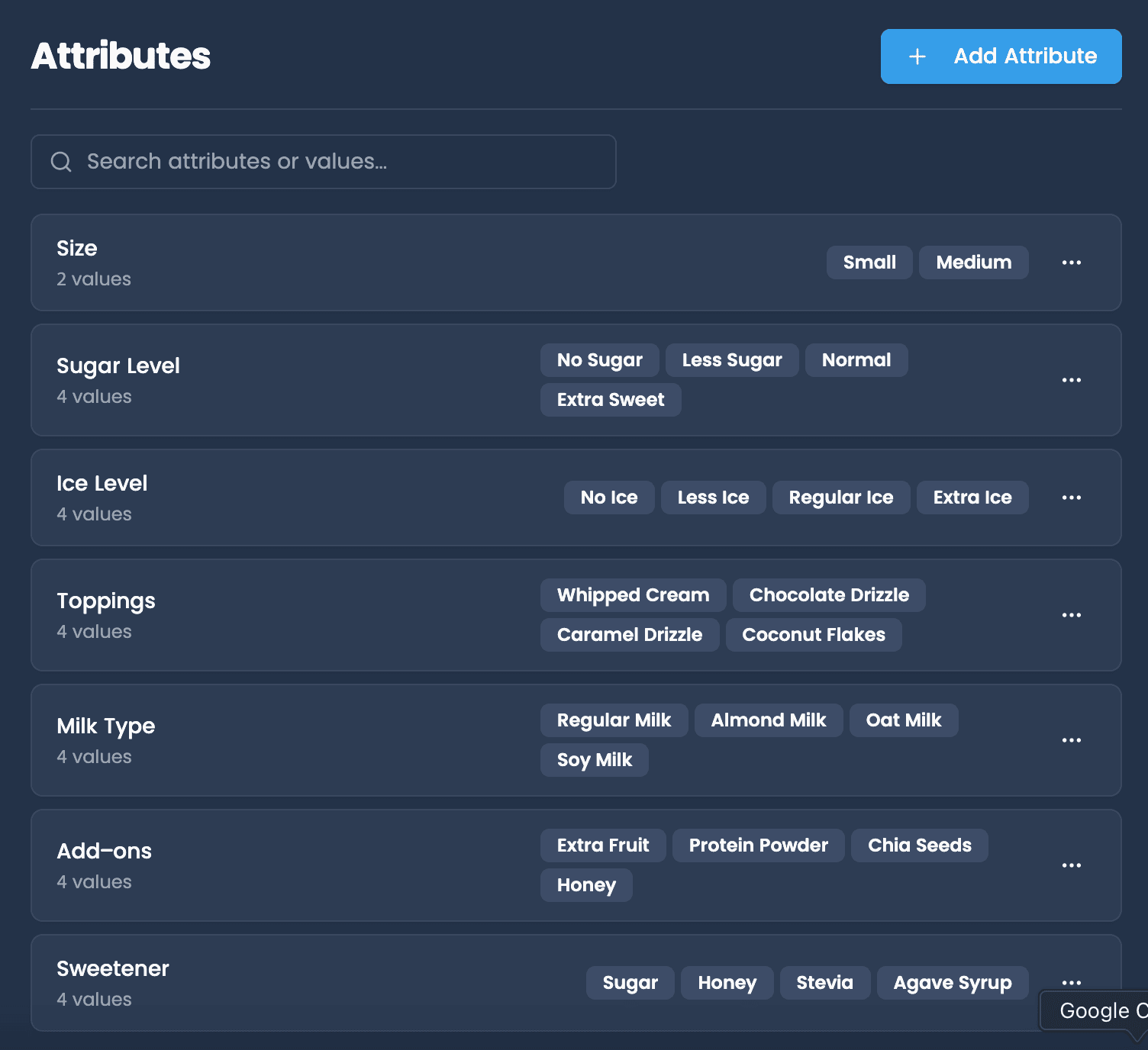
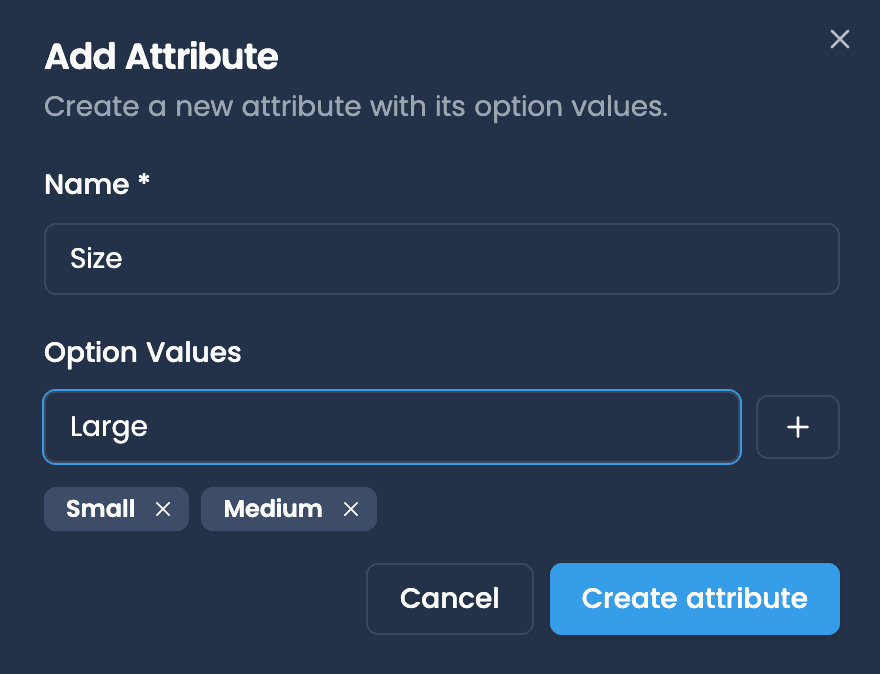
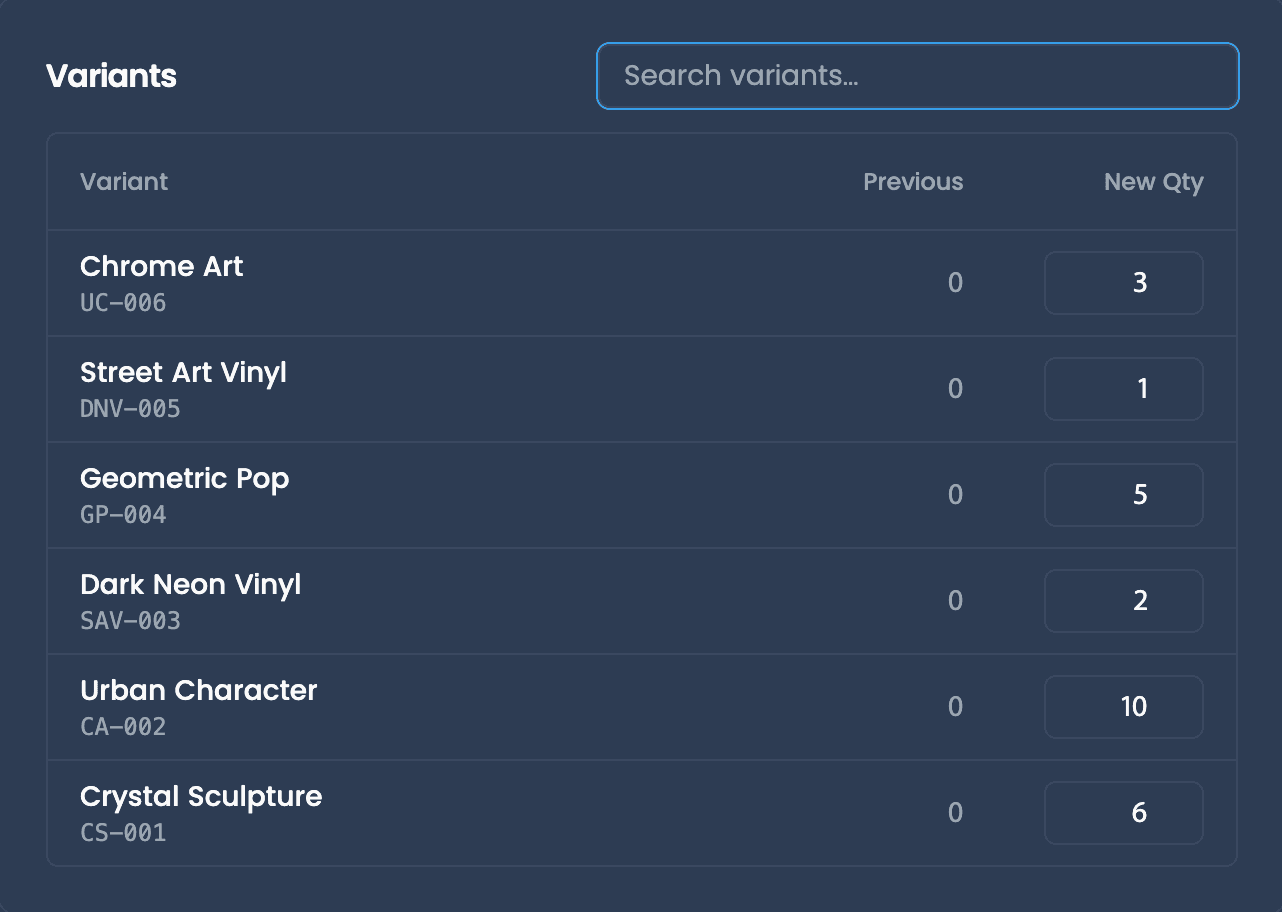
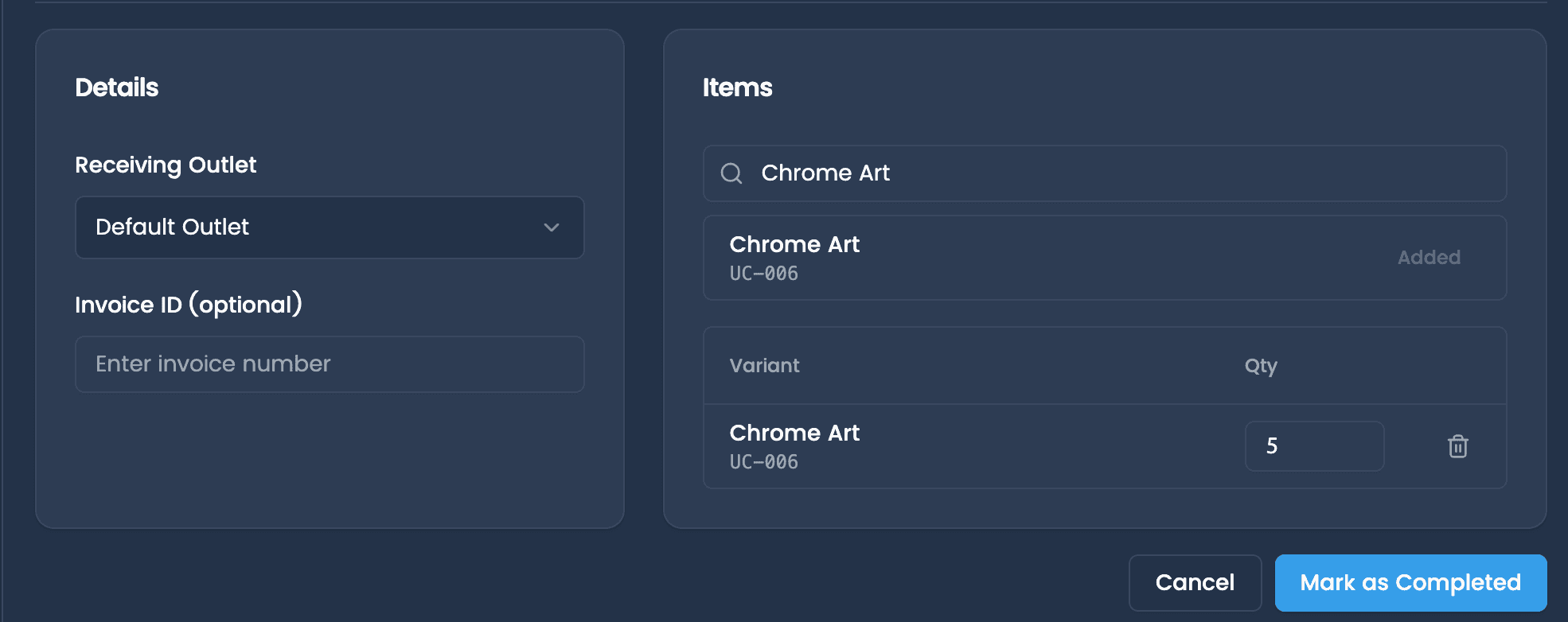
Whatever you sell, organized in one place
Unify SKUs and variants across every sales channel. Products, categories, and options stay consistent across every flow.

Deep insights. Zero guesswork.
Turn day-to-day orders into clear performance snapshots. Use reporting to make faster decisions, without digging through spreadsheets.
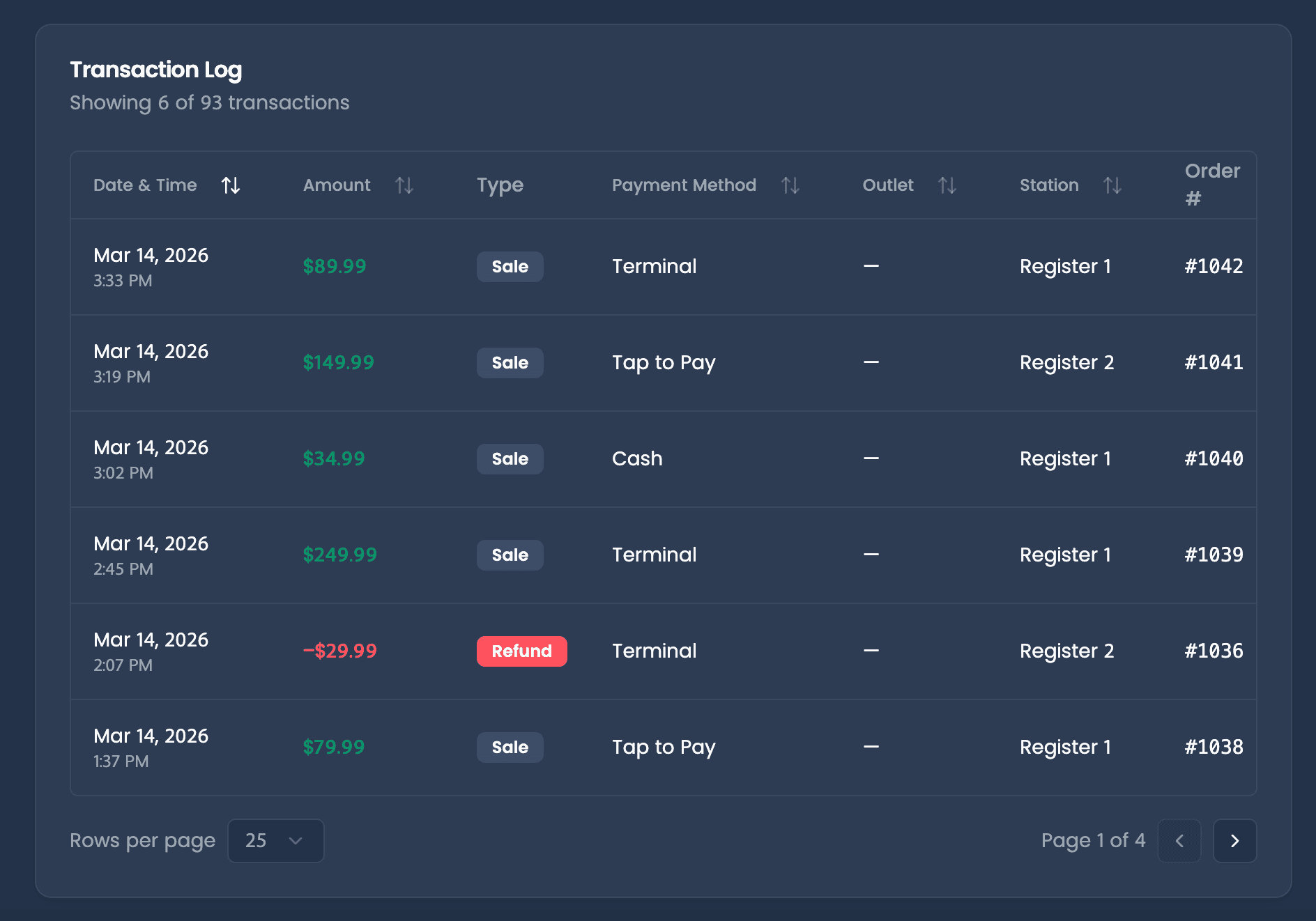
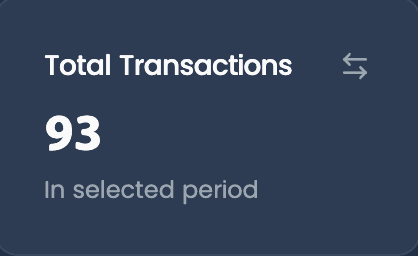
Transactions
Review what happened, when it happened, and who processed it.
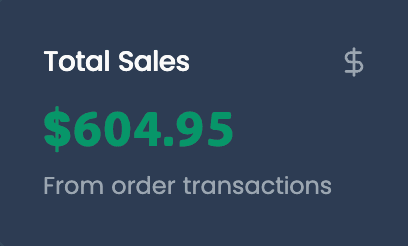
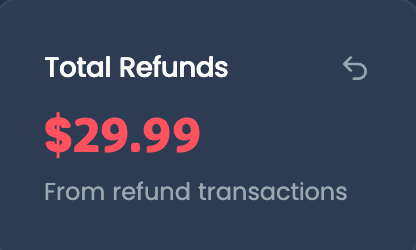
Financial Summary
Review the full math behind your totals, from gross to after-tax
Sales Breakdown
Drill into order history with the context behind each sale.
End of Session
Pull a complete close-out snapshot for any session
Employee Sales
Measure sales performance by employee and understand staff impact on revenue
Turn first-time shoppers into regulars
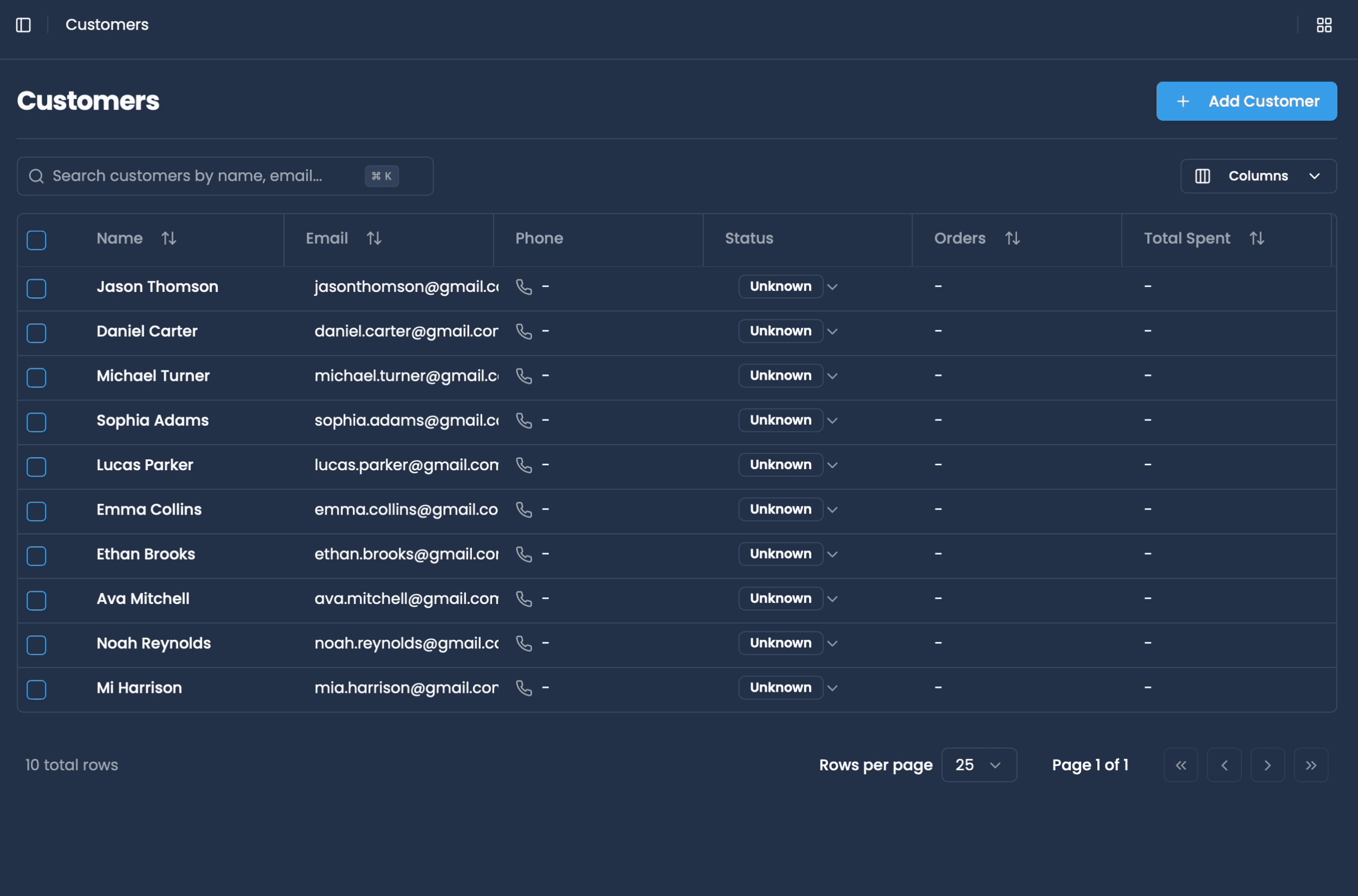
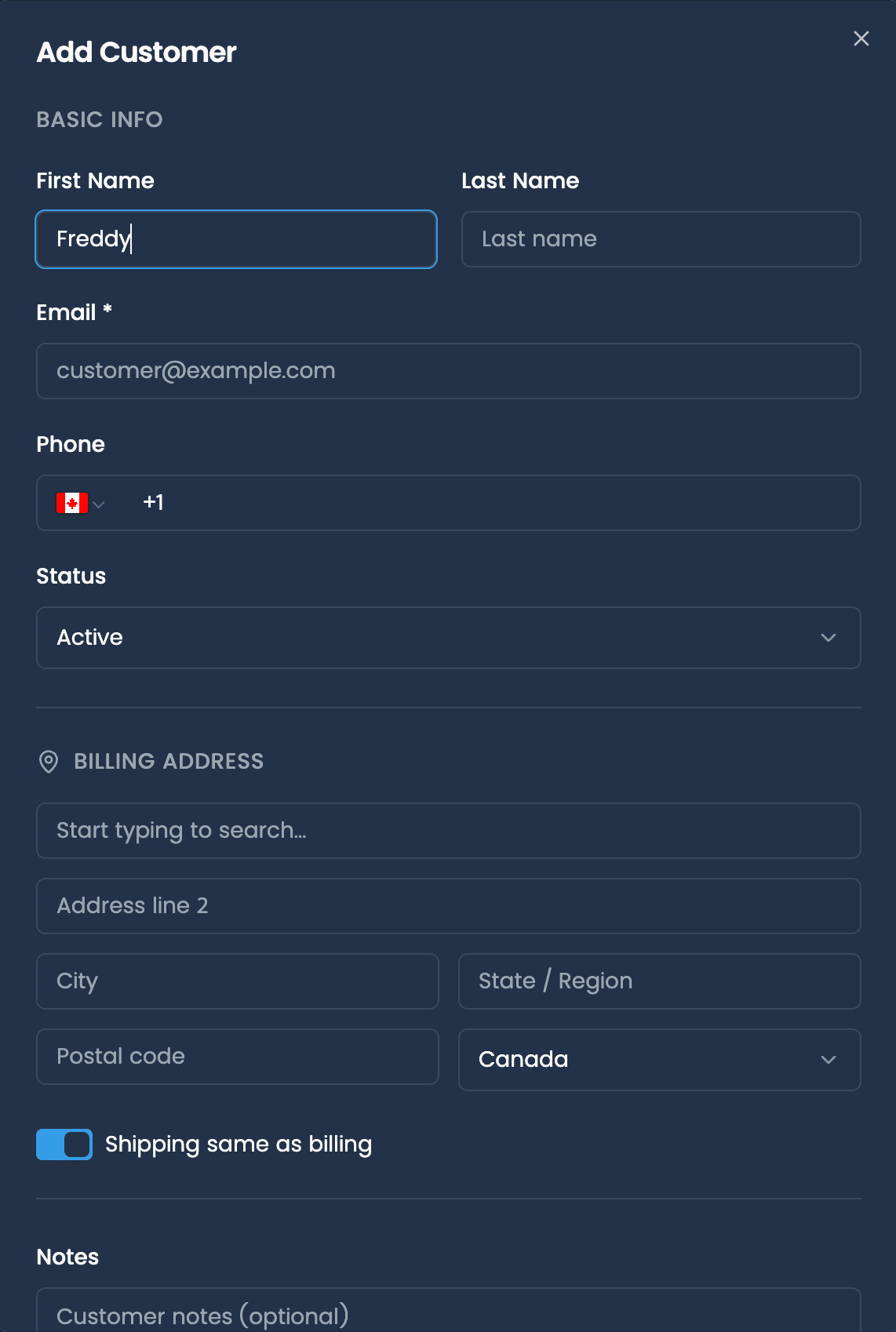
Capture details at checkout and see every visit, spend, and note in one place.
Unified profiles
Automatically save profiles from POS and connected sources, with search and last-visit tracking.
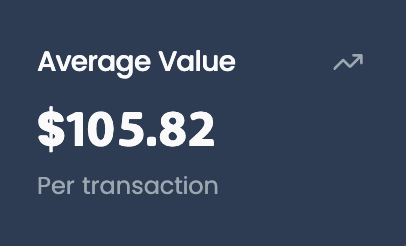
Activity, at a glance
View purchases, orders, refunds, and lifetime spend right on the record.
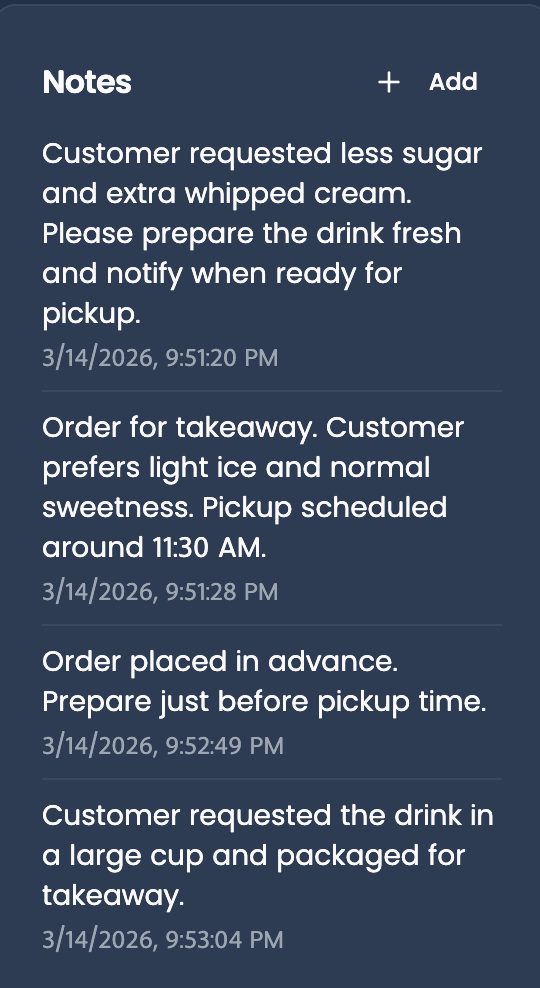
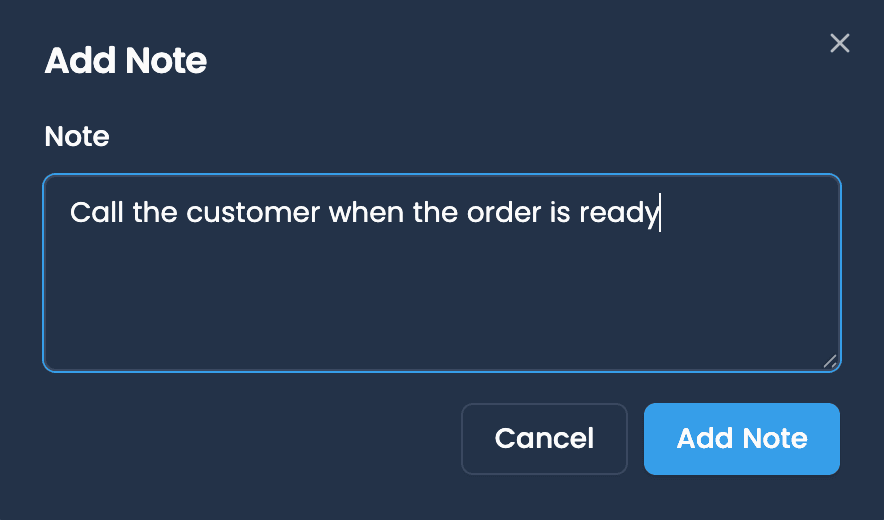
A lightweight, extendable CRM
Add internal notes to keep your team in the loop, and sync customer data with any external tool via Extensions or Code.
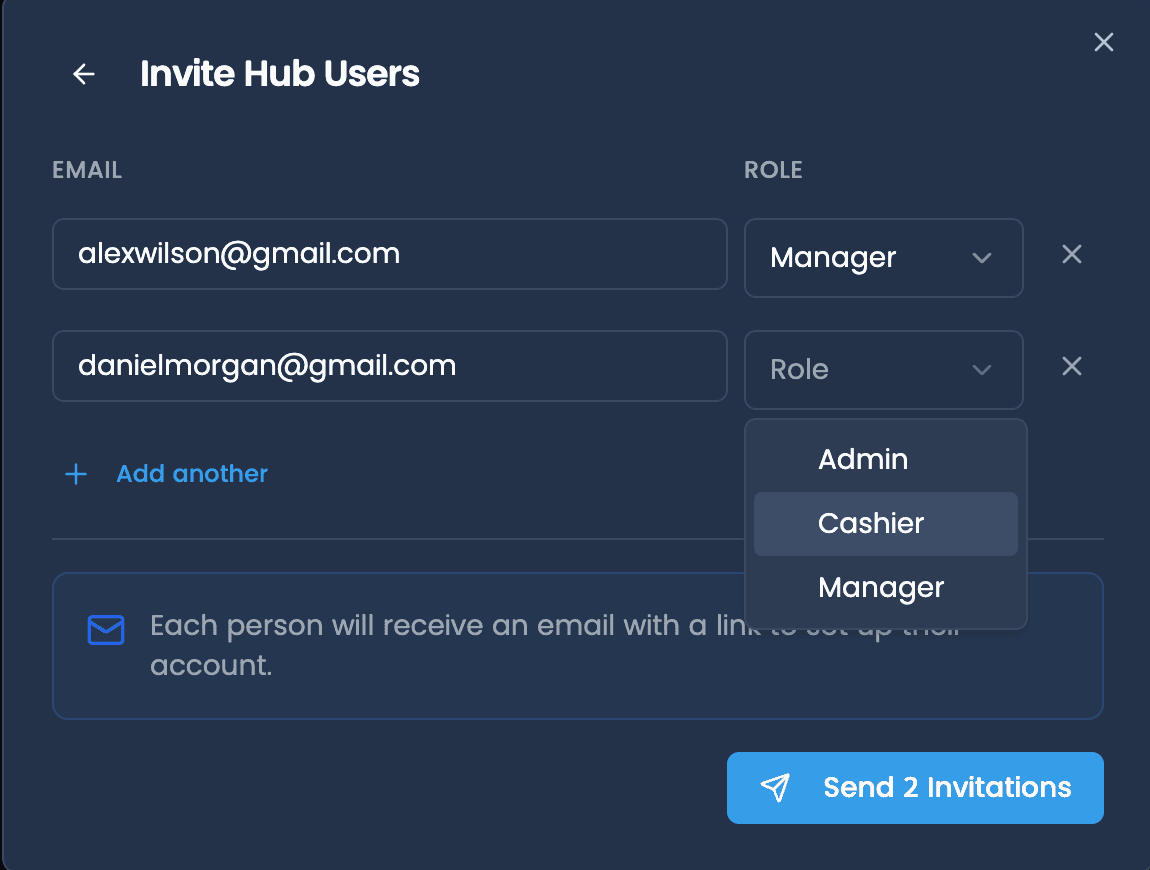
Set your team up for success
Give every team member the right access for their job. Restrict sensitive settings with roles and permissions.
Get started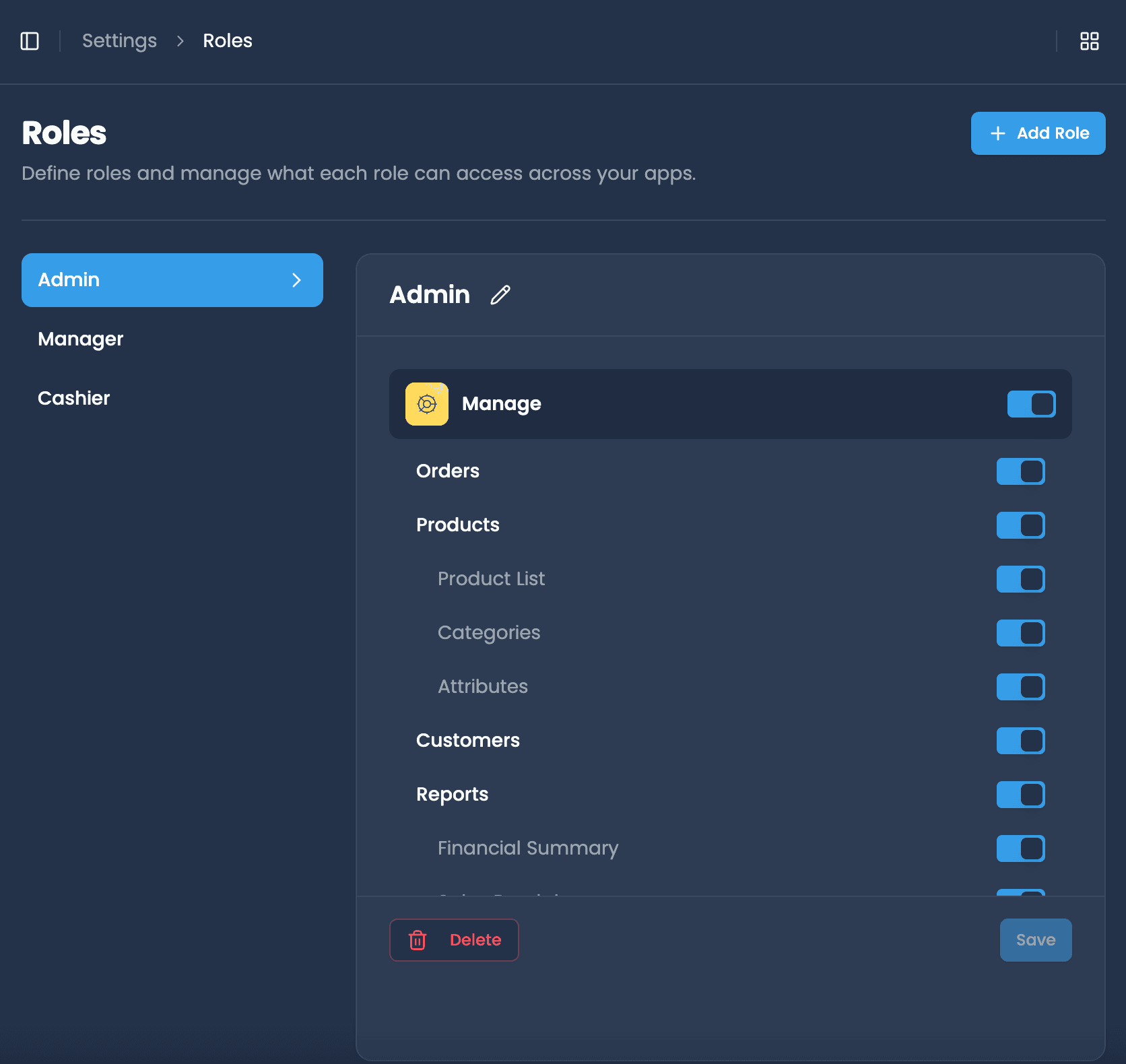

Tom Harris
Marketing executive
harris@email.com

Esther Howard
Accountant
esther@email.com
Read more
Get more from Manage
- ManageAug 3, 2026
How Do You Keep Inventory Counts Accurate When a Shipment Arrives Short?
A short shipment breaks your inventory records the moment someone receives it on faith. Here is the receiving routine that keeps counts accurate: check against the purchase order, count first, adjust the same day.
Read more → - ManageJul 28, 2026
Cycle Counts vs Annual Inventory: A Better Way
An annual inventory count audits your records once, then lets them drift for a year. Cycle counts keep them accurate for minutes a week. Here is how to switch.
Read more → - ManageJul 28, 2025
Smarter Employee Management with Your POS System
Modern POS systems do more than process sales — they help you manage staff with PIN logins, shift logs, role-based access, and real-time performance reports.
Read more →

More tools to explore.

Manage
Your back office, everywhere.

Pay
Accept payments your way.

Run
Make any screen a POS.

Flow
Design custom experiences.

Scale
Grow without limits.
Manage
Your back office, everywhere.
Pay
Accept payments your way.
Run
Make any screen a POS.
Flow
Design custom experiences.
Scale
Grow without limits.