






اپنا بہترین چیک آؤٹ ڈیزائن کریں۔
BUILD
کسی بھی کاروبار کے لیے اپنی مرضی کے مطابق POS فلو بنانے کے لیے ڈریگ اینڈ ڈراپ بلڈر۔ کوڈنگ کی ضرورت نہیں۔
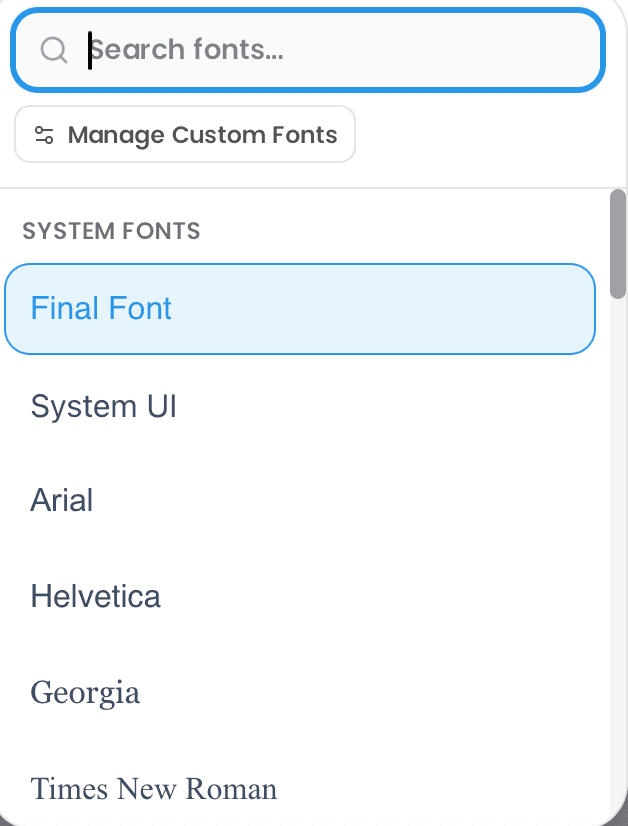
Final Builder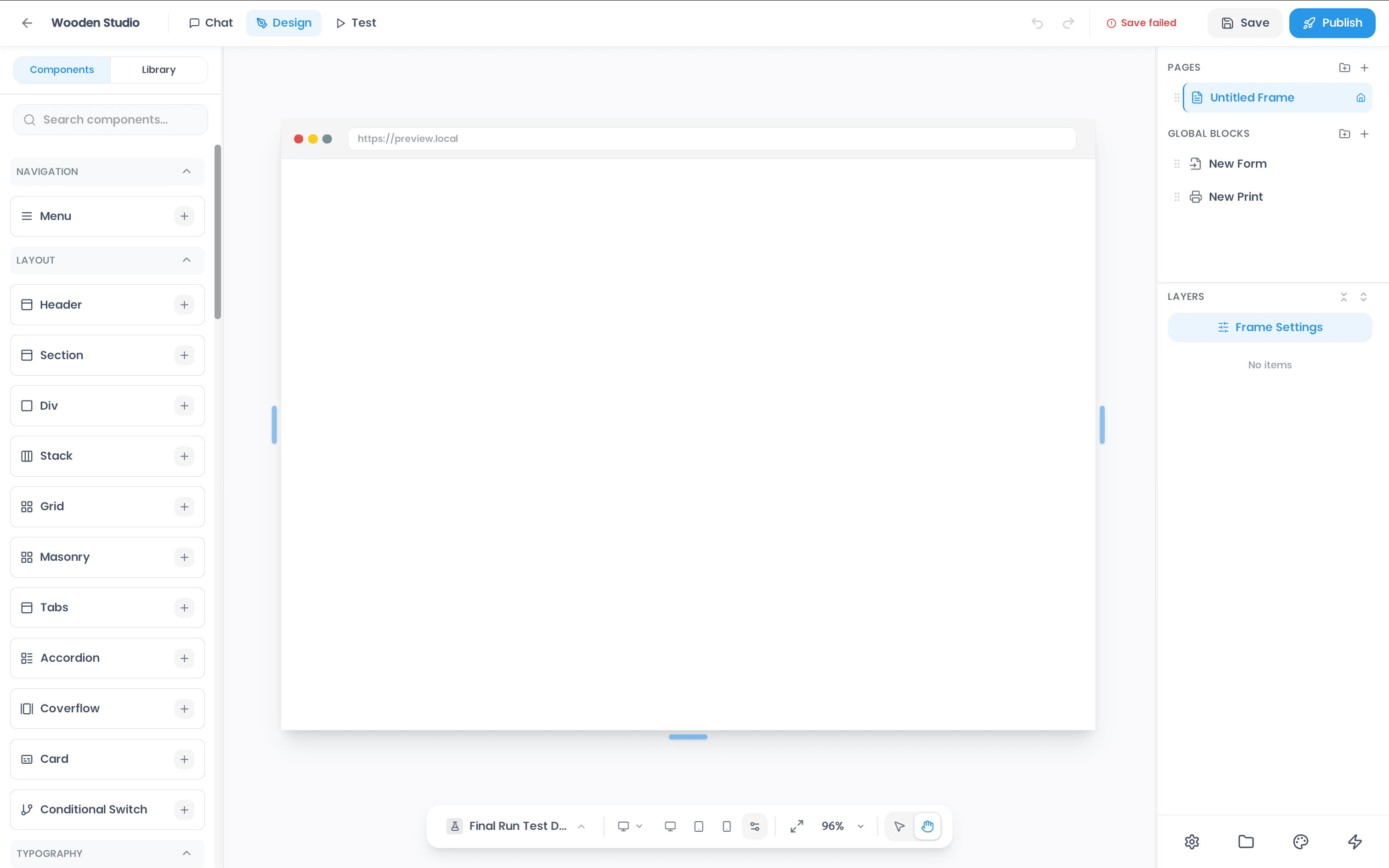

Drag & Drop Builder
Visually compose checkout screens without writing code.
Real-time Preview
See every change instantly across device sizes.
Publish Anywhere
Deploy to tablets, phones, kiosks, and desktops.
How does the POS builder work?
Introducing Build,
the canvas for your checkout.
Everything you need to build
A visual canvas packed with the tools to create any checkout experience you can imagine.
Built for speed and precision
Every capability you need to go from idea to live checkout in record time.
Presets Library
Start from dozens of professionally designed templates for every use case — counter POS, self-checkout kiosks, handheld devices, and more.
Multi-Screen Flows
Chain screens together into rich, guided checkout flows — from product browsing to payment to receipt.
Brand Customisation
Match every pixel to your brand — colours, typography, logos, and layouts are fully customisable.
Live Preview
See changes in real time across device sizes. Preview exactly what your customers will experience before going live.
Version Control
Track every change with built-in versioning. Roll back to any previous state with a single click.
One-Click Deploy
Push your creation to production instantly. Update all connected devices with zero downtime.
Read more
Build smarter checkouts
- BuildAug 6, 2026
How to Build a Custom POS App with an AI Prompt (Step-by-step Guide)
Type a description of the checkout you want and get a working POS app you can refine by chatting and deploy to your own devices. Five steps, no code, and the option to bring your own AI over MCP.
Read more → - BuildAug 4, 2026
Why Final POS switched from drag and drop POS builder to a Flow Studio with AI prompting.
Final POS retired its drag and drop builder. Flow Studio replaces it: describe the checkout you want in plain language and watch AI build it in a live preview, minutes instead of hours.
Read more → - BuildJul 22, 2026
How to Turn a Napkin Sketch Into a Functional Tablet Kiosk in 5 Minutes
Photograph a napkin sketch, upload it to Final's AI builder, and get a working tablet kiosk: drawn buttons become a live, data-linked checkout you can deploy to customer-facing tablets and handhelds.
Read more →

More tools to explore.

Manage
Your back office, everywhere.

Pay
Accept payments your way.

Run
Make any screen a POS.
Flow
Design custom experiences.

Scale
Grow without limits.
Manage
Your back office, everywhere.
Pay
Accept payments your way.
Run
Make any screen a POS.
Flow
Design custom experiences.
Scale
Grow without limits.