



Build a Mobile Checkout with Tap-to-Pay in Minutes: The Ultimate Guide
Turn your smartphone into a payment terminal with Final POS. This guide shows how to build a mobile checkout with tap-to-pay in just minutes.
 Mathias NielsenCEO, Final POS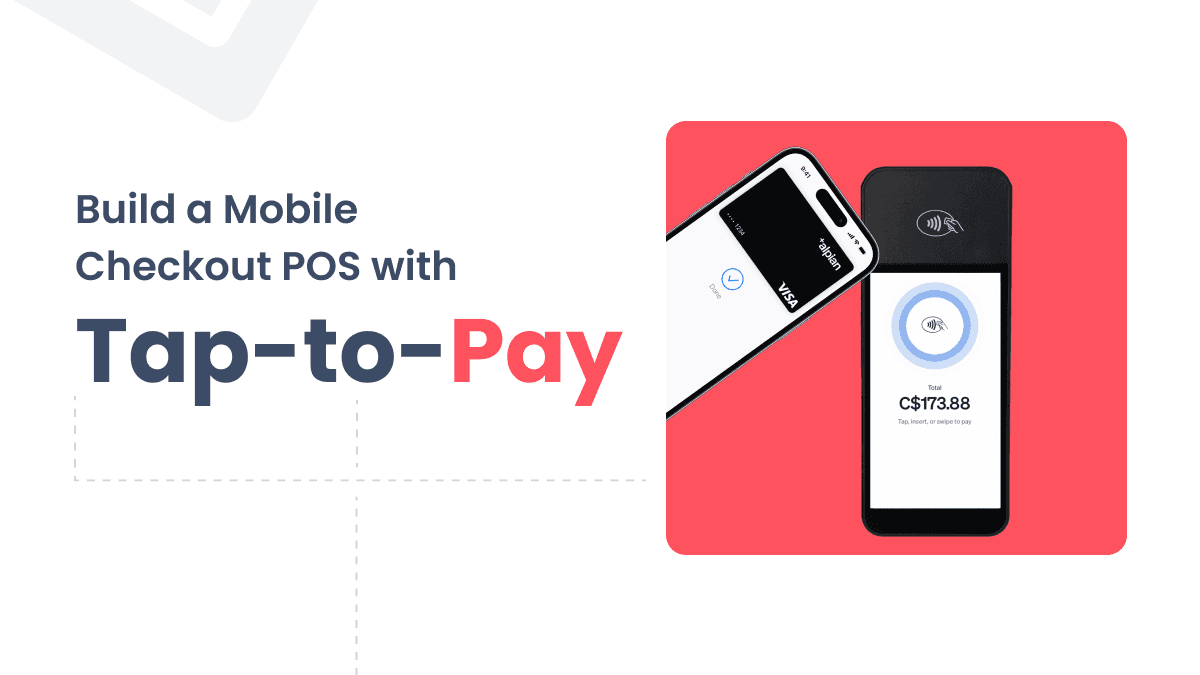
What if you were to run a mobile business with no bulky point of sale (POS) systems required? And with Final POS, you can instantly create a slick and professional mobile checkout solution, turning your smartphone into a payment terminal with tap-to-pay for just a few minutes. Whether you’ve got pop-up shops or hectic markets to sell in, this guide will teach you how to use Final POS’s power to take your checkout and trade in hand.
Why Mobile Checkout with Tap-to-Pay is Essential
Mobility Without Limits: Goodbye to heavy, expensive hardware.
Lightning-Fast Setup: No technical expertise required—go live in minutes.
Professional Presentation: Polish up their user-friendly checkout process to impress customers.
Future-Proof: Use the latest tap-to-pay technology to be ahead of the competition.
What is Final POS?
Final POS is a flexible, feature-rich platform that allows businesses to create tailored point-of-sale systems. Final POS is perfect for companies of all sizes, and it has advanced tools like Tap-to-Pay, customizable interfaces, and a range of hardware options. Its Tap-to-Pay feature eliminates the need for extra hardware, turning your smartphone into a powerful payment terminal.
How to Build Your Mobile Checkout with Tap-to-Pay
1. Set Up Your Checkout Interface
• Device Layout: Optimize for mobile screens like the iPhone 15 Pro Max.
• Header Essentials: Add your logo (30% of screen width) and navigation elements like a home button and slide-out cart.
• Product List: Use a clean, scrollable product list with clear borders and high-quality images.
• Consistent Design: Apply uniform padding and borders (e.g., 4px 16px) for a cohesive look.
2. Design the Tap-to-Pay Button
• Full Width: Make the button span the screen for visibility.
• Dynamic Pricing: Include real-time prices, e.g., “Pay Now ($XX).”
• Accessibility: Ensure the button supports screen readers and gestures.
3. Add Pop-Ups for Product Details
• Dynamic Pop-Ups: Display product info like name, image, variations, and quantity.
• Interactive Features: Add a close button and ensure real-time updates when items are selected.
4. Manage Variations and Quantities
• Allow customers to select variations (e.g., size, color) and adjust quantities.
• Ensure the cart updates dynamically in real-time.
5. Finalize Checkout Flow
• Add a confirmation page with a thank-you message and order summary.
• Include a “Back to Home” button for easy navigation.
6. Enable Tap-to-Pay
• Go to the Final POS app and configure payment settings under “Payment Terminals.”
• Activate Tap-to-Pay, turning your smartphone into a payment terminal.
• Test by processing a sample payment to ensure smooth functionality.
Why Choose Final POS?
• All-in-One Solution: Integrates checkout, inventory, and payments.
• Cost-Effective: No extra hardware required.
• Customizable: Tailor the system to fit your business.
• Innovative: Trusted for its robust features and reliability.
Conclusion
With Final POS, building a mobile checkout system with tap-to-pay is fast, easy, and affordable. From sleek designs to seamless payments, Final POS helps your business stand out and operate more efficiently. Get started today and redefine your checkout experience—your customers will thank you!
Frequently asked questions
What hardware do I need to set up tap-to-pay with Final POS?
No extra hardware is required. Final POS turns your existing smartphone into a payment terminal using its built-in tap-to-pay feature. This makes it a cost-effective option for mobile businesses, pop-up shops, and markets.
How long does it take to build a mobile checkout with Final POS?
According to Final POS, you can go live in just a few minutes with no technical expertise required. The platform is designed for fast setup, letting you configure your checkout interface, product list, and payment settings quickly.
Can I customize the checkout interface in Final POS?
Yes. Final POS allows you to tailor your checkout interface with your logo, product images, dynamic pop-ups, and consistent design elements. You can also manage product variations and quantities with real-time cart updates.
How do I enable tap-to-pay in the Final POS app?
Open the Final POS app and navigate to Payment Terminals in your payment settings. From there, activate tap-to-pay to turn your smartphone into a payment terminal. Final POS recommends testing with a sample payment before going live.
Is Final POS suitable for pop-up shops and markets?
Yes. Final POS is built for mobile businesses that need a lightweight, portable checkout solution. Its tap-to-pay feature eliminates bulky hardware, making it well-suited for pop-up shops, farmers markets, and other on-the-go selling environments.