



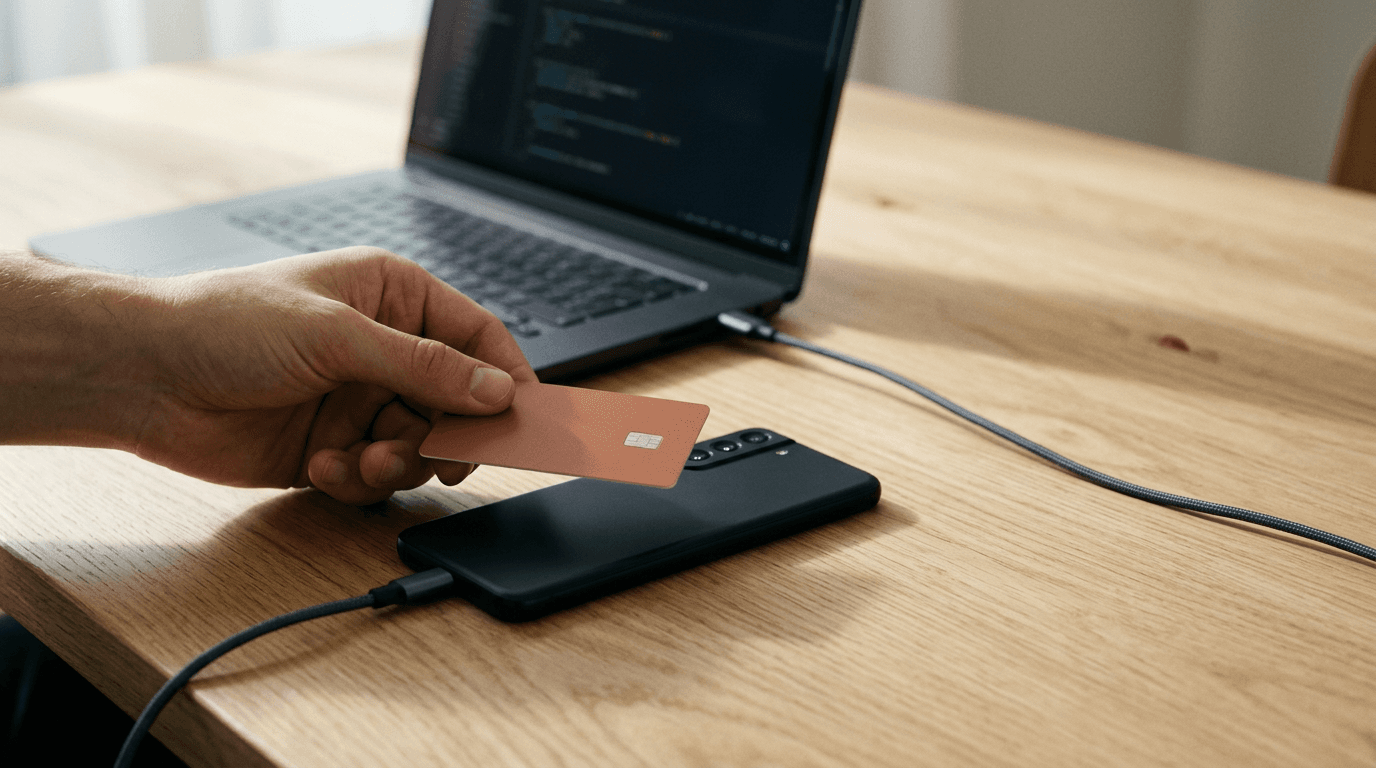
Why Final POS switched from drag and drop POS builder to a Flow Studio with AI prompting.
Final POS retired its drag and drop builder. Flow Studio replaces it: describe the checkout you want in plain language and watch AI build it in a live preview, minutes instead of hours.
 Mathias NielsenCEO, Final POS
Final POS started life as a drag and drop POS builder. That builder is gone. In its place is Flow Studio, a prompt-based studio where you describe the checkout you want in plain language and watch it get built in a live preview. The switch was not a redesign for its own sake: arranging pre-made blocks capped what merchants could build and how fast they could build it, and prompting removed both caps at once.
What is Flow Studio?
Flow Studio is where you create a checkout flow by describing it. You type what you want in the prompt box, and you can set your hardware, industry, and style, add your logo and brand colours, or drop in a screenshot as a design reference. Click Start and the flow assembles in front of you as a live, interactive preview you can click through while it takes shape.
Refining is a conversation. Ask for a bigger product grid, a different accent colour, or an extra screen, and the preview updates. When it looks right, Deploy runs a pre-flight review, you set a version, and the flow goes live on your stations. Every change is saved as a restorable checkpoint, so a wrong turn costs one click, not an afternoon. The full walkthrough is in How to build your first flow.
Flow Studio is one of three areas in Flow. The Flow Library holds ready-made flows you can deploy as-is or use as a starting point, and Your Flows is where everything you have built lives, with its versions and checkpoints.

What was wrong with drag and drop?
The ceiling. A drag and drop builder is a box of pre-made components: you can arrange them any way you like, but you can never go past them. The moment a merchant needed something the component library did not include, that need became a feature request, and a feature request became a wait measured in development cycles. The builder was flexible right up to the edge of the parts bin, then not at all.
There was a second, quieter problem: assembly is not design. When every merchant arranges the same blocks, every checkout converges on the same few layouts. We made the case for builders over fixed systems in our drag and drop POS builder vs. traditional POS comparison back when blocks were our pitch, and that case still holds. The mechanism just stopped being the best way to deliver it.
How is prompting 100x faster?
Because the slow part was never the dragging. The slow part was the distance between what a merchant needed and what the blocks offered. With blocks, a custom checkout flow the library covered took hours to assemble, and one it did not cover took days or weeks of waiting for new components. In Flow Studio, the same request renders as a working preview in minutes. Call it 100x faster if you like round numbers; the plain math is days shrinking to minutes, based on our own builds before and after the switch rather than a lab benchmark.
Iteration compounds the gap. Each change is a sentence instead of a rebuild, each version is a checkpoint you can roll back to, and the pre-flight review runs before anything reaches a real till. Speed only matters if the result still rings up correctly, so the review step is not optional.
What does unlimited creativity actually mean?
It means the component library stopped being the boundary of what your checkout can be. Prompting does not pick from a parts bin; it generates the software layer of your POS, the screens and flows and features, from your description. A farm stand can ask for a single-screen checkout with photos of this week's produce. A cafe can ask for a flow that walks new staff through order add-ons step by step. A gift shop can hand over a screenshot of a design it likes and get a checkout that matches. None of those existed as blocks, and none of them need to.
The fair question: if the AI can build anything, what stops it from building something wrong? Two things. You see every change in the live preview and can roll back to any checkpoint before deploying. And the AI only generates the software layer; payments, inventory, and reporting run on Final's infrastructure underneath, with settlement (the actual movement of money) handled by Final Pay and a payment processor, no matter what your flow looks like. That division of labor is the reason a general AI coding tool alone cannot ship a working POS, and it is why the creativity can be unlimited without the risk being unlimited too.
Prompting is not even locked to our interface. If you already work in an AI tool, you can connect your own AI over MCP, an open standard for linking AI tools to other software, and let Claude, ChatGPT, Cursor, or any MCP client build your flow on the same infrastructure. That openness is deliberate, and it is the short answer to anyone asking whether Final is just an AI wrapper. (AI tools and standards move quickly; treat the specific names here as a snapshot at publication.)

So, why did Final POS switch to Flow Studio?
Because blocks made every custom checkout a compromise between what you needed and what the parts bin held, and prompting ended the compromise. Describing a flow takes minutes, iterating takes sentences, and the infrastructure underneath stays boringly reliable either way. The rule of thumb: if you can describe a checkout in a sentence, seeing it run should not take a development cycle. The fastest way to test that is to describe your first flow in Flow Studio and watch the preview.
Frequently asked questions
Is Flow Studio the same thing as Build?
Yes. Flow Studio is the new name for the builder previously called Build. You may see both names in the product and help center while the rename rolls out; they refer to the same tool.
Do I need to know how to code to use Flow Studio?
No. You describe the checkout experience you want in plain language and refine it by chatting. A live preview shows every change before you deploy.
Can I still start from a ready-made checkout flow?
Yes. The Flow Library holds ready-made flows you can deploy as-is or use as a starting point, then customize by prompting.
Can I use my own AI instead of the built-in one?
Yes. Choose Connect your own AI (MCP) and any MCP client, such as Claude, ChatGPT, or Cursor, can build and deploy your flow on Final's infrastructure.
Does Flow Studio cost extra?
The builder has a free tier with a daily credit allowance, plus paid tiers with more AI credits. The core Final platform has no monthly software fee; merchants pay per transaction.