



Start With the POS You Won’t Have to Replace: Final POS for New Businesses
Final POS is the flexible POS for new businesses—start free, pay as you go, customize checkout flows, and scale without painful workarounds later.
 Mathias NielsenCEO, Final POS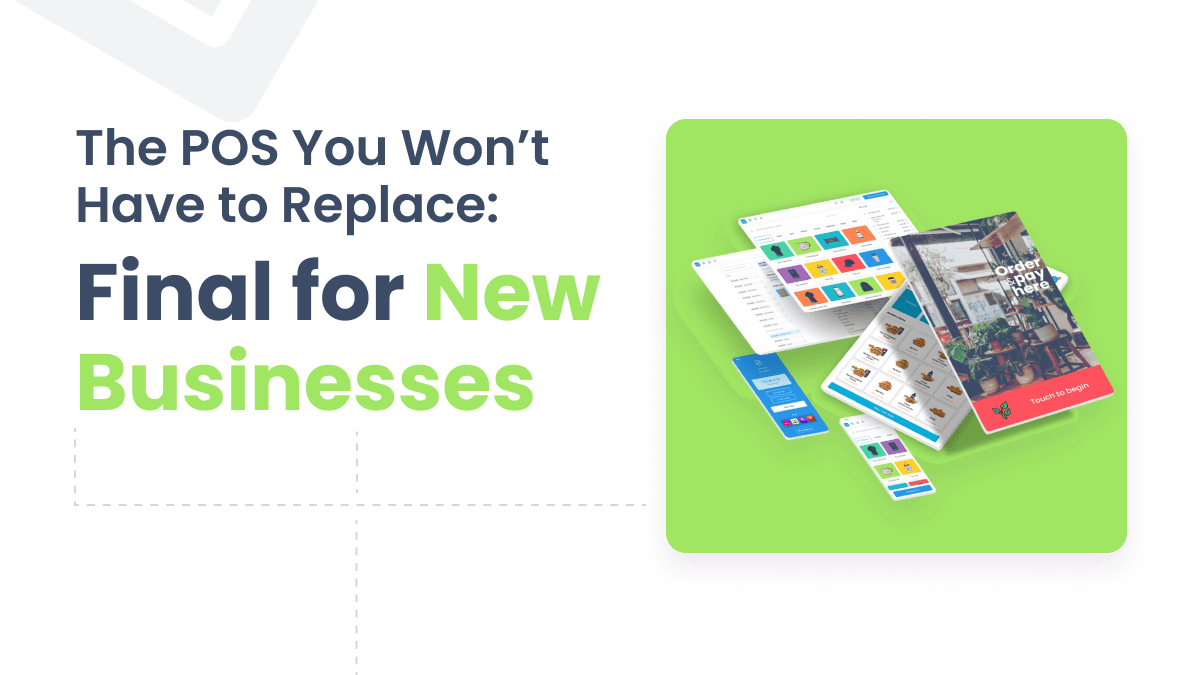
There's a reason why we call ourselves "Final" 🥇
If you’re starting a new business, the best POS system is the one you won’t have to replace. Final POS is a drag-and-drop, no-code POS builder that lets you customize your checkout flow, run on multiple devices, keep selling offline, and start with pay-as-you-go pricing (no monthly fees).

At a glance: why new businesses choose Final POS
Build the checkout your business actually needs (drag-and-drop POS builder)
Start free, then pay as you go (no monthly software subscription)
Keep selling even if the internet drops (offline-capable operation)
Run on the devices you want (mobile, desktop, kiosk-style setups)
Automate workflows with integrations like Zapier
Why “good enough” POS systems become expensive later
In the early days, almost any POS can ring in a sale. The trouble starts when your business stops being simple.
Rigid POS systems force you into workarounds when you need things like:
Deposits, partial payments, or service-based steps
Bundles, combos, and special pricing rules
Different workflows for in-store vs. events vs. pop-ups
Self-checkout or kiosk-style experiences
Better staff permissioning and consistent training flows
Those workarounds don’t feel “bad” at first. Then they become your standard operating procedure—slower lines, more mistakes, harder training, and a POS you’re scared to change.
What makes Final POS different for a new business
1) Final is a customizable POS builder (not a fixed template)
Final is built around a drag-and-drop POS builder, so your checkout flow matches how you sell—rather than forcing your business into a default checkout template.
If your business evolves (it will), you can evolve your checkout without rebuilding your whole operation.
Learn how the Final POS Builder works

2) Start free, then pay as you go (better for startup cash flow)
New businesses don’t need more fixed costs. They need flexibility.
Final uses a simple model: start free, then pay as you go. If you use Final Pay for payments, you pay per successful card charge, with rates that vary by region and no monthly software fees.
3) Offline-capable selling (because outages happen)
Internet outages shouldn’t stop your business. Final is designed for fast, reliable operations even when connectivity isn’t perfect, so your team can keep moving during real-world chaos.
If you’re running pop-ups, events, food trucks, rural locations, or just dealing with inconsistent service, offline capability isn’t a “nice to have.” It’s protection.
4) Run on the devices you actually need
New businesses rarely stay on one device forever. You might start on a tablet, then add mobile selling, then add a second counter, then experiment with kiosk flows.
Final is designed to run across environments (mobile, desktop, and more) so you can scale your setup without rebuilding from scratch.

5) Automations and integrations (without a dev project)
As soon as you’re doing real volume, you’ll want automations:
Notify staff when a certain checkout event happens
Trigger fulfillment workflows
Send customer follow-ups based on what was purchased
Sync events into your tools
Final supports integrations like Zapier, including a Custom Event trigger so you can decide exactly where in a flow an automation fires.
Quick checklist: how to choose a POS for a new business
Use this to double-check your decision:
Customization: Can you change the checkout flow without hacks or dev work?
Cost structure: Are you locking into monthly fees before you know volume?
Offline mode: Can you still sell if the internet drops?
Device flexibility: Can you add devices/workflows as you grow?
Integrations: Can your POS trigger automations and sync events?
Future-proofing: Will you outgrow it in 6–12 months?
Who Final POS is best for
New retailers and service businesses who want a POS that fits their workflow
Fast-changing businesses (pop-ups, seasonal, events) that need flexibility
Operators who hate workarounds and want to build the “right” checkout early
Choose Final now, thank yourself later
The cheapest POS decision is the one you don’t have to redo.
Final is a strong choice for new businesses because you can start lean, build a checkout flow that matches your business, and scale without re-platforming when you’re busier.
Ready to start? Get started with Final POS | See pricing
FAQ: POS for new businesses
What is the best POS system for a new business?
The best POS for a new business is one that fits your workflow now and won’t force a painful switch later. Look for customization, offline capability, flexible device support, and a cost structure that won’t crush early cash flow. Final POS offers this, and more.
Is it worth paying monthly fees for a POS when I’m just starting?
Often, no. Early-stage businesses benefit from lower fixed costs. Pay-as-you-go models can be a better fit until your volume stabilizes.
Do I need an offline POS system?
If you ever deal with unstable internet—or you run events, pop-ups, food trucks, or rural locations—offline capability can prevent lost sales and operational chaos.
Can I customize my POS checkout flow without coding?
Yes—if you choose a customizable POS builder. That’s the difference between adapting your checkout to your business versus adapting your business to your POS. Final POS is the world's first drag-and-drop POS Builder.
Can Final POS integrate with other tools?
Yes. Final supports integrations like Zapier, including the ability to trigger automations from specific moments inside a flow.
When should I switch POS systems?
If your POS regularly forces manual workarounds, slows down checkout, complicates training, or blocks new workflows, you’re already paying the switching cost—just in hidden ways. Choose Final POS if you're just starting out, or if you're deciding to switch to a better "forever" software that will grow with you.
Frequently asked questions
What is the best POS system for a new business?
The best POS for a new business fits your workflow now and won't force a painful switch later. Look for customization, offline capability, flexible device support, and a cost structure that won't strain early cash flow. Final POS offers drag-and-drop checkout building, pay-as-you-go pricing, and offline selling.
Do new businesses need to pay monthly fees for a POS?
Not necessarily. Early-stage businesses benefit from lower fixed costs, and pay-as-you-go models can be a better fit until your sales volume stabilizes. Final POS charges per successful card transaction through Final Pay, with no monthly software subscription fees.
Can I customize my POS checkout without coding?
Yes, if you choose a no-code POS builder. Final POS uses a drag-and-drop builder so you can design your checkout flow to match how your business actually sells — no developer needed. You can also update the flow as your business evolves.
Does Final POS work offline?
Yes. Final POS is designed for reliable operation even when internet connectivity is unstable or drops entirely. This is especially useful for pop-ups, events, food trucks, and rural locations where consistent internet access isn't guaranteed.
When should a new business switch POS systems?
If your POS regularly forces manual workarounds, slows checkout, or blocks new workflows, you're already paying a hidden switching cost. Choosing a flexible, scalable POS like Final from the start avoids the need to re-platform as your business grows.