



3 Techniques to Improve Your Mobile POS Device
Three practical techniques to improve your mobile POS device: optimize for speed and offline use, streamline the interface, and keep it secure and updated.
 Mathias NielsenCEO, Final POS
Are you getting the most out of your mobile POS setup? If you're unsure, you're in the right place.
By now, we all know that mobile devices hold enormous potential—but only when they're set up and used correctly. That’s why we’re sharing three vital techniques to help you maximize the performance and functionality of your device, so you don’t miss out on any of its benefits.
But first let's take a quick look at why mobile POS is such a smart move for businesses today.
Why is POS on a Mobile Device a Good Idea?
Mobile POS software gives businesses unparalleled flexibility. By moving away from traditional fixed POS terminals, you can sell products and offer service directly on the spot—enhancing the customer experience and increasing conversion rates.
According to statistics, the mobile POS market is expected to grow significantly, likely driven by more businesses realizing the benefits of making the sales process more mobile and accessible.
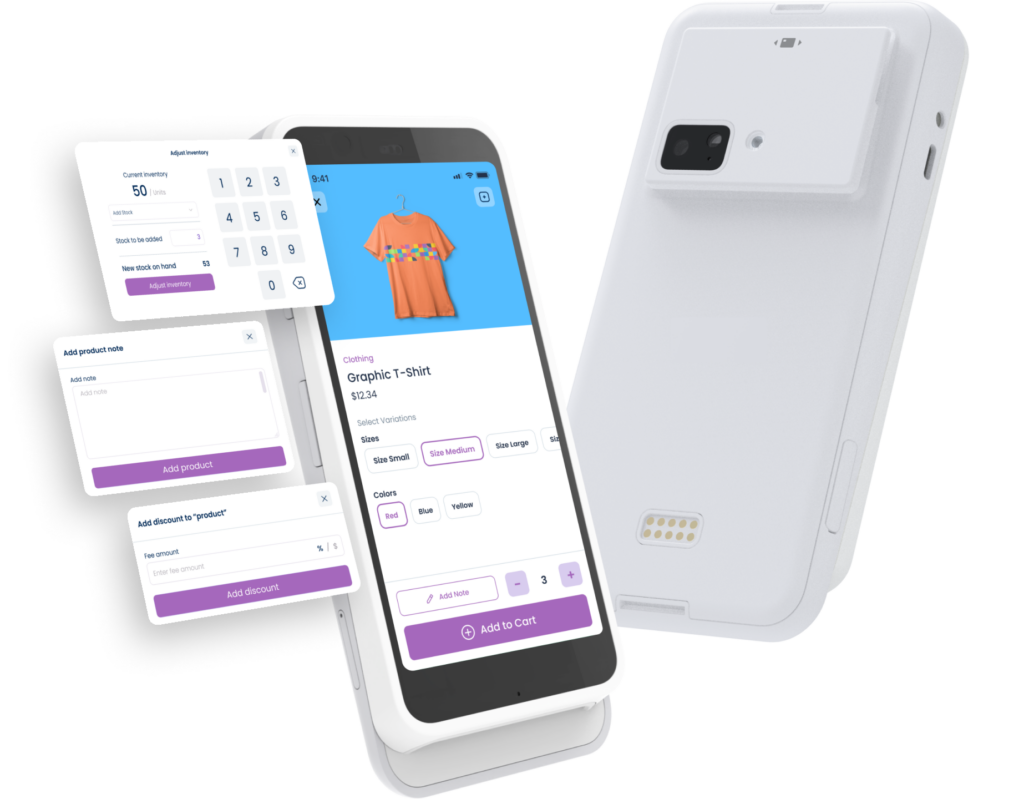
3 Ways to Optimize Your Mobile POS Device
Now, let’s get to what you came here for—three techniques to easily improve your mobile POS device. With these tips, you or your agency can turn a simple mobile device into a powerful business tool—especially if you work in or with retail, hospitality, or field sales.
1. Optimize for Speed and Offline Performance
We can all agree that a lagging POS is frustrating for both staff and customers. To avoid slowdowns and lost sales during peak hours or in areas with weak internet, make sure your mobile POS setup includes the following:
Optimized for device performance. Choose software that runs smoothly on tablets or smartphones with varying specs. A good mobile POS is optimized to perform across iOS, Windows, and Android devices.
Supports offline mode. You want to have a mobile POS solution that allows transactions to continue, even when the internet drops, syncing automatically when you’re back online. Without real-time syncing or offline fallback, even a short disruption can mean lost sales, confused inventory counts, or annoyed customers.
Pro tip: Use native apps instead of browser-based systems when possible—they tend to run faster and handle offline functionality better.
2. Streamline the User Interface for Speed and Simplicity
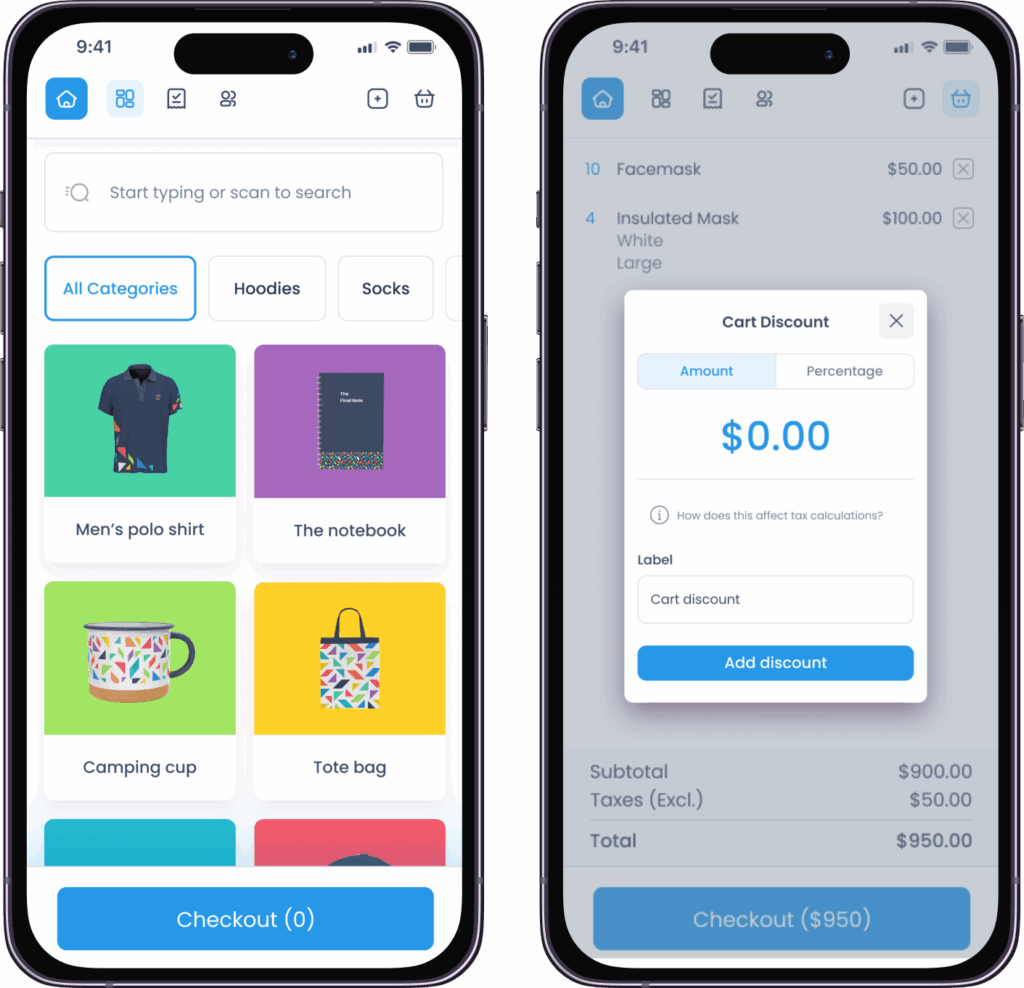
Your mobile POS user interface needs to be simple, intuitive, and easy to use. The quicker your staff can get going at the POS, the smoother the customer experience will be—and that's a winning situation for everybody.
If you want to optimize your mobile POS device, choose a software that lets you custom-fit the interface to your store’s flow. Final POS supports that.
Small tips to streamline the interface right away:
Simplify the layout – Prioritize the most-used functions and group similar actions together to make navigation faster.
Quick access to key functions – Actions like applying a discount, refunding, or switching products need to be at the user's fingertips—not hidden deep within menus.
Touch-optimised design – Use larger buttons, clear icons, and swipe-friendly navigation. In fast-paced environments, every tap counts.
Customize for context – Select a POS that allows you to tailor views depending on the use case or user role, so everyone sees only what they need.
3. Keep your mobile POS device Secure and Always Updated
The last technique to easily improve your mobile POS device we will present to you is to keep it secure and updated.
Mobile POS devices handle sensitive data (customer info, payment details, and inventory access), so security should never be an afterthought. A poorly secured or outdated POS system puts both your business and your customers at risk and can result in lost revenue, legal exposure, and trust issues for your clients.
This is how to make your mobile POS secure and future-proofed:
Use systems with regular security patches: Choose a POS provider (e.g., Final POS) that frequently updates to fix vulnerabilities and improve performance.
Control user access: Restrict functions based on the roles of the users. This reduces the potential for errors or abuse, especially in high-turnover staff settings.
Remote updates and control: Choose a mobile POS solution that supports regular, automatic updating. Look for systems that include remote device management and version control so you can manage fleets of devices without having to send someone there.
Unleash the Full Value of Your Mobile POS
By emphasizing speed, simplicity, and safety, you will ensure that your mobile POS device is a powerful tool that ultimately leads to growth and operational excellence. If your current mobile POS system does not provide speed, usability or security—you are leaving value on the table, and it's time to deploy a new system that works for you.
Explore how Final POS can help you get the most out of your mobile devices and elevate your business today!
Frequently asked questions
How can I improve the performance of my mobile POS device?
You can improve mobile POS performance by optimizing the software for hardware capabilities, reducing unnecessary features or steps, and ensuring offline functionality for uninterrupted transactions.
What makes mobile POS devices more efficient than traditional POS systems?
Mobile POS devices are more efficient because they are portable, faster to deploy, easier to update, and often provide better customer interaction by supporting on-the-go transactions and flexible setups.
Why is offline functionality important for mobile POS systems?
Offline functionality ensures your mobile POS system can still process sales, store data, and maintain business operations even when internet connectivity is lost—critical for busy or remote environments.
How does Final POS support optimization for mobile devices?
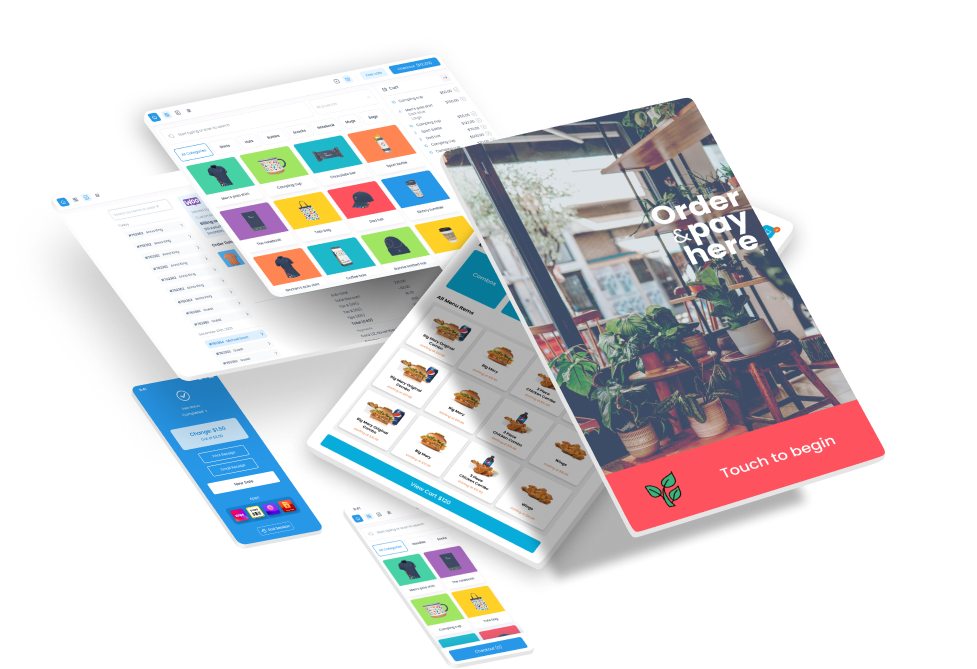
Final POS is designed to work seamlessly across smartphones, tablets, and kiosks. It automatically adjusts layouts, reduces load times, and enables real-time syncing for an optimized mobile experience.