



Mobile tap payments vs Tap to Pay on mobile: explaining the difference
Mobile tap payments and Tap to Pay on mobile sound like the same feature. They're opposite sides of the same tap — one is how customers pay, the other is how merchants accept.
 Mathias NielsenCEO, Final POS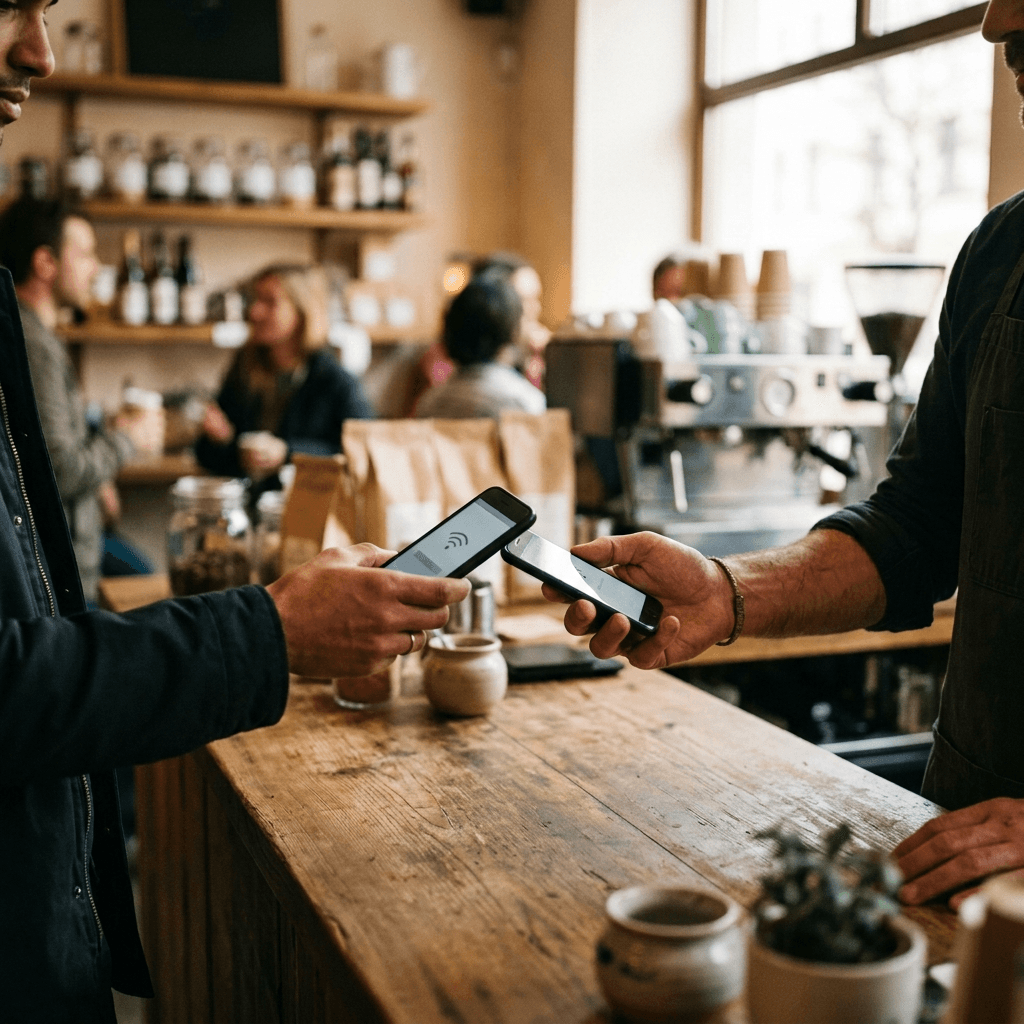
"Mobile tap payments" and "Tap to Pay on mobile" get used as if they were the same feature. They're not. Mobile tap payments are how a customer pays — holding a phone or watch over a reader instead of presenting a card. Tap to Pay on mobile is how a merchant accepts — the phone itself becomes the card reader. Same NFC tap, opposite sides of the counter, and only one of them is a decision you need to make.
What are mobile tap payments?
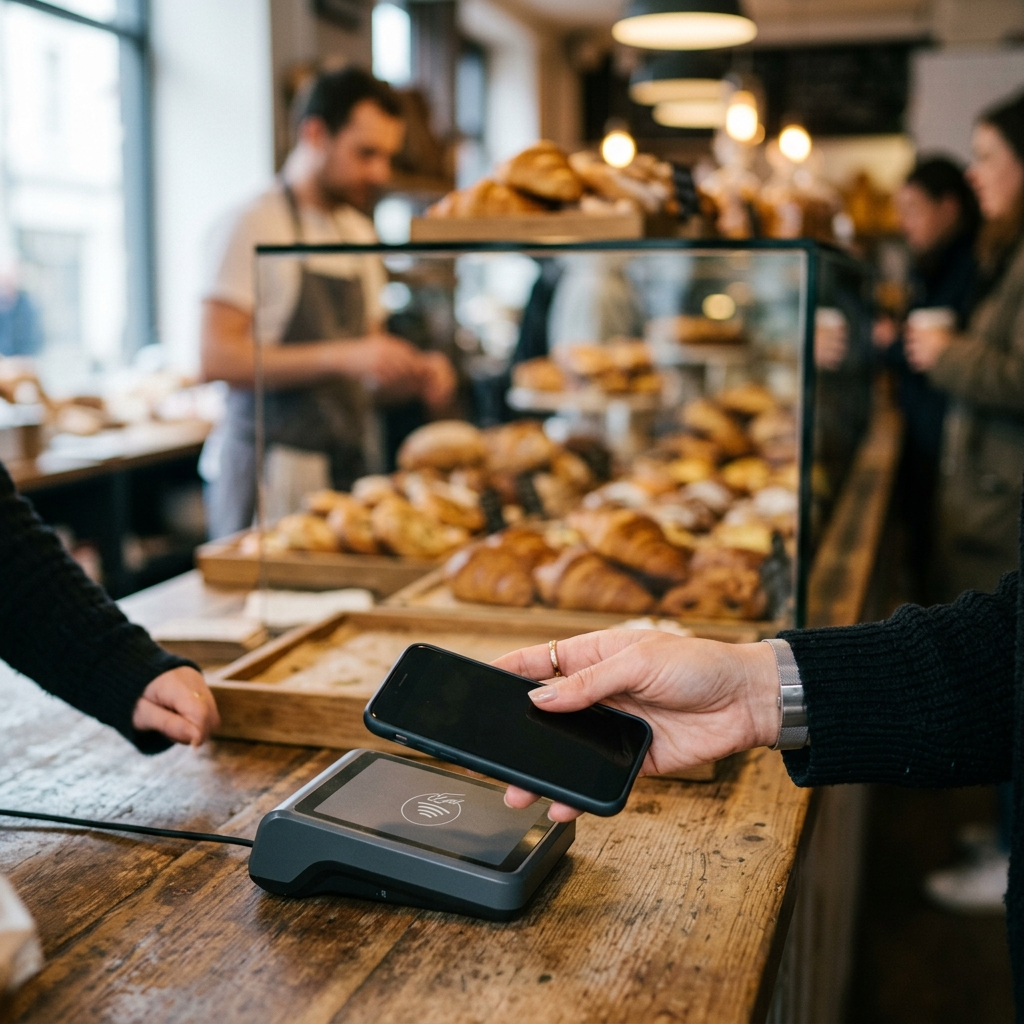
Mobile tap payments are contactless payments a customer makes with a phone or smartwatch instead of a physical card. The card lives in a digital wallet like Apple Pay or Google Wallet, which stores a tokenized stand-in for the card number rather than the number itself. At the till, the customer approves with a fingerprint or face scan and holds the device near the reader.
From your side of the counter, nothing changes. A wallet tap arrives as an ordinary contactless card-present transaction: if your setup accepts contactless cards, it already accepts Apple Pay and Google Pay. There is no separate integration, no extra fee category, and no switch to flip. Apple reports that over two thirds of US credit and debit cards are now issued contactless-enabled, and contactless adoption has been reshaping the checkout since well before phones joined in.
What is Tap to Pay on mobile?
Tap to Pay on mobile turns the merchant's phone into the card reader. Sold under names like Tap to Pay on iPhone, Tap to Pay on Android, or softPOS (software point of sale), it uses the phone's built-in NFC antenna to read the customer's contactless card, phone, or watch directly against the screen. No dongle, no Bluetooth reader, no terminal.
The requirements are light. Apple's Tap to Pay on iPhone needs a supported payment app and a current version of iOS. On Android, most recent NFC-capable devices qualify, with exact requirements varying by provider and country. The heavy lifting sits with the payment provider behind the app, which supplies the certified reader configuration and carries the security certifications.
That last part deserves attention. The reader can be software, but the infrastructure behind it can't be improvised: transactions are encrypted end to end, the card number never touches the phone's storage, and the whole stack is certified under the same card-present security rules that terminals follow. The hard part of payments doesn't live in the checkout screen. It lives in the certified plumbing underneath it.

Why do the two get confused?
Because the gesture is identical and the vocabulary overlaps. Both involve a tap, both ride on NFC, and "tap to pay" gets used loosely for either. The distinction worth keeping:
Who holds the device: mobile tap payments happen on the customer's phone. Tap to Pay on mobile happens on the merchant's phone.
What it is: one is a payment method, the other is an acceptance channel.
What it replaces: a wallet tap replaces the customer's plastic card. Tap to Pay replaces the merchant's card reader.
Who decides: the customer chooses whether to tap a phone or a card. You choose whether to accept on a terminal or a phone.
The two also stack. A customer can make a mobile tap payment onto a merchant's Tap to Pay phone — two phones, one tap, both terms in a single transaction. That single image explains most of the confusion.
Which one do you actually need to set up?
Only the acceptance side is on your to-do list. Mobile tap payments require nothing from you beyond contactless acceptance, which any modern setup includes by default. The real decision is what does the accepting: a dedicated terminal, a phone, or both.
Tap to Pay on mobile suits businesses that move: market stalls, food trucks, trades collecting on site, pop-ups, or a second checkout lane when the line builds up. Hardware cost is zero and the whole setup travels in a pocket. A dedicated terminal still earns its counter space in busier stores — it's faster in repetition, more durable, always charged, and gives customers a familiar screen for tips and PINs.
Fees deserve more scrutiny than form factor. Both routes process as card-present payments, and what you actually pay per transaction varies far more between providers than between a terminal and a phone.
On Final, both options run through Final Pay: certified terminal hardware for the counter, and Tap to Pay for accepting contactless directly on a supported phone or tablet, with availability varying by country and device. If the phone-based route fits your business, the guide to building a mobile checkout with tap-to-pay covers the setup end to end.
Frequently asked questions
Is Tap to Pay on a phone as secure as a card terminal?
Yes. Transactions are encrypted end to end, card numbers are tokenized and never stored on the device, and the payment provider must certify the setup under the same card-present security standards that dedicated terminals follow.
Do I need extra hardware to accept Apple Pay or Google Pay?
No. Wallet taps arrive as regular contactless card-present transactions, so any contactless reader — including a phone running Tap to Pay — accepts them automatically.
Can a customer tap their phone on my phone?
Yes. A customer's digital wallet works on a merchant's Tap to Pay device exactly as it does on a terminal. They can tap a card, phone, or watch against the merchant's phone screen.
Does Tap to Pay work on tablets?
On Apple devices, merchant-side Tap to Pay is iPhone-only. On Android, NFC-capable phones and tablets can qualify, depending on the payment provider and the country you operate in.
Are fees different between a terminal and Tap to Pay?
Both process as card-present payments, so the rate usually depends on your provider and region rather than the device doing the reading. Compare per-transaction rates between providers — that's where the real differences are.