



Top 6 POS Trends for 2026 (And How Merchants Can Stay Ahead)
Explore the top POS trends for 2026—custom checkout flows, mobile-first setups, staff-friendly design, payments flexibility, unified operations, and modular extensions—plus how Final POS helps merchants adapt without workarounds.
 Mathias NielsenCEO, Final POS
In 2026, merchants aren’t looking for a point-of-sale with the longest feature list. They’re looking for a POS that easily fits how they already operate—and can adapt when their business changes.
That’s why the biggest POS trends for 2026 all point in the same direction: flexibility, speed, and extensibility.
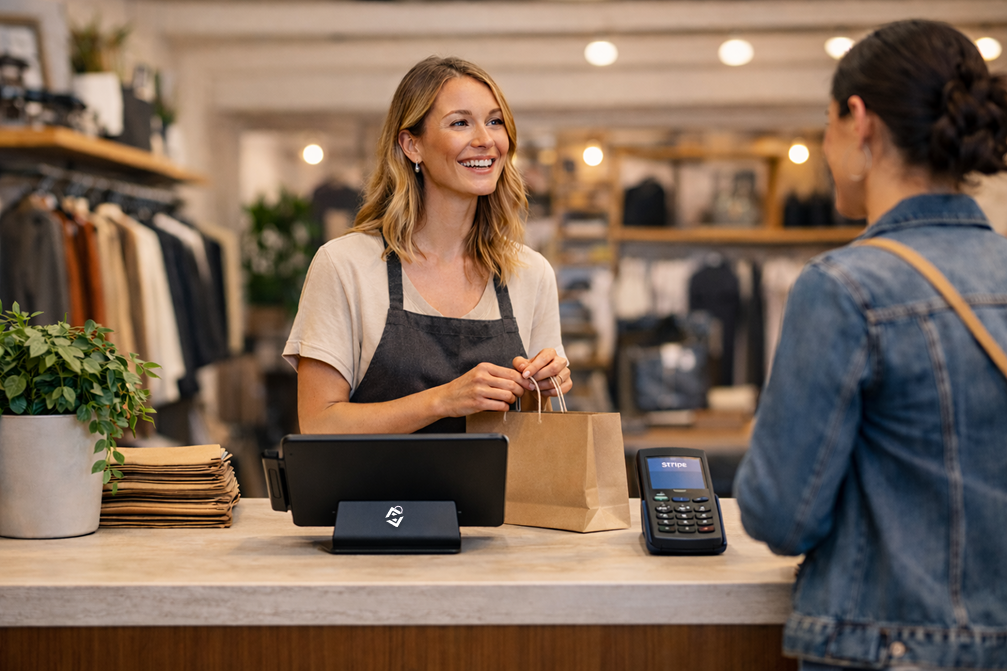
In one sentence: what is Final POS?
Final POS is a drag-and-drop POS builder that lets merchants create checkout flows that match their business—without a monthly subscription.
Does this sound like the perfect fit for you? Sign up for free today.
Trend #1: Custom Checkout Flows Instead of One-Size-Fits-All Screens
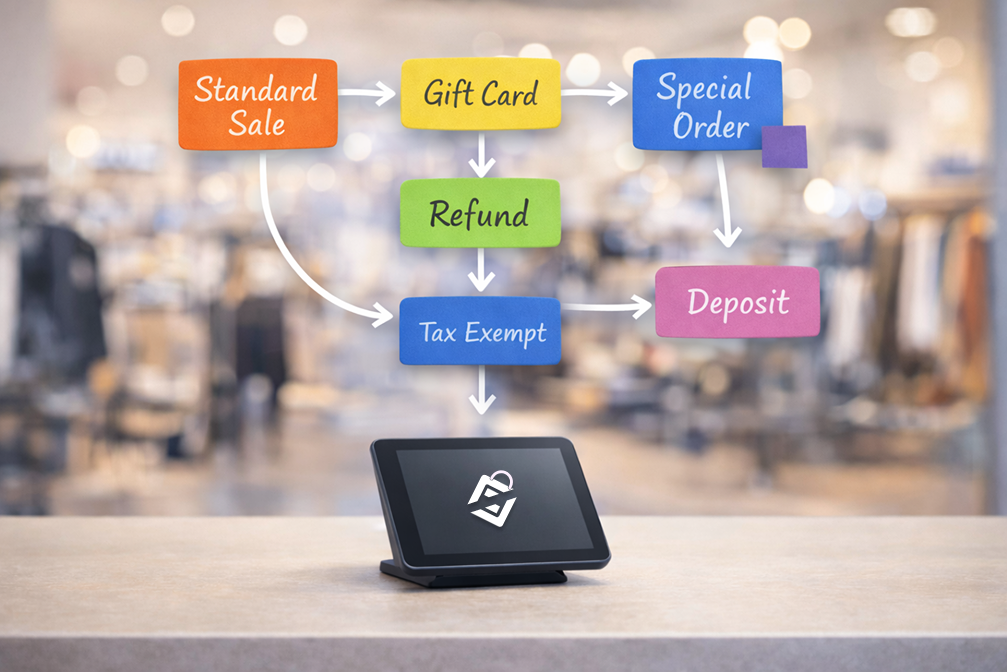
The “default POS checkout screen” is dying. Merchants want checkout experiences that reflect real life: different steps for unique product types, services, deposits, refunds, special orders, tips, or staff approvals.
In 2026, more merchants will demand a custom POS that can match their workflow instead of forcing awkward workarounds.
What merchants should look for
Can you customize the checkout flow for different scenarios?
Can you change the layout without waiting on IT support?
Can you simplify steps for your most common transactions?
How Final POS supports this
Final is built around a drag-and-drop POS builder. Instead of forcing your business into a rigid checkout template, you design the flow around how your staff actually sells. Final also released Smart Grid functionality in December 2025, which allows for home screen optimization by front-end staff.
Trend #2: Mobile-First POS (Because the Counter Isn’t the Only Place Sales Happen)
In 2026, more transactions happen away from the counter: on the floor, at events, in busy lineups, or wherever customers need help fastest. That means the POS must work smoothly on mobile—not as an afterthought.

What merchants should look for
Does it feel fast and clean on a phone or tablet?
Can staff use it confidently while talking to customers?
Does it reduce lines and speed up peak hours?
How Final POS supports this
Final checkout flows are accessible via a native app on iOS and Android, so you’re not stuck designing for a single stationary device. Learn more about setting up a mobile POS here.
Trend #3: “Fun to Use” Staff Experience Becomes a Competitive Advantage
This trend is under-discussed, but it’s real: staff adoption is make-or-break. If your POS is frustrating, slow, or confusing, you’ll see it immediately:
Longer lineups
More errors and refunds
More manager interruptions
More training time
Higher staff stress
In 2026, more merchants will prioritize POS systems that are intuitive, fast, and even enjoyable for staff to navigate.

What merchants should look for
Does the interface feel modern and uncluttered?
Can a new hire learn it quickly?
Does it reduce “where do I click?” moments?
How Final POS supports this
Final’s approach is built around creating the flow you want staff to follow—so the POS can feel less like software training and more like a simple guided path through each sale.
Trend #4: Payments Flexibility Without Turning Checkout Into a Mess
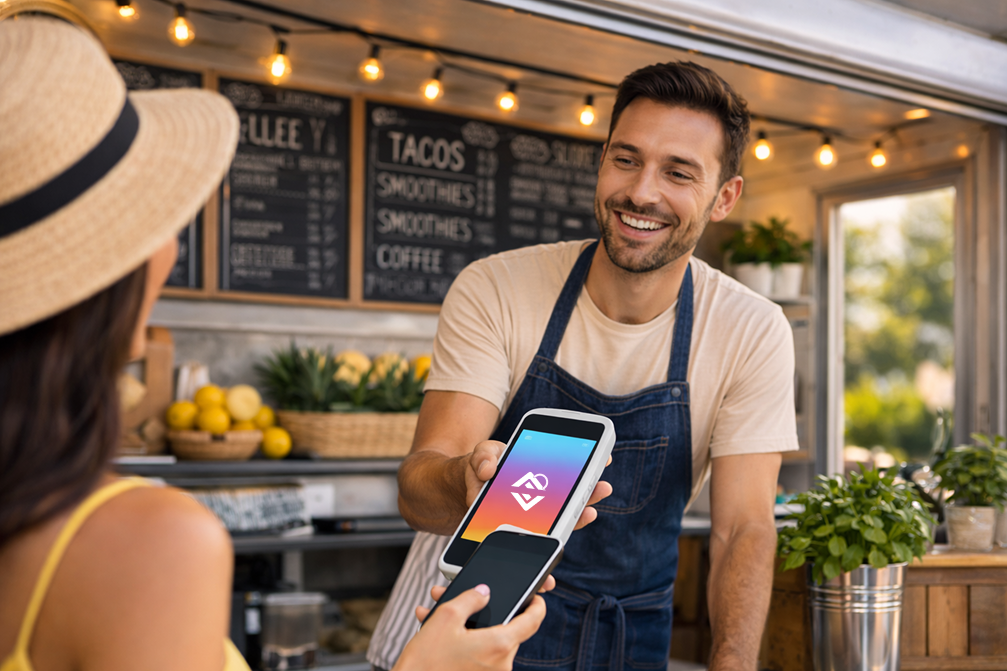
Customers expect more ways to pay. Merchants need payment flexibility, but not at the cost of a chaotic checkout screen.
In 2026, the best POS setups will make payments feel like the simplest part of the sale—fast, reliable, and consistent.
What merchants should look for
Can staff handle common payment scenarios without “hacks”?
Can you keep checkout fast even when things get complicated?
Can the flow handle your real-world edge cases?
How Final POS supports this
Final focuses on letting merchants build checkout flows that match how payments happen in the real world—so staff aren’t forced into weird workarounds when something slightly different happens. Final also has "custom payment" methods that can be configured as needed.
Trend #5: Unified Operations: POS Data You Can Actually Trust
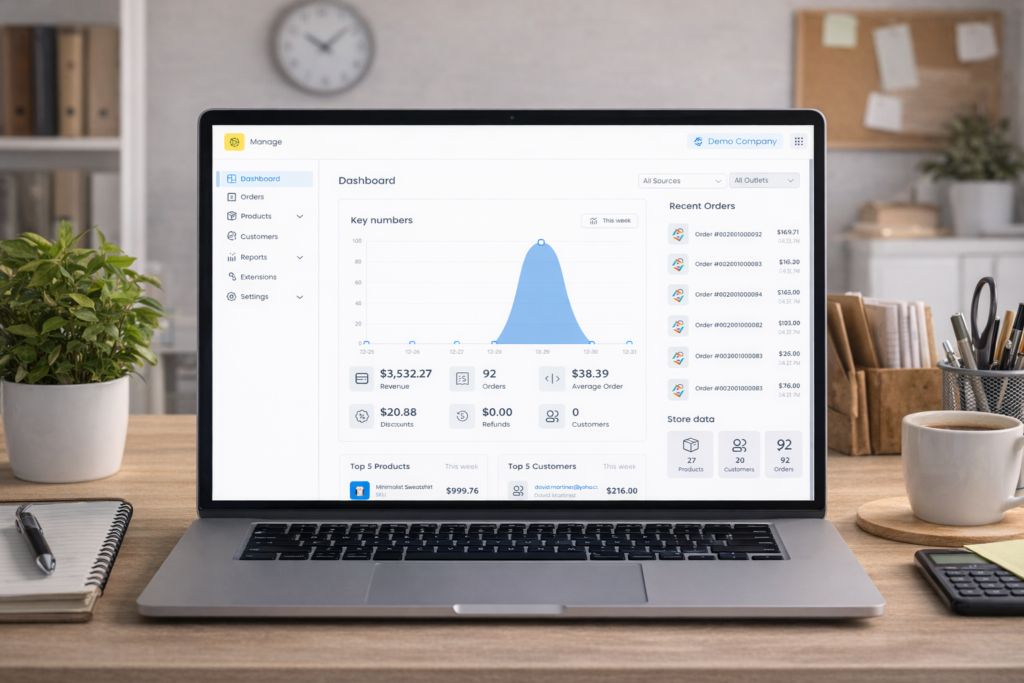
Merchants are increasingly tired of data being scattered across tools that don’t agree. In 2026, more merchants will want a POS that acts like the operational center of the business—not a disconnected cash register.
What merchants should look for
Can you standardize how sales are processed across locations?
Can you keep the “source of truth” consistent?
Can you update processes without breaking everything?
How Final POS supports this
Final is built as POS infrastructure that can scale across workflows and locations—so you can standardize what matters while still keeping the experience tailored to how you operate.
Trend #6: Modular Extensions Replace “All-or-Nothing” POS Software
In 2026, merchants are getting fed up with POS systems that ship bloated features nobody asked for, clutter the interface, and slow staff down. The trend is moving toward modular POS extensions—optional add-ons you can turn on when you need them, and leave off when you don’t.
That matters because every “forced feature” becomes a training burden. Every extra menu is another place staff get lost. The best POS setups keep checkout simple by default, then let you extend the system only when it adds real value.
What merchants should look for
Can you add capabilities without changing the core checkout flow?
Can you keep the staff experience clean while adding advanced tools?
Can you enable/disable features per location, role, or use-case?
How Final POS supports this
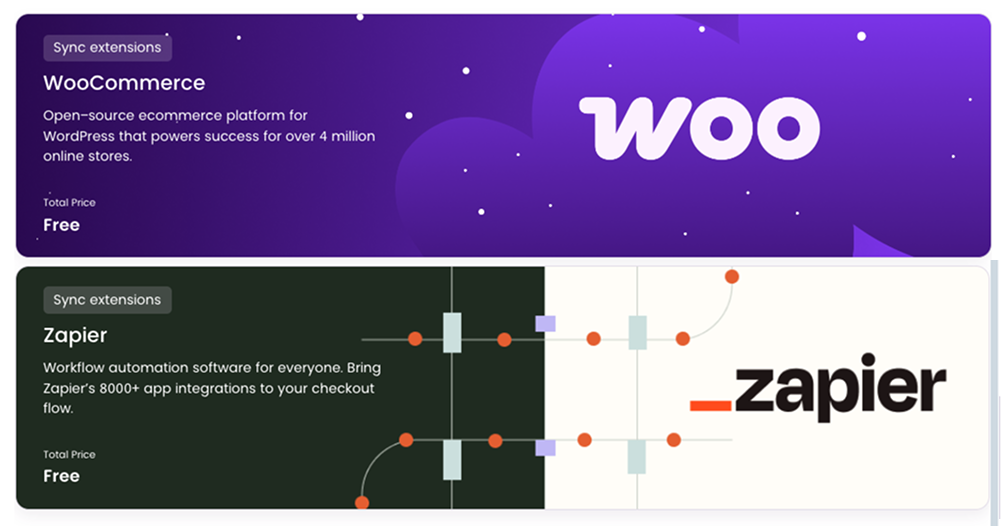
Final is built to be flexible, so you can keep your day-to-day checkout flow fast and intuitive—then add new capabilities as optional extensions when your business is ready. No forced bloat, no paying for complexity you don’t use. Some Final extensions that merchants love most are WooCommerce and Zapier, with more being added with each update.
The 2026 POS Checklist for Merchants
If you’re evaluating POS options this year, use this short list:
Can I customize the checkout flow to match my business?
Is it mobile-first, not just “mobile compatible”?
Will staff actually enjoy using it (or at least not hate it)?
Can it handle real-world payment scenarios without workarounds?
Can I keep operations consistent as I grow?
Are there optional extensions that will give me the extra functionality I need?
Taking Action: A Simple Next Step
Before you switch POS systems, do one thing:
Write down your most common sale types (your top 5) and list the steps your staff takes today.
Then circle every step that exists because “the POS makes us do it that way.”
That’s your workflow tax—and it’s exactly what modern POS systems should eliminate.
If you want a POS you can shape around your business, Final POS is built for merchants who don’t want to be forced into a template.
Try Final POS free: finalpos.com
FAQ
What are the top POS trends for 2026?
The top POS trends for 2026 are: custom checkout flows, mobile-first POS, staff-friendly interfaces, payments flexibility, unified operations, and modular extensions.
What is a custom POS system?
A custom POS system is a point-of-sale setup that can be configured around your workflow—so your business doesn’t have to conform to a rigid checkout template.
What should merchants prioritize when choosing a POS in 2026?
Merchants should prioritize usability (fast staff onboarding), workflow flexibility (custom flows), mobile readiness, real-world payment handling, consistent operations, and modular extensions.
Frequently asked questions
What are the top POS trends for 2026?
The top POS trends for 2026 include custom checkout flows, mobile-first POS, staff-friendly interfaces, payments flexibility, unified operations, and modular extensions. Merchants are moving away from rigid, one-size-fits-all systems toward POS platforms that adapt to how they actually operate.
Why is a mobile-first POS important in 2026?
In 2026, more transactions happen away from the counter—on the floor, at events, or in busy lineups. A mobile-first POS lets staff process sales confidently on phones or tablets, reducing lines and speeding up peak hours rather than treating mobile as an afterthought.
What are modular POS extensions and why do they matter?
Modular POS extensions are optional add-ons you can enable when needed without cluttering the core checkout experience. They matter because every forced feature becomes a training burden, so keeping checkout simple by default—and extending only when it adds real value—helps staff work faster and with fewer errors.
How can merchants evaluate whether a POS fits their workflow?
Merchants should write down their most common sale types and map every step staff currently takes. Any step that exists only because the POS requires it is a workflow tax. A good POS should eliminate those unnecessary steps rather than add them.
What should merchants prioritize when choosing a POS in 2026?
Merchants should prioritize workflow flexibility, mobile readiness, a staff-friendly interface that reduces training time, real-world payment handling without workarounds, consistent operations across locations, and optional modular extensions that add capability without adding clutter.