



The Rise of Headless POS Architecture: The Power of Custom Frontends with Native Security
Headless sounds like enterprise jargon, but the idea is simple: build your checkout screens separately from the engine that moves the money. Here is why that split gives retail operators both layout freedom and stronger card security.
 Mathias NielsenCEO, Final POS
Headless POS architecture is a simple idea hiding behind an intimidating name: the checkout screens your staff and customers touch are built separately from the engine that processes the transaction. The "head" is the visual layer. Detach it, and you can shape checkout around your counter, your menu, and your brand, while the payment engine underneath keeps doing its one job the same certified way every time. For retail operators, that split is where the layout flexibility comes from. Set up correctly, it is where the security comes from too.
What does "headless" actually mean?
It means the presentation layer (what appears on screen) is decoupled from the backend (the system behind the scenes that handles inventory, taxes, and payments). The two halves talk through an API (a defined connection software uses to exchange data).
Think of it like a restaurant. The dining room can be renovated every season: new layout, new menus, new lighting. The kitchen keeps running on the same equipment, the same suppliers, the same health inspections. Headless commerce applies that split to selling. Redecorate the front as often as you like without touching the machinery in the back.
Traditional POS systems weld the two together. You get the vendor's fixed screens, in the vendor's order, with the vendor's buttons, and if your workflow doesn't match, you adapt to the software. That mismatch is one of the main reasons operators go looking for a custom POS system in the first place.

Why decouple the checkout screens from the payment engine?
Two reasons: speed of change, and safety of change.
Speed first. When the frontend is its own layer, changing it is low-stakes. A cafe can redesign its morning-rush flow, a farm stand can build a one-tap seasonal screen, a salon can put rebooking before payment. None of it touches the transactional core, so changes ship in hours rather than release cycles. Decoupled frontends are also lighter. The screen only has to draw the interface and hand off instructions, which keeps checkout fast even as the layout gets ambitious.
Safety of change matters more. In a welded-together system, every interface tweak is a change to the same codebase that moves money, which is why vendors gate customization or forbid it outright. In a decoupled system, a bad layout decision costs you an awkward screen. It cannot corrupt inventory math or break a refund, because those live on the other side of the API.
Where do the security benefits come from?
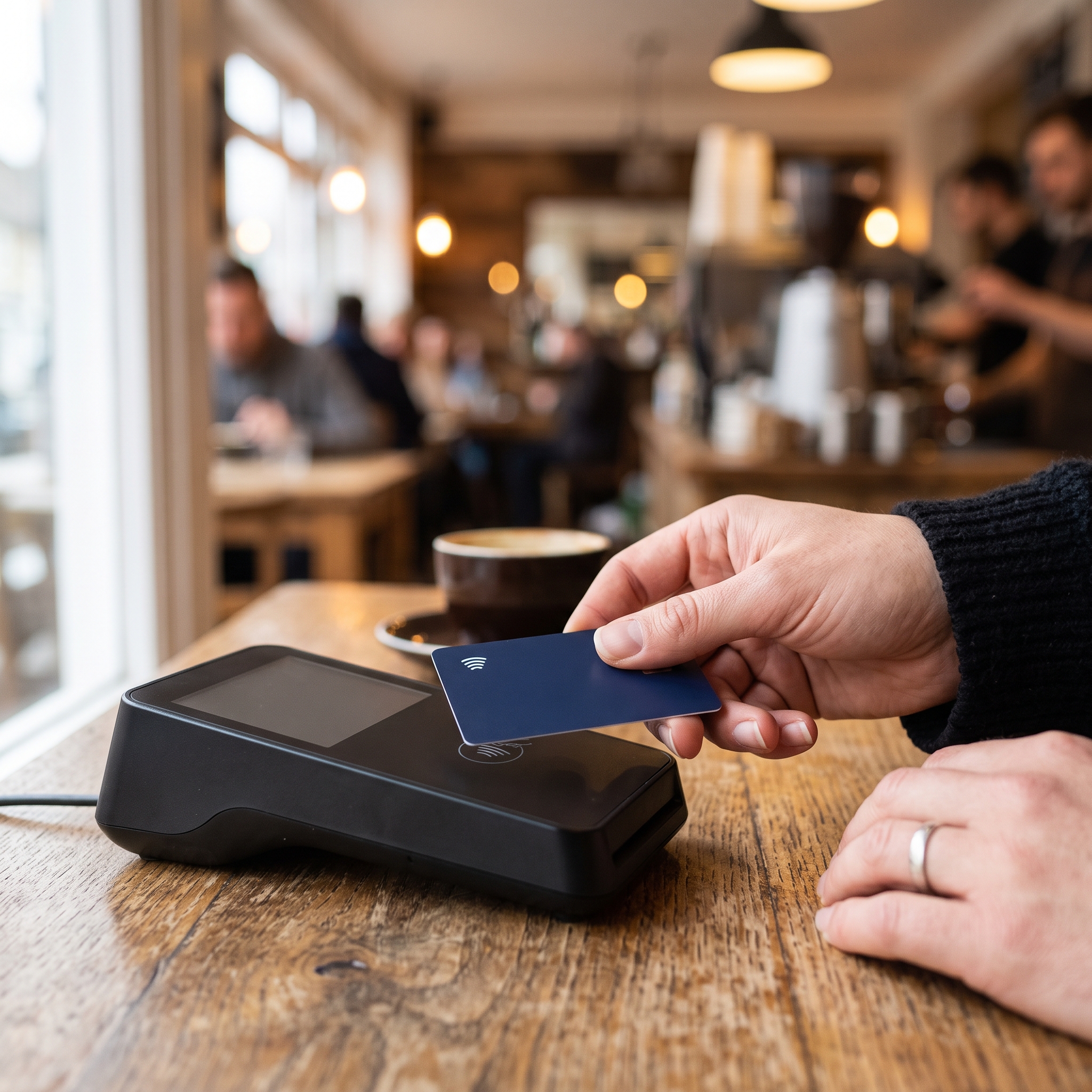
From one principle: card data should never touch the layer you customize. In a properly built headless POS, the payment step is handed off to certified terminal hardware and a payment processor. The custom frontend says "charge $42.50" and receives back "paid" or "declined." The card number itself travels the encrypted payment path, governed by PCI DSS (the card industry's data security standard), and never enters the screens you designed.
That boundary is what makes customization safe. You can rearrange every pixel of your checkout and there is still no card data in the presentation layer to leak, log, or mishandle. Your creativity adds zero attack surface.
What goes wrong with DIY headless setups?
The seams. Headless architecture only delivers its security promise when the decoupling is engineered rather than improvised. The failure mode is a custom frontend wired to a payment API by hand, whether by an agency or an AI code generator: keys stored in the wrong place, payment confirmations left unverified, a test setup promoted to production. Every glued seam is a configuration you now own, and every configuration you own is one you can get wrong.
AI has made this failure mode cheap to reach. A code generator can produce a beautiful custom checkout in an afternoon. What it cannot produce is the certified payment path underneath, which is why vibe-coded payment apps get rejected from the App Store, and why a generated checkout that works in a demo is not the same as one that settles real money.
The fix is choosing an ecosystem where the decoupling is native, not avoiding headless altogether. When the frontend layer is designed to be customized, the payment engine is designed never to be touched, and the same platform owns both sides of the API, there are no configuration seams left for you to get wrong. Consumer transaction data stays inside one audited path from tap to settlement.
Do you need a developer team to run one?
Not anymore. Headless started as an enterprise pattern because keeping two decoupled layers in sync used to demand engineers. Prompt-based builders removed that barrier: you describe the checkout you want in plain language and get a working frontend already wired to a native payment engine. Final's Build works this way. You describe the flow, preview it live, and deploy it to your stations, while Final Pay handles the transaction path on certified terminal hardware. The flexibility of headless, without inheriting its plumbing.
So, is headless POS architecture worth it?
For most independent retailers, yes, on one condition: the payment engine must be native, not glued on. Decoupling the presentation layer from the transactional engine gives you screens shaped around how you actually sell, faster checkout, and a hard boundary that keeps card data out of everything you customize. Hand-wiring that split yourself just trades one vendor's rigidity for your own configuration risk.
Rule of thumb: customize everything customers see, and nothing that moves money.
If you want to feel what a decoupled, prompt-built frontend is like in practice, start with how Build turns a plain-language description into a working checkout flow.
Frequently asked questions
Is headless POS the same as headless commerce?
Same principle, different location. Headless commerce decouples an online store's frontend from its backend; headless POS applies that split to the physical checkout, separating the screens staff and customers use from the engine that processes the transaction.
Does a custom frontend put my customers' card data at risk?
Not when the payment step is handled natively. In a properly decoupled system the frontend only sends the amount and receives the result. Card data flows through certified hardware and a payment processor, never through the screens you design.
Do I need developers to use headless POS architecture?
No. Prompt-based builders let you describe the checkout you want in plain language and deploy it on top of a payment engine that is already wired and certified, so the two-layer setup no longer requires an engineering team.
Why are hand-wired payment integrations risky?
Every connection you wire yourself (keys, payment confirmations, environment settings) is a configuration you can get wrong, and misconfigured seams are where transaction data leaks. A native ecosystem ships those connections pre-built and pre-secured.