



5 Ways the iPhone Duo will transform your business
Apple's foldable is a phone when it is closed and a small tablet when it is open. Here are five practical ways an iPhone Duo POS setup can change how you sell, plus the reasons to hold off before you buy one.

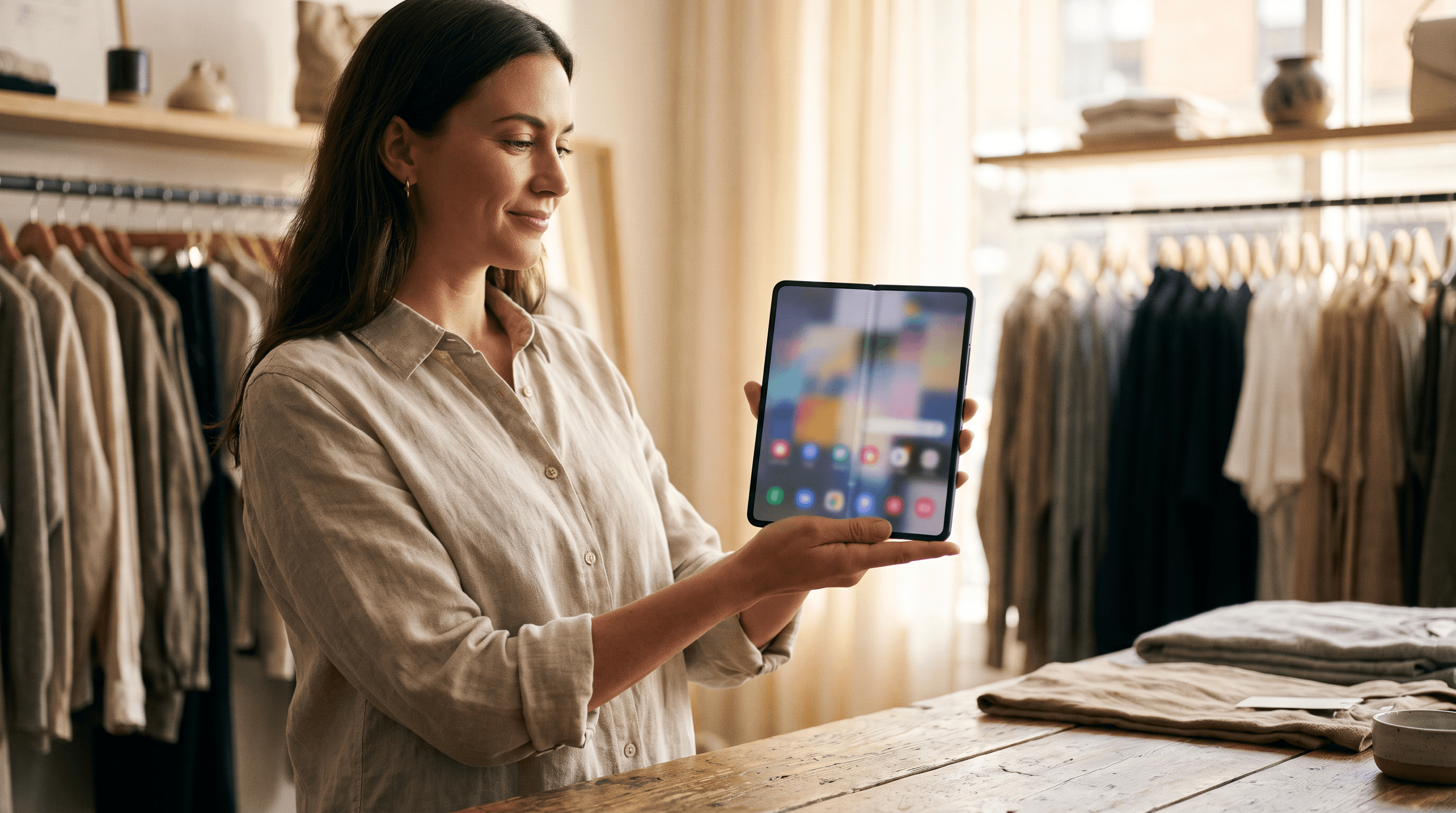
An iPhone Duo POS setup gives you a handheld till, a counter till and a small back office in one device. Apple's first foldable is a 5.4 inch phone when closed and a 7.6 inch display when open¹, and Split View lets you open two apps side by side on iPhone for the first time¹. That is the phone and iPad combination a lot of small shops already run, folded into one thing to charge.
Below are five ways to put it to work. Ship dates, prices and supported features are moving quickly on this device, so treat the specifics as a snapshot taken at publication.
1. Can one device be your handheld and your counter till?
Yes, and this is the main reason a merchant would look at it. Closed, the Duo is an ordinary phone: walk the queue on a busy Saturday, ring up a single item and take the payment on the spot. Open, it is close to the size of a small tablet, which gives you room for a full product grid at the counter.
Most shops that want both today buy two devices. That means two things to charge, two to keep updated and two to lose. One folding device collapses that into one.
The catch is payments. Using the phone itself as the card reader relies on Tap to Pay on iPhone, and Apple has not yet confirmed the Duo for it. We covered what is settled and what is not in can the iPhone Duo take Tap to Pay?. Until that is confirmed, plan on a separate card reader as your backup.
2. How does iPhone Duo Split View help you run the shop mid-sale?
It puts the till and the back office on the same screen. Run your point of sale on one half and your admin dashboard in a browser on the other, and you can check stock, look up last week's order or glance at today's sales without abandoning the customer in front of you.
Apple also lets you save pairs of apps to reopen later¹. Set up the pair once and the morning routine is one tap.
One honest warning: an app has to behave properly at half width for this to be useful. Test your own point of sale app in Split View before you build a workflow around it, because a till squeezed into half a screen is worse than a till on a whole one.

3. Can you turn the inner screen into a customer display?
Yes, and this is the most underrated use. Open the Duo and turn it around. Now the customer sees large product photos, colour options or a basket total instead of squinting at the back of your phone.
This suits any business where the customer is choosing, not just paying:
A bakery taking a custom cake order can show the options and let the customer point.
A furniture or flooring shop can flip through finishes on the floor, away from the counter.
A florist can show arrangements and confirm the order before the customer leaves.
When the choice is made, fold it closed and finish the sale. A practical note: you are handing a US$1,999 device¹ across a counter. Keep it in a case and keep a hand on it.
4. Can it run a market stall all day?
It is better suited than most phones. The Duo has dual batteries rated by Apple for up to 44 hours of video playback on the outer display², and it connects over 5G, so you are not depending on patchy venue Wi-Fi.
Apple's Duo Folio case has an integrated kickstand that holds a wide range of angles, for US$129¹. Prop it up open on the table as your stall till, then pick it up and fold it when someone wants to pay from the other end of the table. That replaces a tablet, a stand and a phone in your market bag.

5. Can it take the back office onto the shop floor?
Yes. Stock counts are where a bigger screen earns its keep. Walking the aisles with a phone means scrolling a cramped list. Open the Duo and you get a tablet-sized count screen in one hand, with the shelf in front of you.
The same goes for receiving a delivery or photographing new stock with the 48MP main camera² before you add it to your catalogue. Apple also says Apple Pencil support is coming later this year¹, which would make marking up a delivery note or sketching a custom order on the inner screen practical.
Should you buy an iPhone Duo for your business right now?
Probably not yet. Three things stand in the way:
Price. It starts at US$1,999 for 256GB¹. For most shops a mid-range phone plus a basic tablet costs less.
Availability. Sales began October 23, but as of October 19 Apple was quoting January 22, 2027 for the US 256GB model².
Payments. Tap to Pay support is likely but unconfirmed.
Everything above, apart from the fold itself, already works with a phone and a tablet you own. If you are deciding what to spend on, start with reusing the hardware you already own and the guide to choosing POS hardware.
What the Duo does not change is the part that decides whether a busy day goes well: stock that stays right, reports that reconcile (match the money you actually banked), tax that is correct and refunds that find the original sale. That lives in your software, not your screen. Final runs as a Native Station on a supported iPhone, iPad or Android device, and you can switch flows from Station Home, so the same device can run a quick handheld flow and a full counter flow.
So, will the iPhone Duo transform your business?
It will change how some businesses sell, mostly the ones that currently juggle a phone and a tablet. The fold makes one device behave like two, and Split View makes the back office reachable mid-sale. For everyone else it is an expensive convenience that arrives in January.
Rule of thumb: buy the Duo if it replaces two devices you would otherwise buy. If it only replaces one, buy the cheaper one.
New to taking payments on a phone? Start with what Tap to Pay is and how to accept it in your business, then see how to take a Tap to Pay payment.
Frequently asked questions
Can you use the iPhone Duo as a POS?
Yes, any point of sale app that runs on iPhone should run on the iPhone Duo. Whether the app uses the larger inner screen well, and whether Tap to Pay works on it, depends on the app and on Apple confirming support for the device.
Does the iPhone Duo support Tap to Pay on iPhone?
It meets Apple's published requirements, but Apple had not confirmed Tap to Pay support for the Duo as of October 2026. Treat it as likely, not certain, until Apple and your payment provider say so.
Can the iPhone Duo run two apps at once?
Yes. Apple says Split View lets you open two apps side by side on iPhone for the first time, and you can save pairs of apps to reopen later.
Is an iPhone Duo cheaper than a phone and an iPad?
Usually not. The Duo starts at US$1,999 for 256GB. It wins on convenience, one device to charge and carry, rather than on price.
When can I actually get an iPhone Duo?
Sales began October 23, 2026, but demand pushed estimated US delivery for the 256GB model to January 22, 2027 as of October 19.
Do I need a new phone to run my till?
No. A point of sale that runs on a supported iPhone, iPad or Android device you already own does the same job. The Duo is a convenience upgrade, not a requirement.