



Old Tablet, New Register: Reusing Hardware You Own
The register half of a POS is software, and the old tablet you already own can run it. Here is what it can and can't do at the counter, and the one piece of hardware you still need to buy.
 Mathias NielsenCEO, Final POS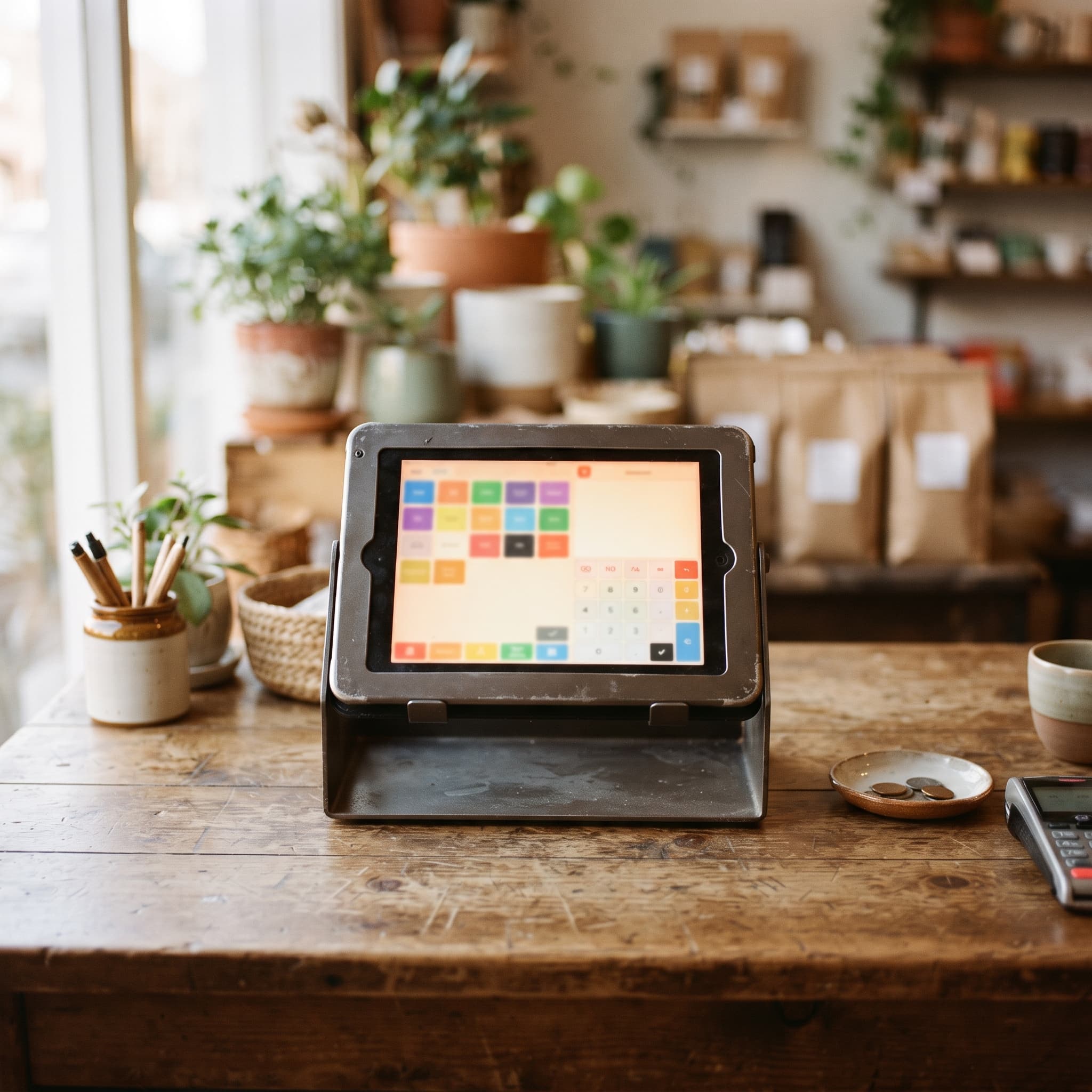
Yes, the old tablet in your drawer can be your new register. The register half of a point-of-sale is software: a product catalog, a cart, and a checkout screen. Almost any tablet that still turns on and runs a modern browser can display that. The only piece of checkout hardware that has to be purpose-built is the certified card reader (payment hardware tested and approved to handle card data), and it pairs with whatever screen you bring.
That is not the story most POS vendors tell, so it is worth walking through what an old tablet can actually do, where it falls short, and how to put one back to work.
Why do POS vendors want to sell you new hardware?
Because hardware is revenue and lock-in at the same time. An average POS setup costs around $25 a month in software fees plus roughly $500 in hardware, before processing fees of about 3% plus 10 cents per transaction¹. A proprietary register also only runs its vendor's software. When you switch systems, you buy the counter again, which is exactly the point.
To be fair, purpose-built counter hardware earns its price in some settings. It is sturdier, built for all-day duty, and often has a printer and customer display bolted on. If you run a high-volume counter with a queue at lunch, dedicated hardware is a reasonable investment. The problem is when a vendor treats it as the mandatory entry fee for every merchant, including the ones selling forty items a day.
Is your old tablet still good enough?
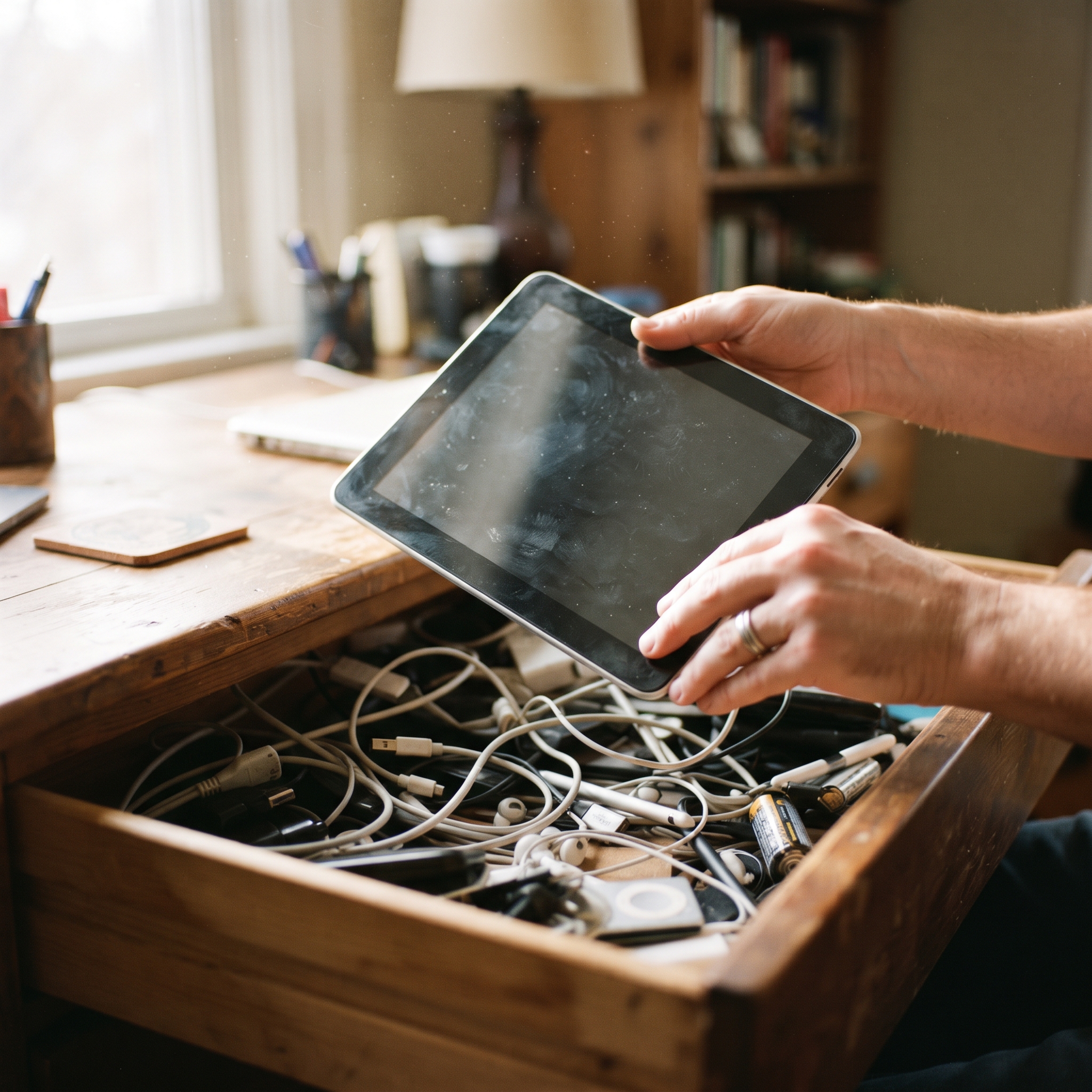
Probably. Only 37% of US consumers replace their tablet within five years of buying it, and just 13% replace it within the first two². Tablets routinely outlive the jobs they were bought for, which is why so many end up in drawers while still perfectly functional.
For register duty, three checks matter:
It runs a current web browser, or can still install app updates.
It holds a charge, or can live on a charging cable in a stand.
The touchscreen responds reliably.
What does not matter: the camera, the storage tier, or the scratches on the back. A register screen shows buttons and takes taps. A five-year-old mid-range tablet does that as well as a new one. The same logic applies if you are moving up from a cash box for the first time; the gentle cash box to POS migration path starts with whatever device you already have.
What can't an old tablet do?
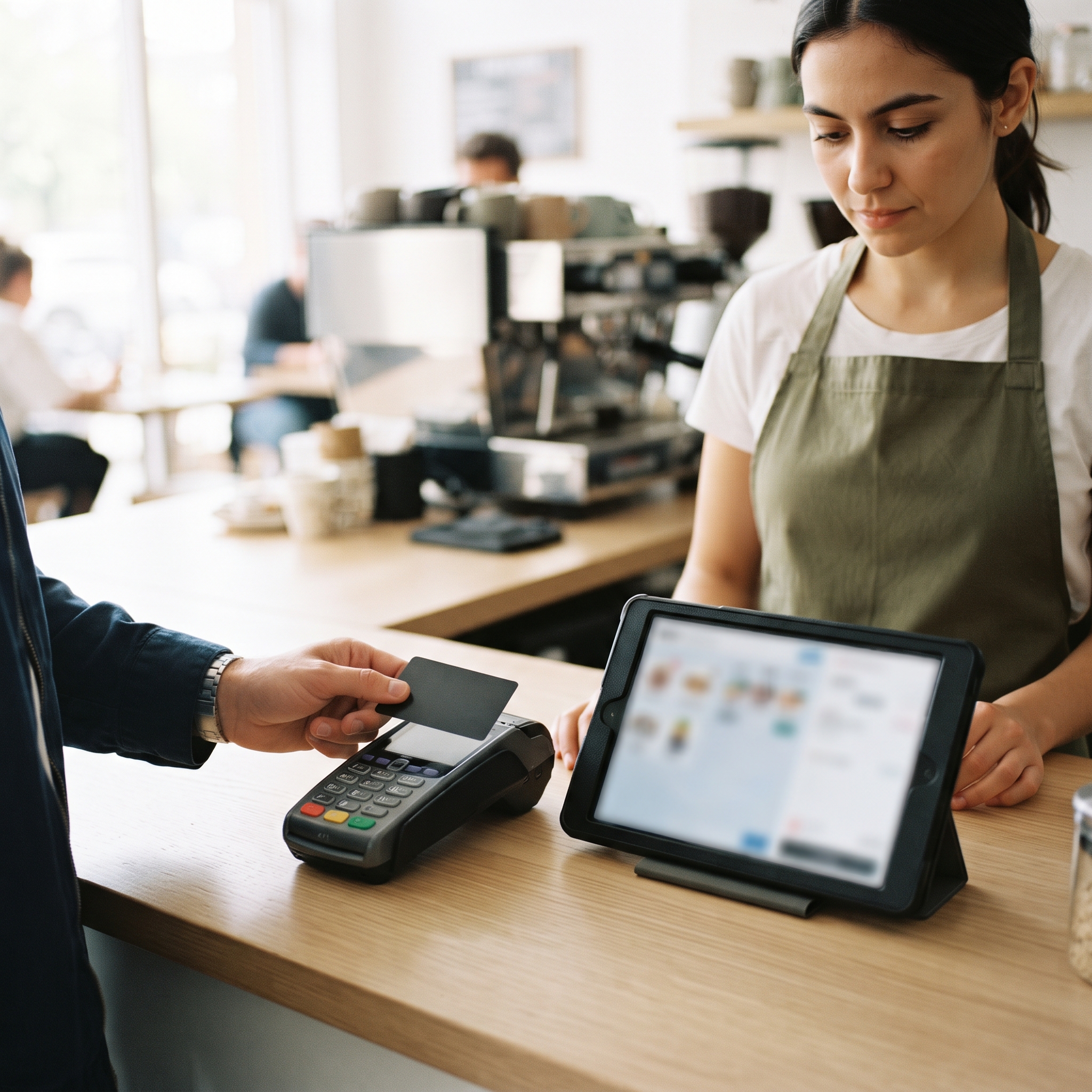
Two hard limits, one of them permanent. First, no consumer tablet can read tap or chip cards by itself. Card-security rules (PCI, the card industry's security standard) require certified, tamper-resistant hardware to touch card data, so in-person payments always go through a paired certified card reader. That is an industry rule, not a vendor upsell, and it applies to a brand-new tablet exactly as it does to an old one.
Second, age has a real cutoff: software updates. A tablet that can no longer update its browser or operating system stops receiving security patches, and a device that handles your sales data should not run unpatched software. If the battery has started to swell or the device is stuck on an ancient OS, recycle it. Reuse is for hardware that still gets updates, not for hardware that should have been retired.
How do you put the tablet back to work?
On Final there are two routes, and both come with zero monthly software subscription. The browser route: a Virtual Station runs your point-of-sale in any modern web browser with nothing to install, which suits pop-ups, training, and back-office order entry. The app route: install the Final POS app on an Apple or Android device and it registers itself as a Native Station, which supports connected hardware like receipt printers, cash drawers, and card readers, and keeps selling offline until the connection returns. For card payments, you pair a certified reader through Final Pay. The same reused screen can even run a customer-facing setup; a tablet kiosk built from a napkin sketch deploys to the same kind of device.

So, can an old tablet be your new register?
Yes. The register was never the expensive part of a POS; the subscription and the mandatory hardware bundle were. A tablet that still gets updates, holds a charge, and responds to taps is a working register, and the money you save belongs in the one device that genuinely must be new: the certified card reader. Rule of thumb: if it can run a modern browser, it can run your register; save the budget for the card reader.
If you are pricing out the rest of the counter, the minimal hardware kit for a first-time merchant covers what to buy on day one and what can wait.
Frequently asked questions
Can I use an old iPad or Android tablet as a cash register?
Yes. The register side of a point-of-sale is software, so a tablet that runs a modern web browser or installs a current app can ring up sales, manage a cart, and send receipts. For card payments you pair it with a certified card reader.
Do I still need to buy a card reader?
Yes, for in-person tap and chip payments. Card-security rules require certified, tamper-resistant hardware to touch card data, and no consumer tablet qualifies. The reader pairs with the tablet; the tablet stays the register.
What if my tablet can't install new apps anymore?
Try the browser route: a browser-based station runs the point-of-sale in any modern web browser with nothing to install. If the browser itself can no longer update, the device is too old to run your business safely and should be retired.
Can an old phone work as a register too?
Yes. The same two routes apply: run the point-of-sale in the browser or install the app on Apple or Android. The tradeoff is screen size, which matters more for busy counters than for pop-ups or mobile selling.
Will an old tablet keep selling if the internet drops?
On the app route, yes. A Native Station keeps ringing up sales offline and syncs orders once the device reconnects. A browser-based station needs a connection.