




5 ideas to use a CFD to increase sales at the checkout
Your customer screen is the only ad space with a 100 percent purchase rate. Five ways to make a CFD earn its counter space: live order transparency, smarter tip prompts, one add-on offer, loyalty capture, and idle-screen promos.
 Mathias NielsenCEO, Final POS
A customer-facing display (a CFD: the second screen at your counter that faces the shopper) is the cheapest way to increase sales at the checkout, because it talks to the only audience that has already decided to buy. Most merchants use it as a glorified receipt. That wastes the best-placed screen in the store. Here are five ways to make it earn its counter space.
1. Show the order live, not just the total
The most basic CFD job is also the one that moves the number: let the customer watch items, prices, and discounts appear as you ring them. Errors get caught before payment instead of turning into refunds and disputes later. Promotions become visible at the exact moment they matter, so nobody leaves wondering whether the discount was applied.
Transparency also loosens wallets. A shopper who can verify what they are paying hesitates less when you offer one more thing, because nothing about the transaction feels fuzzy. That trust effect is the same reason customer-facing displays are key to branded POS experiences: the screen is proof you have nothing to hide.
2. Ask for the tip the right way
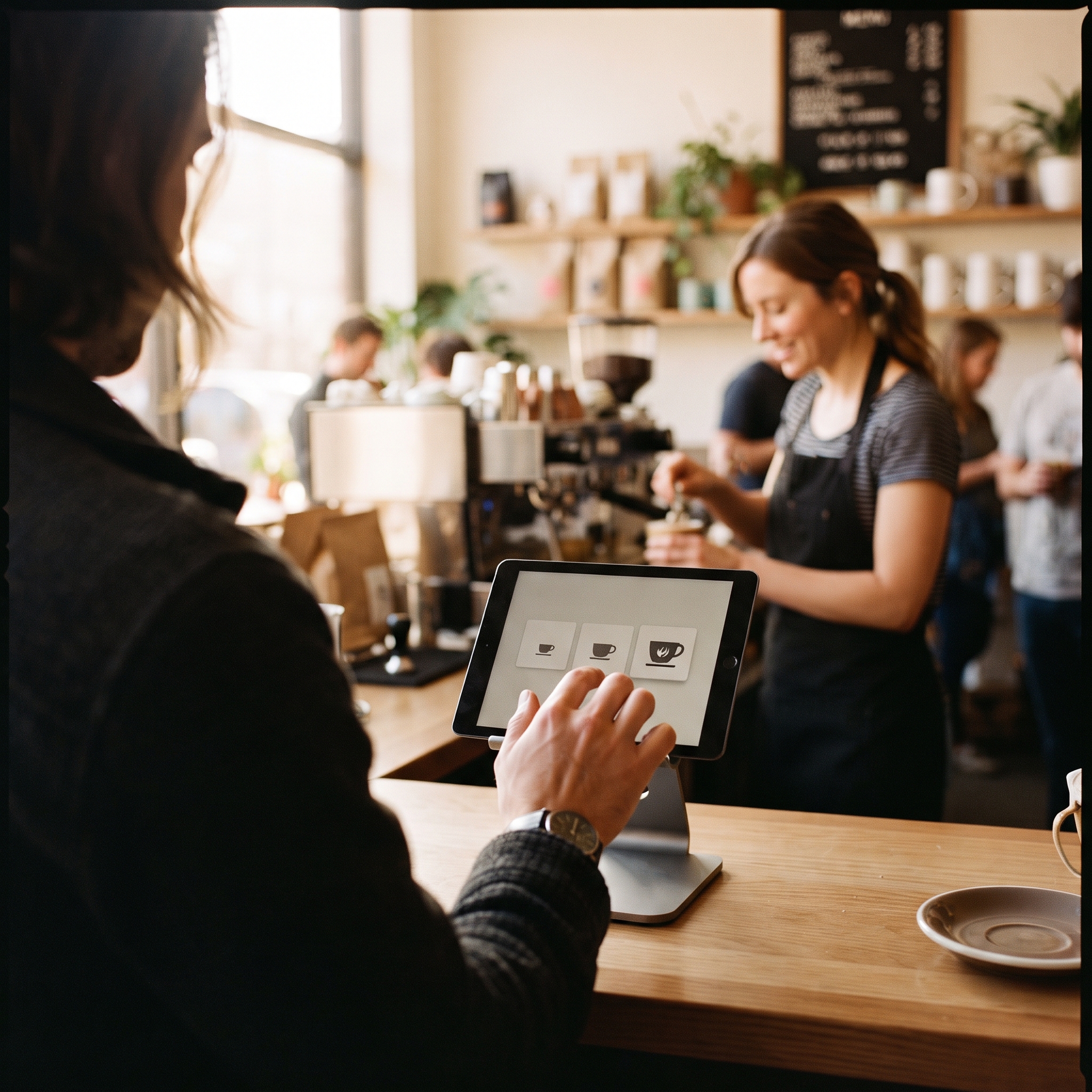
Tip prompts printed money for counter-service businesses, and then tip fatigue arrived. Bankrate's June 2025 tipping survey found 38 percent of Americans are annoyed by pre-entered tip screens, and 27 percent tip less, or not at all, when they see one¹. The prompt is not the problem. Lazy defaults are.
Three settings decide whether your tip screen earns goodwill or resentment (figures above are accurate as of publication; tipping norms move fast):
Show percentages and dollar amounts together. A 2026 study in the International Journal of Hospitality Management found customers were more likely to tip when prompts displayed both formats at once².
Match the anchors to your ticket size. A 25 percent default on a $6 coffee reads as pressure; on a $90 dinner it reads as normal.
Keep the skip option visible. A buried "no tip" button wins one extra tip today and quietly costs you a regular.
3. Offer exactly one add-on at payment
The candy rack worked because it made one small suggestion to a captive audience. Your CFD is the digital candy rack. Right before payment, surface one relevant, low-priced add-on: a pastry with the coffee, batteries with the toy, a care kit with the boots.
One offer, one tap, yes or no. A menu of upsells reads as a sales pitch; a single suggestion reads as service. Rotate the offer weekly, watch the attach rate, and cut anything customers ignore.
4. Capture the relationship while the payment processes
The few seconds a card takes to settle are dead air. Use them. The CFD can invite the customer to join your loyalty program with a phone number, or offer the receipt by email or text instead of paper. Either way, an anonymous walk-in becomes a contact you can bring back next month.
This is the highest-leverage idea on the list because it does more than raise today's ticket. It raises the number of future tickets. The mechanics of taking a payment at checkout stay exactly the same; you are just filling the pause with something useful.
5. Sell while the lane is idle
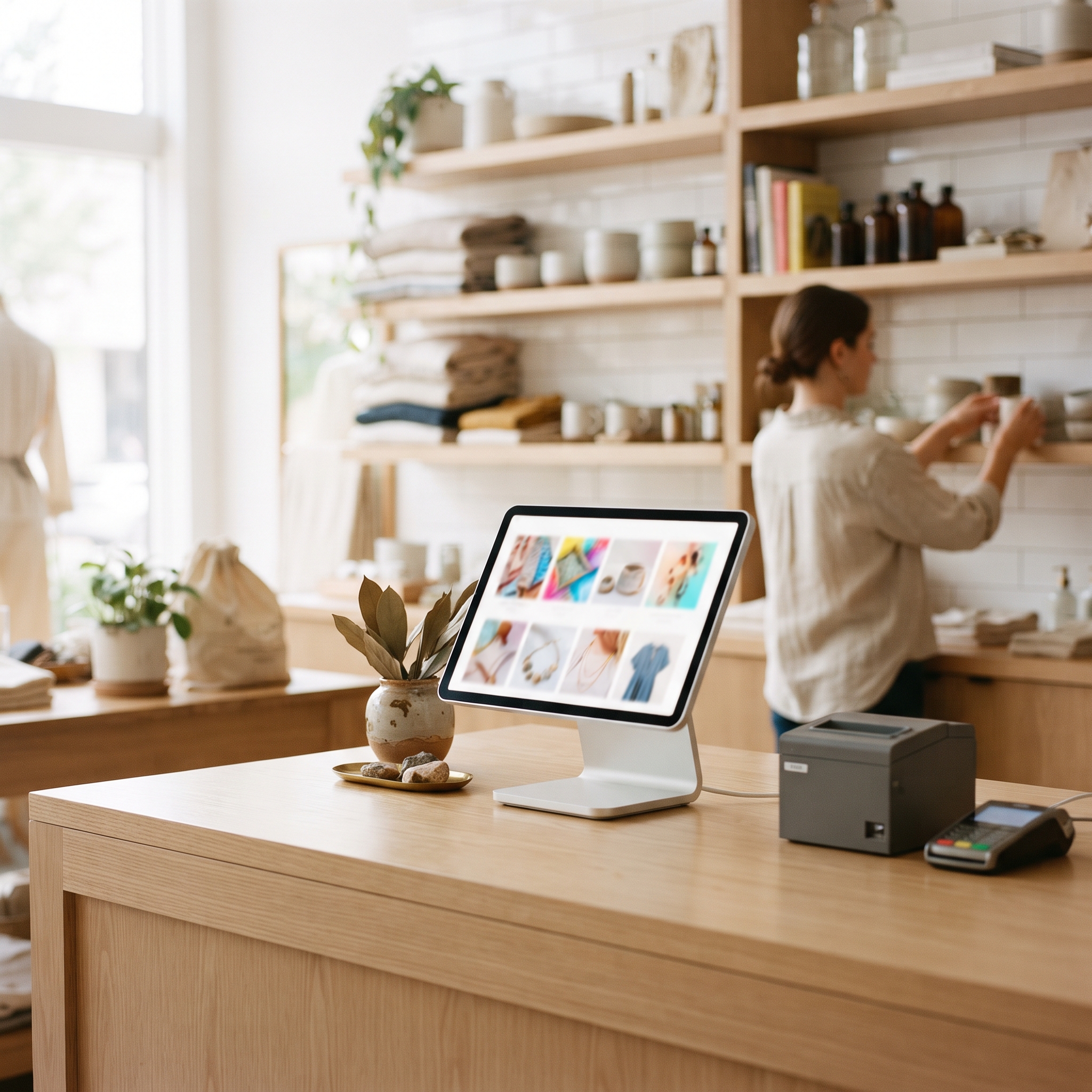
Between customers, most CFDs show a logo. That is free advertising space at the single highest-attention spot in your store, doing nothing. Load it with a short rotation instead: gift cards, this week's bundle, an upcoming event, new arrivals. One message per slide, big type, no clutter.
Keep it on brand. A screen that matches your signage and packaging quietly signals that you run a tight operation, which is the same argument for caring about POS visual identity everywhere else in the store.
So, how does a CFD increase sales at the checkout?
By doing sales work, not receipt work. Confirm the order live, ask for the tip with sensible defaults, suggest one add-on, capture the customer's contact during the payment pause, and promote something whenever the lane sits idle. None of this needs a bigger store, more staff, or more traffic. It squeezes more out of the customers you already have.
The rule of thumb: if your customer screen only shows a total, it is a receipt. Make it sell.
A checkout is also not something you have to accept as shipped. Final treats the whole checkout as something you design with a flexible, prompt-based builder, screens included. If you want to see what a designed checkout looks like in practice, Introducing Final POS is the short version.
Frequently asked questions
What is a CFD at the point of sale?
A CFD is a customer-facing display: the second screen at the counter that faces the shopper and shows the order, prices, discounts, tip options, and payment status in real time.
Do tip screens annoy customers?
Some. Bankrate's 2025 tipping survey found 38 percent of Americans are annoyed by pre-entered tip screens, and 27 percent tip less or not at all when shown one. Defaults matched to your ticket size and a visible skip option prevent most of the backlash.
What should a customer-facing display show when the store is quiet?
Rotating promotions: gift cards, seasonal bundles, upcoming events, and new arrivals. It is the best-placed screen in the store, so idle time is free advertising.
Do I need special hardware for a customer-facing display?
Not always. Many countertop payment terminals include a customer-facing touchscreen, and some setups use a second screen or tablet turned toward the shopper.
How does a customer-facing display reduce checkout errors?
The customer verifies items, prices, and discounts as they are rung up, so mistakes get caught before payment instead of surfacing later as disputes or refunds.