



Clover POS Customization Limits: Why Paying for App Bundles Won't Fix a Rigid Workflow
Trying to customize a Clover POS usually means stacking $20-$50/month marketplace apps on top of a rigid template and a multi-year hardware lease. Here is what Clover customization actually costs—and how to build your exact checkout workflow for $0/month in Final Build.

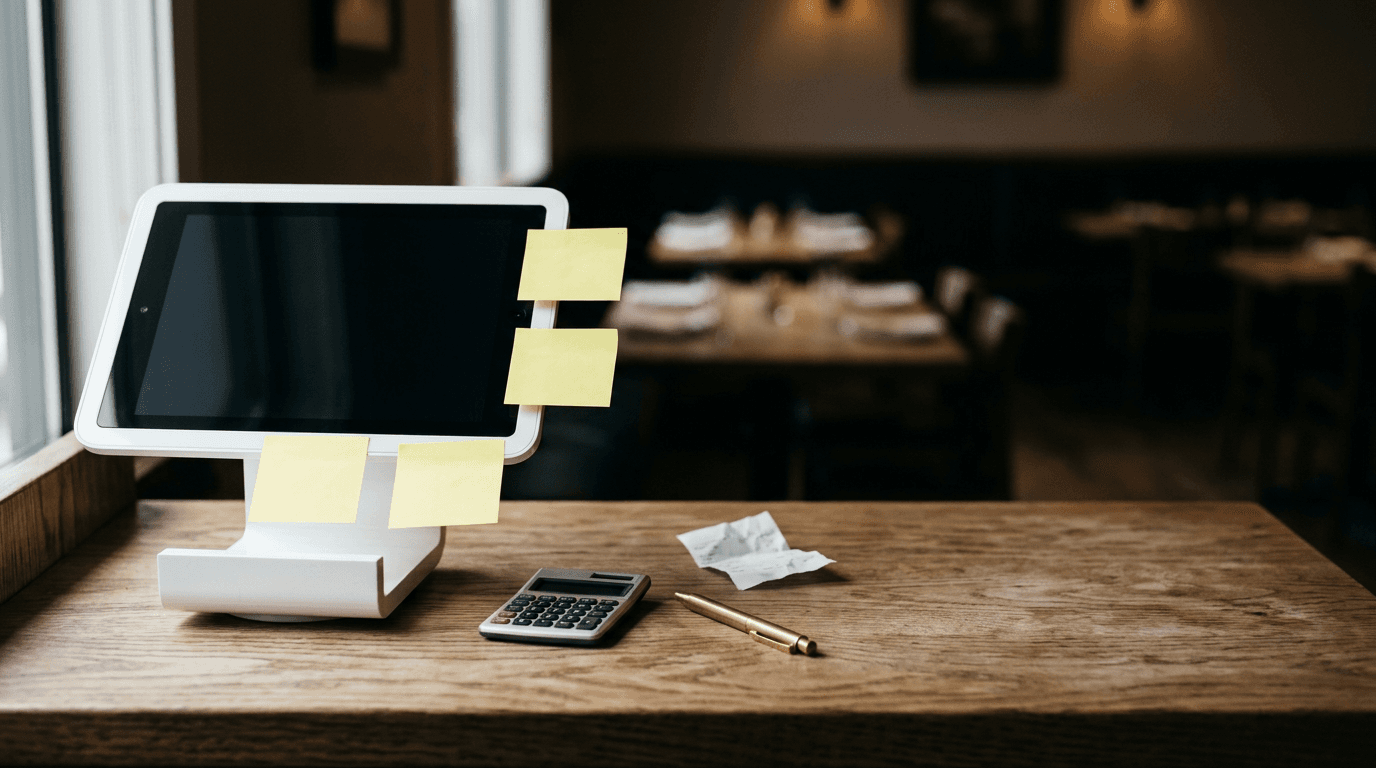
Walk up to the host stand of a 60-seat restaurant running on Clover, and you'll almost always see a laminated cheat sheet taped next to the screen. It explains the six-step workaround for splitting a four-top's bill when one customer wants to pay with a gift card and another wants to split an appetizer. When a restaurant owner pays for a base software plan, stacks multiple third-party marketplace apps, and loses 3%+ to effective card processing fees, the cashier shouldn't still need a calculator and a sticky note to survive a dinner rush.
Clover is one of the most recognizable point of sale systems in North America, backed by Fiserv and sold heavily through bank distribution channels. The hardware looks sharp on a counter, and its App Market has hundreds of add-ons. When a bank rep pitches Clover POS customization, that marketplace is the entire pitch: if the base software doesn't fit how you run your shop, just download an app.
Stacking third-party apps onto a fixed checkout screen doesn't give you a custom workflow. It gives you four different software companies billing your credit card every month while your staff taps through disconnected menus.
The Illusion of Choice: Why Clover's App Marketplace Turns Into Expensive Duct Tape
Clover POS customization relies on bolting third-party applications onto a rigid checkout template rather than changing how the screen works. You start with a base monthly software tier, then pay separate developers an additional monthly subscription for every specific feature your business needs.

Hybrid businesses like café and bottle shops often hit a wall with out-of-the-box POS templates, forcing them to stack paid marketplace apps for basic promotions.
If you run a basic retail shop that scans barcodes and prints receipts, Clover's out-of-the-box software does the job. Friction starts the moment your operation deviates from their fixed bundle. Say you run a hybrid café and bottle shop where certain items require age verification, bulk discounts apply only to mixed six-packs of specific SKUs, and local regulars have house accounts.
Clover's native software won't let you rewrite the logic of the checkout button or add conditional steps to the payment sequence. So you head to the App Market. You install one app for loyalty and house accounts, another for complex bottle-mix promotions, and a third for inventory syncing.
TL;DR: Stacking Clover marketplace apps quickly multiplies your monthly software costs while forcing cashiers to bounce between separate app screens during a single transaction.
Before long, your base software fee has ballooned. Worse, you still haven't customized your checkout screen. Those apps live in their own tiles on the station home screen or fire as awkward pop-ups during payment. You can't change the layout or merge the steps into a single view. If you just want to hide a button your staff keeps hitting by mistake, you're out of luck.
Why Clover Apps Don't Talk to Each Other During a Friday Night Rush
Take a restaurant owner like Sarah, who runs a 60-seat spot on the Avalon Peninsula. It's 7:15 PM on a Friday and the dining room is full. A table orders a weekend combo deal, wants to redeem points from a third-party loyalty app, and asks to split the check unevenly.

Between tiered processing downgrades, monthly app subscriptions, and multi-year equipment leases, effective POS costs quickly climb past 3%.
Clover's marketplace apps are built by separate companies using different databases, so they don't share state cleanly inside the primary checkout view. To get this table paid out, a server has to:
Open the third-party loyalty app from the home screen to look up the customer's phone number and verify their reward balance.
Write the discount code or dollar amount on a slip of paper.
Exit back to the main Clover screen, ring in the table's items, and manually key in a custom discount.
Deal with the fallout later when the third-party inventory tracker ignores that manual discount, throwing off the end-of-night food cost report.
When a POS forces your staff to jump between app tiles to close a single order, the software is dictating your service style. Every small adjustment, like adding a conditional modifier for kitchen prep or automatically applying an 18% gratuity to parties over six, requires either a support ticket or another monthly subscription.
How does the Clover hardware lease trap work?
A Clover POS contract lock-in typically binds a merchant to a 3-to-5-year contract with early termination fees, paired with leased hardware and an exclusive Fiserv payment processing agreement. If you close your doors or switch systems early, you face steep termination penalties on top of your remaining lease payments.

Running a custom checkout flow on your own tablet or a standalone terminal eliminates counter clutter, app-switching, and monthly software fees.
Most merchants don't buy Clover directly from a website. They get it through a bank channel or an independent sales organization (ISO), where sales reps routinely push multi-year equipment leases instead of outright purchases.
Over a three-to-five-year lease, you pay several times what the terminals are actually worth. Worse, Clover hardware is proprietary and encrypted to their ecosystem. You cannot reprogram a Clover POS terminal to run another company's software. Once the contract ends, you're left with expensive counter weights you can't take to another processor.
Decoding Tiered Processing Statements: Why You're Actually Paying 3%+
We started Final POS in St. John's, Newfoundland in 2025 because we kept watching local merchants get locked into expensive, opaque payment contracts with national processors. They were paying 3%+ on every transaction, with Clover's tiered rates typically landing between 2.3% and 3.5%, and couldn't even get their processor on the phone.
The culprit is tiered pricing and hidden qualifications. A sales rep quotes a low "qualified" rate that only applies to basic, non-rewards consumer debit or credit cards. The moment a customer taps a rewards card, hands over a corporate card, or pays over the phone, the processor downgrades the transaction to a higher-cost tier and tacks on statement fees.
On $50,000 a month in card volume, jumping from a 2.49% flat rate to a 3.1%+ effective rate from downgrades and monthly fees costs you over $300 every month. That's more than $3,600 a year going straight to the processor. Because you're locked into a multi-year contract with leased terminals, you have zero leverage to negotiate those rates down.
Building Your Exact Workflow Without Monthly App Subscriptions
Instead of renting third-party apps to patch a rigid setup, we built Final Build so you can build your own POS with custom no-code checkout flows in minutes. You describe how your store operates in plain English, or drop in a screenshot of a layout you like, and Build generates a working point of sale on real commerce rails.
Most AI app builders spit out front-end mockups that leave you to wire up a database, tax calculations, and a payment gateway yourself. Build connects your custom screens directly to your product catalog, multi-location inventory, tax rules, and POS terminals automatically.
TL;DR: Final Build lets you create custom screens, conditional WHEN/THEN rules, and calculated forms using 1,000 free daily credits, with $0 monthly software fees and one flat processing rate.
If Sarah wants a single button on her checkout screen that splits a table's bill by seat, prompts for a kitchen allergy note whenever a shellfish item is tapped, and applies a 10% local neighbor discount without needing a manager PIN under $20, she just types that into Build. Using WHEN/THEN automations, drag-and-drop extensions (like gift cards, loyalty, and store credit), and custom forms with calculated fields, the flow updates right away. She can test it in live preview and push it to her counters without waiting on an App Store review.
You can also configure which apps appear on the home screen in Final Station. Hide the tipping screens, employee management tools, or calculators your team doesn't use so cashiers only see the buttons their job requires. Everything in the back office, which we call Final Manage, is included at no monthly software fee: multi-location inventory, stock transfers, role-based permissions, and unlimited users, Stations, and Outlets.
Here is how Final POS pricing works compared to the app-stacking model:
Monthly Software Fee: $0. You get 1,000 free build credits every day (up to 5,000 a month) to tweak and build flows.
Cash Transactions: Always $0.
In-Person Card Rates (Final Pay): One flat, Adyen-powered rate with no hidden tiers. 2.49% + $0.10 in the US and worldwide, 1.99% + $0.10 CAD in Canada (Interac debit at 0.5% + $0.07), and 0.99% + €0.10 in Europe.
Payouts & Contracts: Next-day payouts included at no extra fee. Month-to-month service, cancel whenever you want.
Buying Hardware Once: Running Final Station on Your Own Tablets or the S700 Terminal
You shouldn't have to throw away working screens just to switch payment processors. Final Run deploys flows natively across iOS, Android, macOS, Windows, and any modern web browser, so you can install the Final Station app on the iPad, Android tablet, or desktop PC sitting on your counter right now. You can also set up a Virtual Station in your browser for pop-ups, staff training, or back-office orders.
From Station Home in the Run app, staff can open and close sessions, take quick payments, manage the cash drawer, clock in and out, and switch between custom flows—like flipping an iPad from a lunch counter register to a self-serve patio kiosk at 4:00 PM. You don't even need an external card reader to start taking payments. Final Pay supports Tap to Pay directly on iPhone and NFC-enabled Android devices.
When you want dedicated counter hardware, you buy it once and own it outright with zero lease contracts or terminal activation fees. Pick up a handheld S700 that combines a touchscreen Station and payment terminal in one unit, or outfit a full counter with the Final Register Bundle (which includes the D3 Pro, a 10.1" HD Customer Facing Display with USB and plug-and-play NFC Tap on Glass, a kitchen printer, keyboard, and the Sunmi Max cash drawer with 5 bill trays, 6 removable coin cups, and a 1M-cycle life).
Pull your last three merchant processing statements and add up your total monthly Clover software fees, third-party app charges, and effective processing rate. Then open Final Build and spend ten minutes describing your ideal checkout screen using your free daily credits. Your point of sale should fit your daily routine, not your processor's lease agreement.
Frequently asked questions
Can I use Clover hardware if I switch to another POS provider?
No. Clover hardware is proprietary and encrypted to work exclusively on Fiserv's processing rails, often locked to the specific bank or ISO that sold it to you. Final Station runs on standard iPads, Android tablets, Macs, and PCs you already own, and any Final Hardware you buy is yours outright with no contract lock-in.
How much do Clover POS customizations cost per month?
On top of Clover's base software plans ($14.95 to $94.85+ per month), merchants usually pay an extra $10 to $50 per month for each third-party app from the Clover App Market to get loyalty, advanced inventory, or custom discounts. Final POS charges $0/month for software: custom checkout flows in Build, conditional logic, and full back-office tools in Final Manage are all included.