



Why POS Visual Identity Matters: Building Trust Through Design
Your POS system is a visible brand touchpoint. Learn why POS visual identity builds customer trust and how to create a consistent branded checkout experience.
 Mathias NielsenCEO, Final POS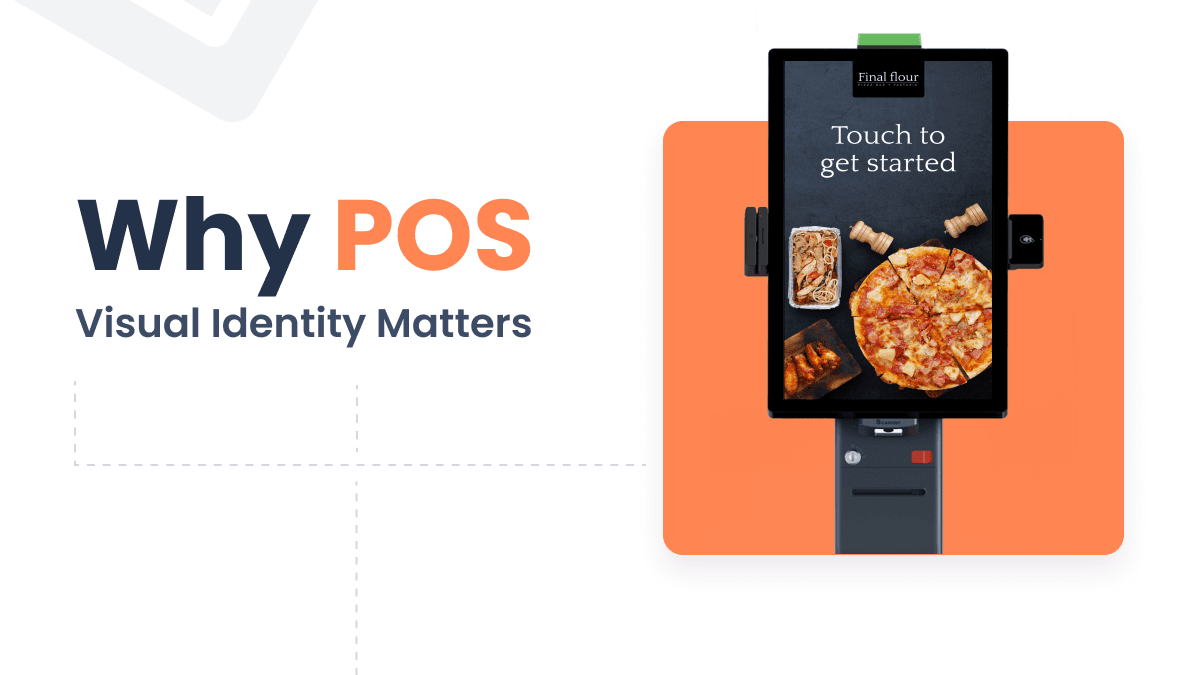
In today’s visual-first world, branding is everything. People are constantly seeing brands, whether they’re scrolling on social media, passing by your storefront, or shopping online, so first impressions are very important and more important than ever.
Design plays a critical role in brand storytelling, from packaging to websites, and yes, even down to the POS system at checkout. Your POS visual identity shapes how people perceive your business. Yet, many businesses overlook one of their most visible brand touchpoints: the Point of Sale.
If your POS doesn’t reflect your brand visually, you’re missing a crucial opportunity to build trust, recognition, and consistency.
So, on that note, let’s explore why POS visual identity matters, why it’s essential, and how to build a branded POS experience that truly makes your business stand out.
What is Visual Identity in POS Software?
Visual identity is how your brand speaks without words. Put simply, it’s the combination of visible elements, like your logo, color palette, typography, and patterns, that form your brand’s personality and help customers instantly recognize you.
In the context of point of sale software, POS interface branding refers to the consistent visual elements that define the look and feel of the interface. But more than that, it includes how these elements reflect a brand’s voice, values, and usability principles.
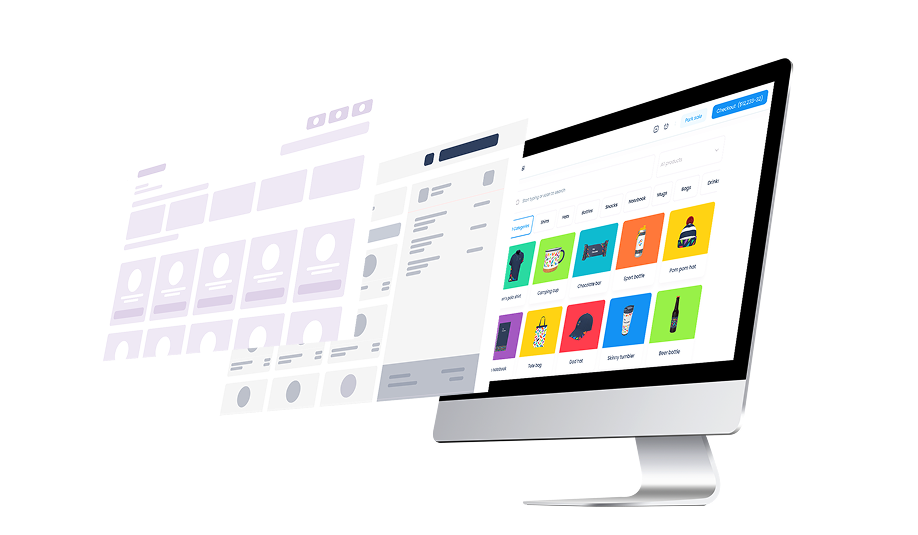
In SaaS UI design, visual identity can include components like:
Custom UI themes (dark/light mode, colors, layout)
Branded logos and iconography
Typography that matches your overall brand
Design elements on receipts, product displays, and checkout screens
Sound design in some cases
Why It Matters in POS Contexts
Of course, we’ve already touched on it, but now we’d like to dive a little deeper.
Every customer touchpoint with your POS system creates an impression. So it’s not just about making things pretty. It’s about building trust signals, reinforcing professionalism, and offering a branded dashboard and checkout experience that reflects the quality of your business.
1. Builds Trust
People decide whether they trust a product within seconds, and that applies to your POS too. A cluttered, outdated interface can send the wrong message: this business cuts corners. Meanwhile, a clean, branded interface signals professionalism and care.
Each interaction reinforces what you stand for, creating what industry experts describe as "a friendly face in the crowd". This immediate recognition creates the foundation for lasting customer connections.
2. Better UX, Happier Users
An intuitive layout, clear button hierarchy, and logical flows all contribute to a better user experience, especially during busy hours when speed really matters. A well-designed POS interface not only keeps your customers happy but also helps your team work more efficiently and supports operational efficiency.
A Salesforce study of 12,000 global consumers found something striking: 80% consider “flawless engagement” just as important as product quality. In other words, the experience around your product, including how your POS system looks and feels, is part of what people value.
3. Seamless Brand Experience
Customers expect consistency and a seamless experience that reinforces brand recognition at every touchpoint. If your in-store design is sleek and modern, but your POS looks clunky or generic, it creates a jarring disconnect. When your branding flows from the website to the custom receipts, customers remember you, and your business feels reliable.
How to Implement a Strong Visual Identity in Your POS Software
Now we have explored why POS visual identity matters and why it’s essential (it builds trust, boosts usability, and creates a seamless experience across every customer interaction).
Whether you're running a retail store, salon, or restaurant, your POS branding should reflect your brand’s personality at every touchpoint.
With all that background in mind, we’ll now walk through how to implement/build on-brand interface inside your POS system and how to create consistent visual identity for POS.
1. Start with a Clear Brand Foundation
Before customizing your POS software, ensure you have a defined visual identity. That includes your logo, brand colors, typography, icons, and design patterns. These elements are the building blocks of a consistent and professional POS interface.
2. Choose POS Software That Supports Customization
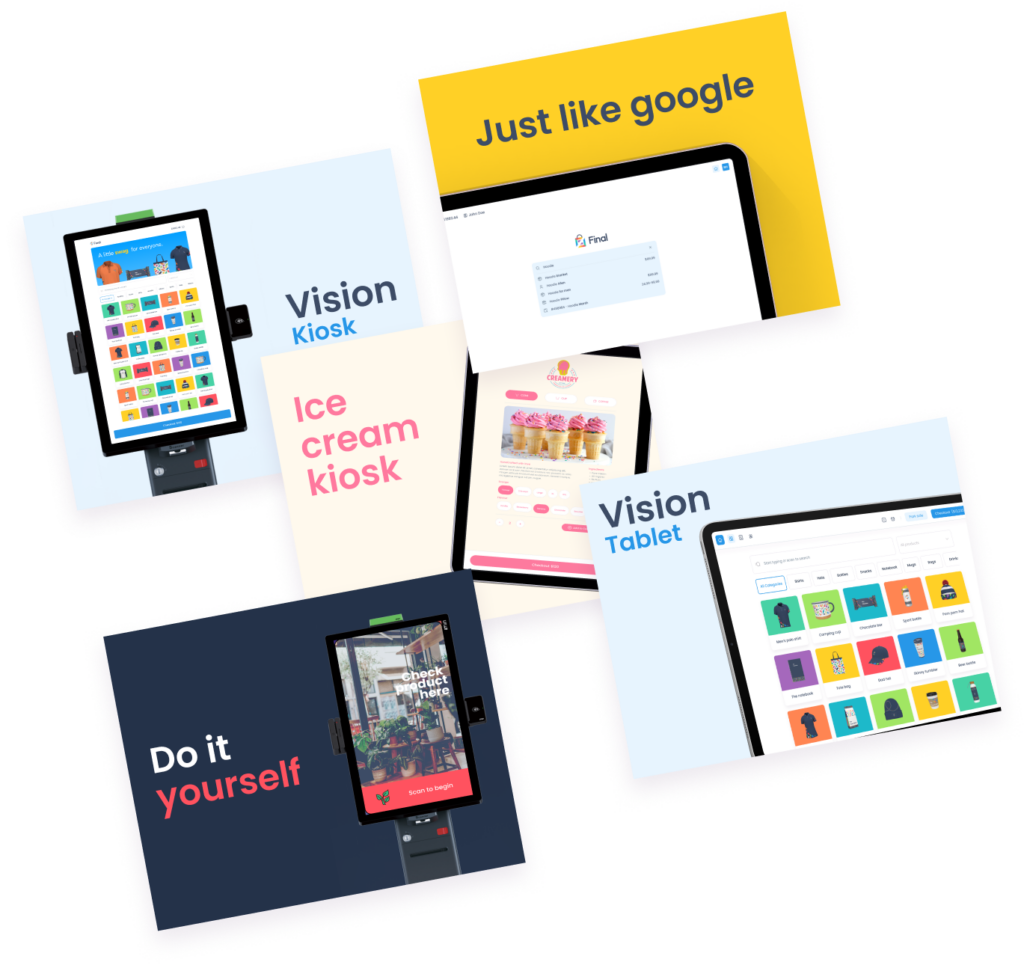
Not all systems allow visual flexibility. To implement a branded experience, you need a customizable POS software that at minimum lets you:
Apply brand colors across the user interface
Upload your logo and custom icons
Use typography that aligns with your brand voice
Platforms like Final POS are built to support full customization, using drag and drop elements and actions. Learn more about Final POS design features here.
3. Keep the Design Simple and Consistent
Minimalism in SaaS UI design is key to both usability and branding. Use your design elements consistently across menus, product views, and checkout flows. Avoid visual clutter, and focus on clarity.
A bonus from design psychology
Use color to guide user decisions (e.g., green for go, red for cancel)
Make buttons and CTAs clearly visible during high-speed transactions
4. Extend Branding to Receipts
Don't overlook receipts as powerful brand ambassadors. Your POS system's visual identity shouldn’t end at the screen. Smart receipt customization transforms this everyday touchpoint into branded receipts POS by featuring:
Your store logo, website, and social media links
Personalized thank-you messages
QR codes linking to loyalty programs or promotions
5. Stay Visually Consistent Over Time
As your business evolves, so should your POS visual identity. Perform regular audits to ensure brand consistency and that your visuals match your current identity.
You also want to use POS systems that supports visual consistency across all platforms, whether on a customer-facing display, tablets, kiosks, desktops, or any other POS device—so your branding can grow with you, even as you switch or add new devices.
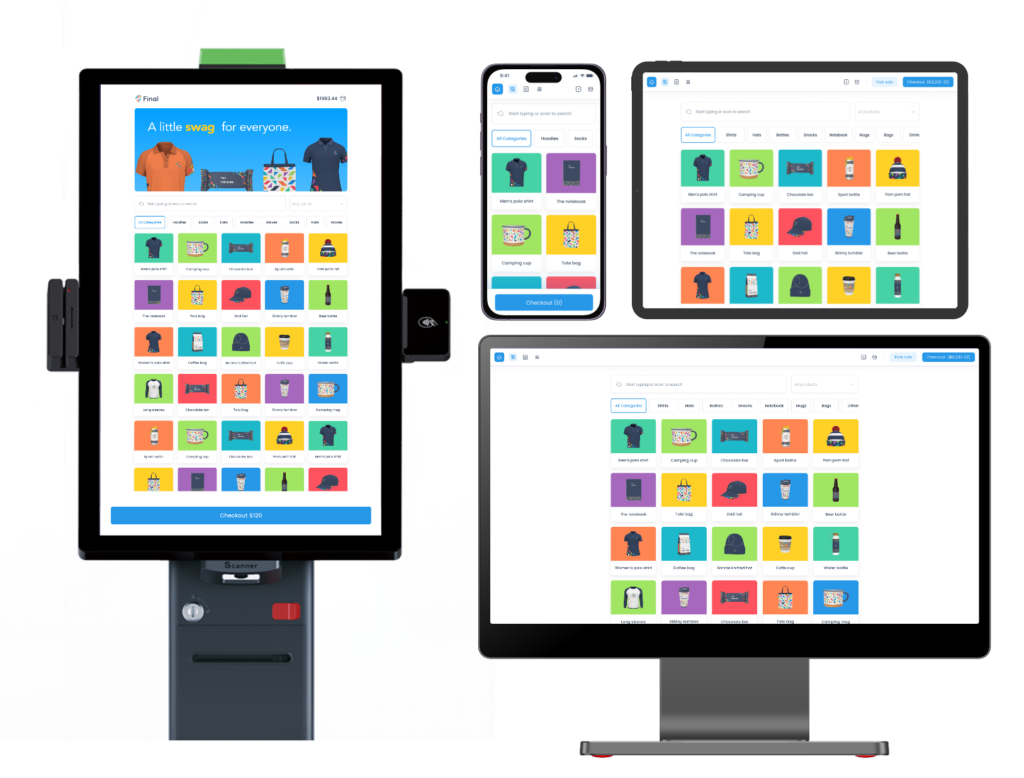
Final POS - customizable POS software
If you're looking for a POS machine that truly embraces POS branding, you should check out Final POS.
Final POS is built with branding in mind, every detail can be tailored to reflect your unique identity. Whether you’re running a retail store, or restaurant, Final POS lets you design a checkout experience that feels like an extension of your brand. In a crowded market, a visually consistent, on-brand POS helps you stand out and build trust at every touchpoint.
Conclusion
Your POS software isn’t just hardware—it’s a business imperative that impacts how your audience sees you, remembers you, and interacts with you. Strong visual identity improves useability, builds customer trust, and reinforces your professionalism.
Spend time reviewing your POS branding, and choose tools—like Final POS—that make design, updating, and scaling one cohesive experience on every device easy.
Visuals Are Just the Beginning
A strong visual identity is essential, but it’s only one part of a great POS experience. Just as important is the ability to customize your POS flow to match how your business operates. Read more about that here.
Frequently asked questions
Why does the visual design of a POS system matter for brand trust?
A visually cohesive and attractive POS interface enhances professionalism and trust. Studies show that customers equate polished design with higher quality, making them more likely to feel confident and return.
How does consistent POS branding improve customer recognition?
Consistency in logo usage, color schemes, fonts, and imagery creates a seamless brand experience. It strengthens brand recall and reassures customers, as familiar visual cues repeatedly reinforce trust.
How can agencies and resellers leverage POS visual identity?
Resellers or web–POS integrators can offer branded POS interfaces to their clients—customizing colors, logos, and UI elements. This value‑add strengthens the brand story and builds differentiating trust for end users and developers alike.