



Signs You've Outgrown Your Off-the-Shelf POS
Misc-button sales, spreadsheet reports, app stacking: four signs your off-the-shelf POS no longer fits your business, and what to replace it with.
 Mathias NielsenCEO, Final POS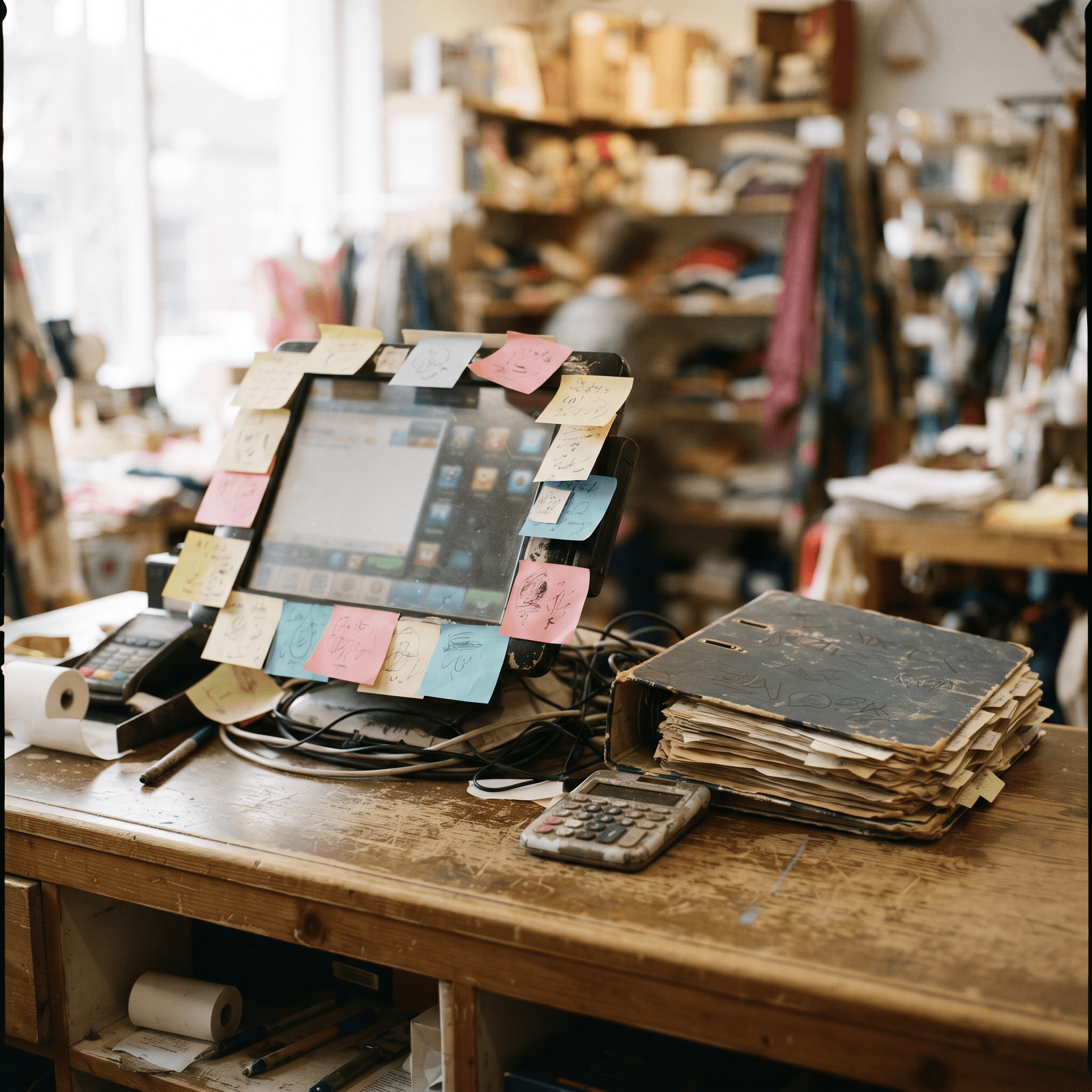
The surest sign you've outgrown your off-the-shelf POS is that your team spends more time working around the system than working in it. Custom amounts punched into a "misc" button, stock counts kept on a clipboard, end-of-day numbers rebuilt in a spreadsheet because the built-in report doesn't answer the question you're actually asking. Each one is a small annoyance. Together, they're the system telling you it no longer fits.
None of this means the software is badly built. An off-the-shelf POS is built for the average of thousands of businesses. Yours stopped being average the moment it grew.
Why do off-the-shelf POS systems stop fitting?
Because they're templates. A template POS makes assumptions: this is what a product looks like, this is the order of a checkout, these are the reports an owner needs. On day one those assumptions cost you nothing. You have no history and no habits, so you adopt the software's.
The mismatch shows up later. A second revenue stream, a bundle, a service alongside the retail, a market stall on weekends — every step your business takes away from the template creates another gap between how you sell and how the software assumes you sell. The software doesn't change. Your business does. Here are the four signs that gap has started costing real money.
Sign 1: the miscellaneous button is doing real work
An occasional misc sale is normal. A misc button that sees daily use means your catalog can't model what you actually sell: weighed goods, bottle deposits, made-to-order items, service fees, package deals. Every sale rung through it is a sale your reports can't categorize and your inventory never sees. If you audited a week of transactions right now, how much revenue would have no product attached to it? That number is the size of your blind spot.
Sign 2: your real reports live in a spreadsheet

If closing the day means exporting a CSV and rebuilding the numbers by hand, your POS has quietly lost its job as the source of truth. The spreadsheet is now the system of record, and spreadsheets are where transcription errors and stale formulas live. You're also paying for this in labor: fifteen minutes of manual reporting a night is over 90 hours a year. A system that fits should hand you the report types that actually drive decisions without a nightly rebuild.
Sign 3: you're stacking apps and hardware to patch gaps
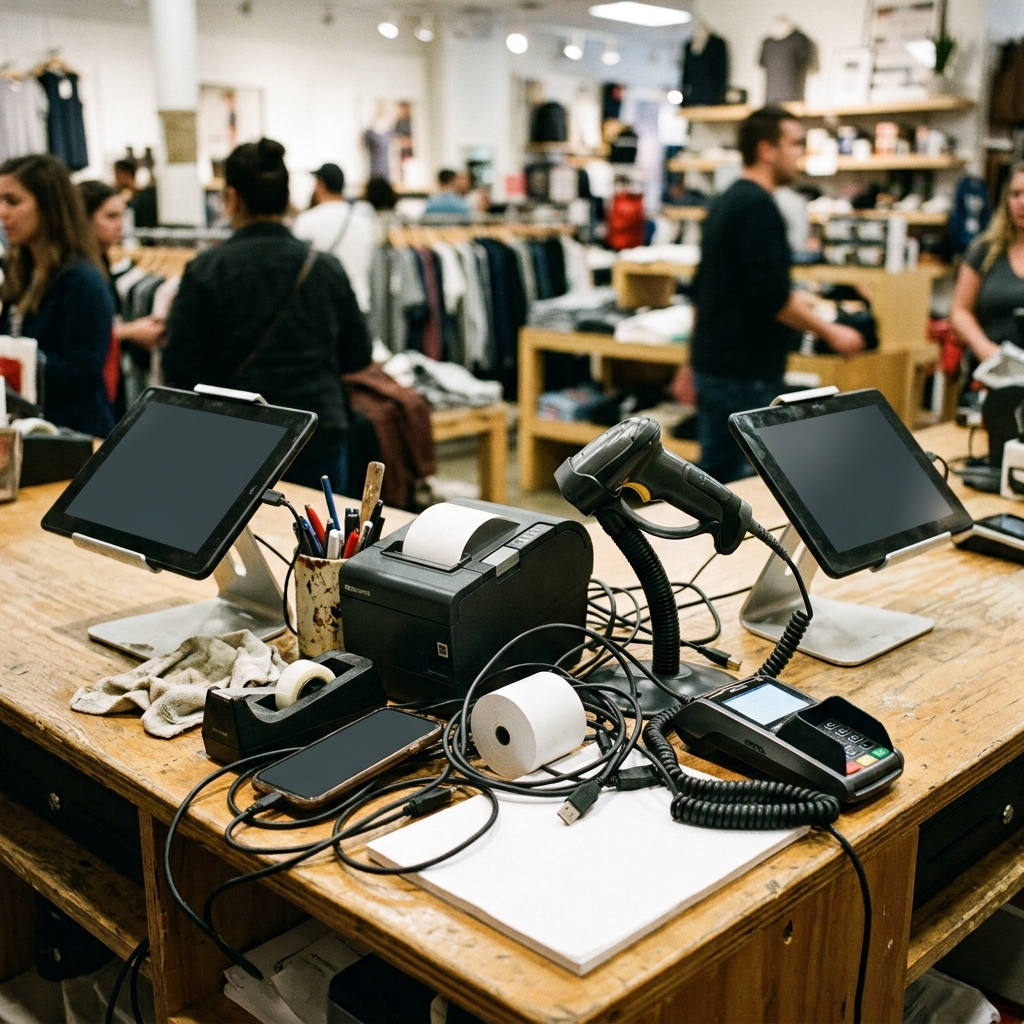
A loyalty app here, a bookings tool there, a separate gift-card provider, sometimes a second tablet running a different system entirely. Each patch adds a subscription, a login, and a sync that can fail. The real cost isn't the fees — it's what happens when two systems disagree about a stock count and your staff have to pick which one to believe. From that moment your data has forked, and every downstream decision about your checkout experience is built on a coin flip.
Sign 4: you've bent your business to fit the software
This one is the most expensive and the hardest to see. You stopped offering the bundle because it's awkward to ring in. You skipped the weekend market because the setup doesn't travel. New staff training is mostly teaching workarounds, which is why employee management through the POS never quite works as advertised for you. When someone asks why a process works the way it does and the honest answer is "because the POS makes us," the software has gone from tool to constraint.
Should you keep patching, or switch?
Run the numbers before deciding. Price the workarounds: app subscriptions, nightly reporting time, misc-button revenue you can't analyze, the offering you shelved. If the total is a rounding error, stay put — switching has a cost too, and a working system you know beats a better system you don't.
If the total is real money, know that migration fear is usually overweighted. Catalog moves are far more automated than they were even a few years ago; imports typically bring products, categories, and customers across in the background from platforms like Square, Shopify, Clover, Lightspeed X-Series, and WooCommerce, and your sales history stays safely in the old account for reference.
What replaces an off-the-shelf POS?

You have three options. Custom development gets you an exact fit at agency prices, plus a maintenance bill forever. A bigger off-the-shelf package gets you more features wrapped around the same fixed template — more settings, same assumptions. The newer third option is a buildable POS: commerce infrastructure (payments, inventory, reporting) that stays standard, with a checkout flow you define yourself. Final takes this approach — you describe the checkout you need in plain language and its AI Builder creates it, so the misc button, the spreadsheet, and the app stack stop being necessary. What makes Final different covers how that works in practice.
Outgrowing your POS isn't a failure. It usually means the business did exactly what you wanted it to do: it grew past the template. If you want to see how far a described-not-templated checkout can go, building a custom POS with an AI model is a good place to start.
Frequently asked questions
How do I know when it's time to replace my POS?
Count the daily workarounds: sales rung through a miscellaneous button, stock tracked outside the system, reports rebuilt in spreadsheets, and third-party apps patching missing features. When workarounds are part of the daily routine rather than the exception, the system no longer fits.
Is switching POS systems as painful as it used to be?
Much less. Modern platforms import your products, categories, and customers from systems like Square, Shopify, Clover, Lightspeed X-Series, or WooCommerce automatically, so you're not rebuilding a catalog by hand. Historical orders typically stay in the old system.
Can I just customize my off-the-shelf POS instead of switching?
Only within the limits the vendor allows. Settings and app marketplaces can adjust the surface, but the underlying checkout flow, data model, and reports stay fixed. If your problem is structural — the catalog can't model what you sell — configuration won't fix it.
What's the difference between an off-the-shelf POS and a buildable one?
An off-the-shelf POS gives every business the same fixed template. A buildable POS runs on the same commerce infrastructure — payments, inventory, reporting — but lets you define the checkout flow itself, so the software matches how you sell instead of the other way around.
Will I lose my sales history when I switch POS systems?
Your history usually stays in the old system rather than transferring. Most businesses keep read-only access to the old account for reference and start fresh reporting in the new system from day one.