



Vibe Coding a Point of Sale: How Far Can You Actually Get?
Vibe coding gets you a convincing POS demo in an afternoon. It does not get you inventory that survives two simultaneous sales, reports that reconcile, or card payments. Here is where the wall actually is.
 Mathias NielsenCEO, Final POS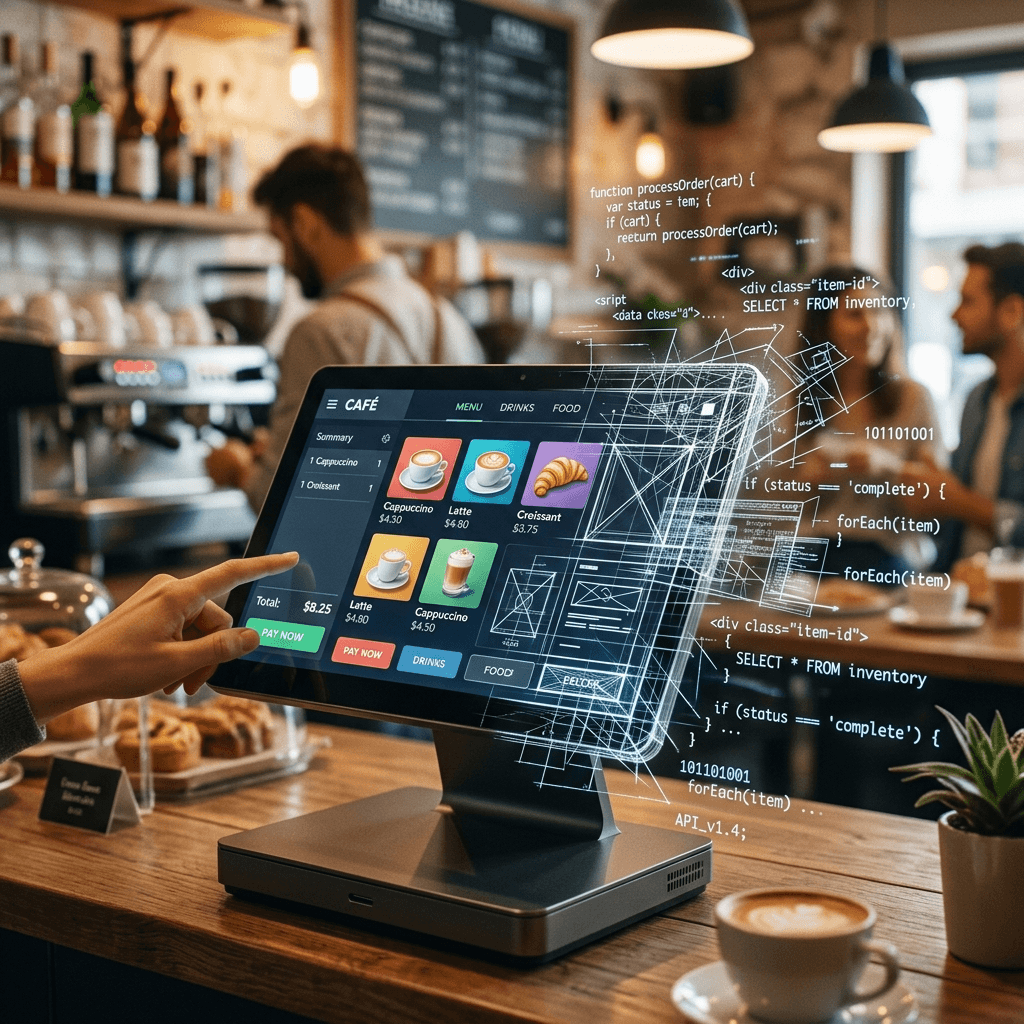
Surprisingly far, and then into a wall. Vibe coding a point of sale gets you a convincing checkout screen, a product catalog, and working cart logic in an afternoon, with no code knowledge required. What it does not get you is a POS you can run a business on. The distance between those two things is the subject of this post, because the demo makes the gap look much smaller than it is.
One caveat before the specifics: AI tools change monthly, so treat the details here as a snapshot, accurate as of publication.

What can you actually build by vibe coding?
More than the skeptics claim. Give a tool like Lovable, Replit, or v0 the prompt "build a POS for my coffee shop" and you get back a real interface: menu grid, modifiers, a cart, a total, maybe a mock payment step. It looks right, it clicks right, and you can put it in front of people the same day.
That is not a trick. For the visible layer of a POS, AI generation is legitimately good, and it keeps getting better. If what you need is a prototype, a pitch demo, or a way to think through your own checkout flow, vibe coding delivers.
Where does a vibe-coded POS fall apart?
At the parts that have to be correct every time, with nobody watching.
Inventory under concurrency (two sales hitting at the same moment): AI-generated stock logic typically reads a quantity, subtracts one, and writes it back. Two simultaneous sales of the last unit both succeed, and you have sold stock you do not have.
Reports that reconcile (totals that match the money that actually moved): a demo report sums a table. A real report survives refunds, voids, partial payments, and mid-day price changes without drifting from your processor's numbers.
Tax: rates by region, rules by product category, rounding at the line level versus the total. Wrong answers here are not bugs, they are liabilities.
Security: in Veracode's 2025 study of over 100 AI models, 45% of generated code samples failed security tests against the OWASP Top 10, and the failure rate did not improve with newer or larger models¹.
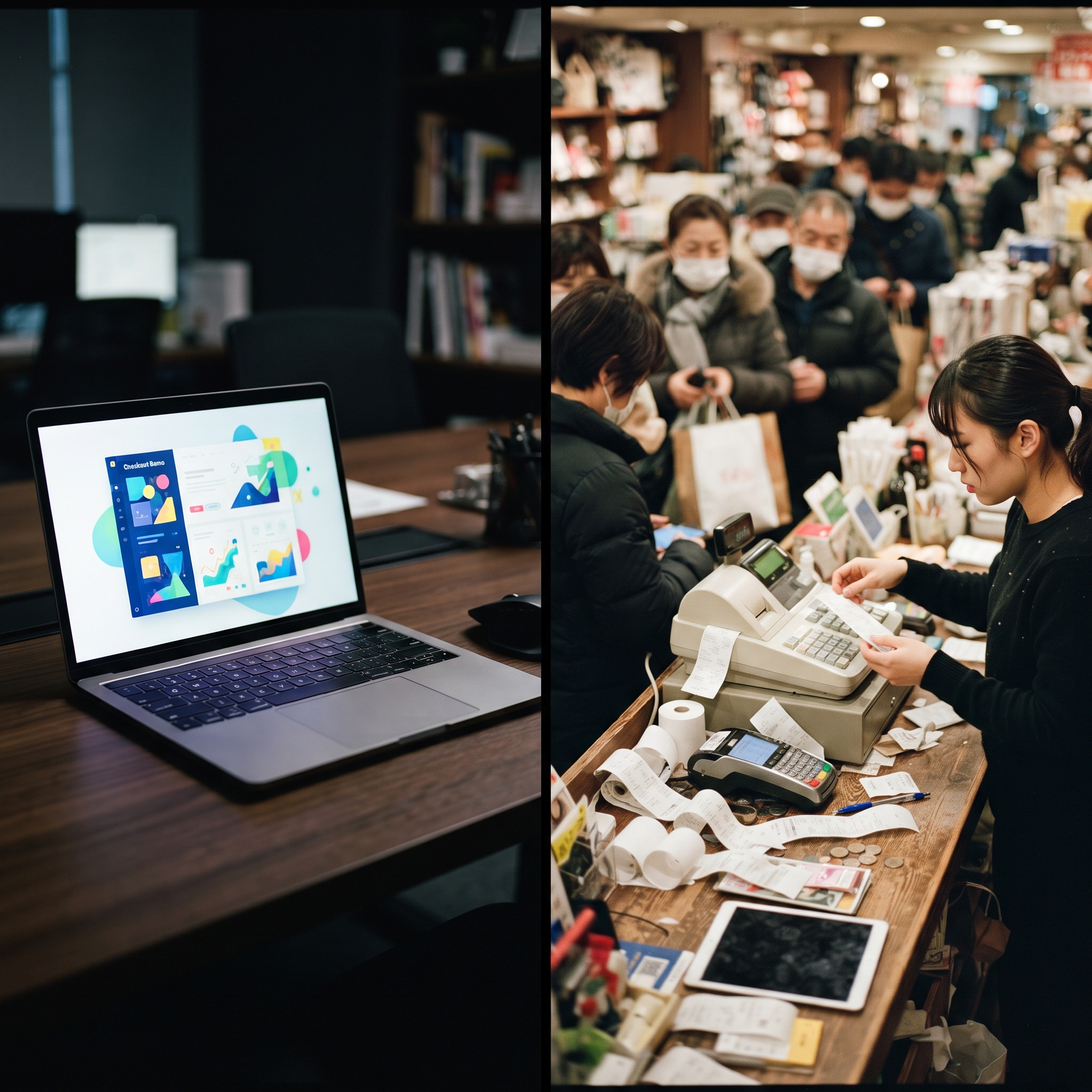
None of these failures show up in a demo. All of them show up in month two of running a store.
What about taking real payments?
This is the hardest stop. Online card payments require PCI compliance (card-data security rules), and card-present payments additionally require certified terminal hardware paired with a payment processor. There is no prompt that outputs a hardware certification.
Apple and Google enforce this at the gate: we have covered why vibe-coded payment apps get rejected from the App Store, and the short version is that review teams check who is routing the payments long before they check how nice your interface is.

Can you tell if the AI got it wrong?
This question decides whether vibe coding is safe for a given part of your POS. You can judge a checkout screen by looking at it. You cannot judge inventory locking or reconciliation code by looking at it, and most merchants would not know what to look for.
The standard objection is "have a developer review the AI's output." Fair, but then you are paying for development anyway, and reviewing someone else's unfamiliar code, human or AI, is often slower than writing it fresh. The economics that made vibe coding attractive are gone.
So, how far can you actually get?
All the way to a convincing demo, and almost nowhere on the parts that make a POS a business system. The visible layer is a solved problem for AI; the money layer is not, and it fails silently. The practical rule of thumb: before you let AI build something, ask whether you could tell if it got it wrong. If yes, prompt away. If no, that part belongs on tested infrastructure.
That split is exactly how AI POS builders like Final's are structured: the AI designs your checkout flows while inventory, reporting, and payments run on pre-built rails it cannot break. If you want to see what that looks like in practice, start with building your first flow or our walkthrough of using ChatGPT to build a custom POS.
Frequently asked questions
What is vibe coding?
Vibe coding means describing the software you want in plain language and letting an AI write the code, accepting the output largely on trust. The term took off in 2025 and now covers tools like Lovable, Replit, and v0 as well as coding directly with a chatbot.
Can AI build a complete POS system from a prompt?
It can build the visible layer: the checkout screen, product catalog, and cart logic. The parts a business depends on, like accurate inventory under load, reports that reconcile, and compliant card payments, need tested commerce infrastructure underneath the AI.
Is vibe-coded software safe for taking card payments?
Not on its own. Card payments require PCI compliance (card-data security rules) and card-present payments require certified terminal hardware. Neither can be generated by a prompt, which is why vibe-coded payment apps are routinely rejected from app stores.
What is the difference between a demo POS and a production POS?
A demo only has to work once, while you watch. A production POS has to be correct every time with nobody watching: two simultaneous sales must not oversell stock, and every report must match the money that actually moved.