



X Report vs Z Report: What End-of-Day Numbers Mean
An X report is a mid-shift snapshot of sales; a Z report is the final end-of-day close-out. Here is what each one tells you, and what to check before you lock the door.
 Mathias NielsenCEO, Final POS
An X report and a Z report answer the same question, "how did we do today?", at two different moments. An X report is a snapshot you can run at any point during the day without closing anything out. A Z report is the final end-of-day report: it closes the register, locks in the totals, and on traditional systems resets the daily counters to zero. Put an X report vs Z report side by side at 9 p.m. and the numbers can be identical. The difference is what happens after you print them. X leaves the day open. Z ends it.
What is an X report?
An X report is a mid-shift reading of your sales so far: gross sales, refunds, taxes, and a breakdown by payment method, viewed or printed without resetting anything. Managers run X reports to check drawer accuracy at shift change, spot a slow afternoon while there is still time to react, or verify cash before a bank drop. You can run as many as you like in a day, and the register keeps counting as if nothing happened.

What is a Z report?
A Z report is the closing report. Running it does three things on a traditional register: it prints the day's final totals, it marks the day as closed, and it zeroes the daily counters so tomorrow starts fresh. That reset is why a Z report is a one-shot document. Once it runs, you cannot re-run "today"; the register has already moved on.
This is also why accountants ask for Z reports specifically. Each one is a sequential, numbered record of a finished business day, which makes gaps and edits easy to spot. In some countries with fiscal receipt rules, the Z report is a legally required document, so check your local requirements before treating it as optional.
Why are they called X and Z reports?
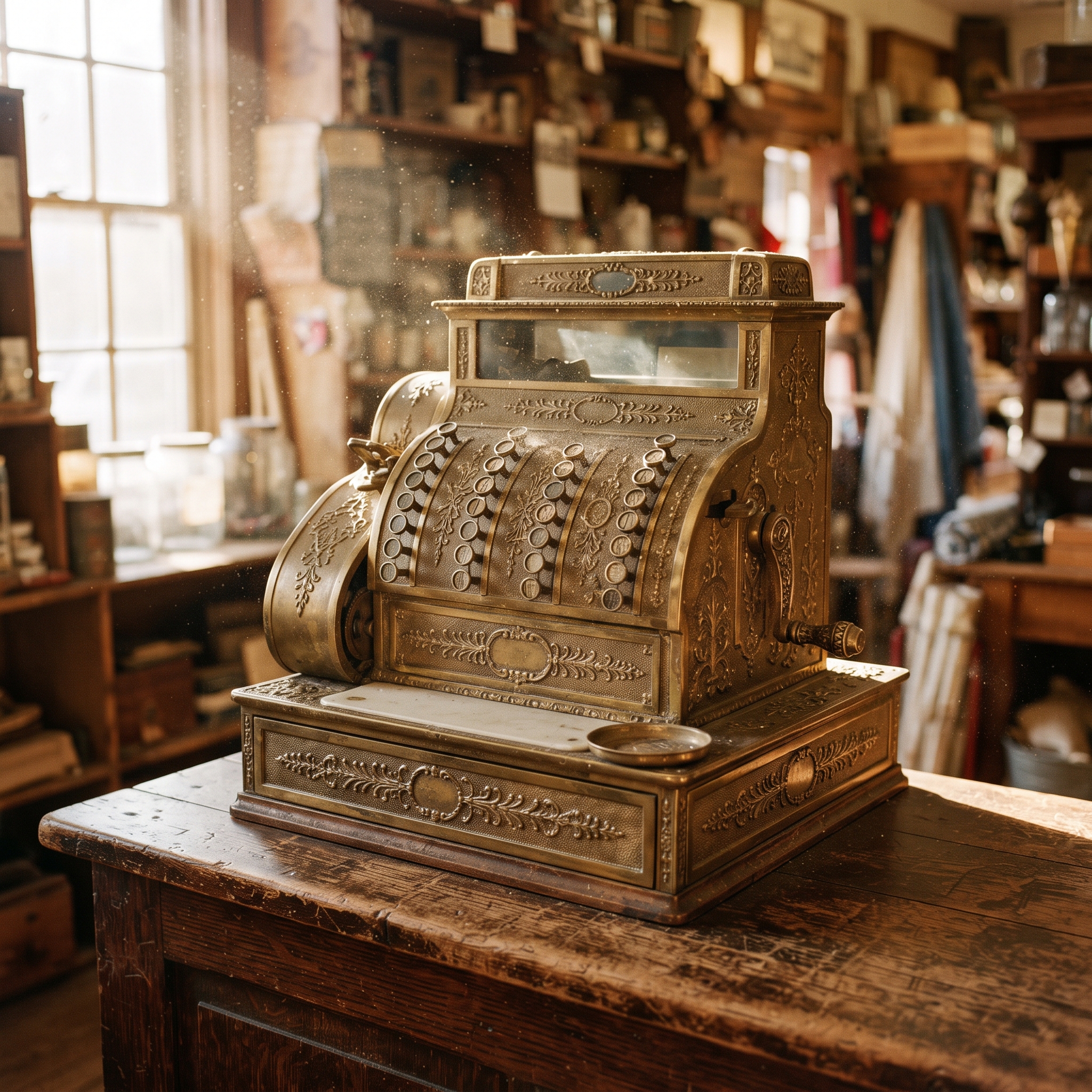
The names are a holdover from mechanical and early electronic cash registers, where the control key had lettered positions. Turning the key to X printed a reading without resetting; turning it to Z closed out the day and reset the machine. The letters outlived the hardware. Most modern systems have no physical key, but X and Z still show up in POS menus, manuals, and accountants' checklists.
What should you check on your Z report every night?
Four things, in order:
Cash over or under: the difference between the cash you counted and the cash the system expected. Small one-off variances happen. A pattern, at one station or one shift, is a problem worth investigating.
Payment method breakdown: does the card total match what your payment processor reports? This is the fastest way to catch a missed or duplicated charge.
Refunds and discounts: unusually high numbers under one staff member deserve a look, not an accusation. Most anomalies turn out to be training gaps.
Tips: confirm tip totals before payroll runs, especially if you prompt for tips on the card reader itself. See when on-reader tipping makes sense for how that changes the nightly numbers.

Do cloud POS systems still use X and Z reports?
Mostly no, and that is not a loss. The X and Z mechanics existed because a register's memory was tiny; daily counters had to be reset or they stopped meaning anything. A cloud POS keeps a permanent record of every transaction, so there is nothing to reset. Reporting becomes a question you ask the data, not a paper ritual.
What replaces each report:
The X report becomes a live dashboard. Instead of walking to the register to print a snapshot, you check current sales from anywhere, any time, without touching the till.
The Z report becomes a session or closing report. Closing a till session produces a numbered report with the same job: final totals, payment breakdown, and the cash drawer reconciliation (matching counted cash against expected cash).
On Final, for example, closing a station session generates an End of Session report with the drawer count built in, and the Financial Summary covers any date range when your bookkeeper wants a month instead of a day.
So, what do X and Z reports actually mean?
An X report is a look; a Z report is a lock. X tells you where the day stands without committing to anything. Z ends the day, fixes the totals, and gives your books a clean, numbered record. On a cloud POS you may never press a key labelled X or Z, but you still need both habits: glance at sales during the day, and close every session with a counted drawer. Rule of thumb: read with X, close with Z, whatever your system calls them.
To get more out of your numbers than a nightly total, start with the five POS report types worth reading weekly. And if you are comparing systems, check what no-monthly-fee POS pricing actually covers before you sign anything.
Frequently asked questions
Can I run more than one X report per day?
Yes. An X report is read-only, so you can run it as often as you like: at shift change, before a bank drop, or any time you want a mid-day check. Nothing resets.
Does a Z report delete my sales data?
No. On traditional registers it resets the daily counters so tomorrow starts at zero, but the day's totals are preserved on the printed report. On a cloud POS nothing resets at all; every transaction stays in your permanent record.
What does cash over or under mean on a closing report?
It is the difference between the cash actually counted in the drawer and the cash the system expected based on the day's sales, refunds, and manual additions or removals. Small one-off variances are normal; repeated patterns are worth investigating.
Do I still need a Z report with a cloud POS?
You need the habit, not the button. Closing each till session with a counted drawer produces a numbered closing report that serves the same purpose for your books. Some countries with fiscal receipt rules still require a formal Z report, so check local requirements.