



Why Your Farmers Market Setup Is Costing You Sales (And How to Fix It)
Discover why your current market setup is turning customers away — and how to build a professional, phone-based checkout that works anywhere, for free.
 Mathias NielsenCEO, Final POS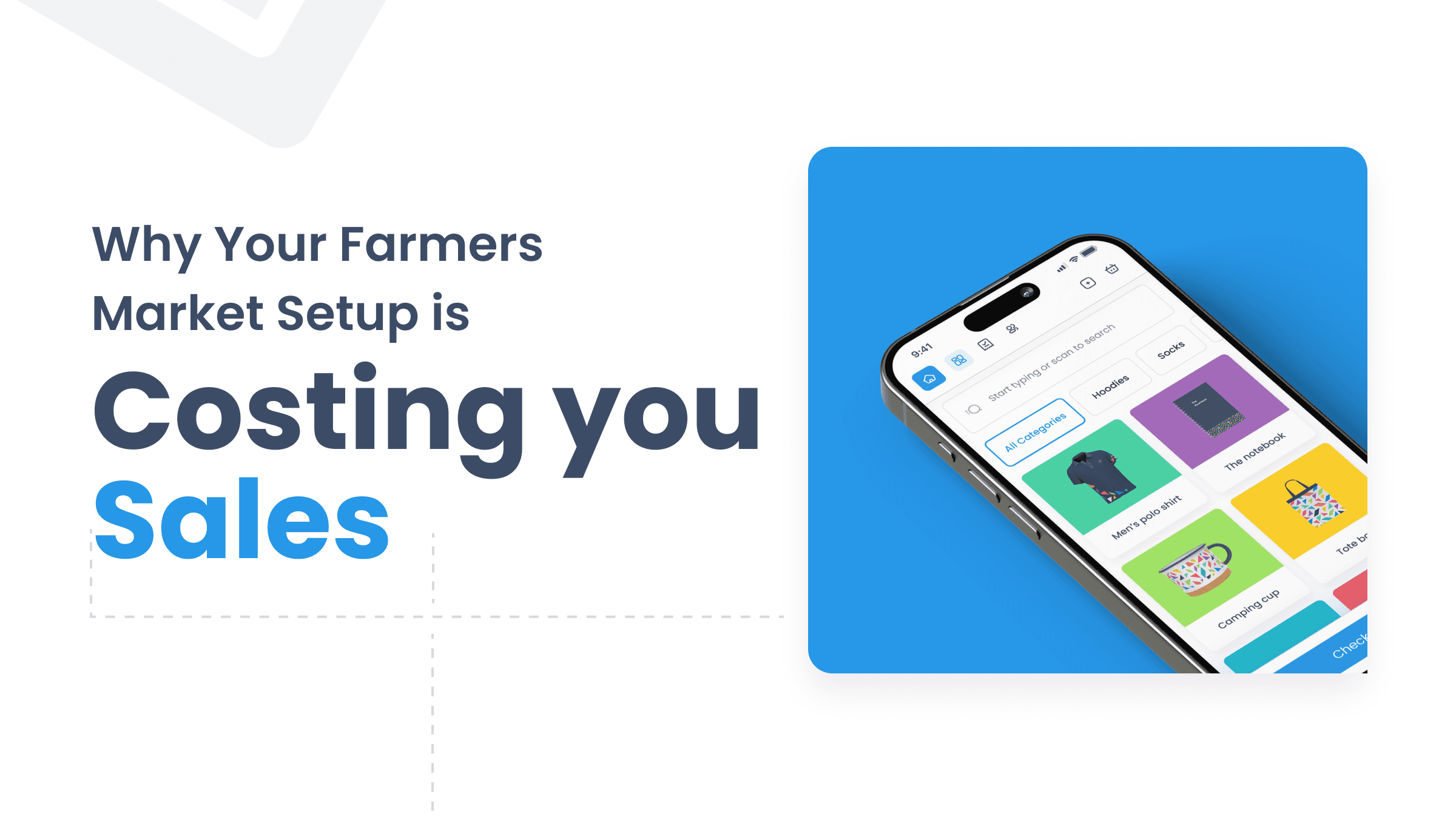
Most farmers market and craft fair vendors lose sales every single weekend — and most of them don't even realise it's happening.
It's not the quality of their products. It's not their pricing. It's their setup.
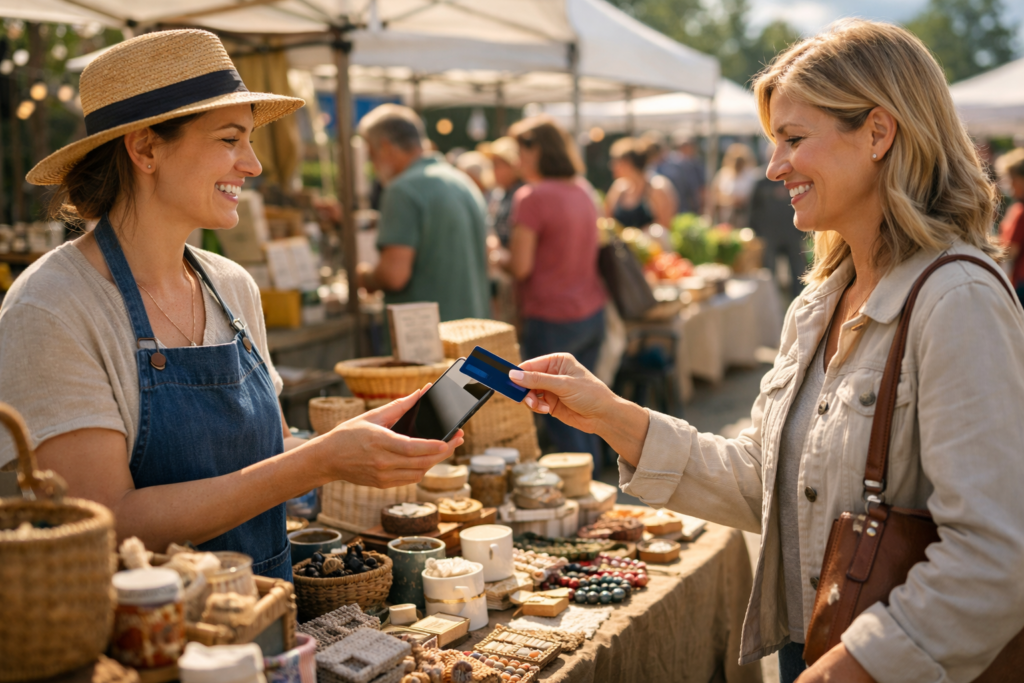
A customer picks up your best item, reaches for their pocket, and says: "Do you take card? I don't have cash on me." If your answer is no — or if your card reader is dead, out of range, or taking 40 seconds to connect — that sale is gone. And it's probably not the only one.
This guide is for farmers market sellers and craft fair vendors who want to fix that. We'll cover exactly what's going wrong, what a modern market stall setup actually looks like, and how Final POS lets you run a professional checkout from the phone already in your pocket — with no monthly subscription.
TL;DR
Cash-only and clunky card setups are the #1 avoidable reason market vendors lose sales.
A mobile POS built for outdoor selling needs to work offline, run on your own device, and be fast under pressure.
Final POS lets you build a custom checkout for your stall, accept tap-to-pay with no card reader, and review your sales after the market — all from your phone.
It's free to start. Use the setup checklist below to be ready before your next market day.
What is Final POS?
Final POS is a drag-and-drop checkout builder that lets you design a point-of-sale system built around how your stall actually works — not a rigid template you have to adapt to. You build your checkout once, load it on your phone, and sell. It runs natively on iOS, Android, and Windows, and because critical data is stored on-device, it keeps working even when your connection doesn't.
The real reasons your market setup is costing you sales
1. You only take cash
Fewer people carry cash today than at any point in recent history. At a typical Saturday market, a significant share of shoppers arrive with nothing but a contactless card or their phone. When they can't buy from you, they don't go find an ATM — they buy from the stall next door that does take card. And they remember that stall next time.
Cash-only isn't the "simple" option. It's the expensive one.
2. Your card reader is unreliable
Dongles run out of battery. Bluetooth drops out. Signal at outdoor venues is patchy. Any one of these turns a five-second tap-to-pay into a two-minute ordeal — and when there's a queue, that kills your momentum and your customer's patience.
Final POS uses tap-to-pay directly on your phone screen. No dongle to charge. No Bluetooth to pair. Nothing to forget at home.
3. Your checkout is too slow for a busy stall
When three customers are waiting, you don't have time to scroll through a long product list, manually enter prices, or hunt for a discount. If your POS isn't designed around your specific products and your pace of selling, every transaction costs you time you don't have.
With Final POS Build, you design the checkout layout yourself — your products, your groupings, your workflow. What you use most is right in front of you.
4. You have no record of what you sold
Counting cash at the end of a long market day is exhausting and imprecise. Without a clear transaction record, you can't tell which products moved, which didn't, or whether it was a good day compared to last month. That makes it harder to plan stock, price correctly, and grow.
Final POS Manage gives you a full sales breakdown after every market — revenue, best sellers, average transaction — without a single spreadsheet.
What market vendors actually need from a POS

Most POS systems are designed for fixed retail environments: a counter, reliable Wi-Fi, mains power. Market selling is completely different. Here's what actually matters when you're outdoors:
Works without reliable Wi-Fi. Final POS stores data on-device so a patchy signal doesn't stop a sale. Final POS Run is built for exactly this.
Runs on hardware you already own. No dedicated terminal to buy, carry, or worry about. Your phone is your checkout.
Fast enough for a queue. A checkout built around your products means fewer taps, faster transactions, happier customers.
Accepts contactless without extra hardware. Tap-to-pay on iPhone and Android. Card, Apple Pay, Google Pay — all work natively.
Simple enough for a helper to use. If you hand off the stall while you restock, they need to figure it out in two minutes. Not twenty.
How to set up Final POS for your market stall
Step 1: Create your free account
Head to finalpos.com — no credit card required. Your account is free to start.
Step 2: Build your checkout layout (or choose a preset theme that works for you)
Using the Final POS drag-and-drop builder, create a screen that reflects your actual stall. Add your products with names, prices, and images. Group them however makes sense for how you sell. If you offer variations — sizes, flavours, colours — those are straightforward to configure too. Don't want to build? Choose one of our preset themes to get started fast.
Step 3: Enable tap-to-pay
In your payment settings, activate Final POS Pay and turn on tap-to-pay. You'll complete a short identity verification (standard for any payment processor), and then you're ready to accept cards directly on your phone screen.
Step 4: Download the app and test
Install Final POS from the App Store, Google Play, or Microsoft Store. Run a test transaction the night before market day so you're not troubleshooting in front of customers.
Step 5: Review your day from anywhere
After the market, open Final POS Manage to see your full sales breakdown. No cash counting. No guesswork.
Market day checklist (run through this the night before)
✅ Before you leave home
Phone charged to 100% — or pack a power bank
Final POS app open and logged in
Products loaded, prices double-checked
Run one test tap-to-pay transaction on your own card
Mobile data on — don't rely on venue Wi-Fi
✅ At the stall
Small cash float for customers who prefer it
Phone positioned where you can reach it easily during a transaction
If you have a helper, walk them through the checkout before the market opens
✅ After the market
Check Final POS Manage for your full sales summary
Note which products moved fastest — restock accordingly
Review average transaction size to inform your pricing and bundling next time
What does it actually cost?
Final POS vs. the alternatives
Traditional POS terminal: $300–$800+ upfront, $50–$150/month, fixed hardware, no layout customisation
Dongle + basic app (e.g. Square): $0–$49 upfront, $0–$60/month, runs on your phone, limited layout control
Final POS: $0 upfront, free to start, runs on your phone, full drag-and-drop checkout builder
Payment processing rates with Final POS Pay are transparent and competitive — no surprise fees, no tiered pricing buried in the fine print. See the full rate card for your country on the Final POS pricing page.
Growing beyond one stall
Many market vendors start with one stall and grow — adding a second location, bringing on a helper with their own device, or selling online alongside their market days. Final POS is built to handle that without requiring you to start over.
When you're ready to expand, you can add additional outlets and stations directly within your account. Your checkout layout and product catalogue carry across instantly, so a second stall or a new helper's device is ready to go in minutes — not hours. If you also sell online via WooCommerce, Final POS integrates directly, keeping all your sales data in one place rather than split across disconnected systems.
FAQ
Do I need a card reader to use Final POS at a market?
No. Final POS uses tap-to-pay directly on your phone screen. Customers tap their card or phone to pay — no extra hardware required.
What if I lose signal at the market?
Final POS stores data on-device so your checkout keeps working even without a connection. Sales sync when you're back online.
Can I use Final POS on my existing phone?
Yes. Final POS runs on iOS, Android, and Windows. If you own a smartphone or tablet, you have everything you need.
What does it cost to get started?
Nothing. Creating a Final POS account is free — no credit card, no trial period. You only pay processing fees when you take a payment.
Can I customize the checkout for my specific products?
That's the whole point. Final POS Build is a drag-and-drop checkout builder — you design the layout around your products, not the other way around.
Why the best market vendors are upgrading their setup in 2026
The vendors who consistently sell more aren't the ones with the most products or the best pitch. They're the ones who make it effortless to buy from them. That means fast checkout, no payment friction, and a setup that works reliably no matter what the venue throws at it.
Final POS gives you all of that — from your existing phone, for free.
Ready to set up your stall properly? Visit finalpos.com to create your free account and build your first checkout.
Frequently asked questions
Do I need a card reader to accept payments at a farmers market?
No. Final POS uses tap-to-pay directly on your phone screen, so customers can tap their card, Apple Pay, or Google Pay without any extra hardware. There is no dongle to charge or Bluetooth device to pair.
What happens if I lose signal at an outdoor market?
Final POS stores data on-device, so your checkout keeps working even when your connection drops. Sales sync automatically once you are back online, so no transactions are lost.
How much does it cost to use a POS at a farmers market?
Final POS is free to start with no upfront cost and no monthly subscription. You only pay a processing fee when you take a payment, and the full rate card is available on the Final POS pricing page.
Can I customize the checkout layout for my specific market products?
Yes. Final POS includes a drag-and-drop checkout builder that lets you add your own products, prices, images, and groupings. You design the layout around how you actually sell, not a rigid template.
Can a helper or assistant use Final POS at my stall?
Yes. Final POS is designed to be simple enough for a helper to learn in a couple of minutes. It runs on any iOS, Android, or Windows device, so a second person can use their own phone without extra hardware.