



Card Readers for Custom POS Apps: SDKs and Smart Terminals
You cannot plug a generic card reader into a custom POS app like a barcode scanner. Learn how payment processor card reader SDKs, Bluetooth readers, and server-driven smart terminals actually work.
 Mathias NielsenCEO, Final POS
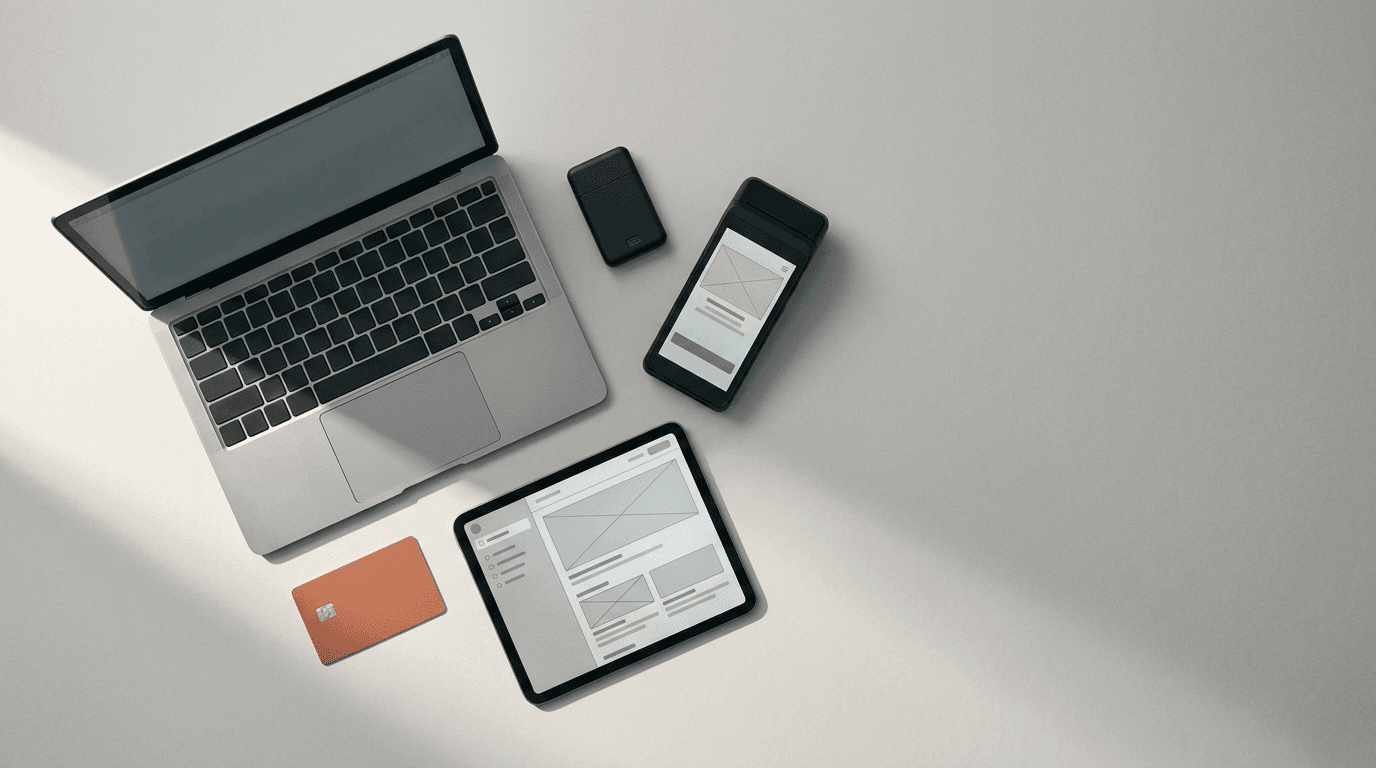
Buy a generic $40 Bluetooth card reader off an electronics marketplace, pair it to your tablet, and try running a credit card through your custom POS app. You'll hit a wall in ten minutes. Either the reader dumps unencrypted track data that immediately violates PCI DSS rules, or it spits out an encrypted blob that no payment processor will ever decrypt for you.
When developers try to accept card payments in a custom POS app, hardware is usually where the prototype breaks down. You can't treat a POS terminal like a barcode scanner or a receipt printer. A barcode scanner is just a wireless keyboard in disguise. A card reader is a heavily regulated cryptographic device.
If you want your custom point of sale to take chip, PIN, and contactless payments, your hardware choices are dictated entirely by your payment processor and their card reader SDK.
Why can't you connect just any card reader to your app?
A card reader that accepts chip and contactless payments must pass EMV Level 1, Level 2, and Level 3 certifications, alongside PCI PTS security checks. Level 1 covers the physical hardware and electrical contacts. Level 2 covers the software kernel inside the reader that talks to the chip on the customer's card. Level 3 is the complete integration test combining the specific reader, the card reader SDK, and the payment processor's backend host.
When a customer taps a Visa or inserts a Mastercard, the reader generates a dynamic cryptogram using cryptographic keys injected into the hardware inside a secure facility before it ever ships to you. Those keys belong to your payment processor, and they can only decrypt transactions coming from a reader injected with their specific keys.
Even if you buy the exact hardware model a processor supports from a third-party liquidator, it is a paperweight to your app unless that specific serial number was encrypted with your processor's keys. You have to buy certified hardware through your payment provider's supply chain and talk to it exclusively through their SDK or API.
How a Bluetooth card reader app works through a PSP SDK
Pocket-sized Bluetooth readers have no screen or internet connection of their own. They need a native iOS or Android host app running the payment processor's SDK to handle discovery, pairing, and transaction forwarding.

Pocket Bluetooth readers rely on a native iOS or Android host app running a card reader SDK to manage BLE connections and payment collection.
These mobile readers are the cheapest way to add physical card acceptance to a tablet or phone. Because Apple restricts NFC access on tablets (meaning Tap to Pay does not work on iPad), pairing a mobile Bluetooth reader is the standard path for iPad registers.
To build a Bluetooth card reader app, your code has to run natively on iOS or Android. Web browsers can't maintain the stable, secure Bluetooth Low Energy (BLE) connections required by payment SDKs, and processors don't ship JavaScript SDKs for Bluetooth hardware.
Inside your native app, you embed the payment processor's mobile SDK, which acts as a black box between your checkout UI and the physical reader:
Tokenization: Your app wakes up and asks your backend server for a connection token from the processor's API.
Discovery and Connection: You call the SDK's discovery method to scan via BLE, find nearby readers, and connect to the right serial number.
Payment Intent Creation: When a cashier rings up a $14.50 order, your app creates a payment intent via your server or directly through the SDK.
Collection: You pass the payment intent to the SDK's collect method. The SDK takes over the Bluetooth channel, lights up the reader's LEDs, and waits for a tap or chip insert.
UI Callbacks: Because a pocket Bluetooth reader usually lacks a screen, the SDK fires events back to your app (
insert card,remove card,try again) so your UI can display the right prompt.Authorization: The reader encrypts the card read, passes the payload back to the phone or tablet over Bluetooth, and the SDK sends it over the host device's Wi-Fi or cellular connection to the processor.
This works great on a developer's desk. On a noisy café counter, Bluetooth introduces real operational friction.
Mobile operating systems love putting backgrounded Bluetooth connections to sleep. If a cashier switches apps to check an online order, the reader drops off, forcing a reconnection delay while a customer stands there holding their card. You also end up building dedicated UI screens inside your POS just to track the reader's battery percentage and connection state.
Smart terminals driven from your server or web app
If you're building a browser-based POS, or just want to skip Bluetooth state management altogether, use a server-driven terminal architecture.

Standalone smart terminals connect directly to Wi-Fi or cellular networks, allowing web-based POS apps to trigger payments via a backend REST API or run natively on the device.
Smart terminals are standalone Android devices with a touchscreen, Wi-Fi and cellular radios, an NFC/chip reader, and usually a built-in thermal receipt printer. Because the terminal has its own internet connection and screen, it doesn't need your POS app acting as a middleman for the card read.
Instead of embedding a hardware SDK into your client app, you integrate a smart terminal API on your backend server.
When the cashier clicks "Charge Card" in your web app, your frontend hits your backend server, which makes a REST API call to the payment processor specifying the amount and the device ID of the terminal sitting on that counter. The processor's cloud pushes the payment request down to the physical terminal over Wi-Fi. The terminal screen wakes up, displays the total, prompts the customer for a tip or signature right on its own glass, and processes the tap or chip insert. Once approved, the terminal sends the result back to the processor's cloud, which fires a webhook to your server and updates the cashier's browser screen.
Running your POS directly on the smart terminal
You can also cut out the separate tablet or computer entirely by running your POS app directly on the terminal's Android operating system.
In an all-in-one setup, the cashier rings up the order on the terminal's touchscreen. When it's time to pay, the app invokes the onboard card reader internally. You get one piece of hardware on the counter (or in a server's apron) with zero pairing issues and no local network routing headaches. Which hardware path you choose usually comes down to which payment processor you build on.
Pairing, firmware updates and fleet management
Building the happy path where a card taps and returns a 200 OK takes an afternoon. Building the device management screens that make a custom POS usable in a real store takes weeks.

Multi-station retail counters require dedicated fleet management interfaces to handle Bluetooth pairing, serial number identification, and mandatory EMV firmware updates.
Card networks and payment processors regularly update terminal software to patch security vulnerabilities or update EMV kernel configurations. These firmware updates are mandatory. Miss a deadline, and the processor blocks the reader from taking payments.
On a smart terminal connected to Wi-Fi, updates install overnight. A Bluetooth reader, however, only gets internet access when it's actively connected to your native app.
When a cashier opens your app at 8:55 AM and wakes up the Bluetooth reader, the card reader SDK might immediately force a mandatory firmware update before allowing a single transaction. Pushing that update over low-bandwidth Bluetooth takes several minutes. If you didn't build a firmware update progress bar into your POS app, the cashier just sees a frozen checkout button. They'll force-quit your app, turn the reader off mid-update, brick the session, and call you in a panic right as the doors open.
Multi-station pairing is another trap. Say an agency client has three iPads and three Bluetooth readers along a single retail counter. In the morning, iPad 1 connects to Reader B, which is velcroed next to iPad 3. A customer taps their card at register 3 and nothing happens, because register 1 was the one waiting for the payment. Your app needs a hardware settings menu where staff can check serial numbers, trigger a physical LED flash to see which device is which, and lock a specific reader to a specific Station.
Smart terminals fix Bluetooth drift, though you still have to write around local network quirks. If a store's Wi-Fi drops, or if a router isolates client devices, your cloud-driven API calls will stall. You need strict timeout handling, clear error states on the cashier screen, and a fast way to cancel a stuck prompt on the terminal.
Choosing readers for counters, tables and pop-ups
Different floor plans break different hardware setups, so match the terminal architecture to how staff actually move:
Pop-up booths and mobile sellers: Use Tap to Pay directly on an iPhone or NFC-capable Android phone, or pair a pocket Bluetooth reader to a tablet. It keeps the footprint small and runs on cellular data.
Fixed retail counters with existing tablets or desktops: Put a dedicated smart terminal on Wi-Fi, or run a native tablet app connected to a stand-mounted Bluetooth reader. If you add a customer-facing screen, enabling on-reader tipping and signature collection on a supported cloud or Bluetooth card reader frees up counter space.
Table-service restaurants and busy floors: Hand staff an all-in-one Android smart terminal. Stuffing an order-taking tablet and a separate Bluetooth reader into an apron is awkward, and Bluetooth connections drop the second staff walk through stainless-steel kitchen doors. An all-in-one terminal lets a server pull up the table, split the check, take the tap payment, and print the receipt from one device.
Readers that work out of the box with Final
You don't need to write Bluetooth discovery loops, build firmware progress modals, or wire up webhook listeners just to get a custom checkout flow onto real hardware.
We already did the SDK and terminal integration work. Final is the world's most customizable POS, and Flow Studio is how merchants customize it. Most merchants start from a ready-made flow in the Flow Library and adjust it to fit how they work, or describe their store in Flow Studio so it creates the flow from their description. Because Flow Studio builds on real commerce rails, Final Pay and hardware support are wired in automatically from the start.
Instead of spending months maintaining a custom card reader integration, you deploy your flow to a Native Station in Final Station (our native app for iOS, Android, macOS, and Windows). It keeps working offline and talks directly to merchant-owned hardware you connect right from the settings menu:
Final Move: Our entry-level pocket Bluetooth card reader for Final Pay for contactless and chip payments. Pair it inside Final Station on your phone or tablet without writing a line of BLE code.
Final Touch and Final Touch Pro: Handheld Android smart terminals with a touchscreen and built-in receipt printer, with Final Touch Pro built for high-throughput lanes. As our guide on Getting Started with Final Terminal covers, the card reader and the Final Station app live on the same device, so you run your custom POS flow and take payments on one unit.
Final Register and Final Flex: Countertop all-in-one setups for high-volume lanes, supporting the Flex NFC + MSR + Scanner Module, cash drawers, and kitchen displays.
Tap to Pay on iPhone and Android: Accept contactless cards and digital wallets directly on a supported phone with no external hardware.
Final Pay has no monthly software fees, no terminal activation fees, and no lock-in contracts. Cash is always $0. In-person card rates are a flat 2.49% + $0.10 in the US and worldwide, 1.99% + $0.10 CAD in Canada (0.5% + $0.07 for Interac debit), and 0.99% + €0.10 in Europe.
Open Flow Studio, customize your checkout flow with up to 1,000 free build credits a day (up to 5,000 a month), and start running real card payments on real hardware this afternoon.
Frequently asked questions
Can I connect any card reader to my app?
No. You can only connect card readers that are EMV-certified with your specific payment processor and injected with their cryptographic keys. Your app has to talk to the hardware exclusively through that provider's card reader SDK or smart terminal API.
How does a web POS use a card terminal?
Web browsers can't reliably run native Bluetooth payment SDKs, so a web POS uses a server-driven smart terminal instead. When the cashier starts a payment in the browser, your backend server calls the payment provider's REST API, which pushes the payment prompt over Wi-Fi or cellular to a standalone smart terminal on the counter.
Who updates card reader firmware?
Your payment provider pushes mandatory firmware updates through their SDK or terminal management cloud to maintain EMV and PCI compliance. Smart terminals usually update overnight on Wi-Fi. Bluetooth readers update through your host app while connected, so you have to build update progress screens into your app and plan for the downtime.