



From Cash Box to POS: A Gentle Migration Path
You don't have to replace the cash box in one weekend. Here's a four-stage migration path: record sales first, build the catalog, then cards, with cash working the whole way through.
 Mathias NielsenCEO, Final POS
You do not have to replace the cash box in one weekend. The move from cash box to POS works best as a staged migration: keep selling exactly the way you do now, add one new habit at a time, and let each stage pay for itself before you start the next. Cash stays on the menu the whole way through. Here is a four-stage path that gets a cash-only shop onto a point of sale without the big-bang switch that scares most owners off.
Why move off the cash box at all?
Because most of your customers stopped carrying enough cash years ago. In the Federal Reserve's 2026 Diary of Consumer Payment Choice, debit and credit cards together accounted for two-thirds of all payments made by US consumers, and cash ranked third for the sixth year running¹. A cash-only counter quietly sends card-first customers somewhere else.
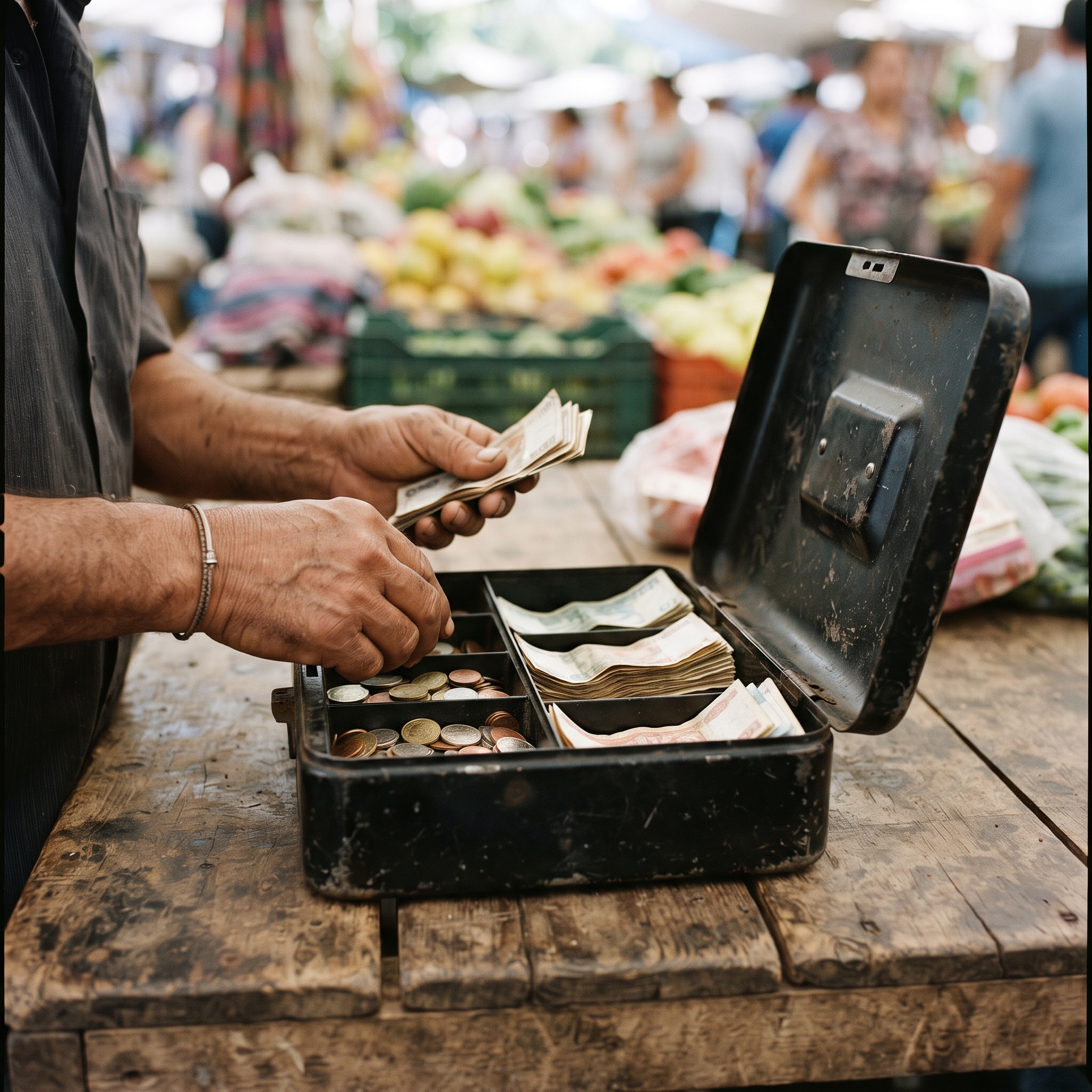
The quieter cost is information. A cash box records nothing. At the end of the day you know one number: how much money is in the tin. Not what sold, when it sold, what to reorder, or what you owe at tax time. Every one of those questions becomes evening handwork in a notebook, if it gets answered at all.
What does a gentle migration look like?
One habit at a time, in an order where every stage is useful on its own. If you stop halfway, you keep everything you gained. The order that works: record sales first, build your catalog second, turn on cards last. Payments come last on purpose. They are the only stage that involves fees and money movement, and the earlier stages produce the data that makes the payments decision easy.
Stage 1: Record your sales, change nothing else
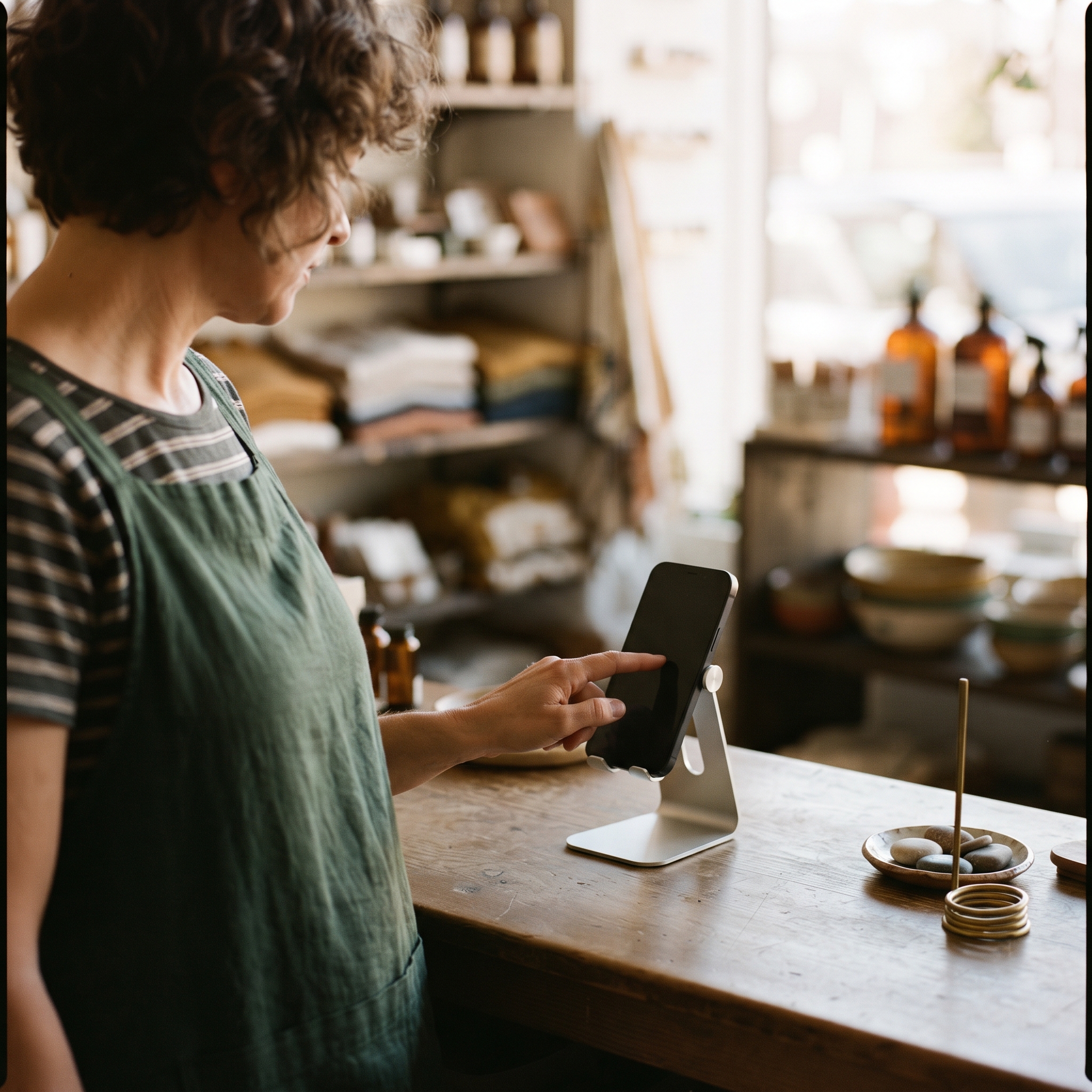
Keep the cash box exactly where it is. The only new habit: ring every sale into a POS app on a phone or tablet before the money goes in the tin. Mark it as cash, make change the way you always have. Nothing about how you take money changes; you are only writing things down in a place that can add them up.
Modern POS software runs on the phone in your pocket or in a browser, so this stage needs no new hardware and no card fees. Two weeks in, you have something the cash box could never give you: a record of what actually sells, hour by hour. Market vendors run entire businesses this way, and it is why a phone-based checkout beats the tin at a farmers market.
Stage 2: Put your best sellers in the catalog
You do not need all 800 items entered on day one. Load your top 20 or 30 sellers, and use a custom sale (a name and a price typed at the till) for everything else. When the same custom sale keeps showing up, promote it to the catalog. If your product list already lives in a spreadsheet, import it instead of retyping it.
The catalog is what turns raw sales into answers: it connects each sale to a product, so reports can tell you what to reorder and what to stop stocking.
Stage 3: Turn on card payments when the numbers say so
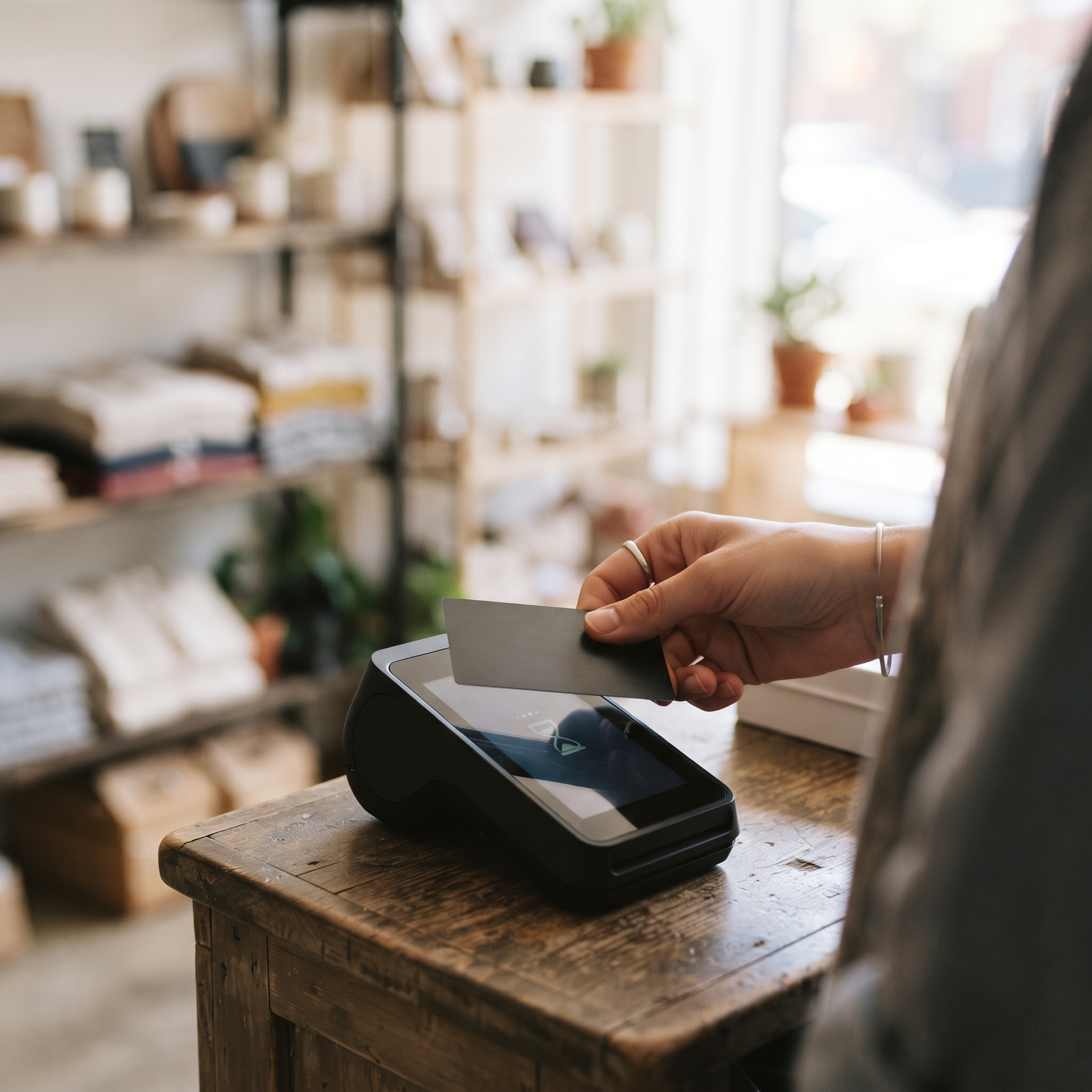
By now you have weeks of real sales data, so you can price this decision instead of guessing at it. Card acceptance brings in a payment processor (the company that moves card money to your bank account), a fee per transaction, and, if you want one, a card reader. Tap to Pay can turn the same phone into a contactless reader, so hardware stays optional at first.
And keep taking cash. Four out of five US consumers used cash in the last 30 days²; the point of this stage is adding the two-thirds you were turning away, not dropping the customers you already serve.
Stage 4: Let the reports do the evening work
Close each day with an end-of-session report instead of a hand count. Cash drawer reconciliation (matching the cash you count against the sales you recorded) catches the errors the tin hides, and reorder decisions start coming from sales data instead of memory.
This is also the point to judge whether the system you picked fits how you sell. The signs you have outgrown an off-the-shelf POS are worth knowing before you commit deeper, and once the basics run smoothly, small improvements to your checkout experience compound quickly.
What will this migration cost?
The fear behind most cash boxes is a monthly bill. It is a fair fear, and the answer depends on the pricing model. Subscription systems charge a monthly software fee (software sold as a recurring subscription) whether you sold anything or not, with card processing fees on top. Per-transaction systems charge no monthly software fee and earn only when they process a card.
For a cash-heavy shop mid-migration, the second model is the gentler one: stages 1 and 2 involve no card processing, so there is nothing to take a percentage of. Final works this way. The core platform has no monthly software fee, processing fees apply only when Final Pay handles a card (rates vary by region and card type, published on the Final Pay pricing page), and the till is the phone, tablet, or browser you already own. The staged path above maps directly onto Final's getting started guide, including spreadsheet import and drawer tracking in Station Home.
So, how gentle can the move from cash box to POS be?
Gentler than the sales pitch suggests. Record first, catalog second, cards last, with cash accepted at every stage, and each stage paying for itself before the next begins. Stop halfway and you are still better off than the tin. The rule of thumb: migrate one habit at a time, and never adopt a fee before your own data shows it pays for itself. If you want to see what stage 1 looks like in practice, the getting started guide walks through it in an afternoon.
Frequently asked questions
Do I have to stop taking cash when I switch to a POS?
No. A POS records cash sales the same way it records card sales. Four out of five US consumers still used cash in the last 30 days, so keep accepting it; the POS simply gives every sale a record.
Do I need to buy hardware to start using a POS?
Usually not. Modern POS software runs on a phone, tablet, or browser you already own, and Tap to Pay can turn the same phone into a contactless card reader. Receipt printers, cash drawers, and dedicated readers are optional add-ons.
How long does it take to move from a cash box to a POS?
Stage 1, recording sales on a phone, takes an afternoon to set up. A full migration through catalog and card payments usually spreads over a few weeks, at whatever pace the shop can absorb.
Can I import my product list from a spreadsheet?
Yes. Most systems import products from a CSV or Excel file so you don't retype your catalog. On Final, it's Settings, then Import/Export, in the Merchant Hub.
What does a POS cost if most of my sales are cash?
It depends on the pricing model. Subscription systems charge a monthly software fee regardless of card volume. Per-transaction systems like Final charge no monthly software fee and apply processing fees only to card payments, so cash sales carry no processing cost.