



How to Take a Card Payment Over the Phone Without Writing the Number Down
Stop reaching for the pen. Key the card into a MOTO screen while the customer reads it out, or send a payment link, and no card number ever lands on paper.


Key the card details straight into your payment device while the customer reads them out, or send a payment link so they type it themselves. Either way the number travels from the customer directly into the payment system, and nothing lands on paper. A card payment over the phone is routine for trades taking deposits, clinics, florists, and any shop that takes orders ahead. The phone call was never the problem. The sticky note that comes after it is.
Why can't you just write the card number down?
Because the card industry treats that note as stored card data, and the rules on stored card data are strict. PCI DSS (the card industry's security standard) prohibits keeping the card security code, the three or four digit code on the card, in any form after a payment is authorized¹. There is no paper exception and no "I shredded it after" exception. These rules are current as of publication. A notebook of card numbers behind the till is a breach waiting for a break-in, and when a number from that notebook turns up in fraud, the investigation starts at your counter.
The practical consequence: any phone-order routine that includes "let me grab a pen" is broken by design. The fix is not better shredding habits. It is removing the stop between the customer's mouth and your payment system.
What is a MOTO payment?
MOTO stands for Mail Order / Telephone Order: a keyed, card-not-present payment (the physical card never touches a reader) where you type the customer's details into your terminal or POS while they read them out. It exists for exactly this situation, and any serious payment setup supports it.
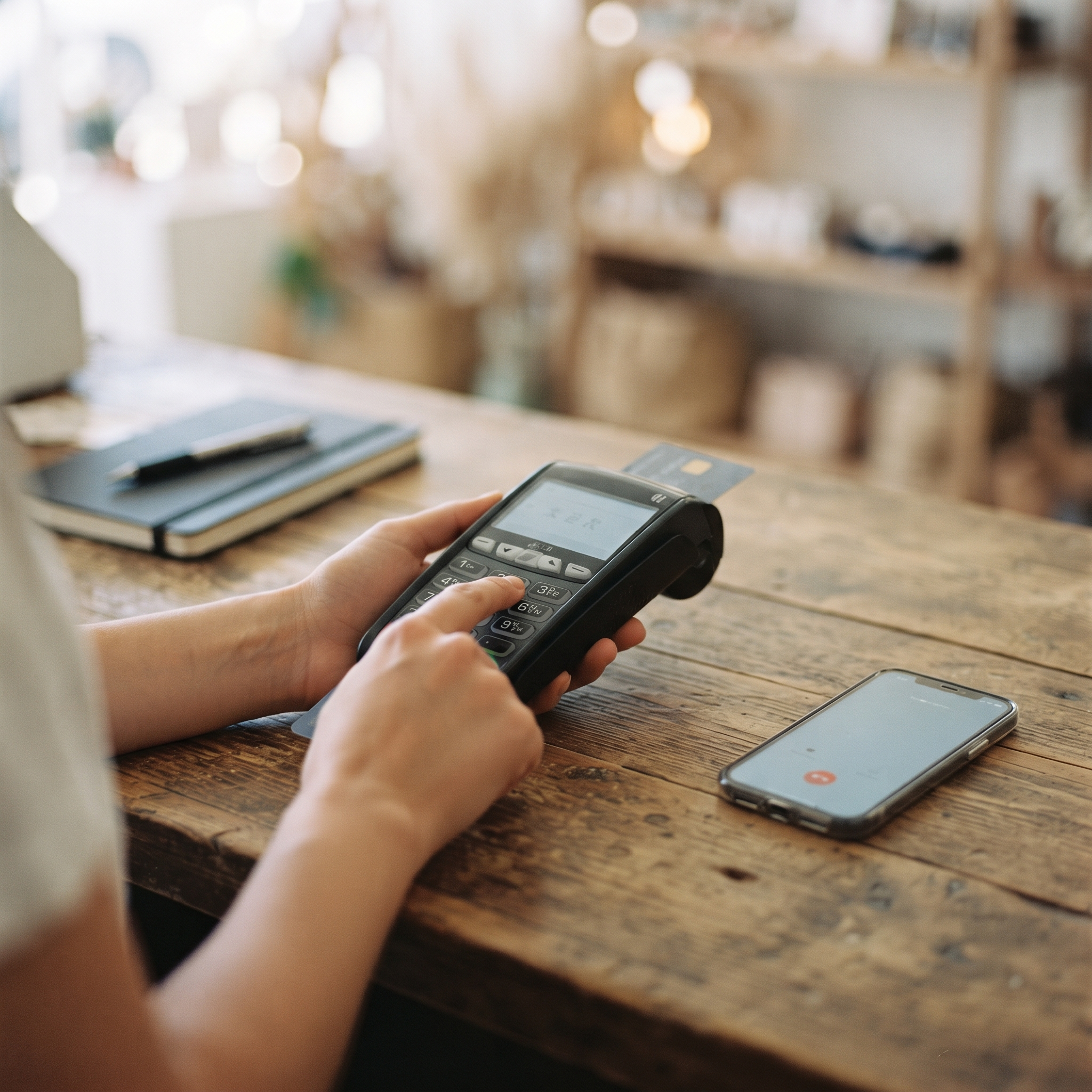
A clean MOTO flow looks like this:
Open the keyed-entry screen before you ask for the card, so there is no gap a pen could fill.
Enter the amount first and confirm it out loud.
Have the customer read out the card number, expiry, security code, and postal code while you key each field directly.
Repeat back the last four digits only, never the full number.
Submit, watch for the approval on screen, and offer an emailed or texted receipt.
Two staff rules worth adding to your opening checklist: no card details on voicemail (a recording is storage you cannot un-record), and no card numbers by email or text. If a customer sends one anyway, delete it and call them back.
What if you don't want the number read out at all?
Send a payment link. The customer gets a secure checkout page on their own device, types their own card in, and nobody in your shop ever hears or handles a digit. Over a bad connection it is also faster than transcribing sixteen digits twice.

A link is the stronger default when the order can wait a few minutes. Keyed MOTO entry is the right tool when the customer is on the line right now and wants it settled before hanging up.
What does a phone payment cost?
Slightly more than a tap. Keyed and link payments are card-not-present, and processors price them higher because nobody verified the physical card. On Final Pay, a North American card-present charge is 2.49% + C$0.20, while a card-not-present charge (MOTO or payment link) is 2.90% + C$0.20². Expect a similar gap on any processor, and expect weaker chargeback protection too: with no chip or tap record proving the card was present, disputes lean toward the cardholder. Confirming the postal code and repeating back only the last four digits are your main defenses.
One more boundary worth knowing: card-not-present does not mean card-on-file. If a regular caller wants to skip the readout every time, the answer is a card saved inside your payment system (tokenized, meaning replaced with a stand-in code), never a number in your own spreadsheet. The same rule that bans the sticky note bans the spreadsheet.
How does this work on a modern POS?
On Final, both routes live in Final Terminal: choose MOTO, enter the amount, and key the card details as the customer reads them, or use Send Payment Link to email a checkout the customer pays on their own device. If your register is a phone rather than a counter terminal, the same card-present versus card-not-present split applies; Phone as POS: What You Can (and Can't) Do covers where a phone alone gets you.
So, how do you take a card payment over the phone without writing it down?
Key it into a MOTO screen while the customer reads it out, or send a payment link and let them type it themselves. Both settle in seconds, both cost a fraction more than card-present, and neither leaves anything behind to shred. The rule of thumb: if a card number exists anywhere outside your payment system, on paper, in a voicemail, or in an inbox, the process is broken. If you want a four-step version to tape next to the phone (a checklist, not a card number), start with the MOTO how-to.
Frequently asked questions
Is it legal to take card payments over the phone?
Yes. Phone orders are a standard, supported payment type called MOTO. The rules govern how you handle the details: key them straight into your payment system and never store the security code after the charge is authorized.
Can I write the card number down and enter it later?
No. Anything written down becomes stored card data, and the card security code may never be stored after authorization in any form. Key the details in live during the call, or send a payment link instead.
What is a MOTO payment?
MOTO stands for Mail Order / Telephone Order. It is a keyed, card-not-present payment where you type the customer's card number, expiry, security code, and postal code into your terminal while they read them out.
Why do phone payments cost more than in-person payments?
They are card-not-present, so fraud risk is higher and processors price them higher. On Final Pay in North America, card-not-present runs 2.90% + C$0.20 versus 2.49% + C$0.20 in person.
Can I keep a customer's card on file for repeat phone orders?
Not in your own notes or spreadsheet. If your payment system supports saved cards, it stores a tokenized stand-in for the number, which keeps the real card data out of your hands entirely.
Is a payment link safer than reading the card out loud?
Generally yes. The customer enters their own details on their own device, so no card data is spoken, heard, or keyed by your staff.