



The Minimal Hardware Kit for a First-Time Merchant
A first-time merchant needs three things to take a payment: a phone or tablet they already own, a certified card reader, and an internet connection. Here is what belongs in the minimal hardware kit, and what can wait.
 Mathias NielsenCEO, Final POS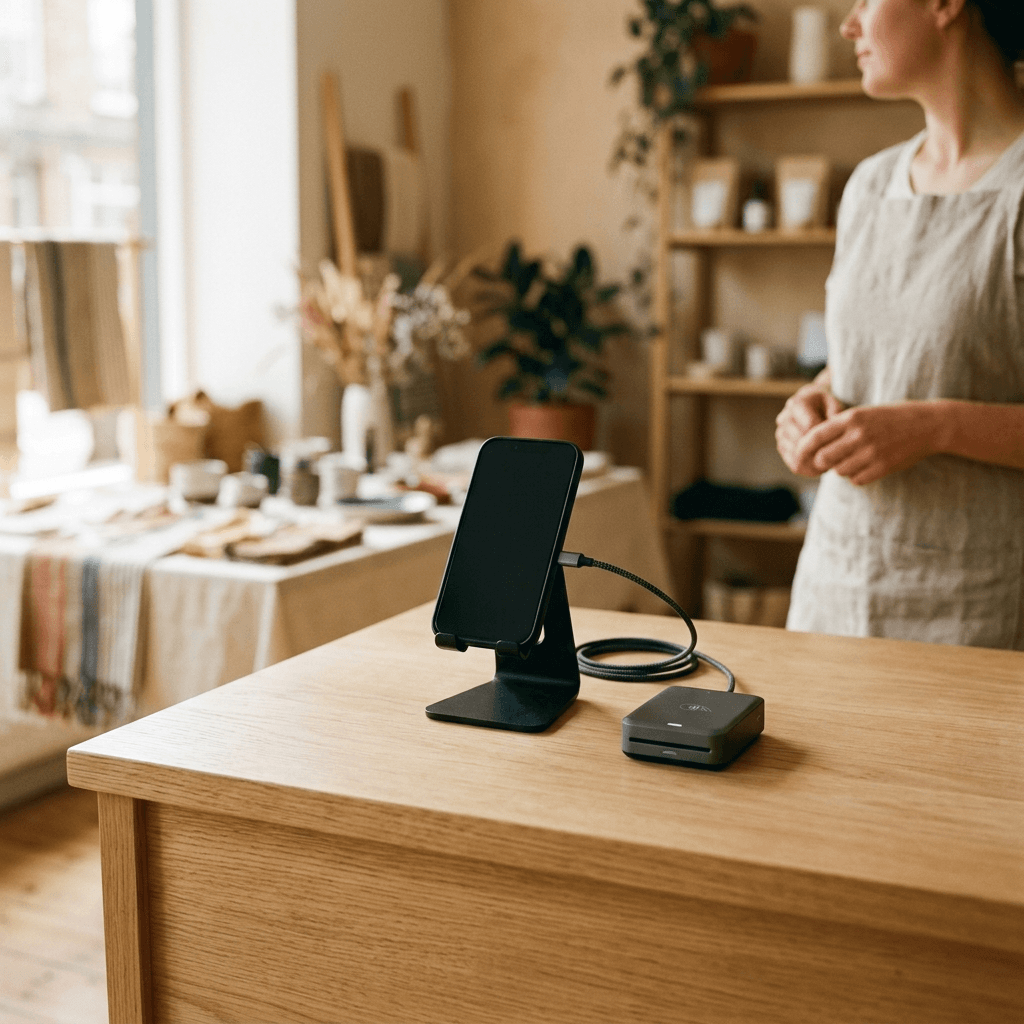
A first-time merchant needs exactly three things to take a payment: a phone or tablet you already own, a certified card reader, and a stable internet connection. That is the whole minimal hardware kit. Every other device on the typical POS shopping list, from receipt printers to barcode scanners, is useful in specific situations and dead weight in the rest.
This post covers what each piece of hardware actually does, which ones are necessary, and which ones should wait until your sales volume proves you need them.
What hardware do you actually need on day one?
Day one requires a screen, a way to accept cards, and connectivity. Nothing else.
The screen is your register. A phone or tablet running POS software does everything an old fixed register did: builds the cart, calculates tax, records the sale, and sends the receipt. You almost certainly own one already, which is why modern POS setups start near zero hardware cost. If you want it fixed to the counter, a simple stand turns a tablet into a checkout station.
The card reader accepts tap and chip payments. This is the one piece of purpose-built hardware with no software substitute, covered in more detail below.
Connectivity keeps the two useful. Your existing store Wi-Fi or a phone's data plan is enough bandwidth for a POS. The real requirement is a backup: know how to switch the register to a phone hotspot before your router fails on a Saturday, not after. Some POS systems can also queue sales offline and sync later, which is worth checking before you commit to one.
If terms like card-present or interchange are new to you, keep a tab open on POS terminology every new merchant should know while you shop.
Why is the card reader the one piece you cannot skip?
Because card payments are the only part of checkout where hardware is doing security work, not convenience work. A certified reader (hardware approved to handle card data under PCI rules, the card industry's security standard) encrypts the card the moment it is tapped or inserted. Your phone, your POS software, and your network never see the raw card number.
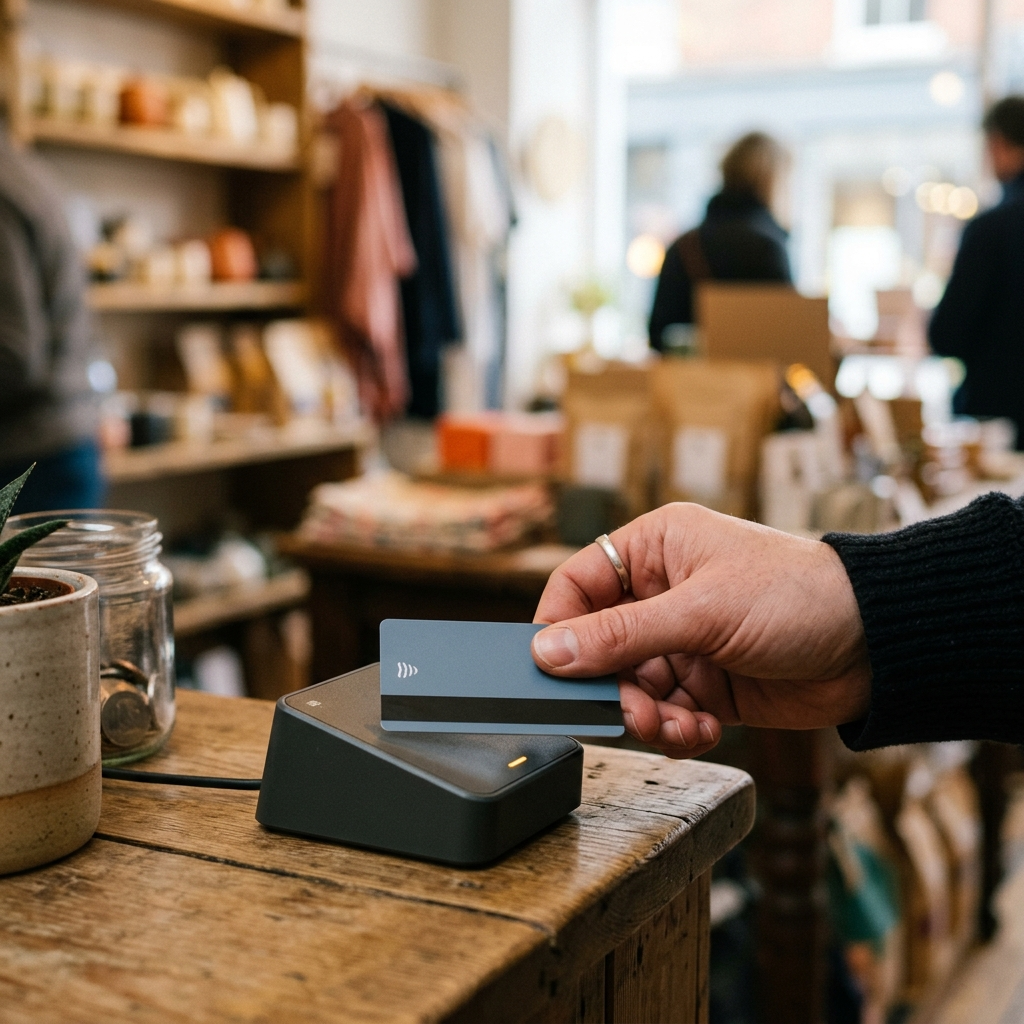
There is a money reason on top of the security reason. Tap and chip transactions are treated as card-present, which generally means lower processing costs and far stronger protection when a customer disputes a charge. Typing card numbers into your phone instead invites both higher fees and losing disputes, and disputes are expensive enough that we wrote a separate guide on how chargebacks work for small merchants.
Buy the reader that is certified for your POS and payment processor, and this entire category of risk is handled for you.
When do a receipt printer and cash drawer earn their place?
When cash and paper stop being occasional. Neither is a day-one purchase for most new merchants.
Digital receipts by email or text are the default now, and most customers prefer them. A printer earns its spot when your situation demands paper: a lunch rush where handing a slip is faster than asking for an email, a jurisdiction that requires printed receipts, or customers who expense purchases and expect paper on the spot.
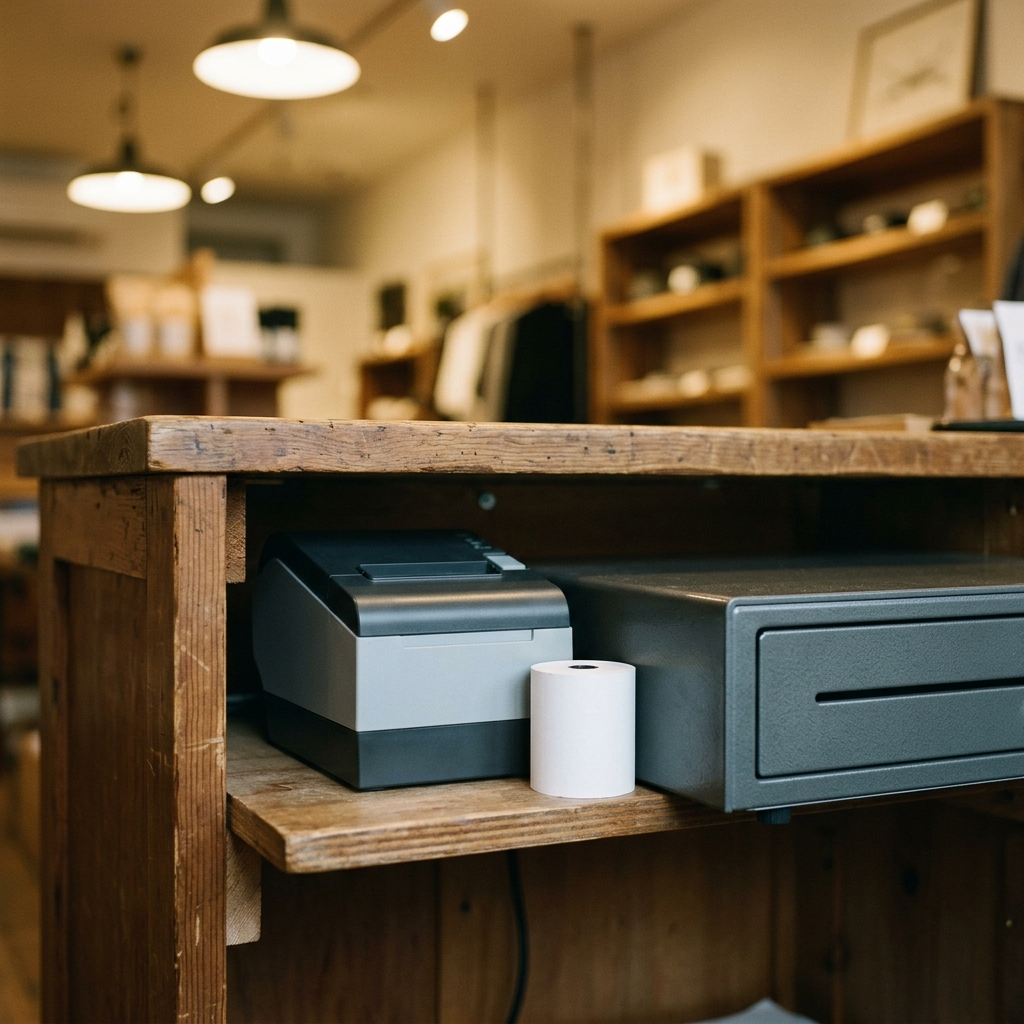
The cash drawer follows the same logic. If cash is a small slice of your sales, a locked box under the counter does the job. Once cash is frequent enough that opening, counting, and reconciling it (matching the drawer against recorded sales) takes real time daily, a proper drawer that pops open from the POS pays for itself in speed and fewer counting errors.
Do you need a barcode scanner?
Only if your catalog is big enough that searching for products by name slows checkout down. A scanner is a speed tool, not a requirement.
A cafe with thirty menu items never needs one; tapping a button is faster than scanning. A shop with two thousand SKUs (distinct products in your catalog) absolutely does, because typing product names with a line at the counter is misery.
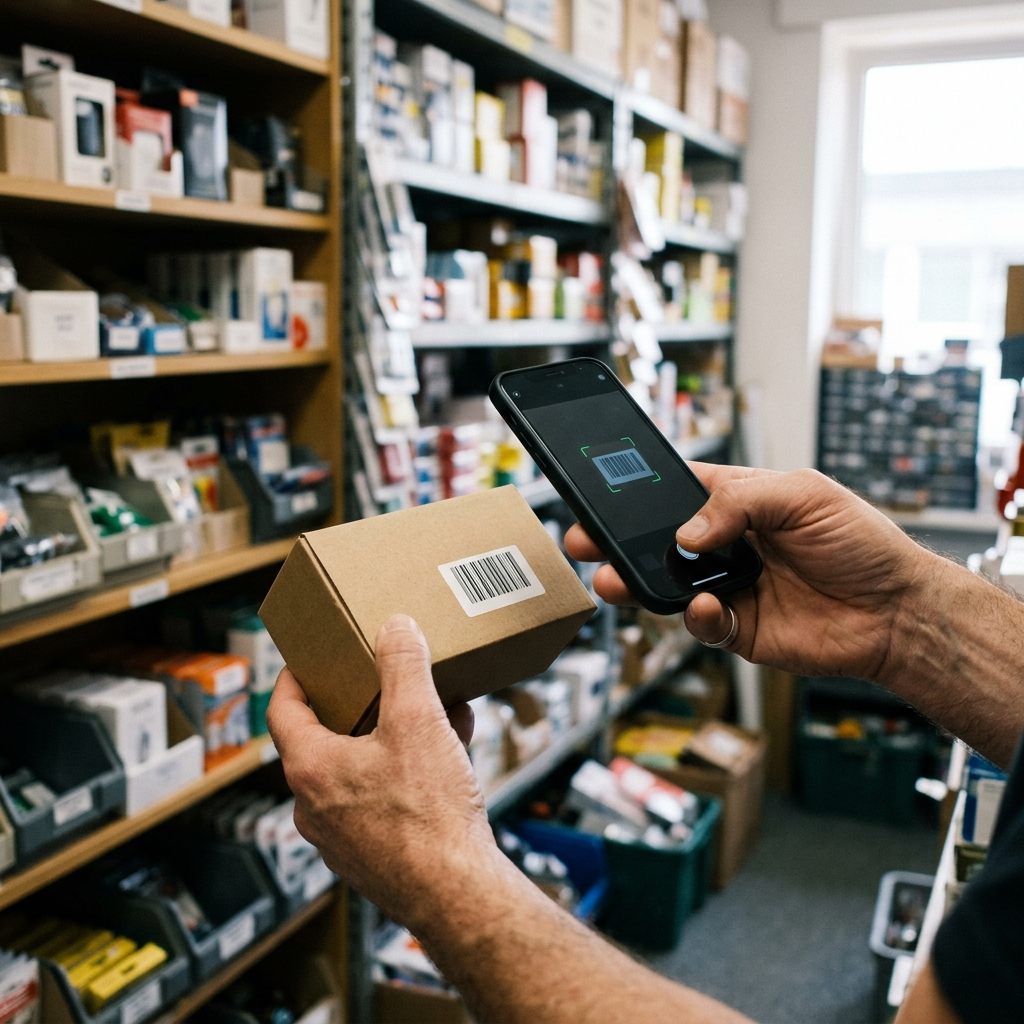
Many POS apps read barcodes through the phone or tablet camera, which is a perfectly good starting point. Upgrade to a dedicated handheld scanner when volume makes the camera feel slow, typically at stocktake time, when scanning hundreds of items back to back is the whole job.
What can you safely skip at first?
Skip anything a vendor calls a bundle. Customer-facing displays, self-service kiosks, label printers, kitchen printers, and dedicated back-office computers all solve real problems, but they are problems you do not have yet at one location with one register. Each of these earns its purchase the same way the printer and drawer do: a specific, recurring bottleneck you can name.
For a deeper walkthrough of every component and what to evaluate before buying, see the guide to choosing POS hardware for your business.
So, what goes in the minimal hardware kit?
A phone or tablet you already own, a certified card reader, an internet connection with a hotspot fallback, and nothing else until a real bottleneck shows up. The rule of thumb: buy the card reader, use the devices you own, and let sales volume justify everything else.
This is also why it is worth picking POS software that runs on hardware you already have rather than locking you into proprietary gear. Final was built that way deliberately: it runs on your own devices with no monthly software fee, so the hardware list above really is the whole startup cost. Here is what makes Final different if you want the specifics.
Frequently asked questions
Can I run a store with just my phone?
Yes, for most low-volume retail and service businesses. A phone running POS software plus a small card reader handles checkout, and digital receipts cover most customers. Add hardware only when a specific bottleneck appears.
Do I need a cash drawer if I rarely take cash?
No. If cash is under roughly one in ten transactions, a locked box and a manual count at close is enough. Buy a drawer when counting cash starts eating real time at the end of the day.
Is a used or third-party card reader safe to buy?
Only if it is certified for your payment processor. Card-present hardware carries security certifications, and an uncertified or mismatched reader may simply not work with your POS software. Check compatibility before buying anything secondhand.
What internet speed does a POS actually need?
Very little bandwidth, but it needs to be stable. Any modern broadband or 4G/LTE connection is enough. What matters more is a fallback, such as a phone hotspot, so a router outage does not stop you from selling.
Should I buy a hardware bundle upfront?
Usually not for a first location. Bundles front-load spending on items you may never use. Start minimal, watch where checkout actually slows down, and buy the specific piece that fixes it.